Accessories on a model
Jewellery, bags and shoes on an AI model, from a product photo
Jewellery, bags and shoes on an AI model, without a photoshoot: show your jewelry, handbag or shoes on a model. Upload a clear photo of the piece and put it on a model: a necklace at the neck, earrings in the ear, a bag on the shoulder, shoes on the feet. New accounts get 25 free credits, enough for five photos on a model.

Made in the app
Accessories on models, from one photo each
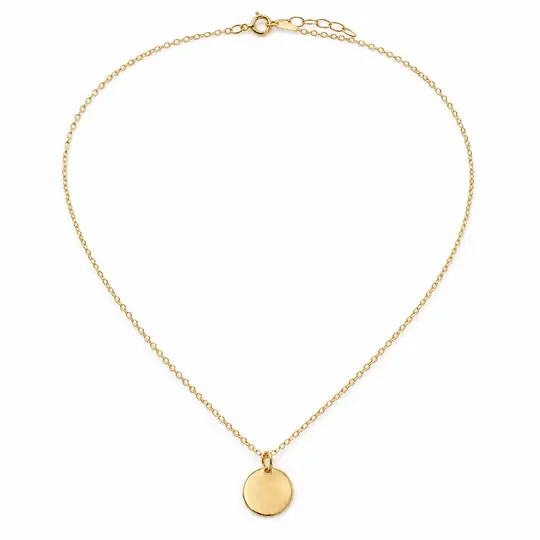
Necklace
Before · Product photo
After · Eva

After · Jiwoo
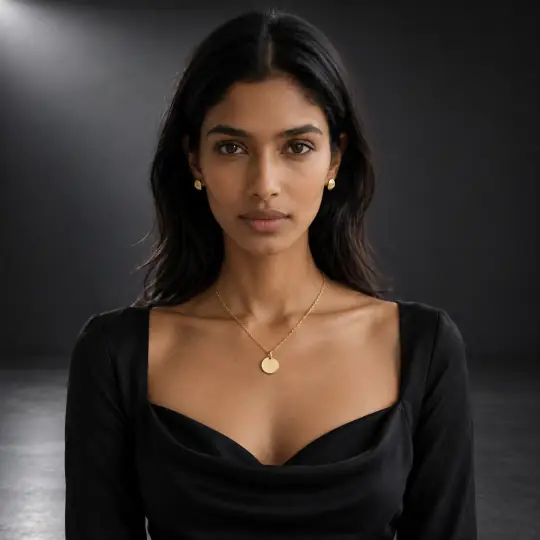
After · Tara
Earrings
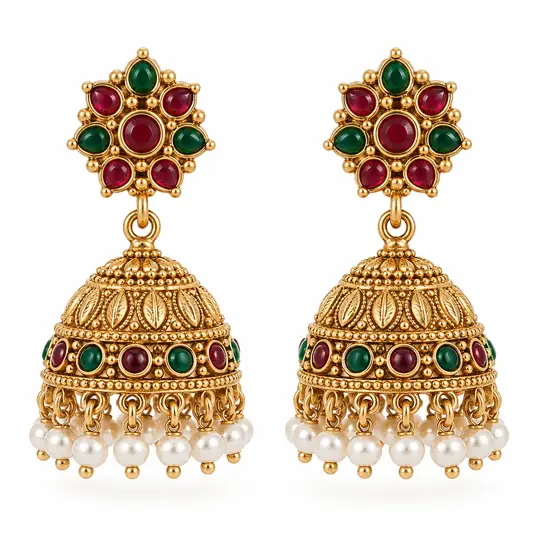
Before · Product photo
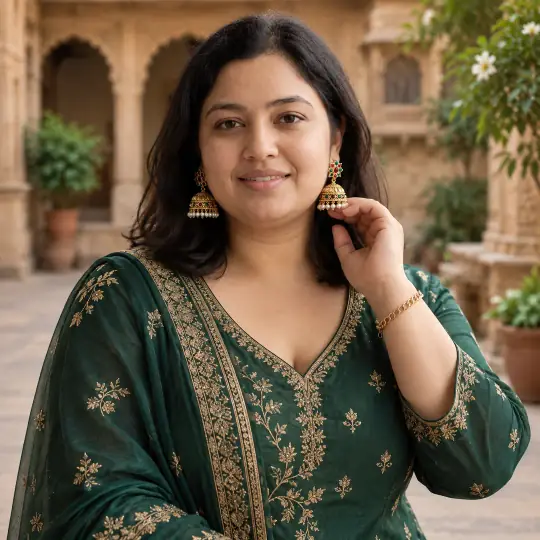
After · Kavya
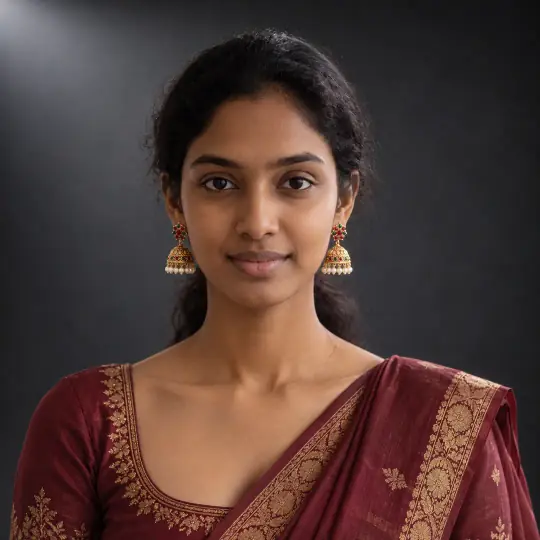
After · Meera
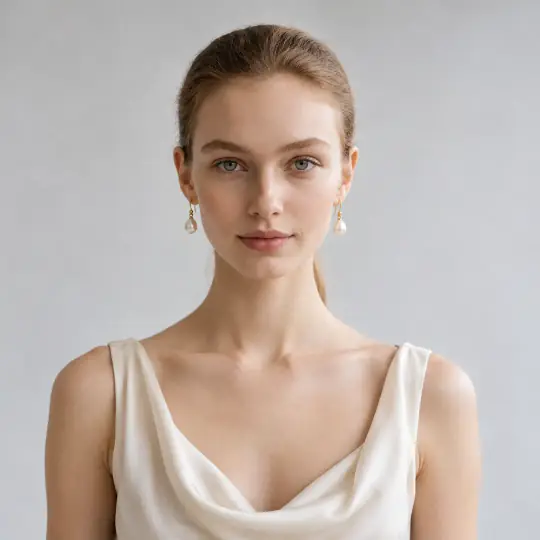
After · Camille, pearl drops
Bags
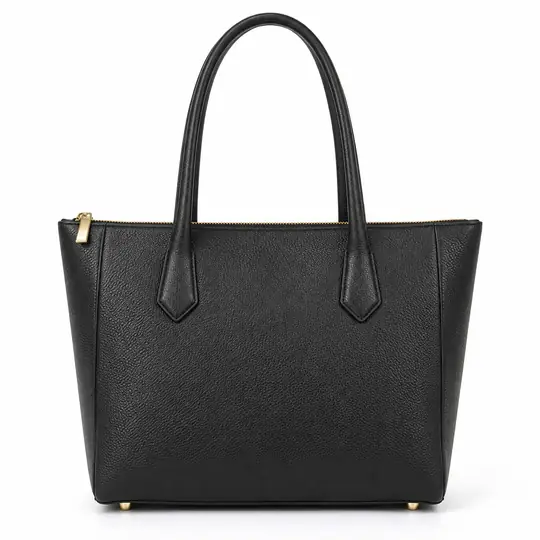
Before · Product photo
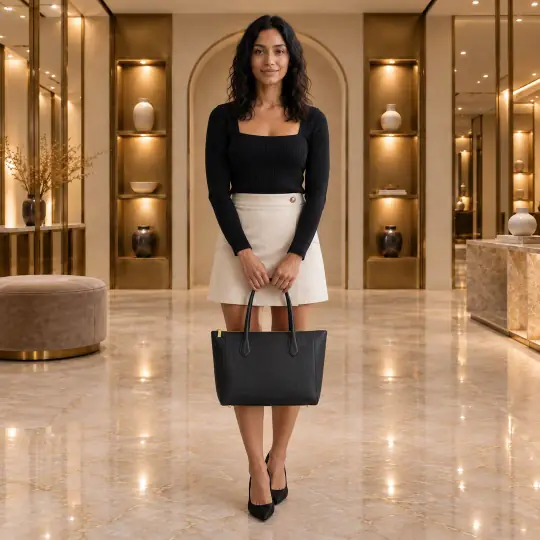
After · Sofia, tote
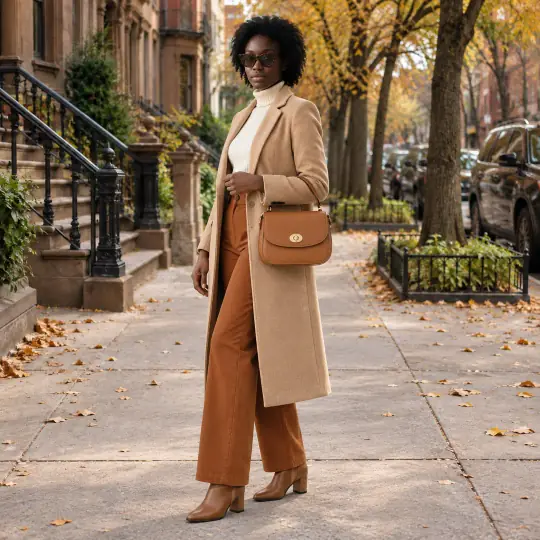
After · Adaeze, crossbody
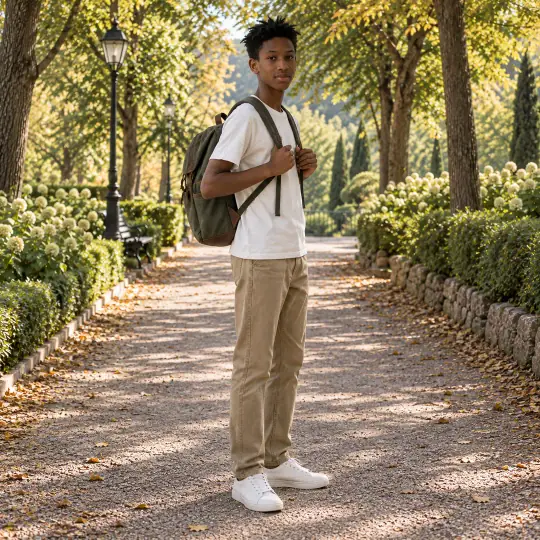
After · Amani, backpack
The crossbody and backpack were made from their own product photos.
Shoes
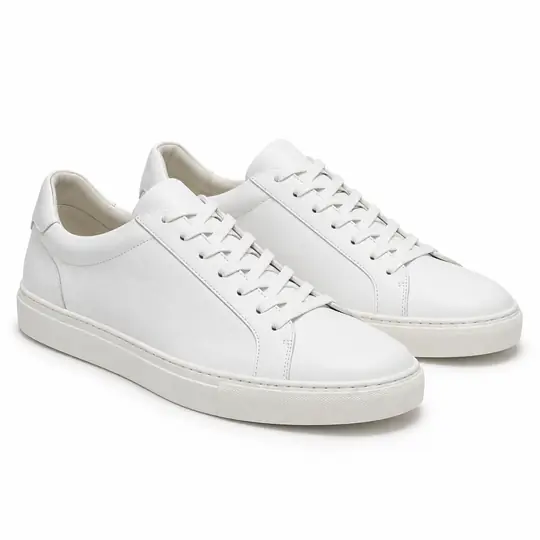
Before · Product photo
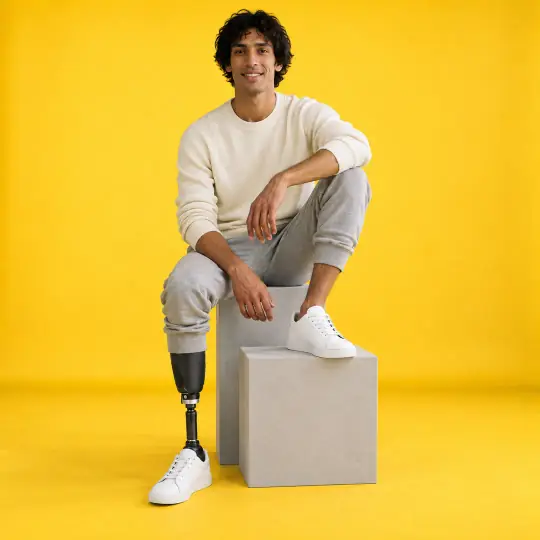
After · Dev
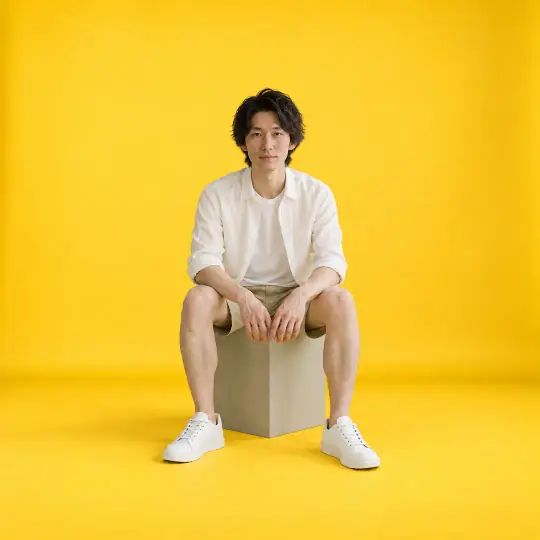
After · Kenji

After · Maya, sandals
The sandals were made from their own product photo.
The product photos are AI-generated, unbranded demonstration inputs. Every model picture is AI-generated with Torbilo. How we check our examples.
How it works
How do I put jewellery, a bag or shoes on a model?
- Upload a clear photoPhotograph the piece in good light on a plain background. For jewellery, a sharp close-up helps most. Add a second angle for shoes and bags.
- Choose the model and scenePick a model, a pose that shows the piece (a close-up for earrings, a full length for shoes) and a scene. Suggestions favour poses that show your product.
- Check the detail and downloadZoom in on stones, clasps, hardware and soles. Make a photo again if anything changed, then download it for your listing.
What it costs
How much does it cost?
5 credits per photo
- New accounts get 25 free credits, enough for five photos on a model.
- A flat-lay of an accessory in the Clean or Styled style is 5 credits.
- If a photo can't be made, the credits come back.
Introductory prices today. Credits never expire while your account is open, whether they come from a pack, a top-up or a monthly plan. See packs and plans.
Good to know
Before you start
- Check small details at the size your customer will inspect: stone count, settings, chain links, clasps, hardware and soles.
- Check the apparent size against the real item's dimensions. An on-model photo does not prove size, material or hallmarks.
- Keep a real macro photo for engraving, hallmarks and details too small to judge on a model.
- Ghost mannequin is for clothing only. For accessories, use an on-model photo or a flat-lay.
Questions
Jewellery, bags and shoes on a model: questions
Can AI show my jewellery on a model?
Yes. Upload a photo of the piece and Torbilo shows it on a model in a pose that suits it. Check stones, settings and clasps against your piece before you list it.
Does it work for bags and shoes?
Yes. Bags are shown on the shoulder or in hand, and shoes on the feet, as above. Use a full-length pose for shoes.
Can I change the shoes in a photo?
To show your own shoes, make the shoes the product and put them on a model. To change one small detail in a photo you already made, use Fix something for 5 credits.
Can I also get a photo of the piece on its own?
Yes. A clean or styled flat-lay shows an accessory on its own, from directly above.
Jewellery or jewelry: does it matter?
No. Search for either spelling. The photos are the same.
Keep going
One account, every kind of photo
Every feature works on the same products and the same credits.