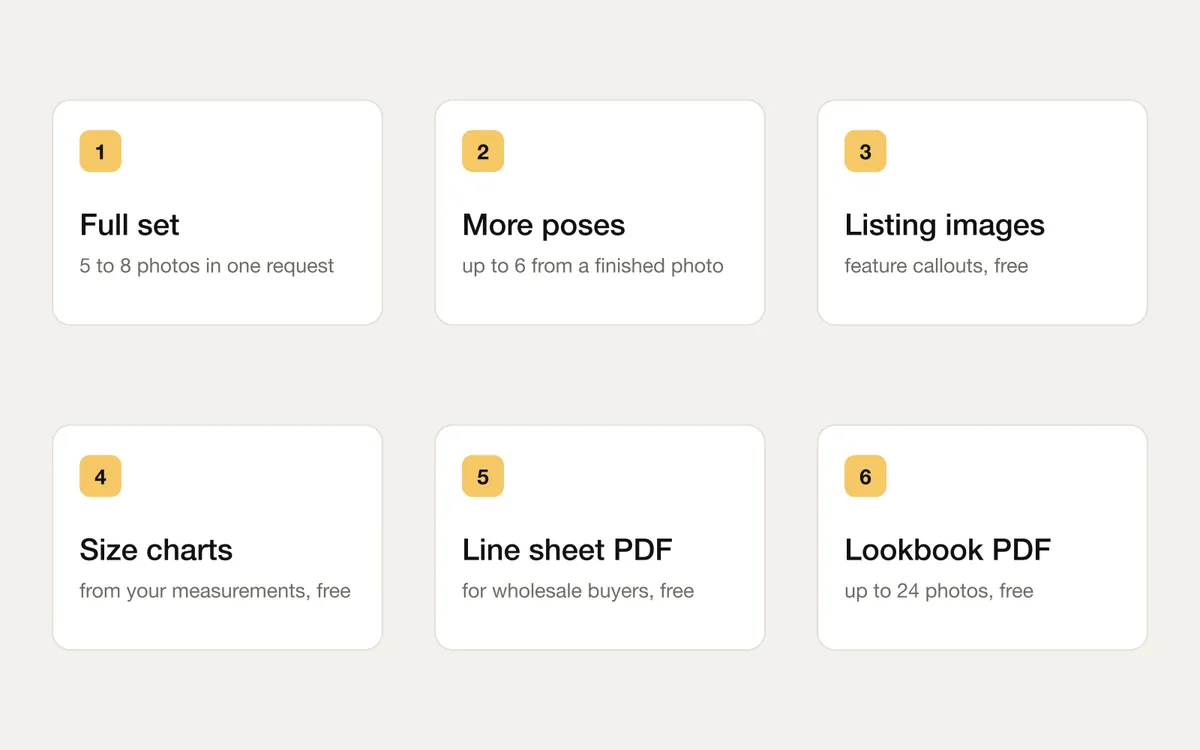
Full set
Five to eight photos of one product on one model in one request: front, side, walking, styled, a close-up, the back from a back photo, and for clothing the garment alone on white. The set wears one outfit, so it reads as one photoshoot. 5 credits a photo.
More poses
Like a finished photo? Make up to six new ones from it, with the same model, styling and scene, at the photo price each.
Free extras for your listing
- Listing images: feature callouts (fabric, fit, care and more, taken from the product reading and edited by you), drawn at every marketplace's size.
- Size charts: your own measurements as a clean table, with a simple drawing of the garment.
- Line sheet PDF: up to 48 products for wholesale buyers, with photos, style codes, colours, sizes and prices.
- Lookbook PDF: up to 24 finished photos in one A4 PDF.
None of these use AI to draw, so they cost nothing.
How to use it
- Full set: in Create, pick your product and model, then press Choose a full set when it is offered.
- More poses: open a finished photo's menu and choose More poses.
- Listing images and size charts: on a finished shoot, open Finish this listing, then Listing images.
- Line sheet: in Library, Products. Lookbook: in a shoot's Save window.
Every option, price and question: About the listing tools.