Styled product
Styled product photos: any product, on a set, no model
Styled product photos put anything you sell, from candles and mugs to rings, perfume and toys, on a real-looking set. Pick from 350+ looks, let the AI suggest ideas for your product, or describe the setting in your own words.
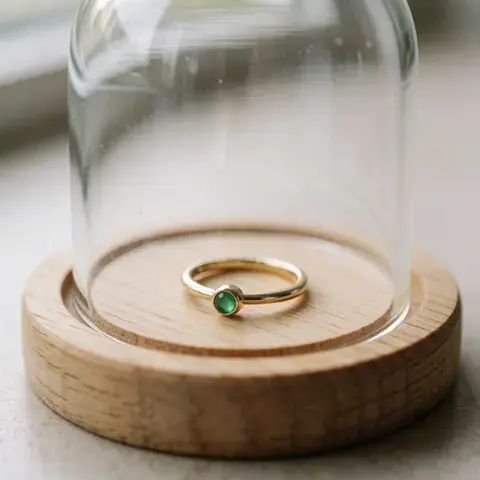
Some of the looks
350+ looks, from clean studio to festivals
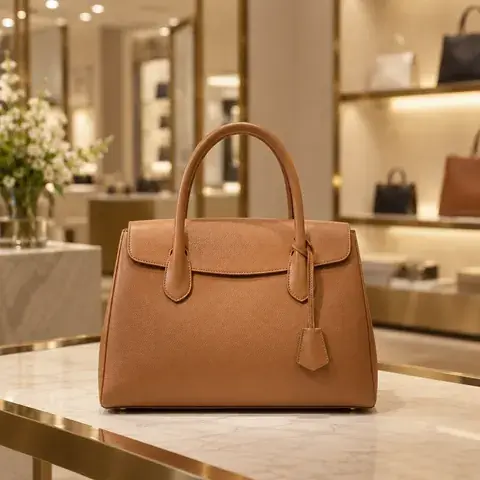
Boutique
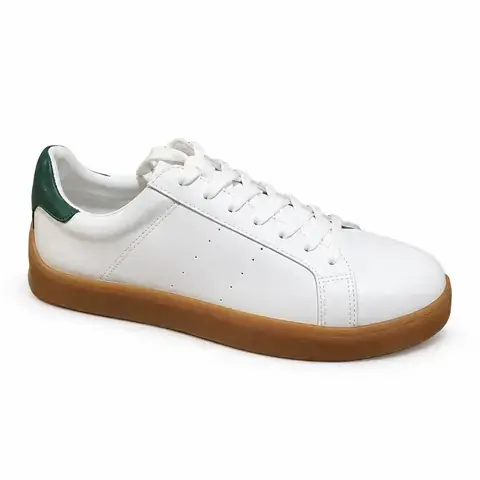
Clean studio
Under a cloche

Colour match
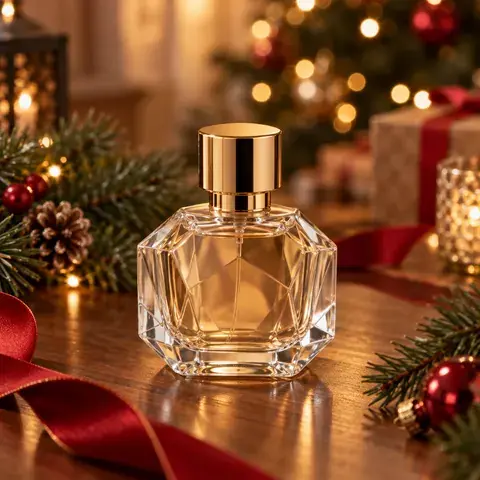
Christmas
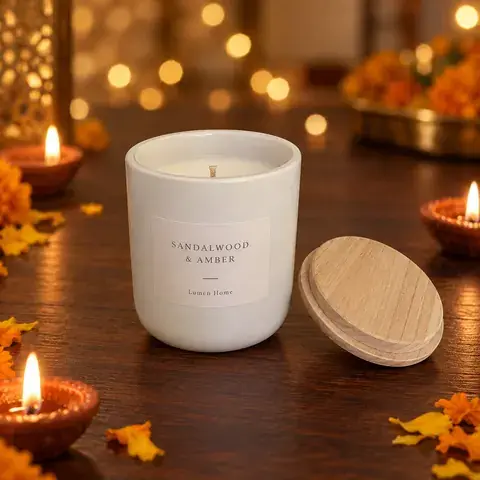
Festive lights
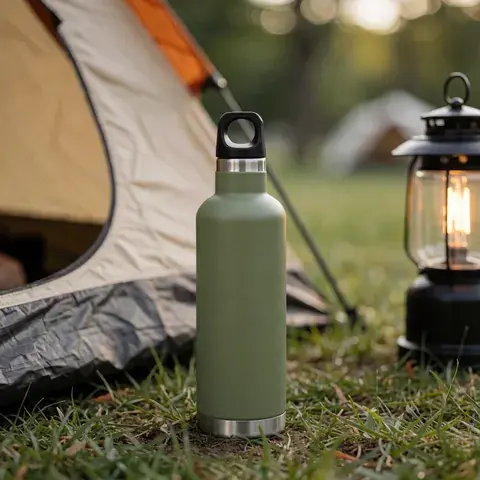
Camping
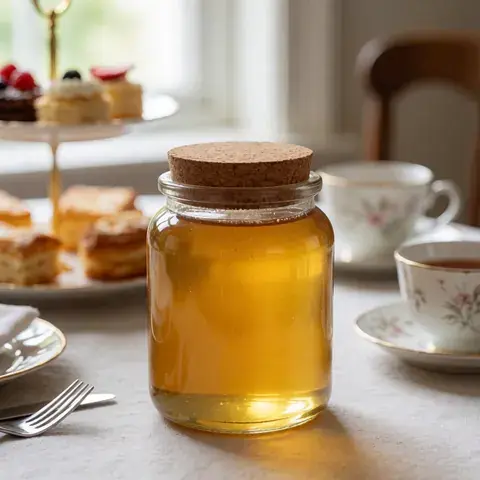
Afternoon tea
These are the example pictures the app shows for each look, made with plain, unbranded sample products. Your photo shows your own product.
Several products in one photo
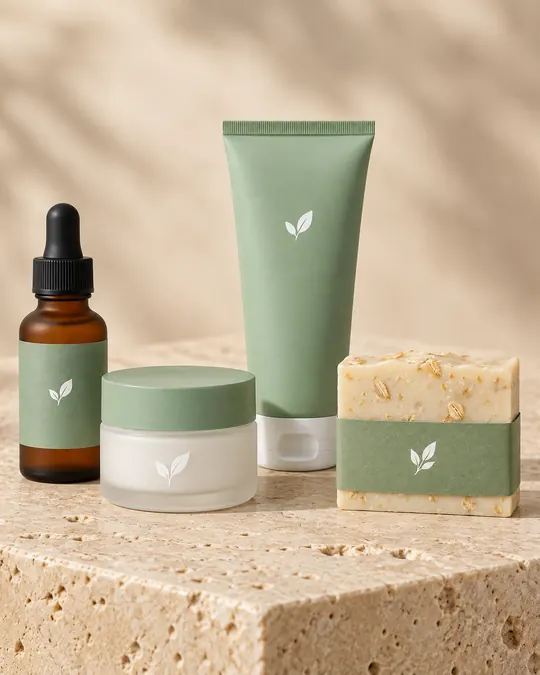
4 products together
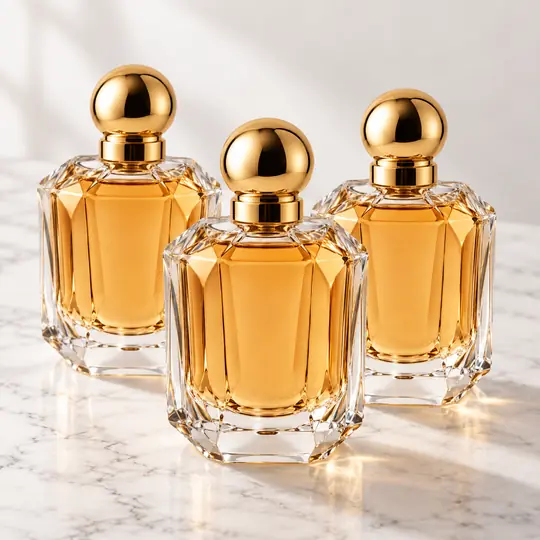
A pack of three
Made with Torbilo's product photo engine during testing, from AI-generated, unbranded sample products.
What you can choose
- Looks in groups such as clean studio, natural textures, pedestals, in the home, bold ad and festivals from around the world.
- Six AI ideas written for your product, and More ideas for fresh ones. Ideas are free.
- Your own words, with Improve my words to turn a few words into a full setting.
- Your product with up to three more of your products, or a pack of 2 to 6 of the same product. The AI arranges them at their real sizes. Flat-lay photos can do this too.
How it works
How do I make styled product photos without a model?
- Add your product photoAny product: home, beauty, food, jewellery, toys, gifts or accessories. Choose Styled product in Create.
- Pick looksChoose looks, take an AI idea, or describe your own. Add more of your products if you want them together.
- CreateEach look is one square photo. Torbilo checks it against your product photo before you see it.
What it costs
How much does it cost?
Per photo
5 credits a photo
- Each extra product in the same photo adds 1 credit. A pack of copies of one product costs nothing extra.
- Every photo is checked against your product: its shape, its parts, its label and how many there are. A miss is made once more for free, then refunded.
Introductory prices today. Credits never expire while your account is open, whether they come from a pack, a top-up or a monthly plan. See packs and plans.
Good to know
Before you start
- Use a clear photo with the whole product in it. If your photo cuts the product off, Torbilo makes a close-up instead of inventing the missing part.
- Small products get an extra sharpening step, but a closer photo always gives better detail.
- For clothes on a model, use On a model; for clothes laid flat, use Flat-lay.
Questions
Styled product FAQ
What products does it work for?
Anything you can photograph on its own: candles, mugs, bottles, cosmetics, jewellery, watches, bags, shoes, toys, stationery and gifts.
Can I put several products in one photo?
Yes. Add up to three more of your products, 1 extra credit each per photo, or show a pack of 2 to 6 copies of one product at no extra cost. The AI arranges them and keeps small products small.
Does it change my product?
It is told to keep your product exactly as it is, and every photo is checked against your product photo before you see it. AI can still get a small detail wrong, such as tiny label text, so look at each photo before you use it.
More from Torbilo
Keep going
Every feature works on the same shoots and the same credits.