Indian wear on a model
Saree, kurti and lehenga on an AI model, from one phone photo
Saree, kurti and lehenga on an AI model, without booking a shoot: upload a photo of the garment and put it on a model in a courtyard, a palace hall or a plain studio. New accounts get 25 free credits, enough for five photos on a model.
Made in the app
Sarees, kurtis and lehengas, on models
Saree
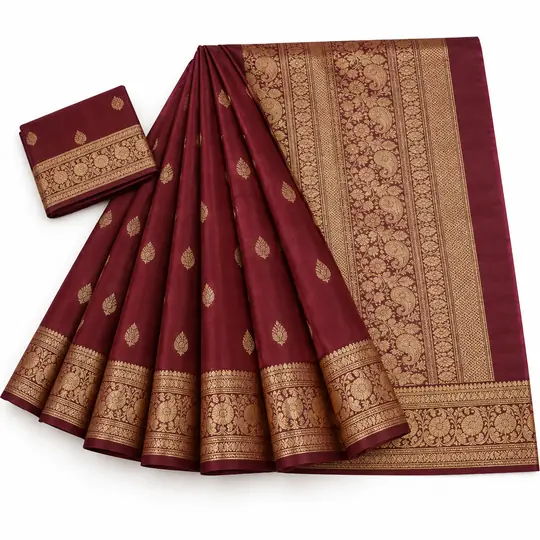
Before · Product photo
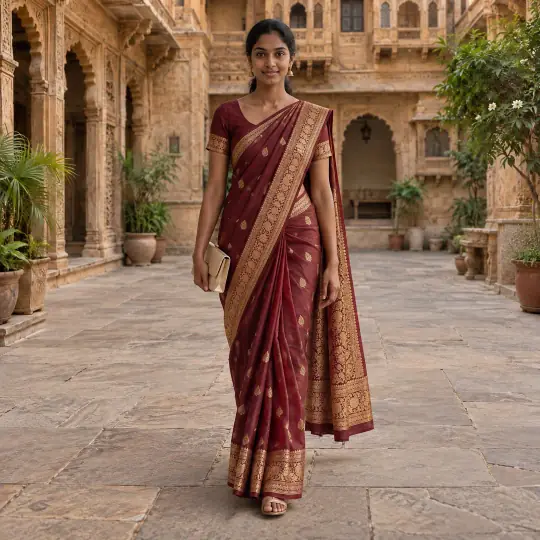
After · Meera
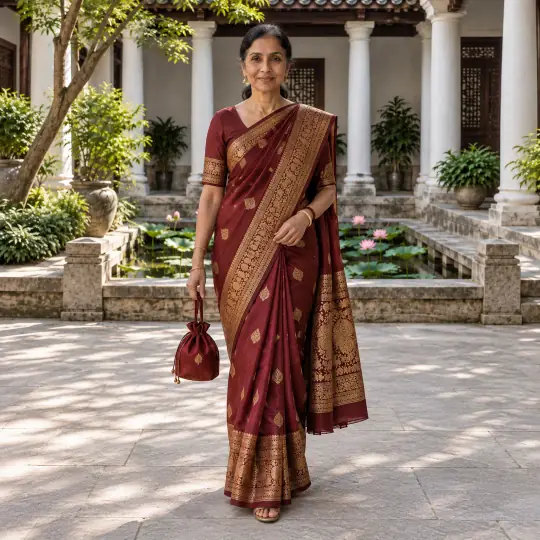
After · Sunita
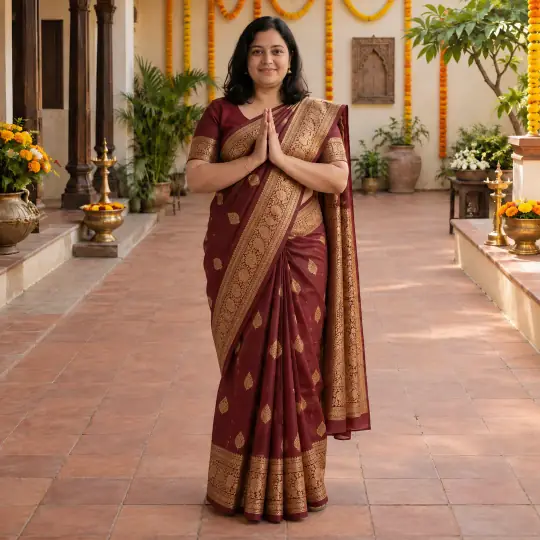
After · Kavya
Kurti
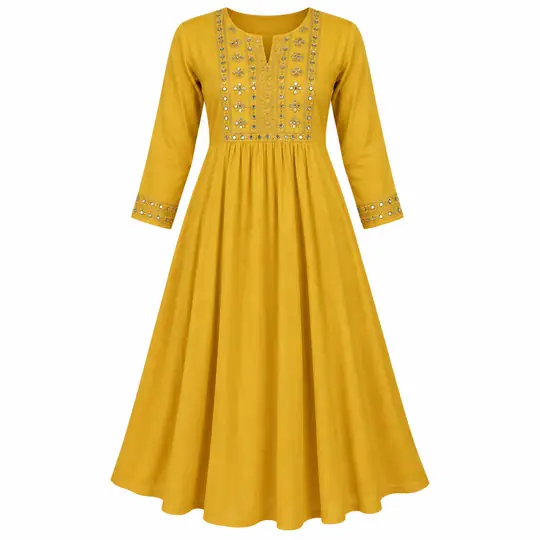
Before · Product photo
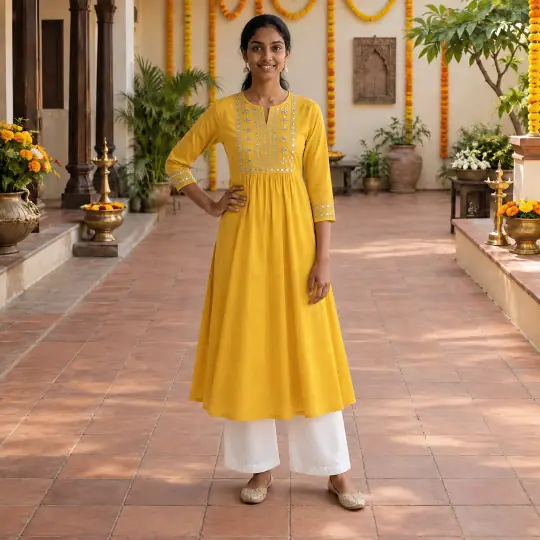
After · Meera
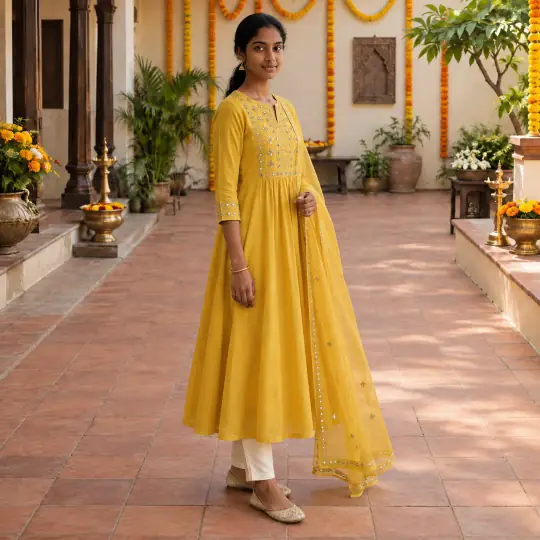
After · Meera, another pose
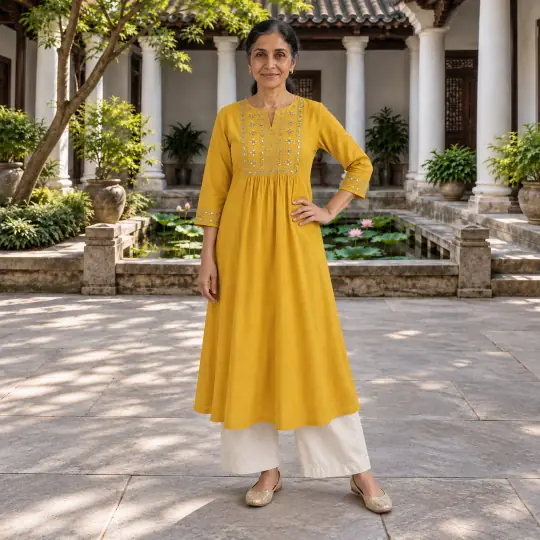
After · Sunita
Lehenga
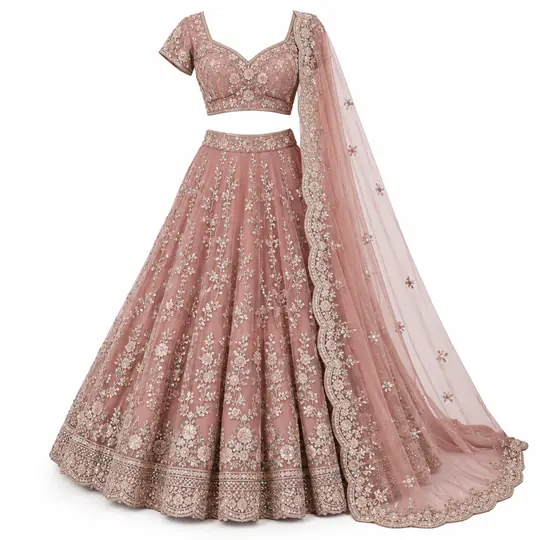
Before · Product photo
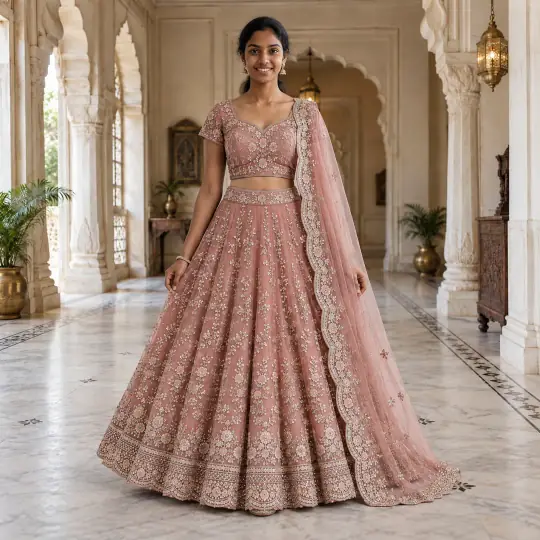
After · Meera
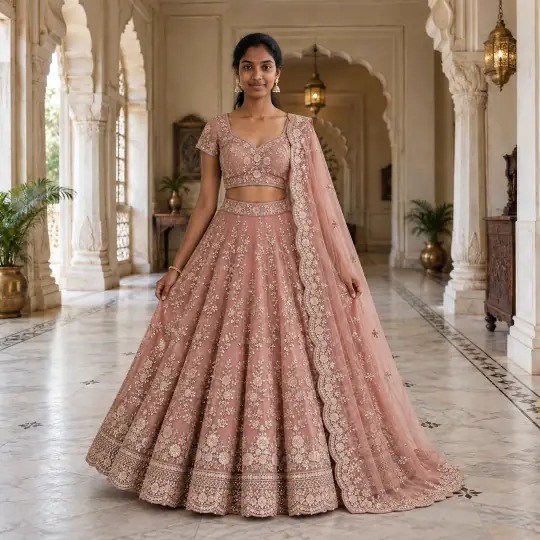
After · Meera, another pose
Made in the Torbilo app from the one product photo on the left.
The product photos are AI-generated, unbranded demonstration inputs. Every model picture is AI-generated with Torbilo. How we check our examples.
How it works
How do I see my saree on a model?
- Upload the pieceAdd a photo of the saree, kurti or lehenga, flat or on a hanger. For a saree, add a close-up of the border and pallu, and a photo of the blouse piece.
- Choose the model and scenePick a model, including models with a South Asian look, then a pose and a scene such as a courtyard, a palace hall or a plain studio.
- Check and downloadCompare the border, the pallu and the embroidery with your piece. Make a photo again if a detail drifts, then download it for your listing.
What it costs
How much does it cost?
5 credits per photo
- New accounts get 25 free credits, enough for five photos on a model.
- Example: a saree on three models in different poses is 15 credits.
- If a photo can't be made, the credits come back.
Introductory prices today. Credits never expire while your account is open, whether they come from a pack, a top-up or a monthly plan. See packs and plans.
Good to know
Before you start
- A generated drape can look convincing while changing a motif, border or blouse detail. Judge the product, not the scene.
- Compare the width and order of the border and pallu motifs, the neckline and the embroidery against your piece.
- Keep your original close-up of the weave or the pallu design in the listing: an on-model photo does not show fabric weight or measurements.
- Pair it with a flat-lay or a ghost mannequin photo for the garment on its own.
Questions
Saree, kurti and lehenga on a model: questions
Can AI put a saree on a model?
Yes. Upload a photo of the saree and Torbilo shows it on a model in the pose and scene you choose. Check the border, the pallu and the blouse against your piece before you list.
Which photo of the saree should I upload?
A clear photo of the whole saree, flat or on a hanger, plus a close-up of the border and pallu. A phone photo is fine.
Does it work for kurtis, lehengas and anarkalis too?
Yes. Kurtis, lehengas and anarkalis are shown above, and men's kurtas and sherwanis work the same way.
Can I choose a model that looks like my customers?
Yes. Choose from 400+ models, including models with a South Asian look, of every age and body type.
Will the saree look exactly like mine?
Torbilo aims to keep the colour, the border and the print. Always compare each photo with the real piece and make it again with a note if a detail is off. Keep a real close-up for the weave.
Keep going
One account, every kind of photo
Every feature works on the same products and the same credits.