Clothes on a model
Put your clothes on an AI model, free to start
Put your clothes on an AI model with one photo, in the pose and scene you choose. No model, photographer or studio to book. New accounts get 25 free credits, enough for five photos on a model.
Made in the app
One photo of the clothes, photos on a model
A real phone photo of a top on a hanger
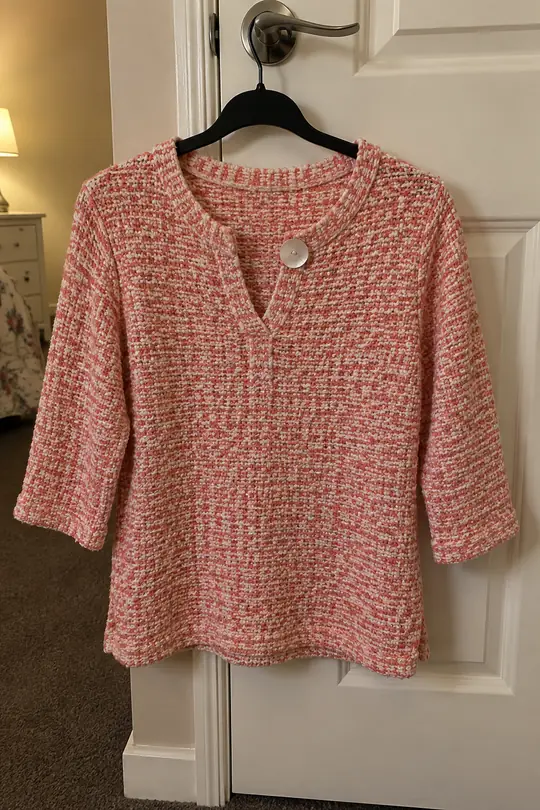
Before · Real phone photo
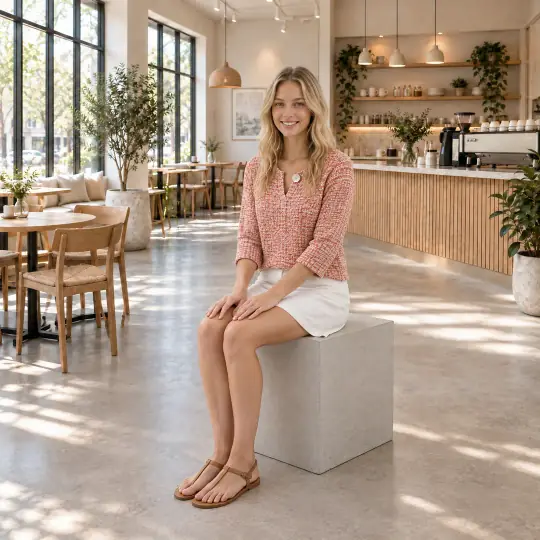
After · Chloe
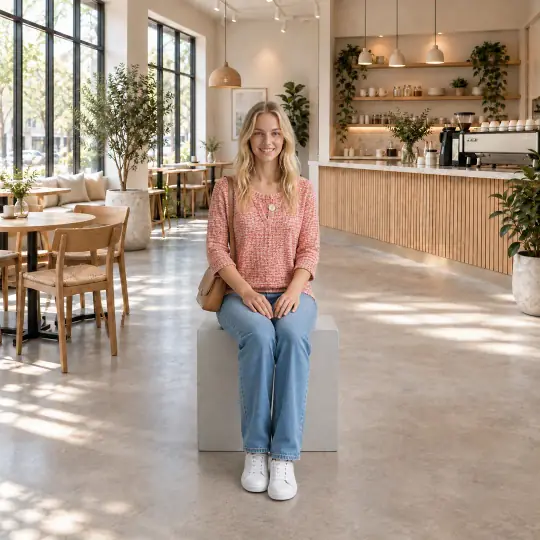
After · Chloe, another pose
Made in the Torbilo app from the phone photo on the left. A hanger photo is enough to start.
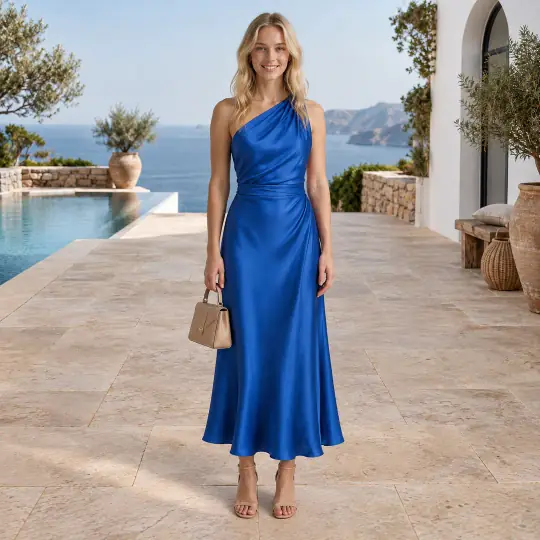
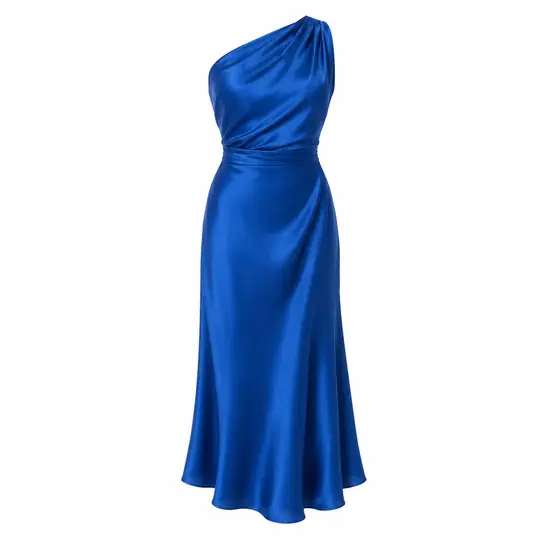
A dress, three poses
Before · Product photo
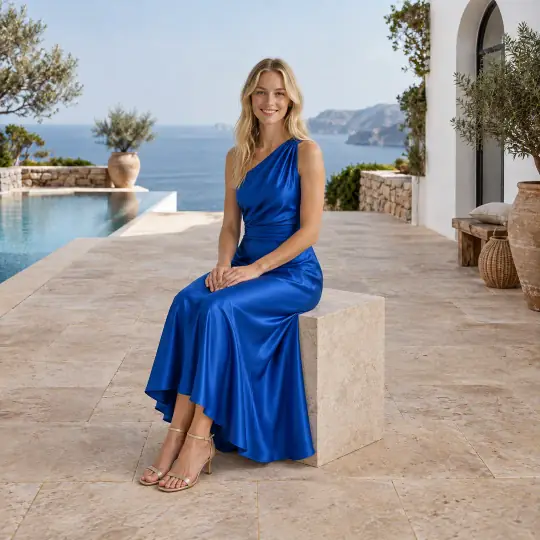
After · Chloe, seated
After · Chloe, standing
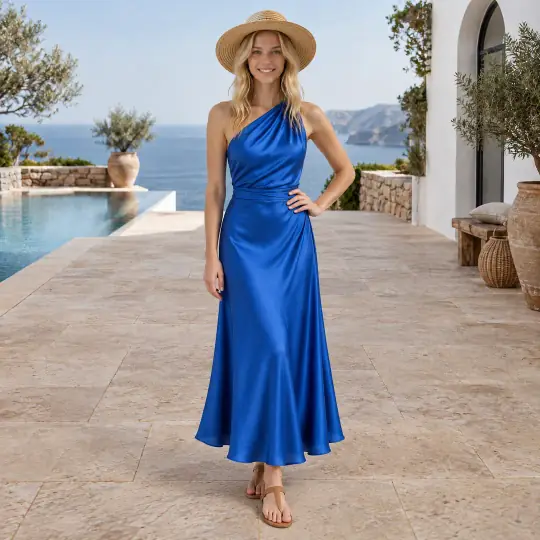
After · Chloe, with a hat
Menswear on a man
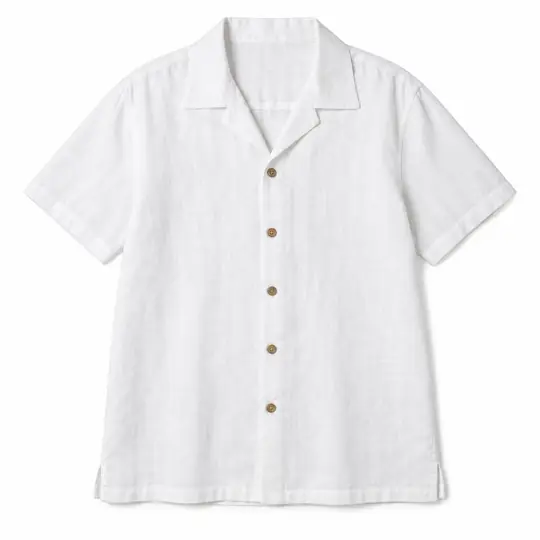
Before · Product photo

After · Arjun
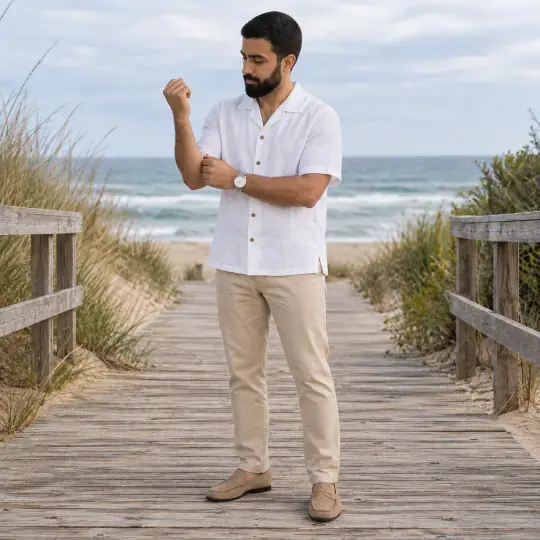
After · Omar
The same product on a different model: choose the look your customers relate to.
The product photos are AI-generated, unbranded demonstration inputs, except the hanger top, which is a real phone photo. Every model picture is AI-generated with Torbilo. How we check our examples.
How it works
How do I put my clothes on an AI model?
- Upload your clothesAdd a photo of the garment: on a hanger, laid flat or on a mannequin. A phone photo works. A back photo helps for prints and details.
- Choose model, pose and scenePick from 400+ models, 9,000+ poses and 750+ scenes, with suggestions for your product, or describe a pose or scene in your own words. Up to six poses in one shoot.
- Make and downloadYour photos appear in the shoot. Make one again if a detail is off, and download each in the shape your marketplace wants.
What it costs
How much does it cost?
5 credits per photo
- New accounts get 25 free credits, enough for five photos on a model. The first photos are free.
- A new version of a photo is 5 credits too. Describing a pose or a scene in words costs nothing extra.
- If a photo can't be made, the credits come back.
- After that you buy credits when you need them. There is no subscription to start.
Introductory prices today. Credits never expire while your account is open, whether they come from a pack, a top-up or a monthly plan. See packs and plans.
Good to know
Before you start
- Compare each photo with your product before you list it: the print, the colour, the length and the trims.
- Make a photo again, with a short note on what to change, and every version is kept.
- Downloads come in the shapes 25+ marketplaces ask for, and every download carries an AI-generated tag in the file.
- Every model picture is AI-generated. Torbilo shows your product on a model; it does not measure the fit on a customer.
Questions
Clothes on an AI model: questions
Can I really put my clothes on an AI model for free?
You can start free: New accounts get 25 free credits, enough for five photos on a model. After that, a photo is 5 credits and credits never expire while your account is open.
What kind of photo of my clothes do I need?
A clear photo of the garment on a hanger, laid flat or on a mannequin. A phone photo is fine. Add a back or close-up photo if the print or details matter.
Can I choose the model?
Yes. Choose from 400+ AI models of every age, size and skin tone, with modest, maternity and adaptive collections, or create your own model. The app suggests models for your product.
Can I use my own idea for the pose or scene?
Yes, with adult models. Describe it in words at no extra cost, or pick from the catalogue.
Does it work for kids' clothes?
Yes, on child models with the studio's own poses and scenes. See kids and baby clothing photos.
What if the photo gets a detail wrong?
Make it again with a note on what should change. If a photo can't be made at all, the credits come back.
Keep going
One account, every kind of photo
Every feature works on the same products and the same credits.