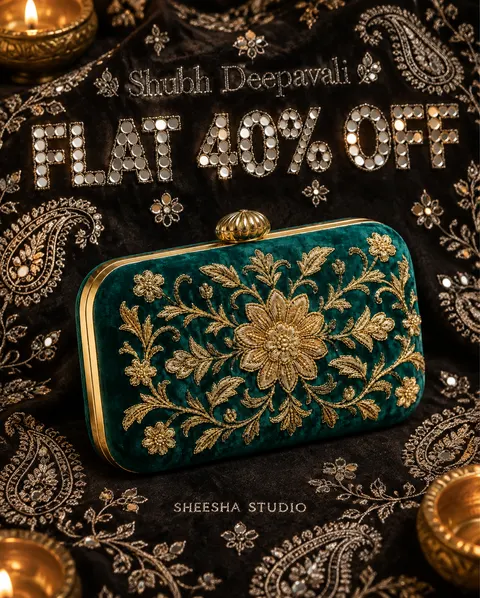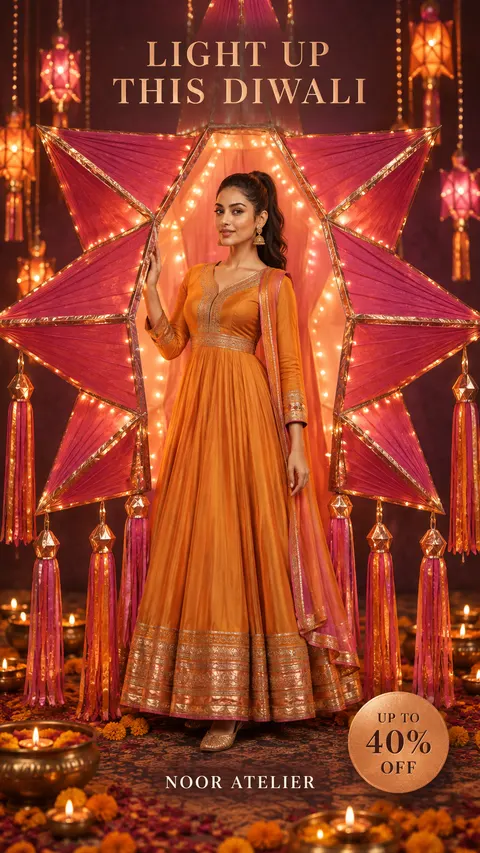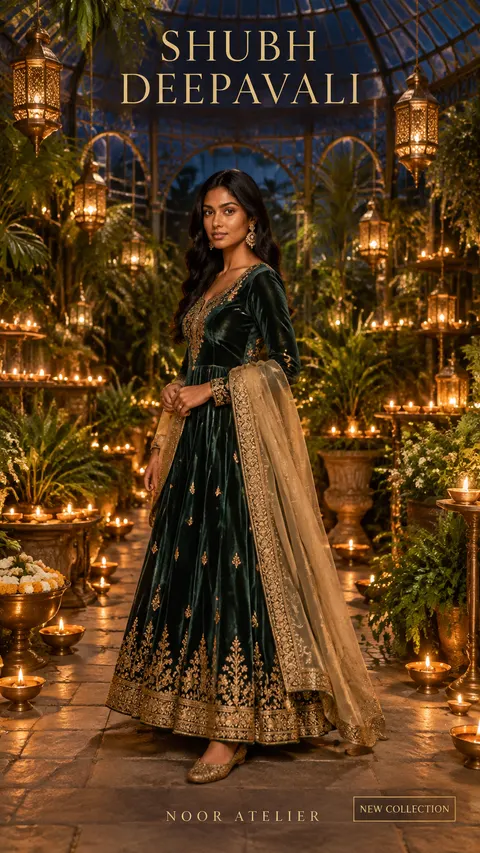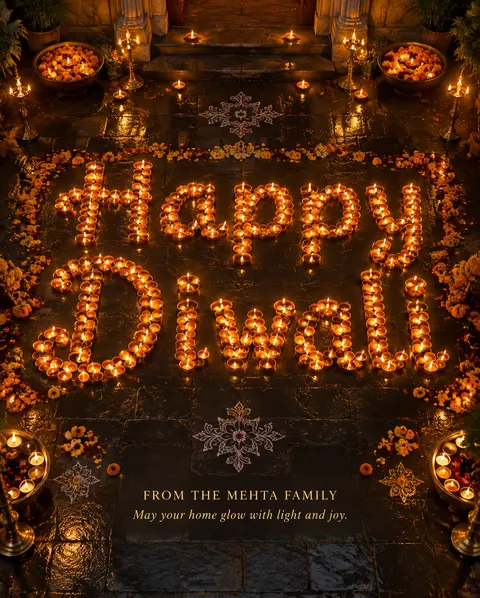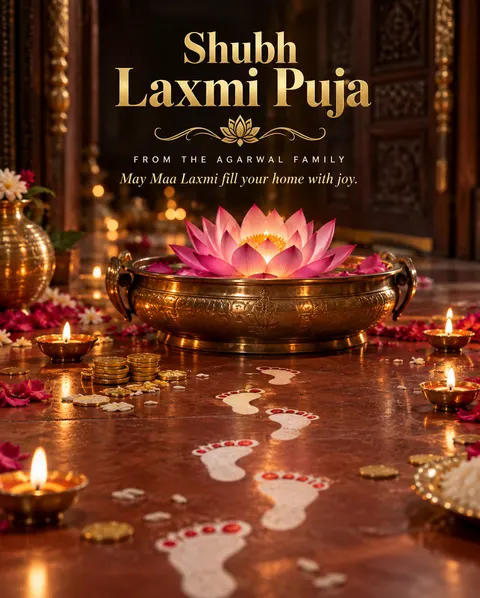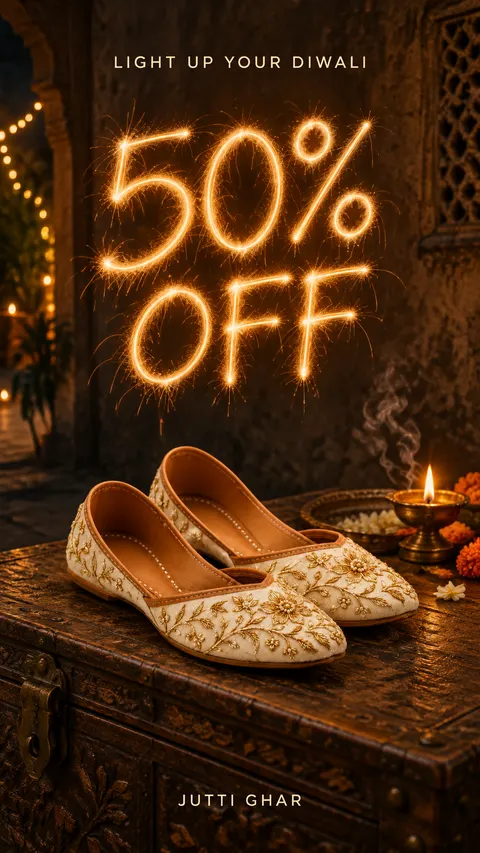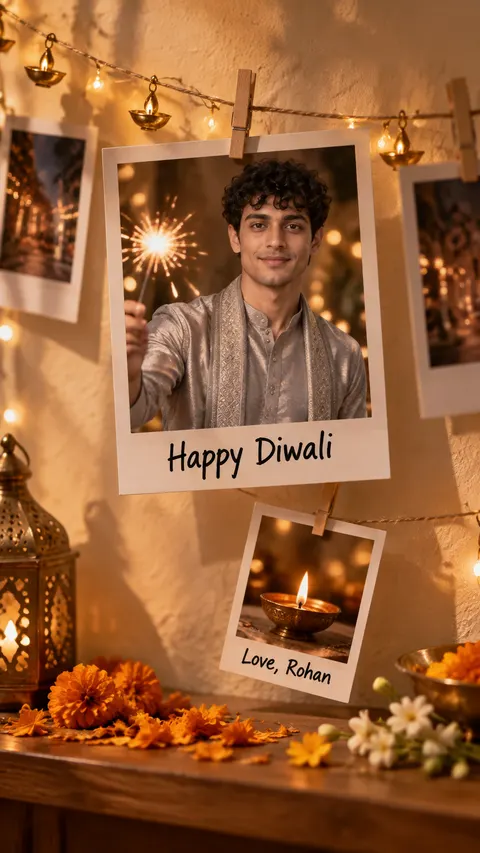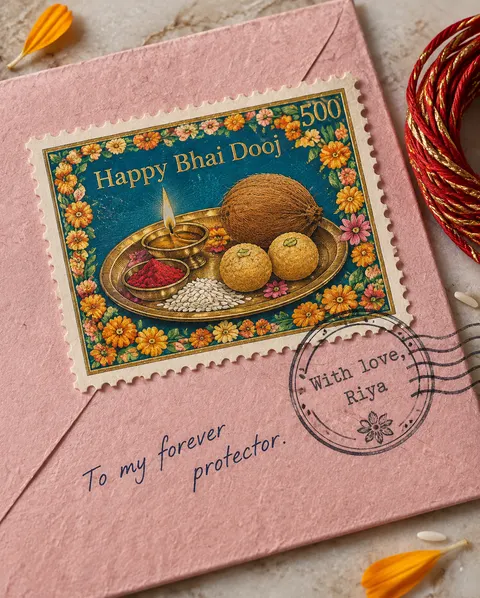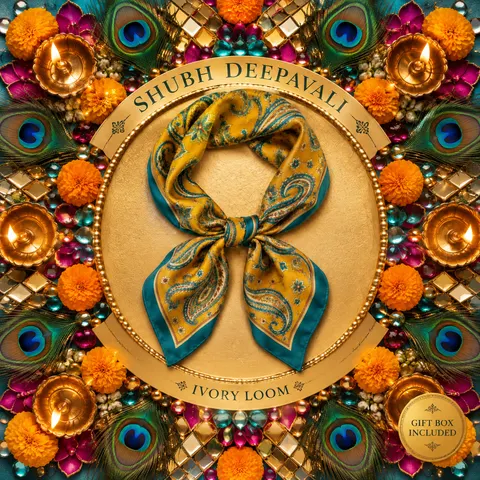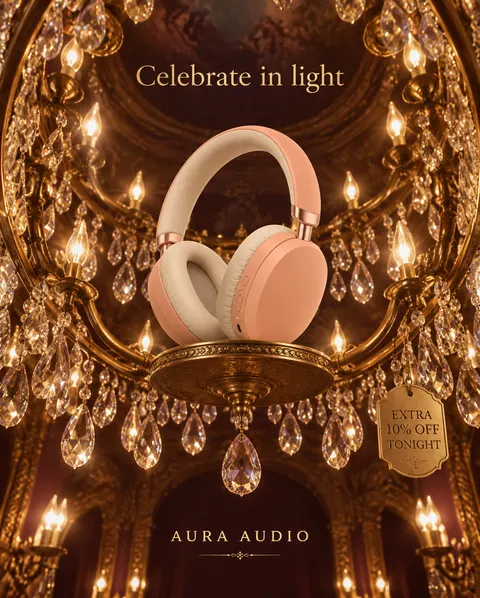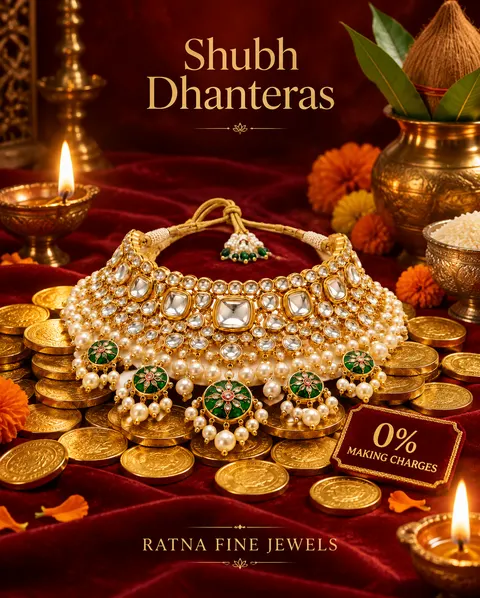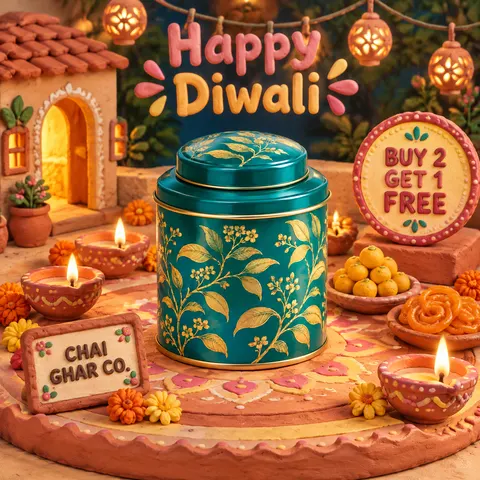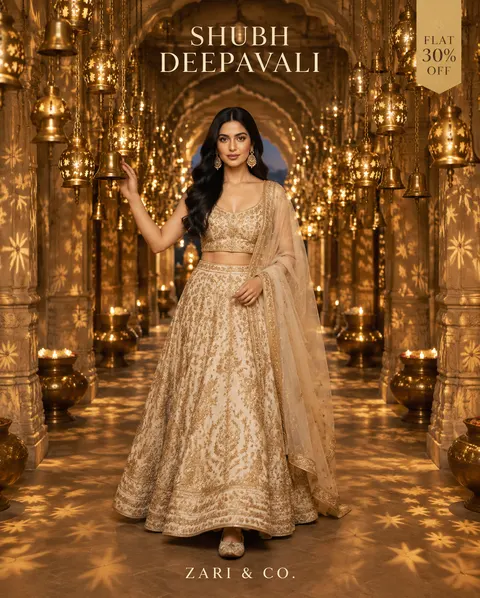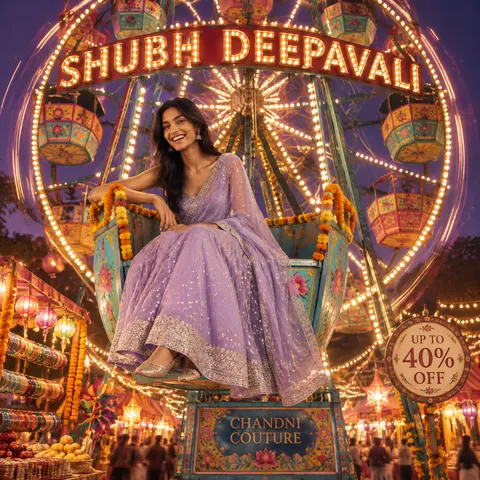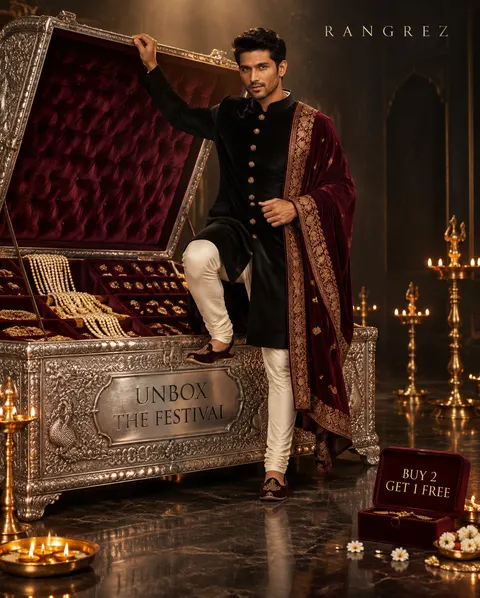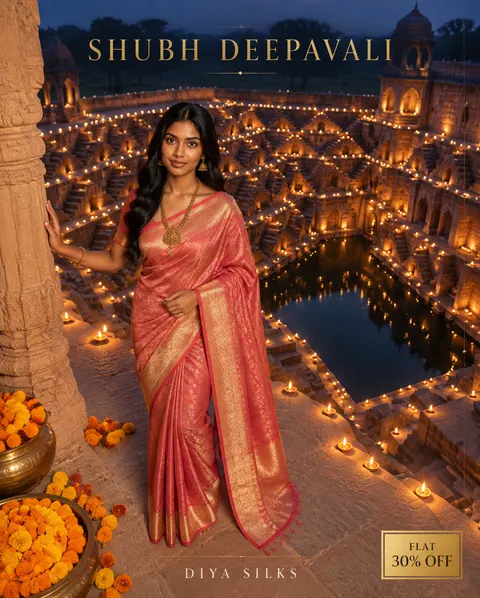
Black lacquer and gold leaf Diwali niche for your product
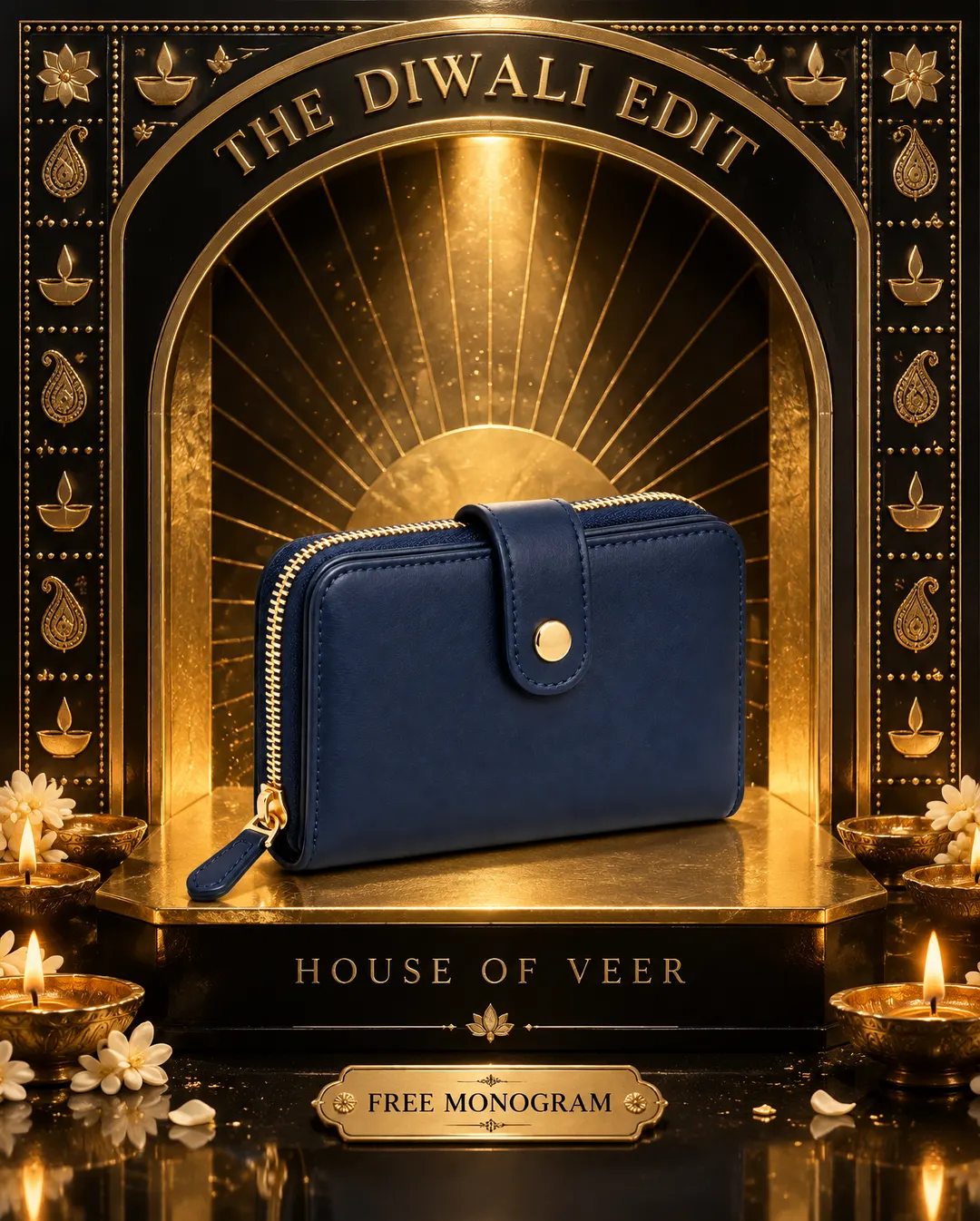
Your product spotlit in an art deco niche of black lacquer and hand-laid gold leaf for a luxe Diwali edit. #diwali #festive #poster #productphoto #instagram #ads #quietluxury
Make it yours
These words appear in your photo.
The look
Filled in to match the example. Change any of them, or keep them.
Free for everyone, no card needed. New here? 25 free credits when you sign up.
About this template
Create a Diwali product photo with your item displayed in a black lacquer niche edged with gold leaf. It suits bags, jewellery, beauty products and other small goods, and works for a shop listing, Instagram post or story, WhatsApp, or a marketplace listing.
Works best for
- Handbags and small accessories
- Jewellery and gifts
- Diwali product posts
- Festive offer announcements
The look
The sample places a navy bag in a symmetrical black-and-gold niche, lit by warm rays and small diyas. Gold lettering curves above the product, with the brand name and offer below.
How to make it
- Add your photosThe pictures the template asks for, like a clear photo of your product on a hanger, laid flat or worn. A phone photo is fine.
- Change the words if you likeThe look comes filled in to match the example. Keep it, or change the colours, words and details.
- Get your finished photoIt is ready in a minute or two. Download it for your shop, marketplace or social pages.
Questions sellers ask
- What products work well in this photo?
- It suits products that can be shown alone in a styled display, such as bags, jewellery, beauty products and gifts. Add a clear phone photo of your product.
- What do I need to add?
- Add one photo of your product. A clear phone photo is fine, and your product is kept as it is.
- What can I change?
- You can change the greeting, brand name and offer, or keep the sample wording. The greeting is filled in as “The Diwali Edit.”
- Where can I use the finished photo?
- Download it for a shop listing, marketplace, Instagram post or story, or WhatsApp. The portrait 4:5 format is suited to social posts.
Updated 7 Nov 2026