By kind of photo
Marketplace listing photo ideas
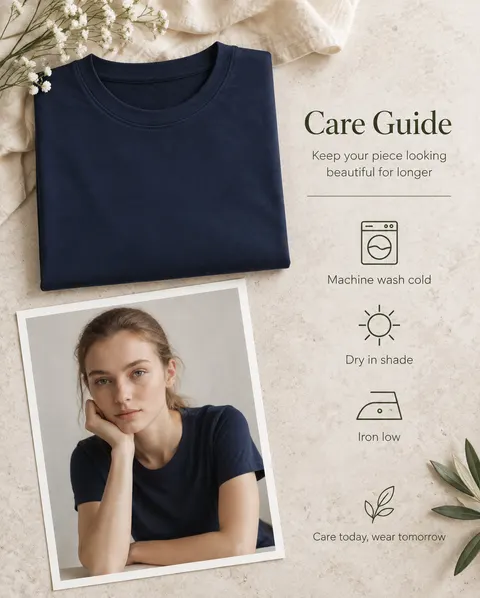
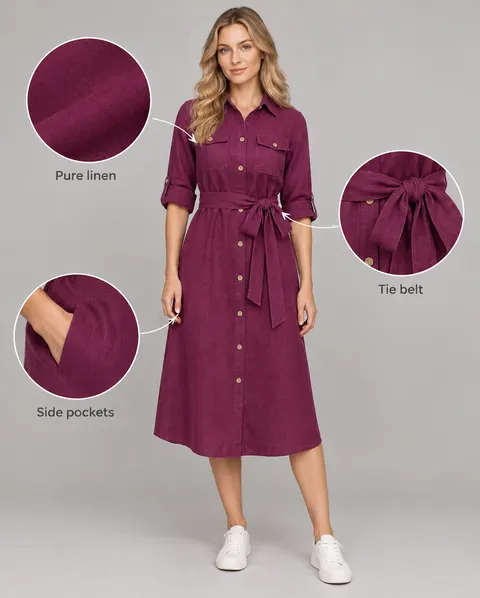
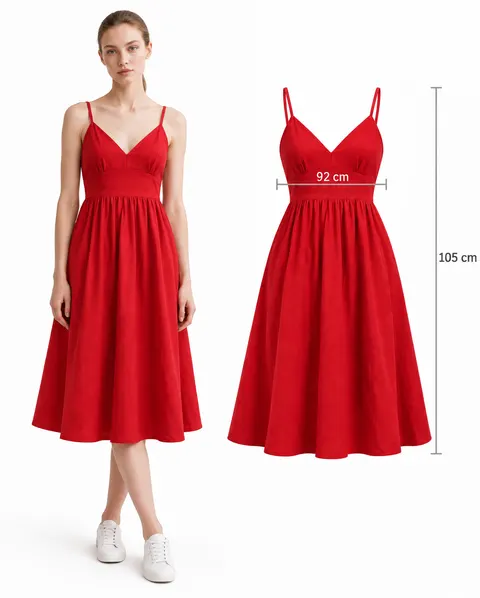
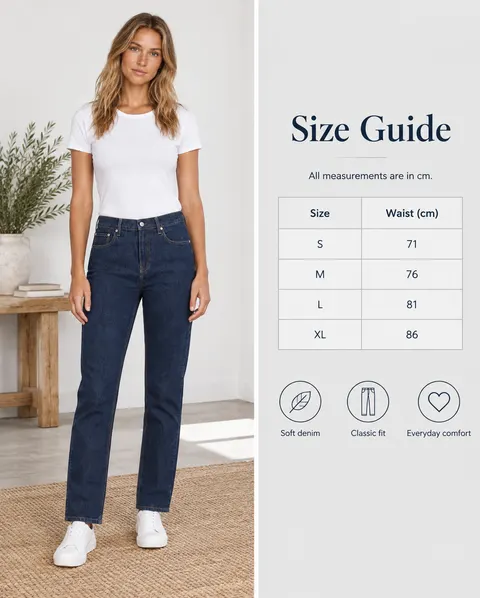
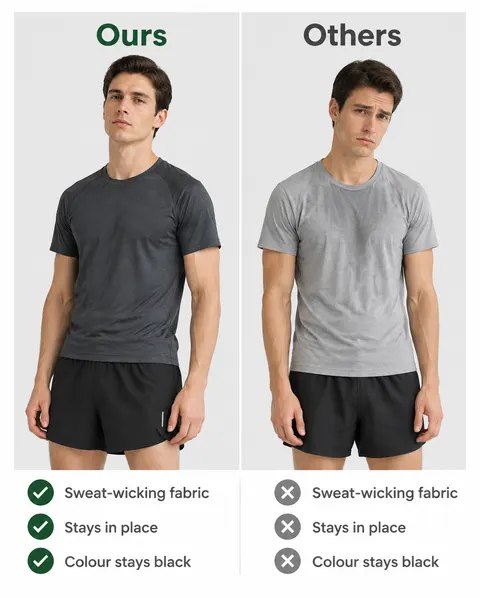
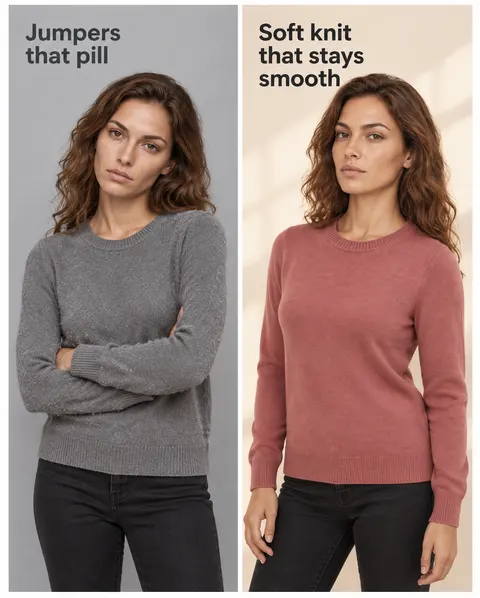
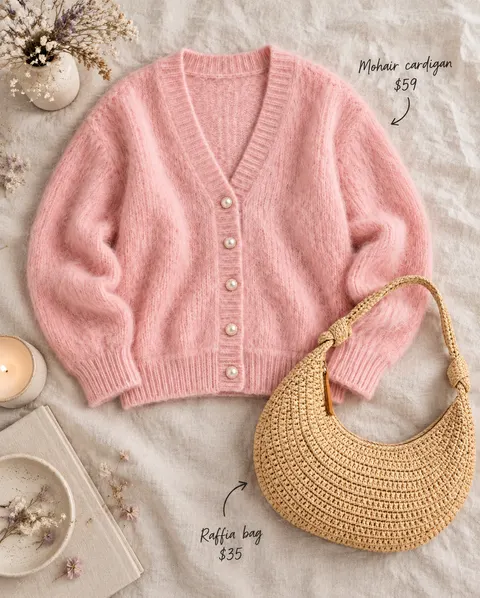
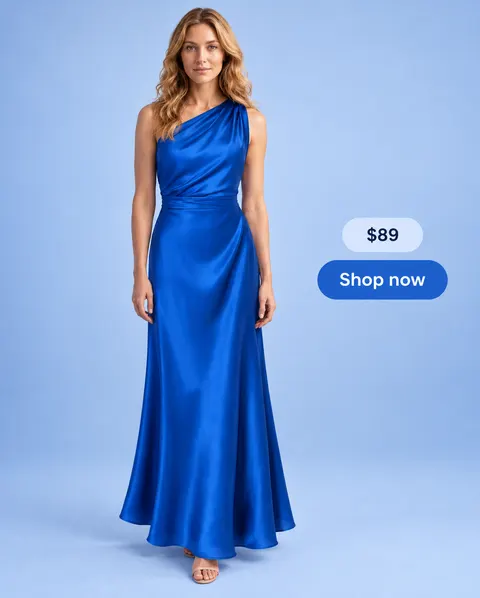
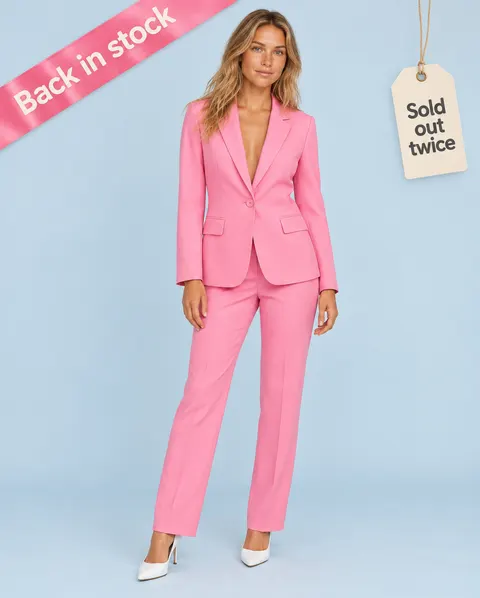
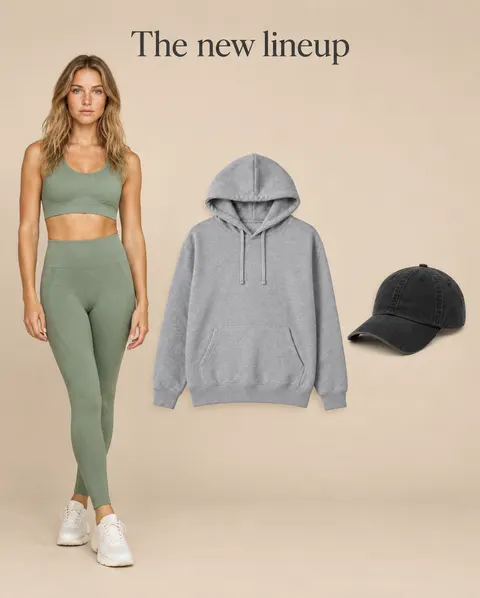
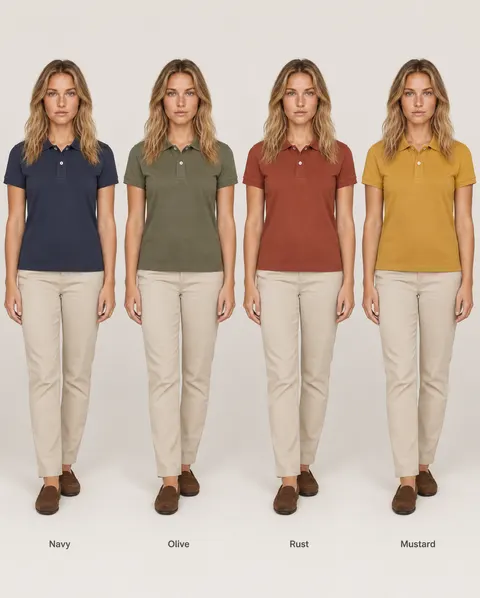
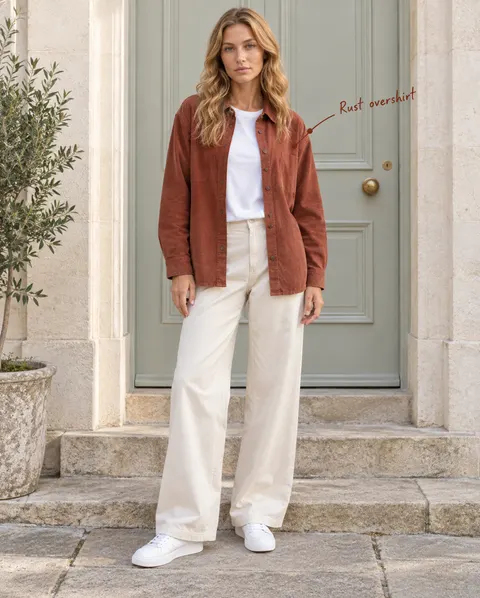
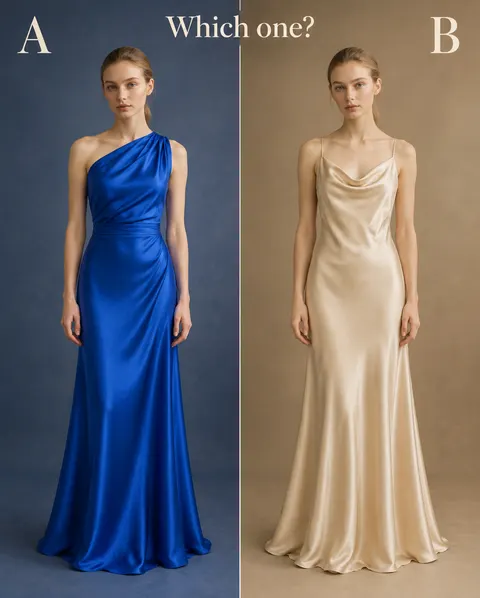
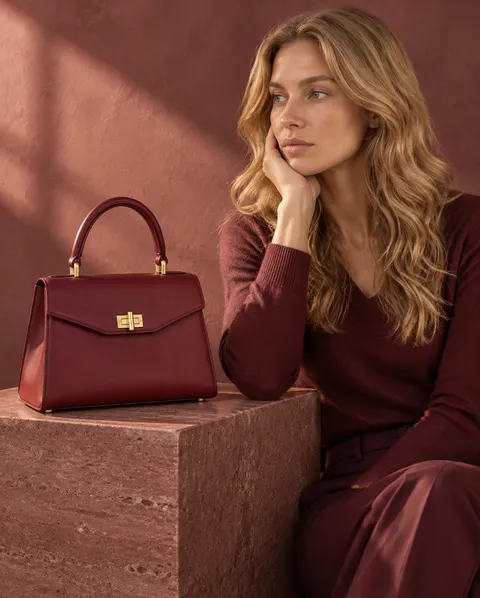
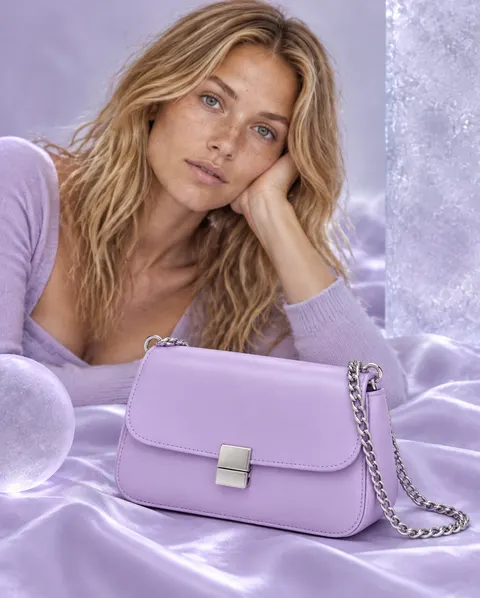
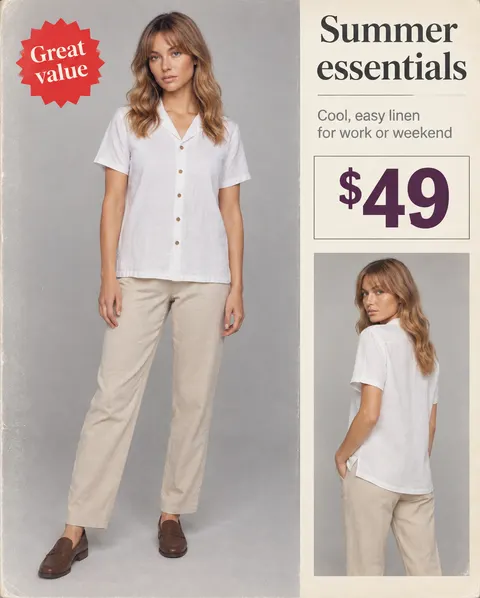
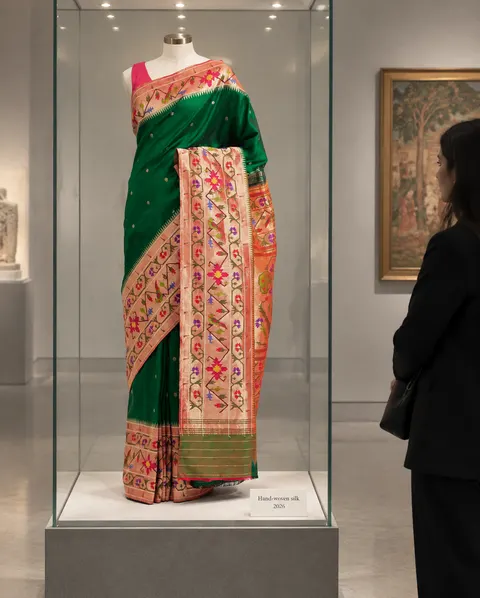
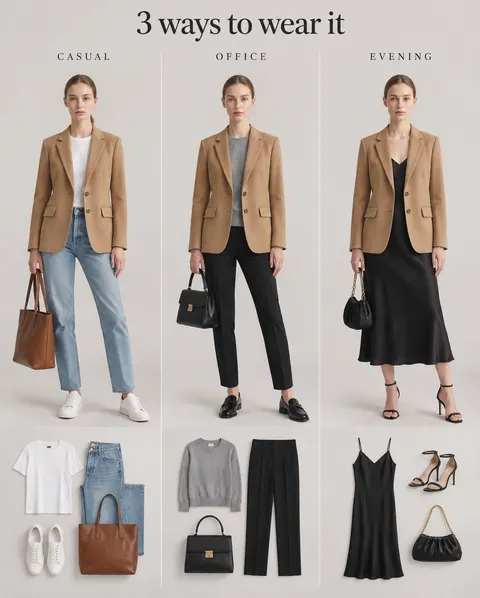
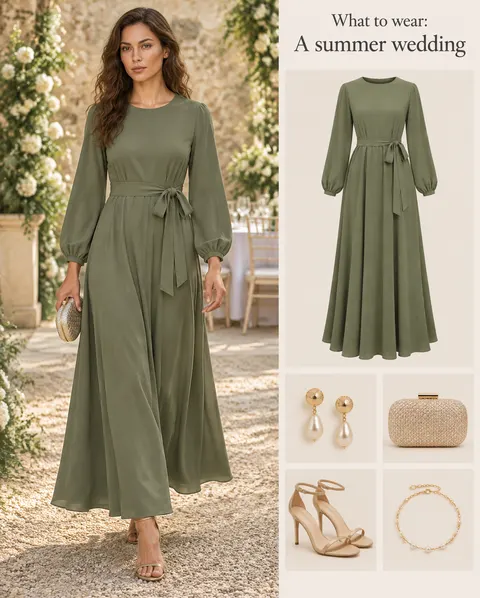
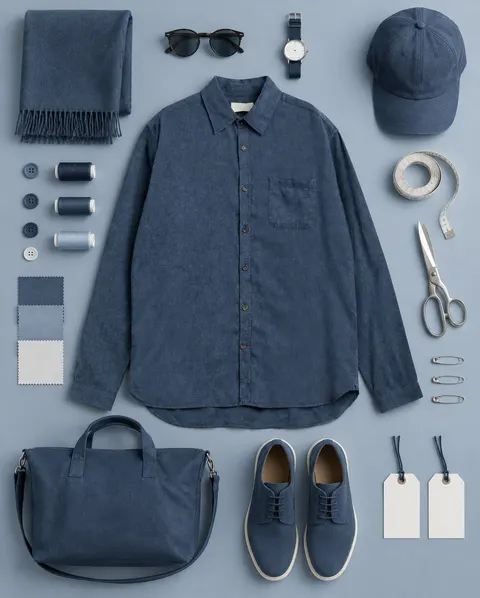
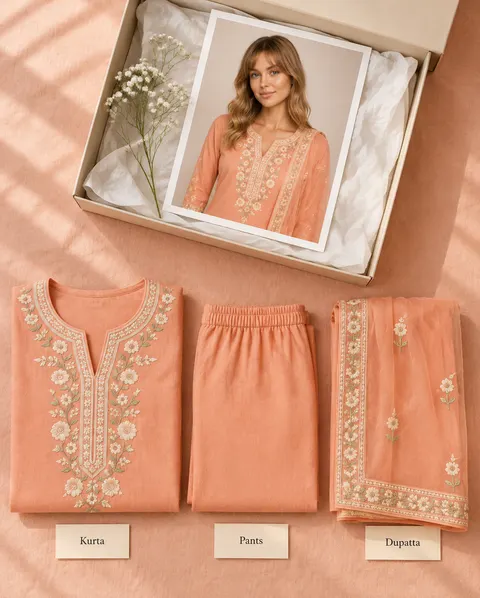
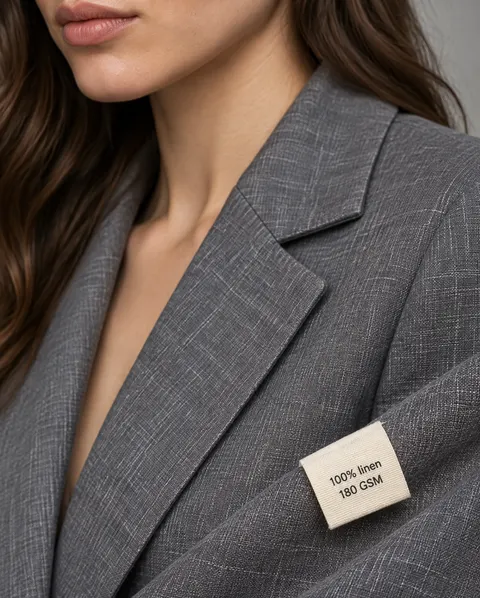
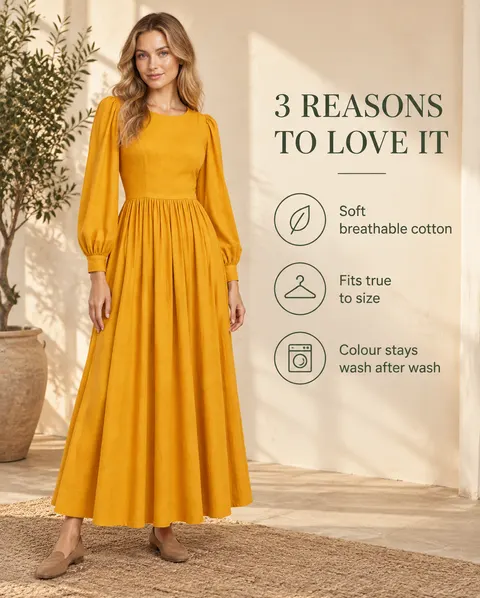
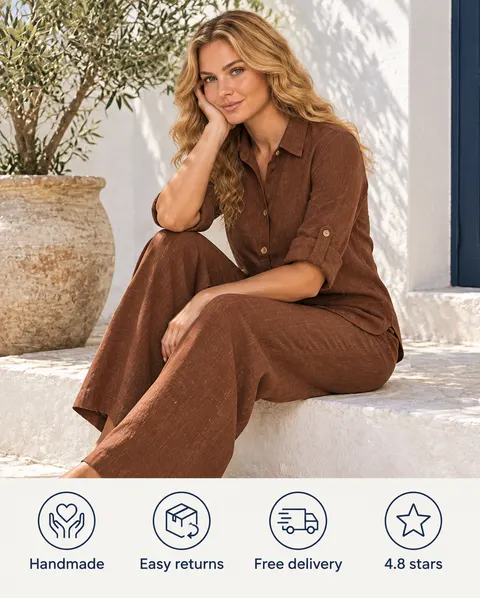
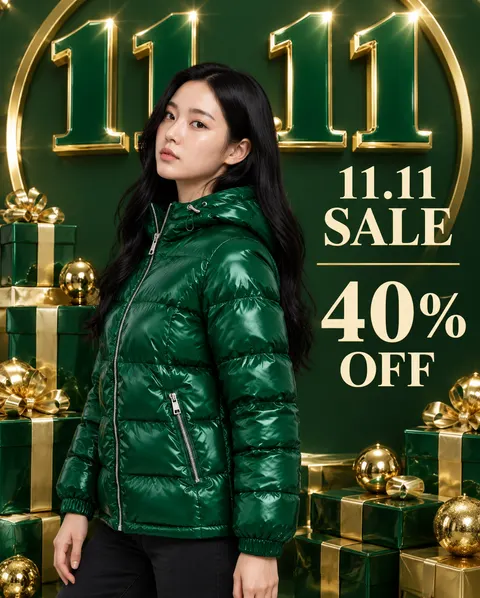
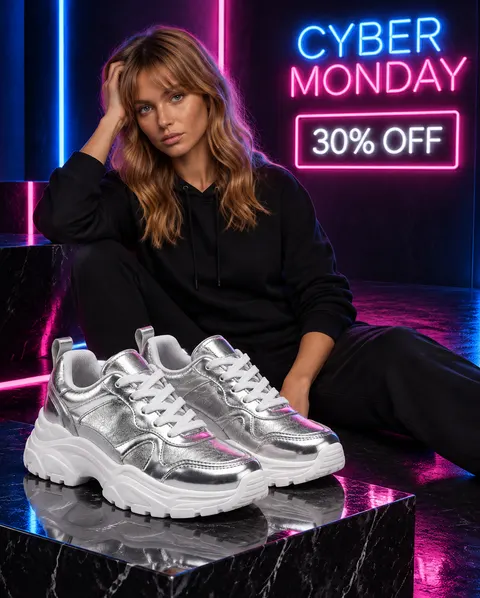
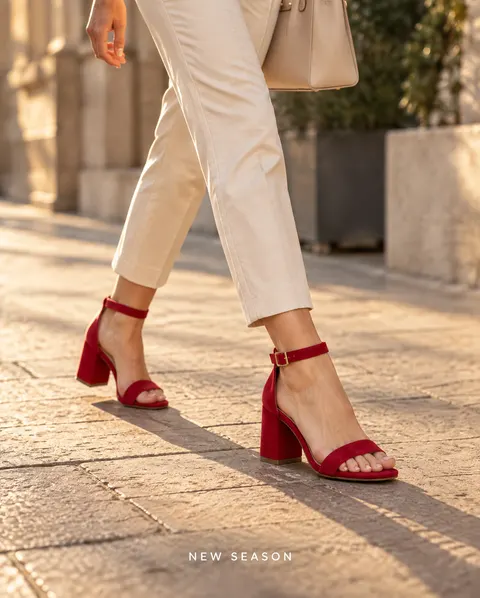
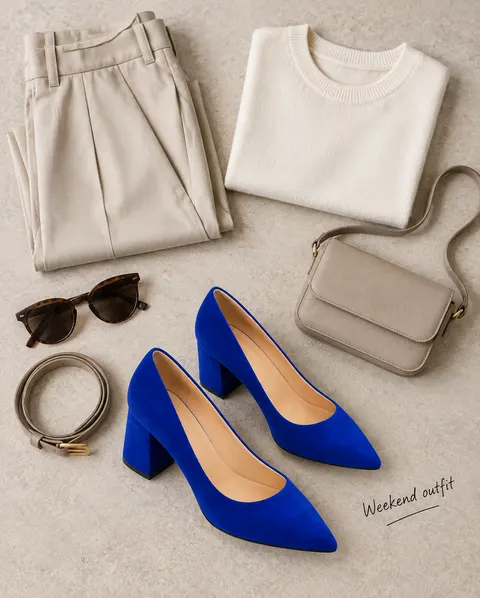
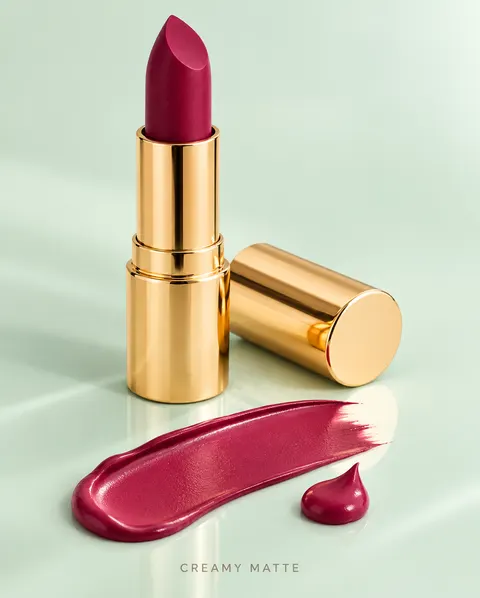
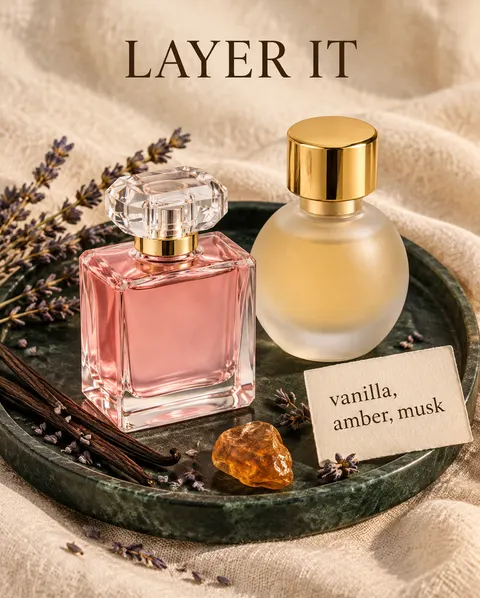
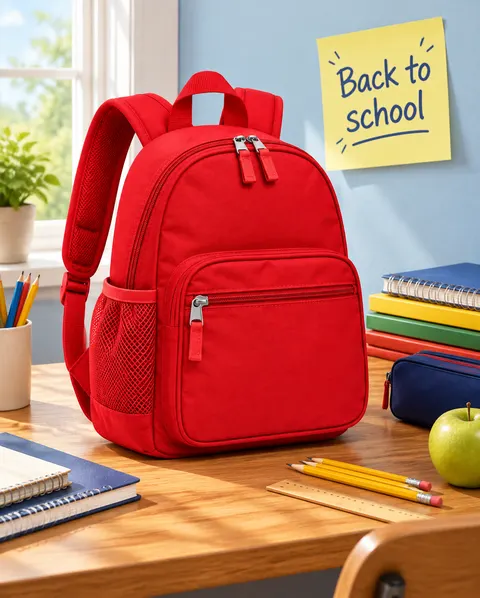
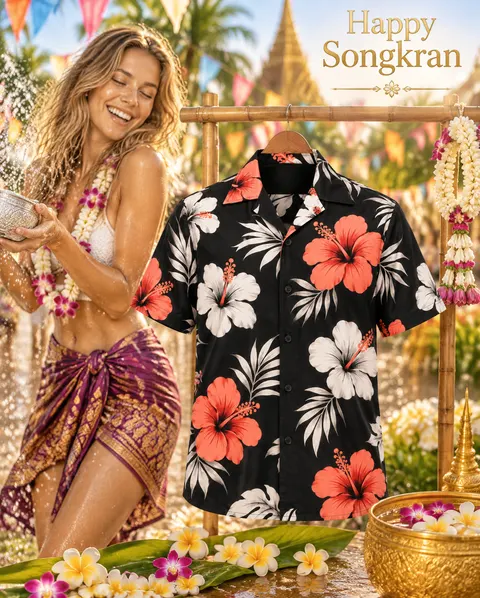
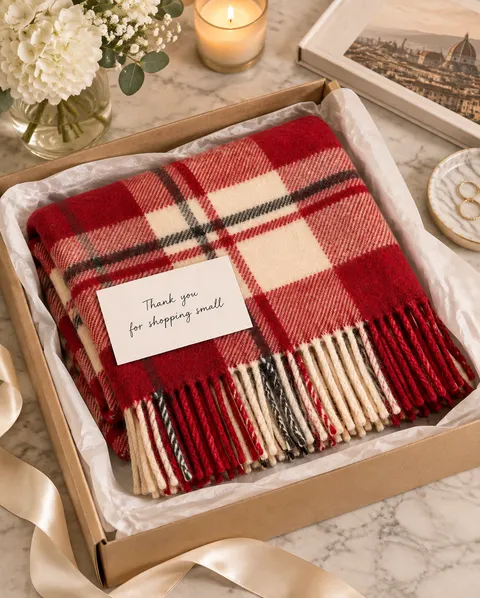
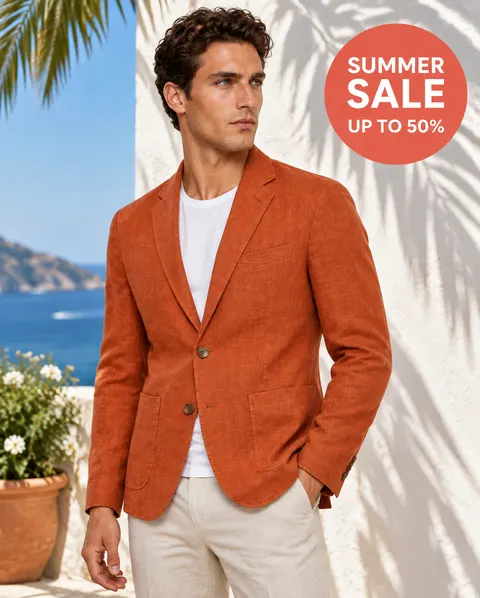
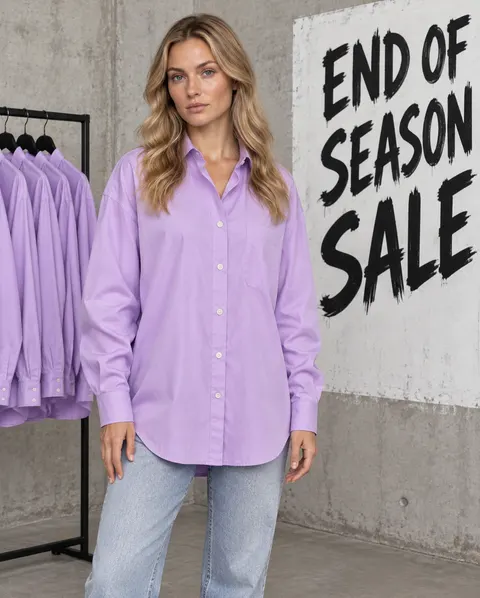
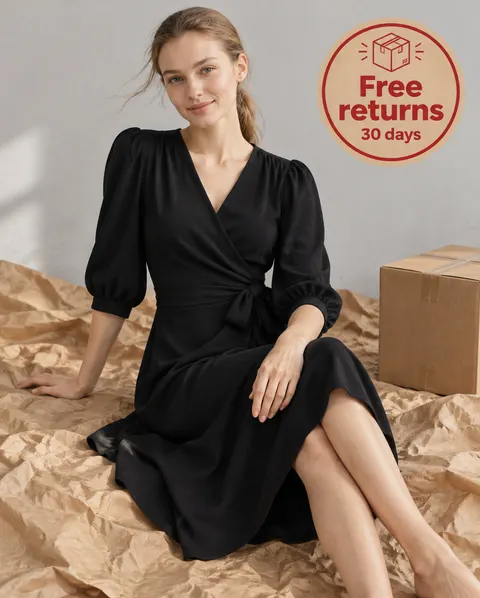
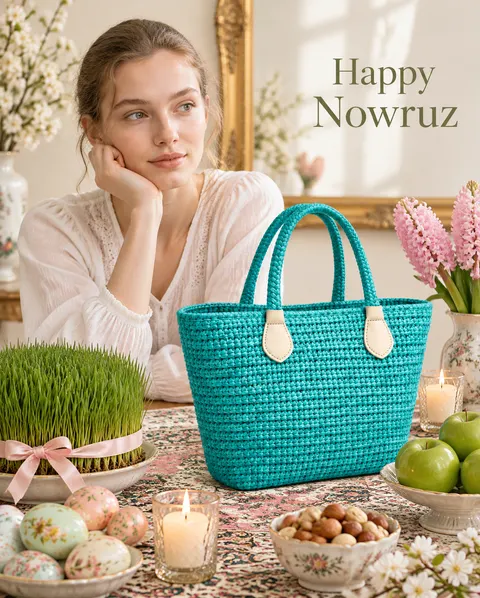
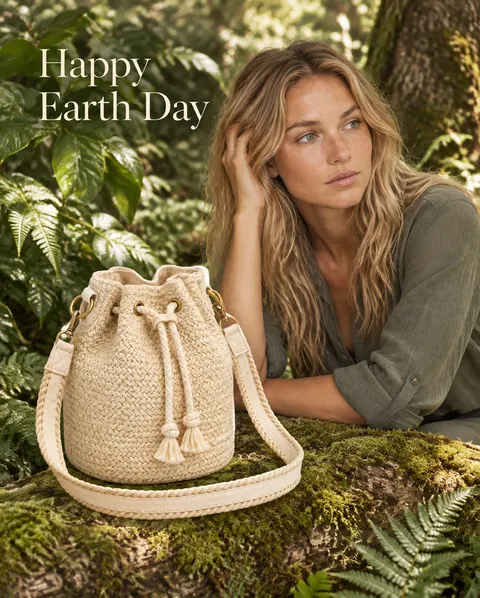
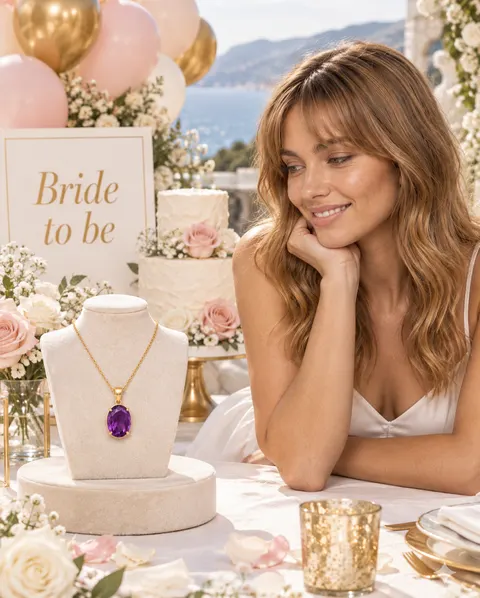
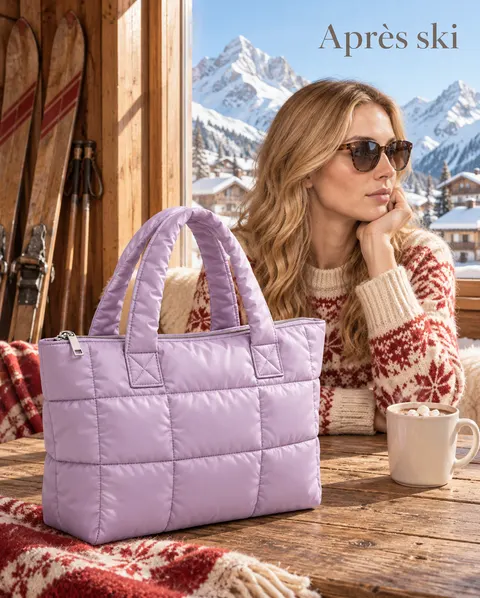
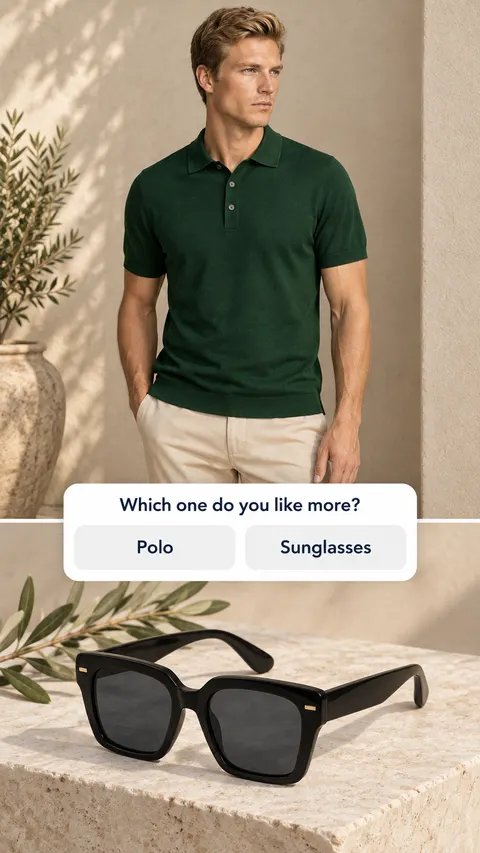
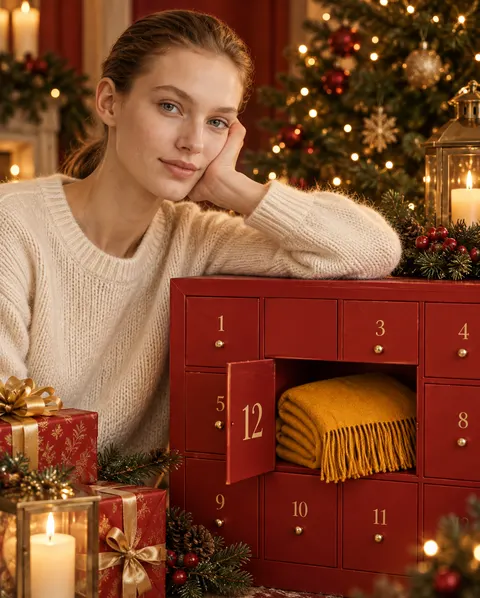
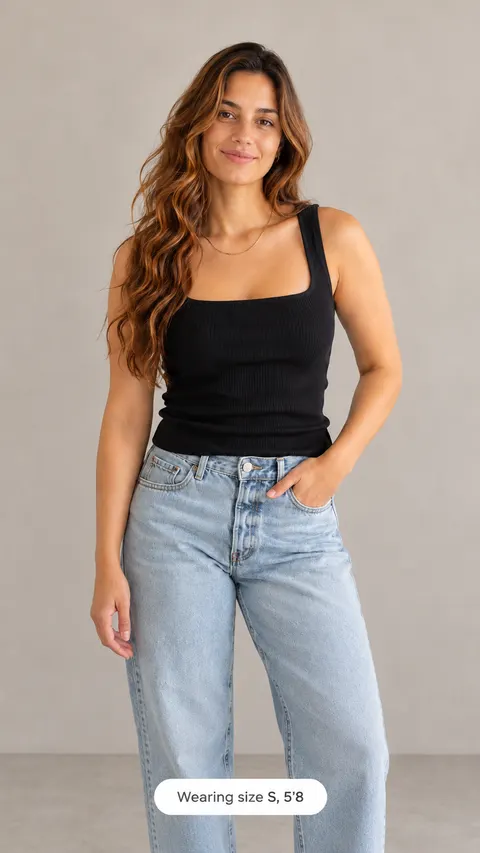
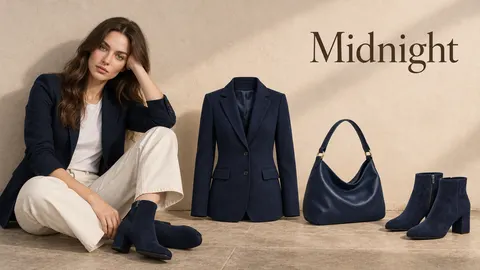
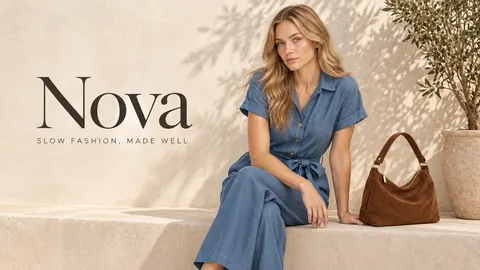
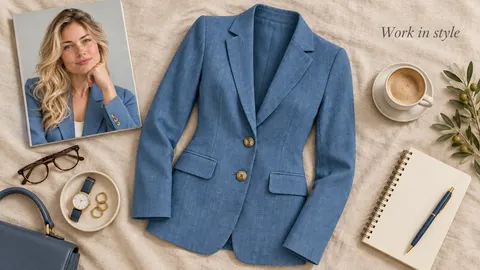
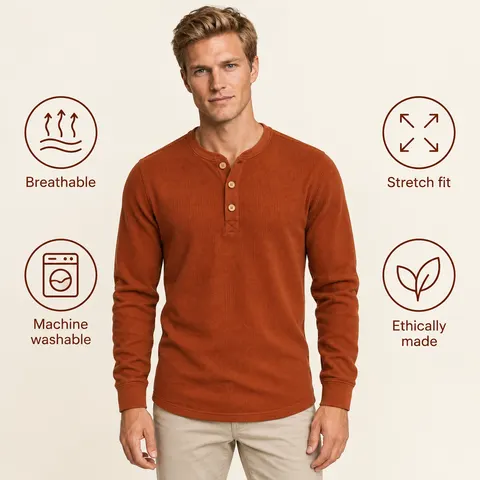
Marketplace listing photos help shoppers understand what a product looks like and how it might suit them. Sellers use close-ups and feature callouts to show details, size guides to explain fit, and care guides to answer practical questions. Before-and-after, comparison and side-by-side images make differences easier to see. A product lineup, colour range or on-model photo can also show how pieces look together.












About these photos
Start with a clear view of the product and keep the setting simple enough that its details stand out. Use even, natural-looking light and colours that suit the item without changing how it appears. Add props only when they help explain scale, use or styling. Keep words on the photo brief and easy to read, especially for measurements, fabric details and care notes. Leave space around the product so labels do not cover important features.
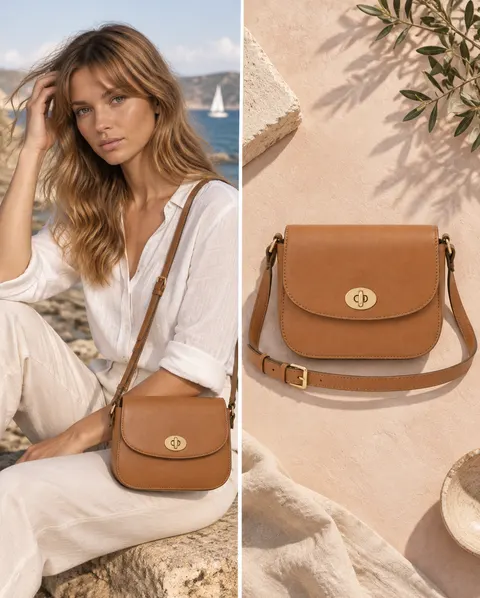
Plan images around the questions shoppers are likely to have. Choose a size guide for clothing, a care guide for delicate materials, or a side-by-side view when a flat lay and model photo each show something useful. Use colour and lineup posts for ranges, and comparisons when the difference between options matters. Torbilo templates give you ready-made layouts; add your own product photo to create listing images and social posts that fit your range.
How to get a great photo
- Show the product clearly before adding callouts or decorative elements.
- Use consistent lighting and backgrounds across photos that belong to the same listing.
- Check that colours in the image look true to the actual product.
- Keep measurement labels, care notes and feature text short and legible.
- Use a model view and a flat lay together when each reveals different product details.
Questions sellers ask
- What should I include in a marketplace listing photo?
- Show the product clearly, then add only details that help explain it, such as features, measurements, care or colour options.
- How can I show clothing fit in listing photos?
- Use an on-model view to show the overall fit, and pair it with a size or measurement guide when shoppers need more detail.
- Should I put text on product photos?
- Brief labels can make features, sizes or care instructions easier to find. Keep text readable and avoid covering the product.
- Which photo works best for showing several product options?
- A colour range or product lineup layout can show related options together. Use a comparison or side-by-side view when shoppers need to see how two versions differ.
Updated 3 Nov 2026
Marketplace listing photos
Make your first photo
Create a free account to use any of these templates. New accounts start with 25 free credits.