By product
Handbag photo ideas
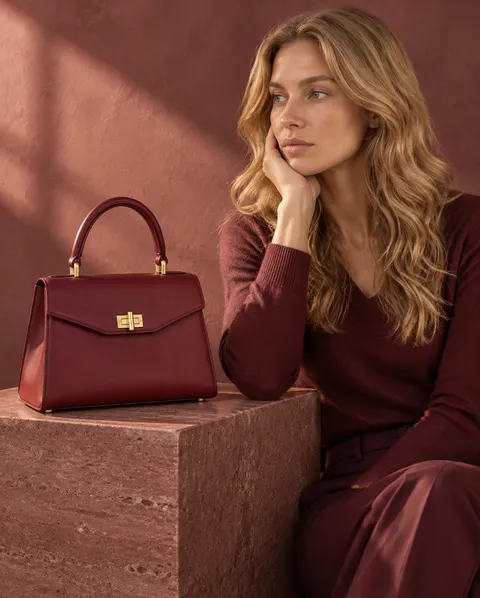
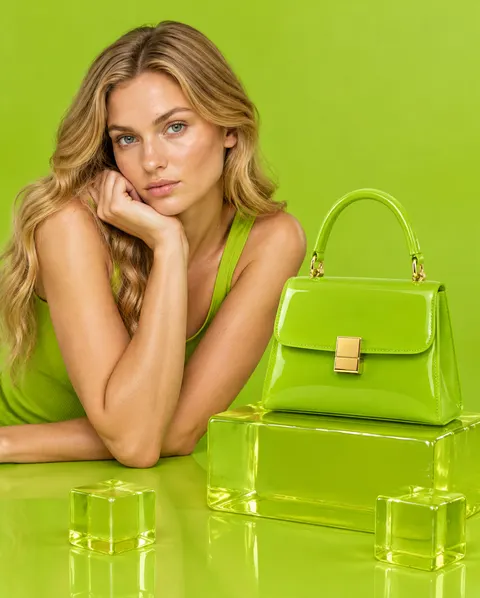
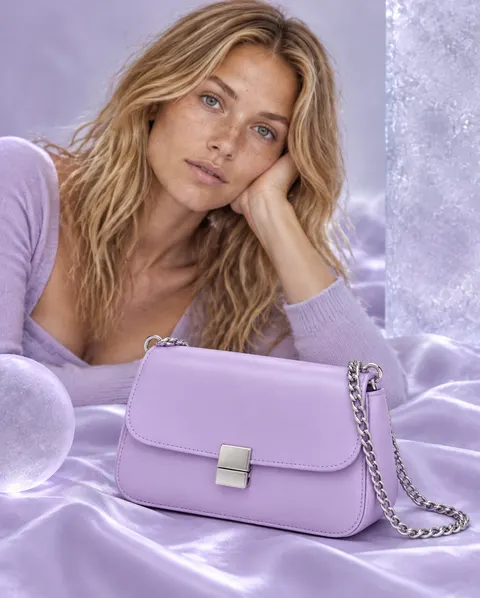
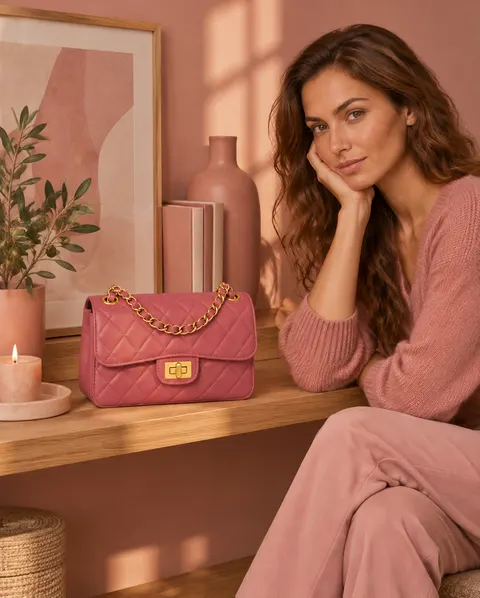
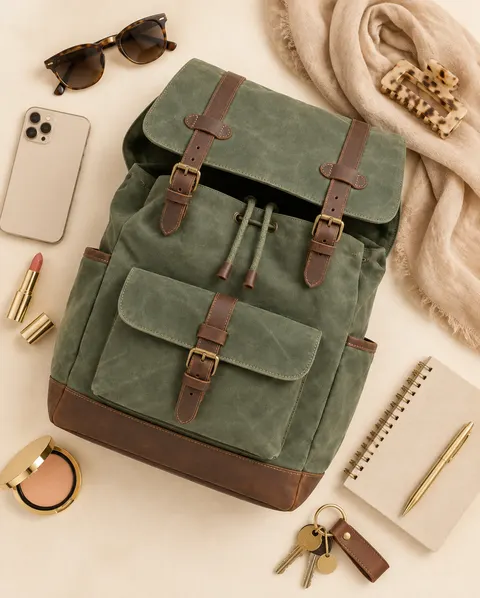
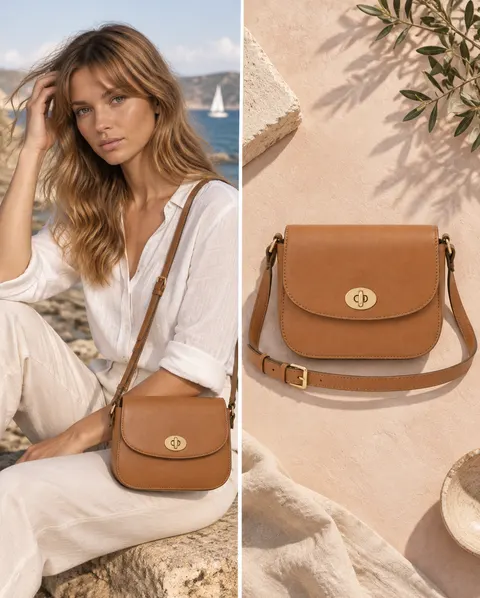
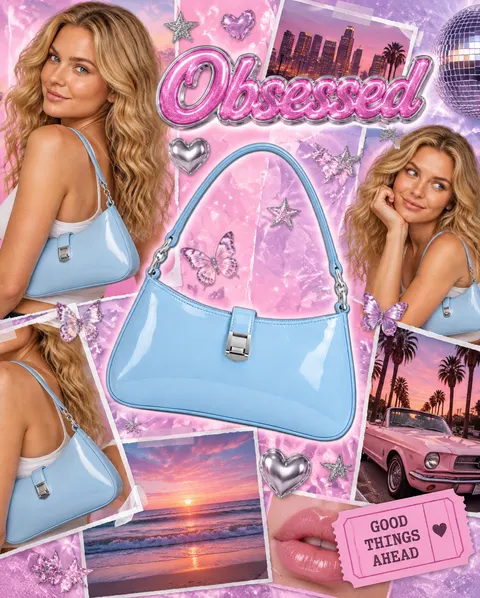
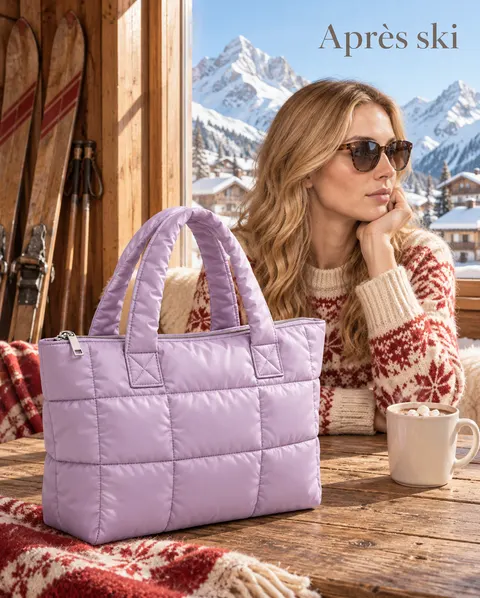
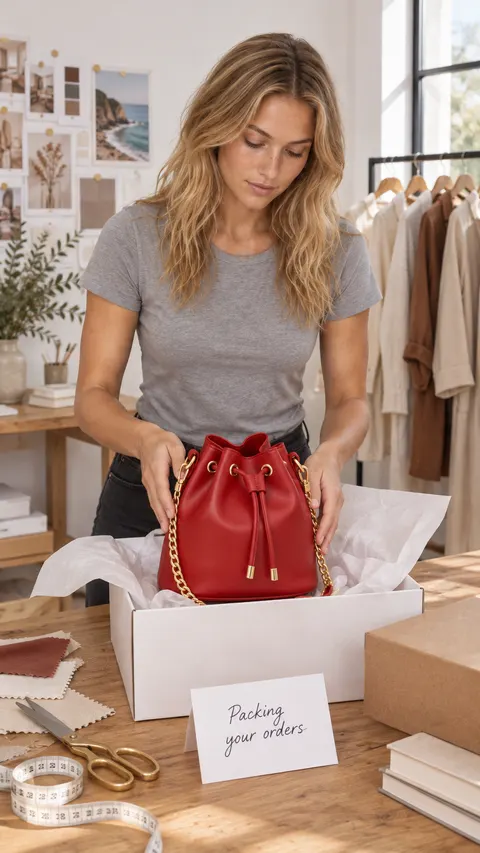
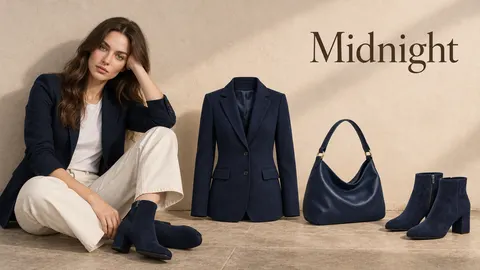
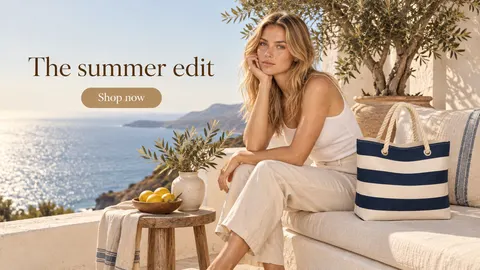
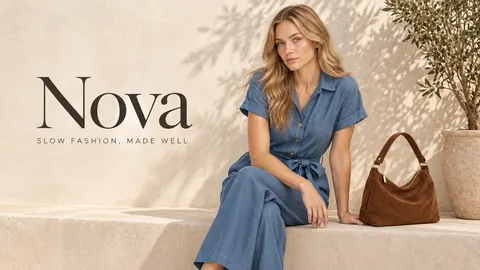
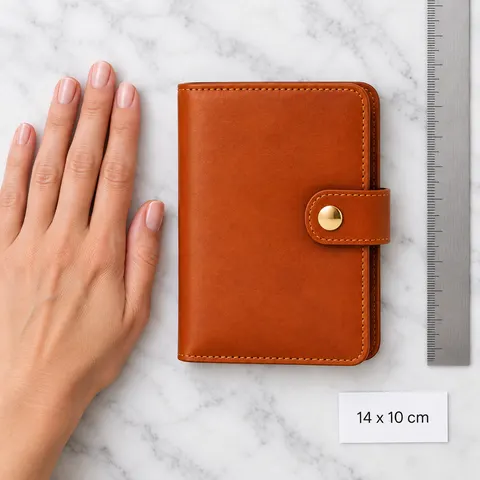
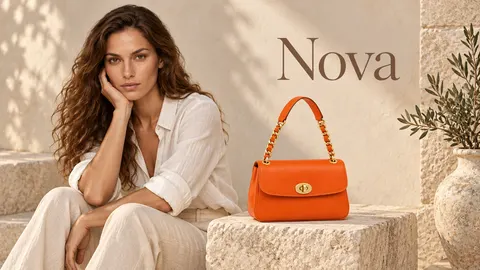
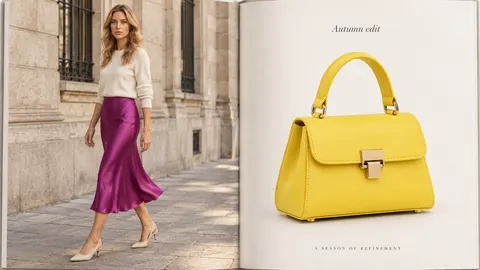
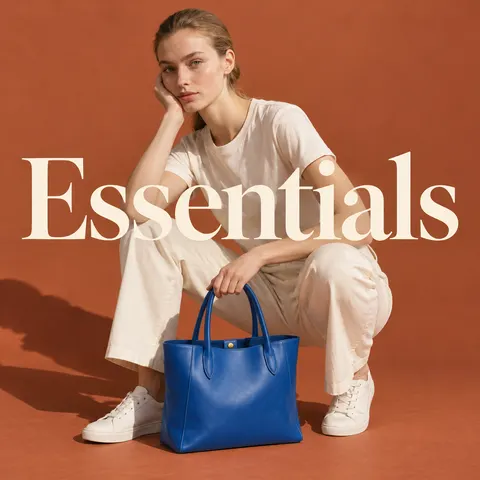
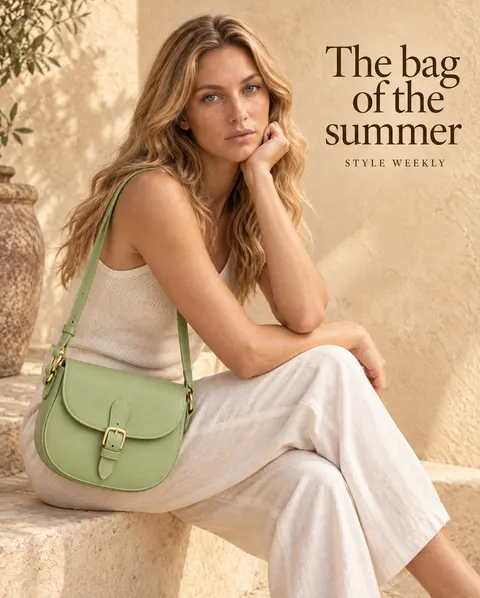
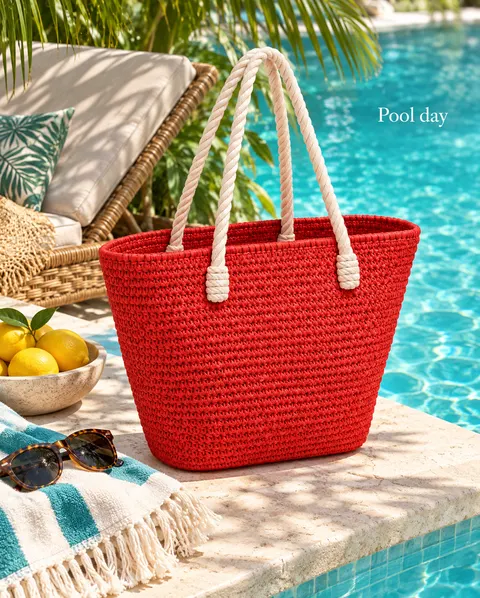
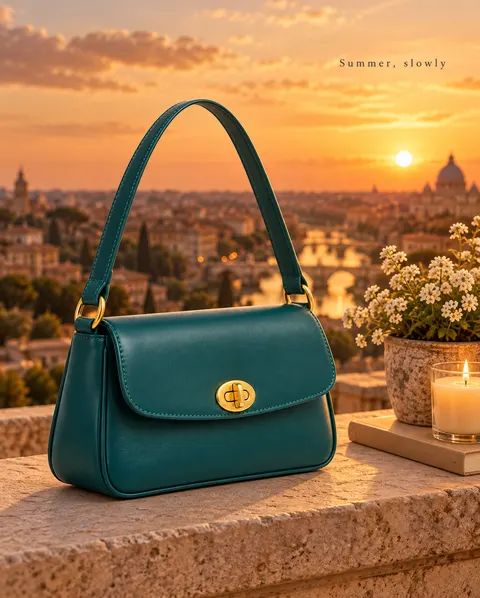
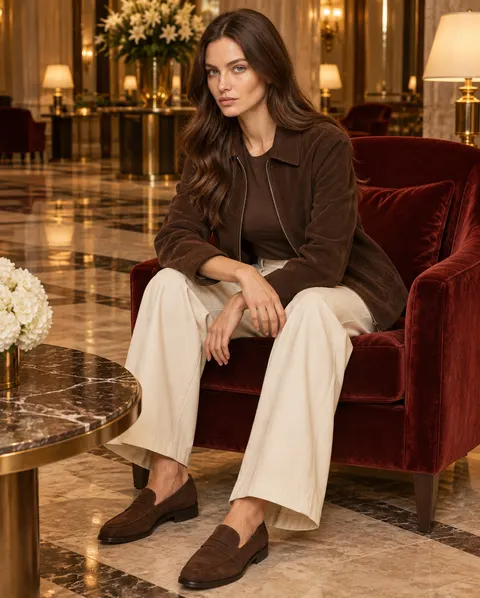
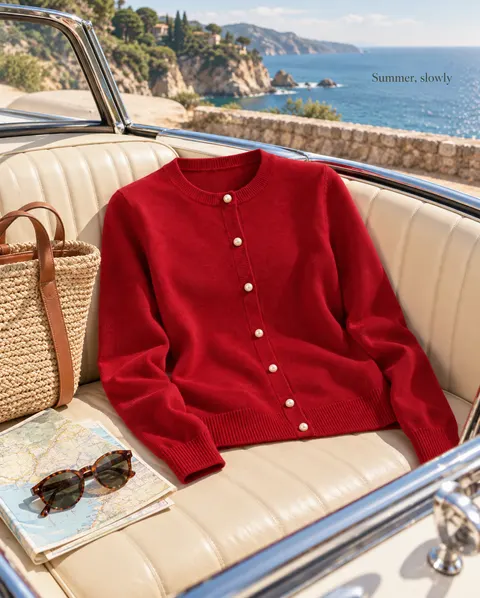
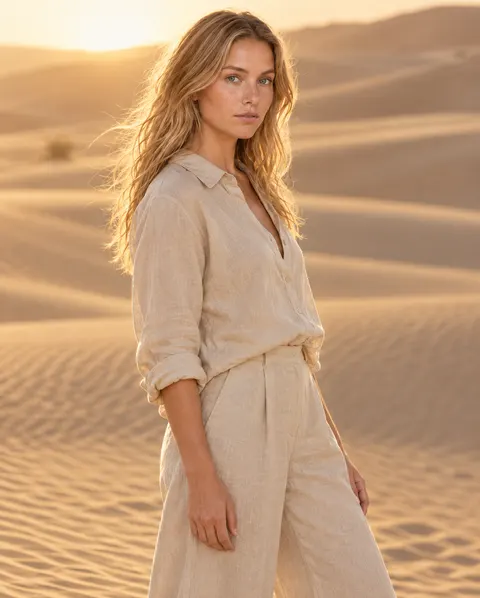
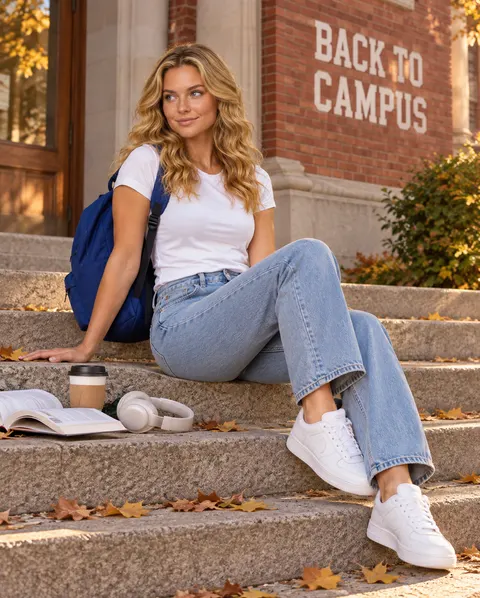
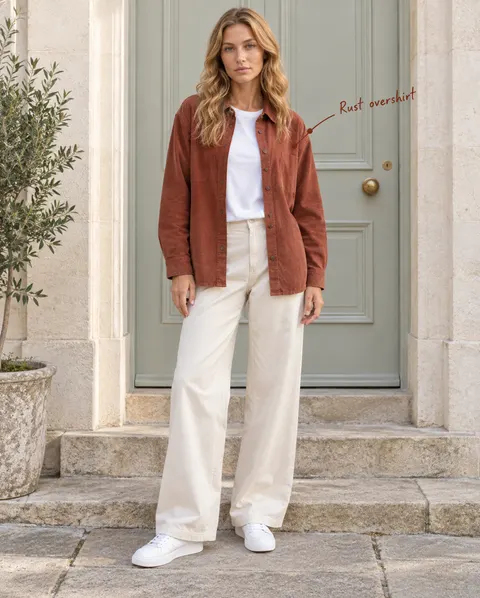
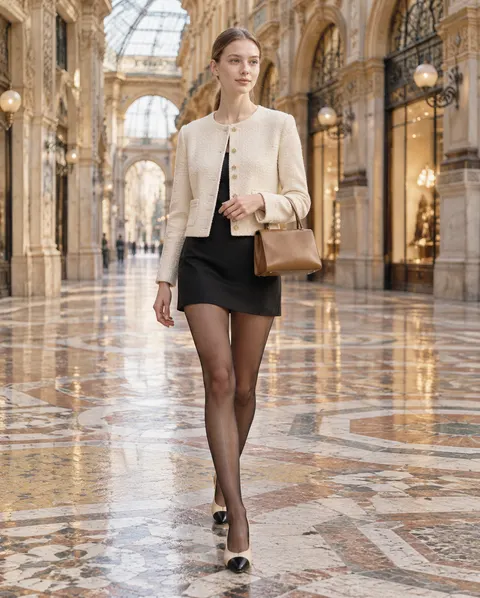
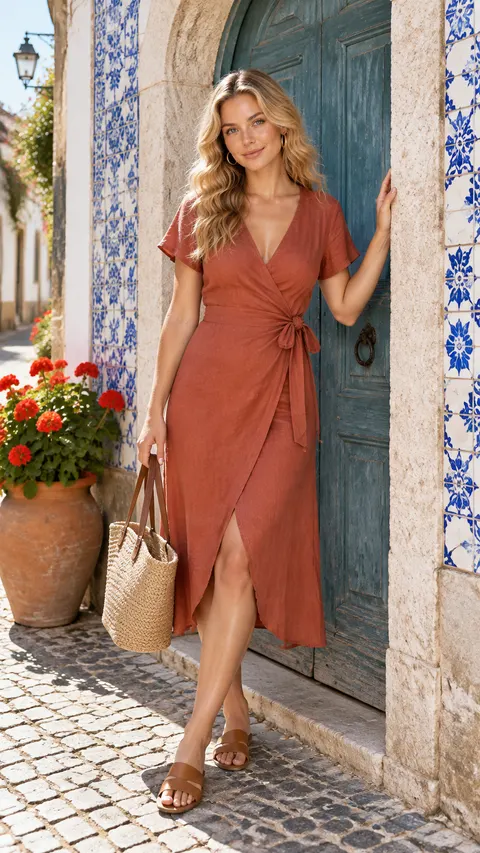
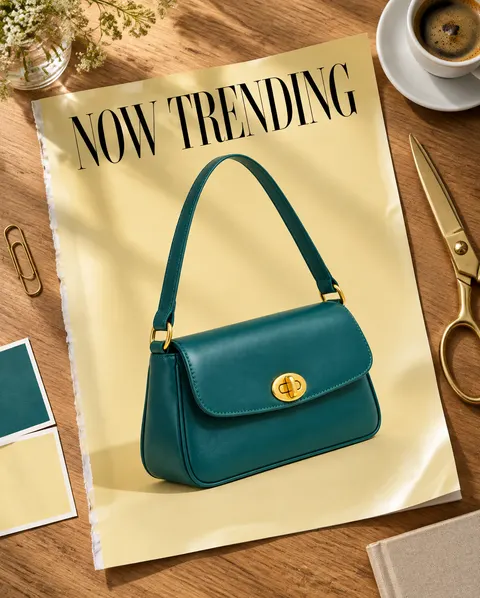
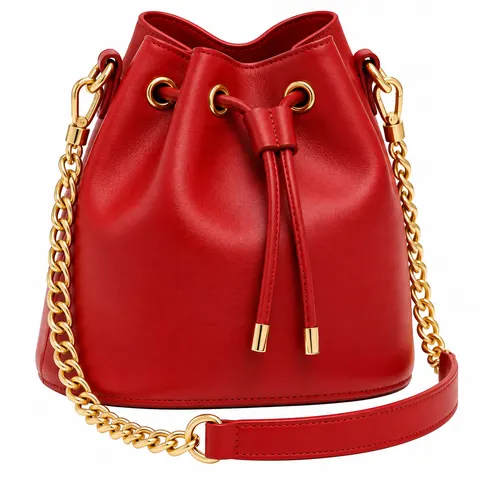
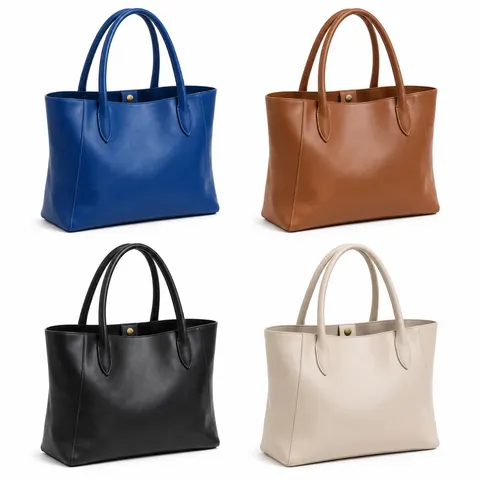
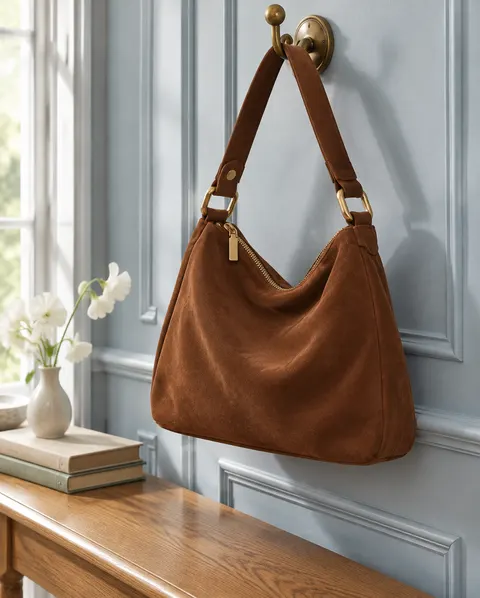
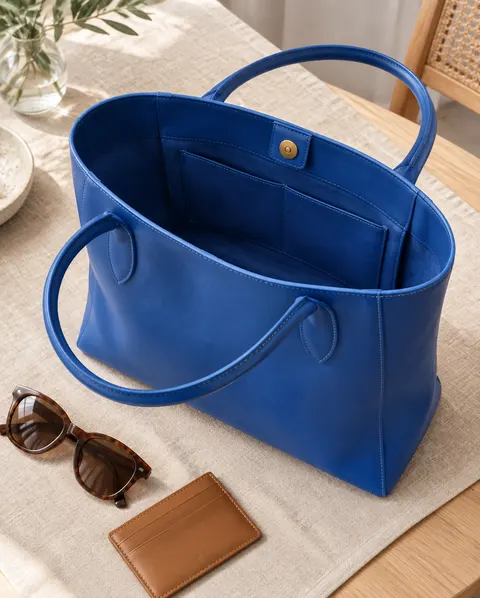
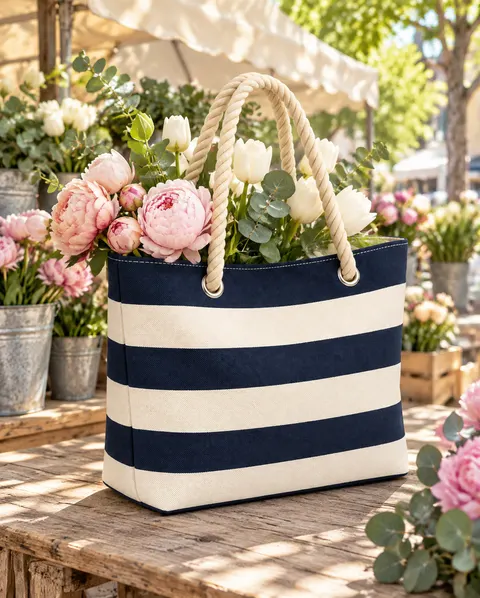
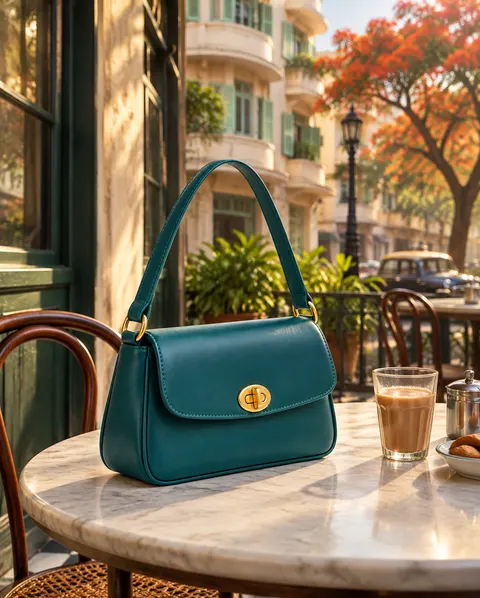
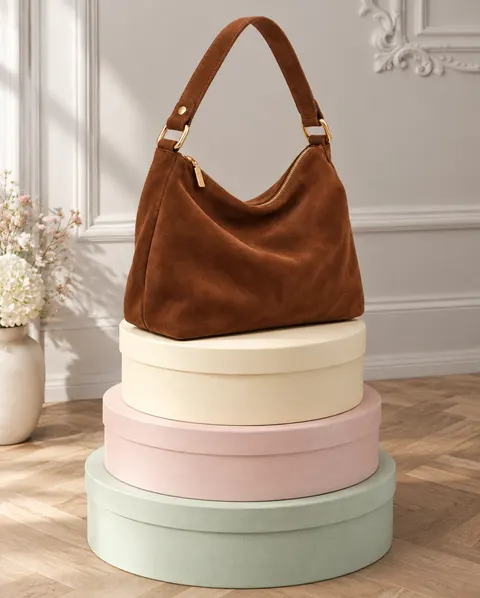
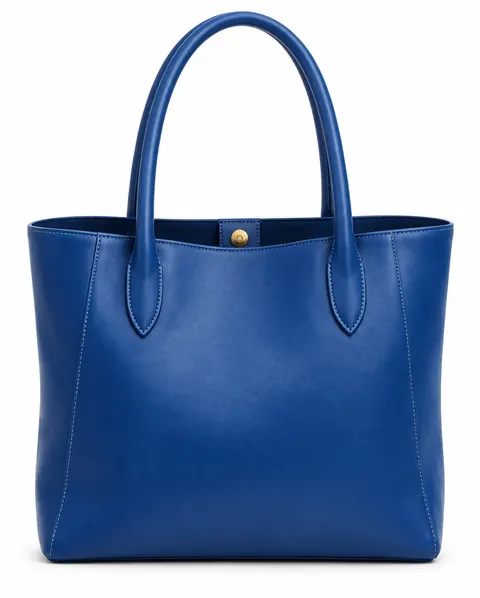
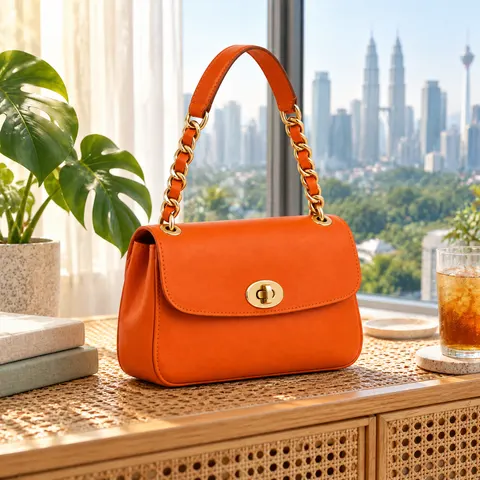
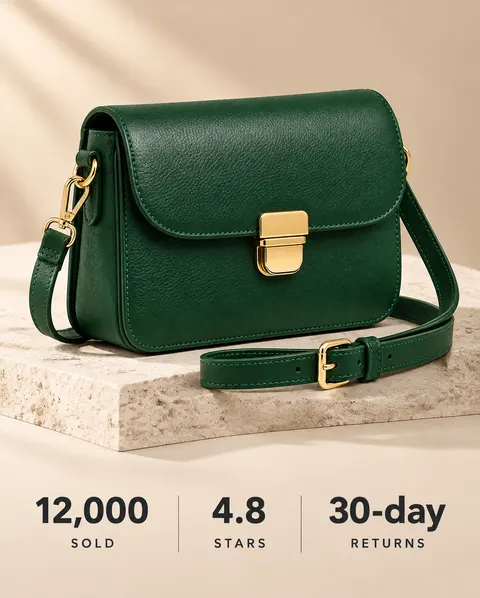
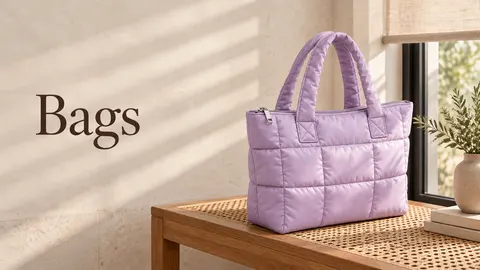
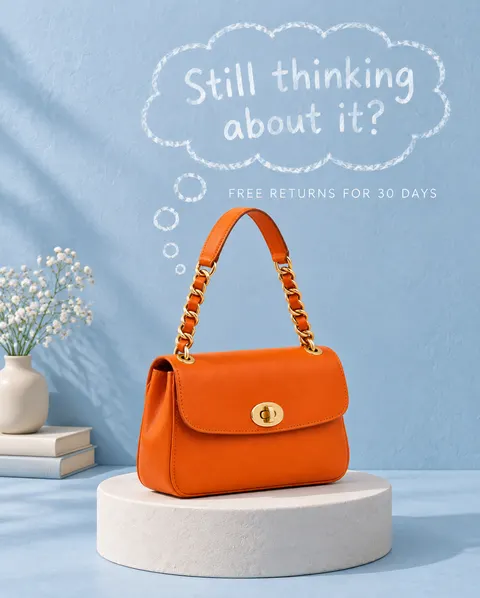
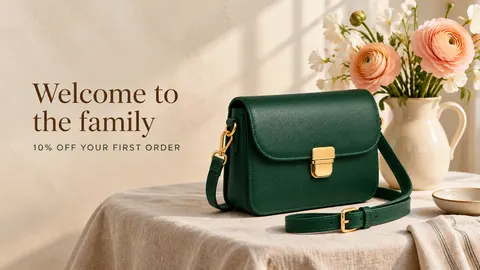
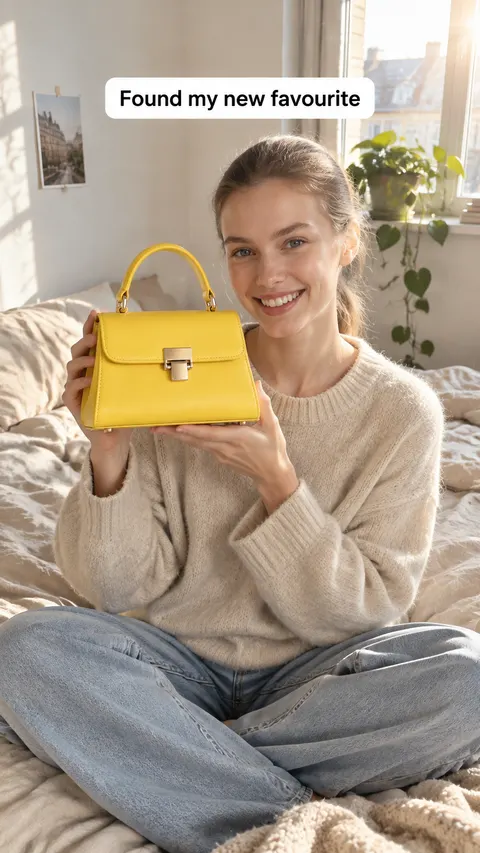
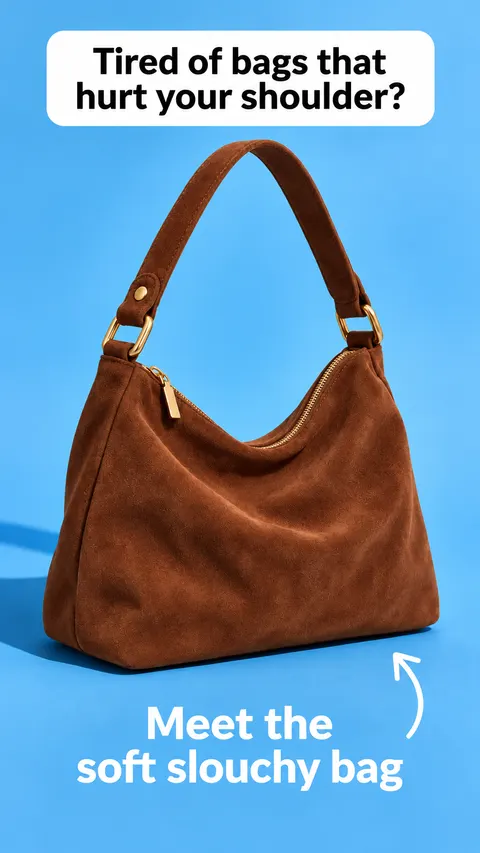
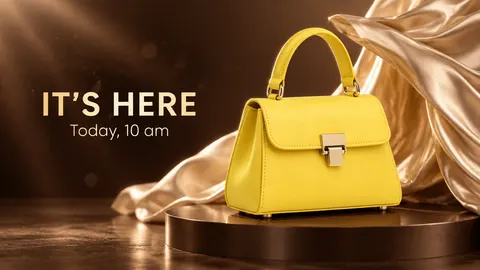
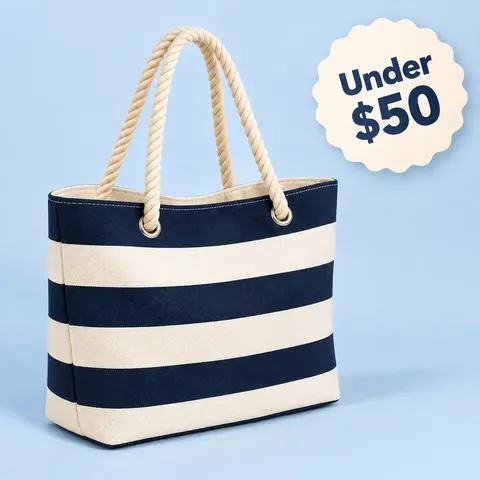
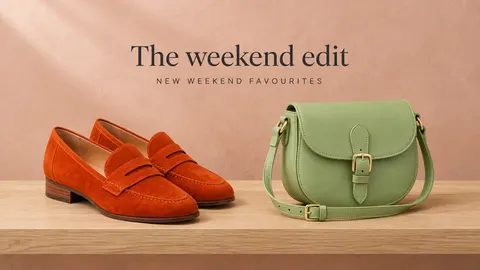
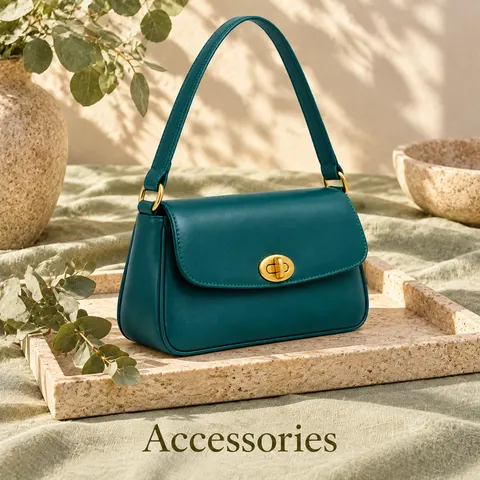
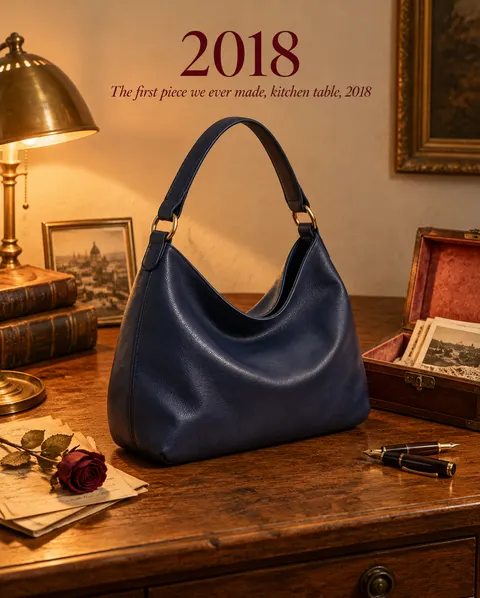
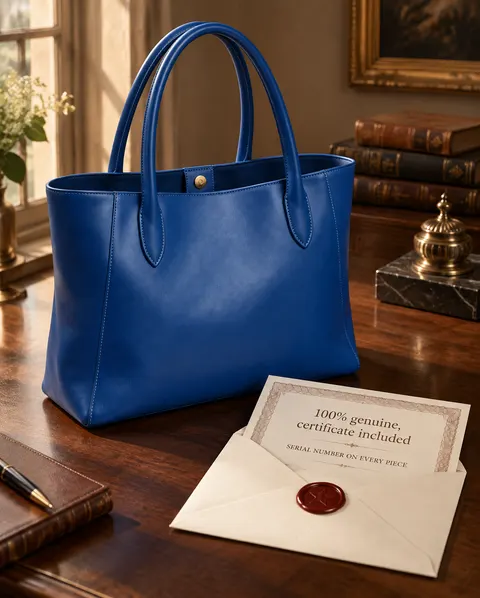
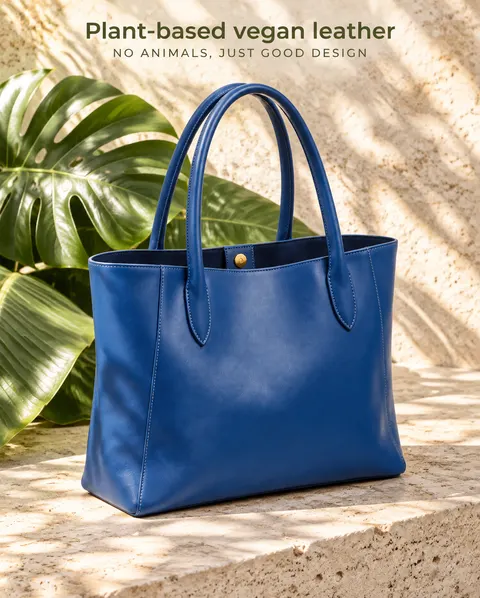
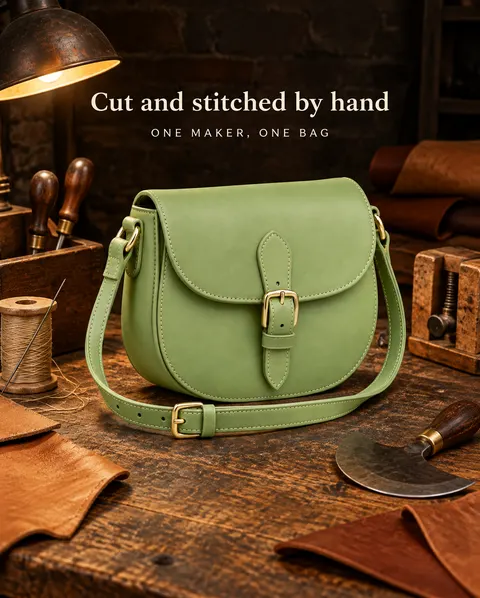
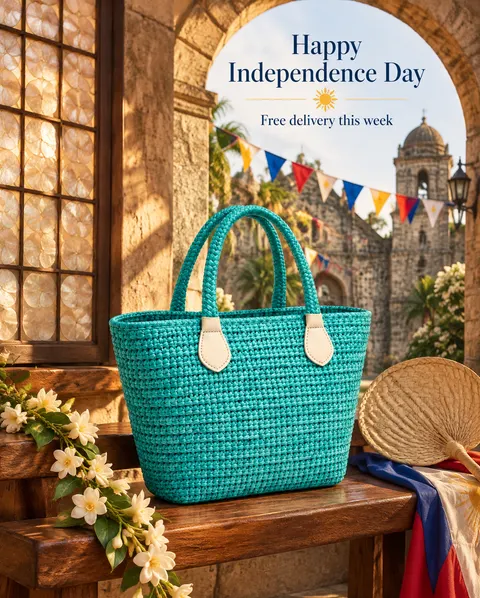
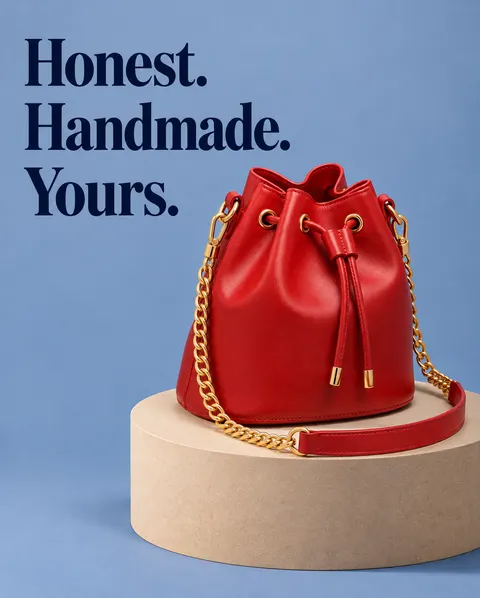
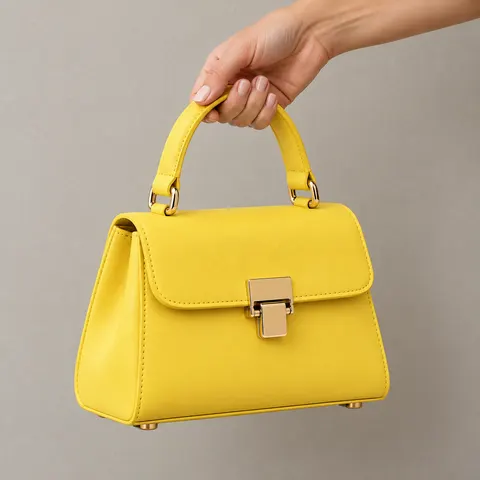
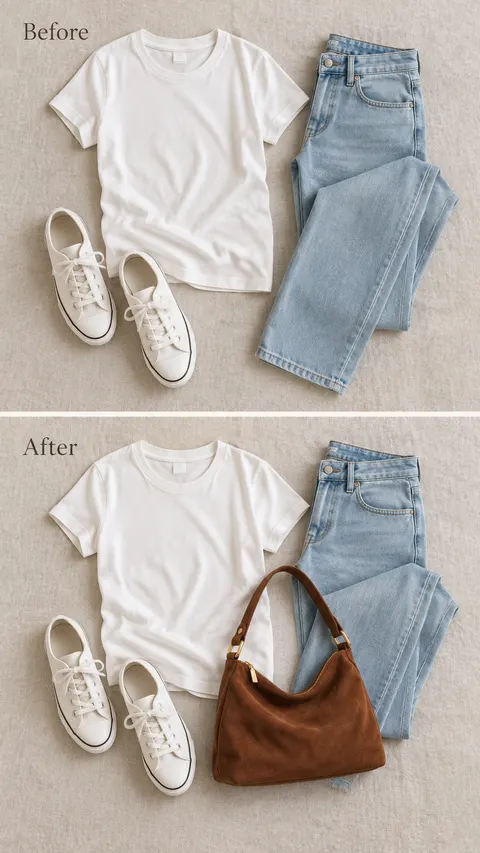
Bag photos can show more than a product on a plain background. Sellers use model shots to show how a handbag sits when worn, flat lays to share what fits inside, and styled scenes to give shoppers a feel for its shape and use. These views work well together in product listings and social posts.

About these photos
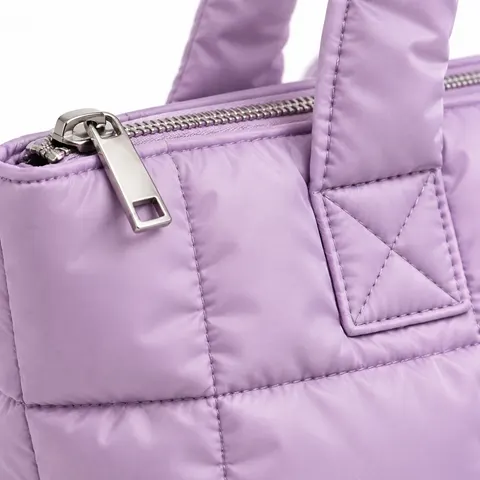
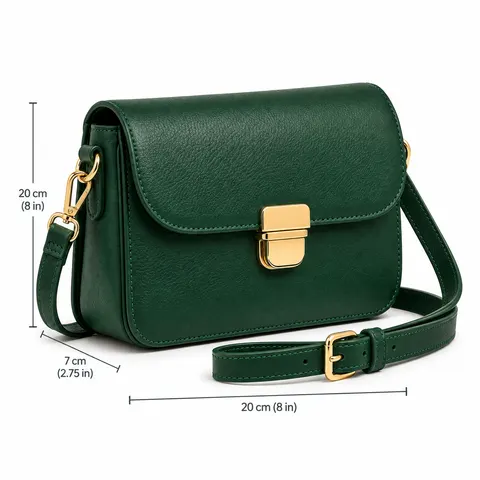
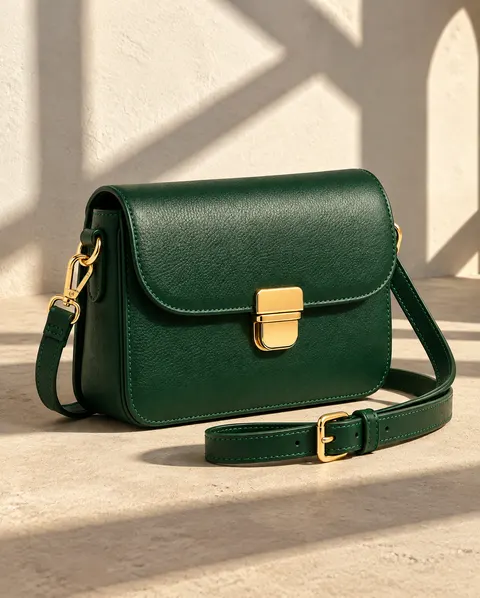
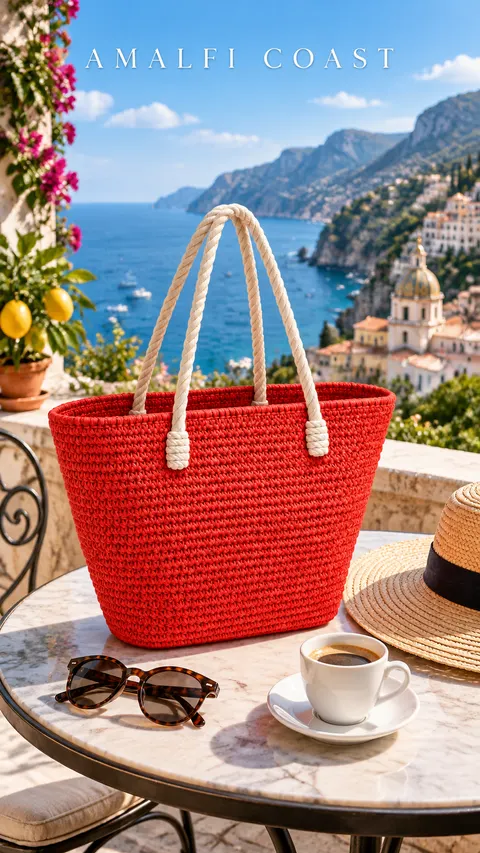
Choose a setting that suits the bag: a tidy shelf for an everyday shoulder bag, a table for a what's in my bag flat lay, or a simple street-inspired scene for a crossbody. Soft, even light helps show the material and details. Keep colours and props in balance with the bag, and use only a few clear words on the image if you add text.
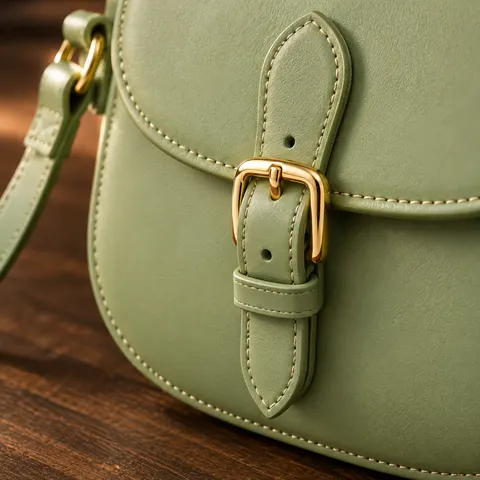
Plan posts around the products you want to feature, such as a new arrival, a travel tote or a bright statement bag. Mix close views of the handles, hardware and texture with photos that show scale on a model. Add your product photo to a ready-made Torbilo template, then choose a look that fits the bag and the post you have in mind.
How to get a great photo
- Use light that shows the bag's texture without washing out its colour.
- Keep props simple so the bag remains the main focus.
- For model photos, show how the bag hangs and where it sits on the body.
- In a what's in my bag flat lay, arrange a few useful items with space between them.
- Include a close view of distinctive details such as stitching, closures or straps.
Questions sellers ask
- What kind of photo works best for a handbag?
- A clear product view is useful, and a model photo can show the bag's size and how it is carried. A flat lay or styled scene adds another view of its use and character.
- How do I make a what's in my bag photo?
- Lay the bag open or place it beside a small selection of everyday items. Arrange everything neatly and leave enough room to see the bag's shape and interior.
- What background should I use for bag photos?
- Choose a clean setting that suits the bag, such as a shelf, tabletop or simple scene. Use colours that complement the product without competing with it.
- Can I create bag photos with a model?
- Yes. Add your product photo and choose a ready-made template with a model look. This can help show how a handbag, tote or crossbody sits when worn.
Updated 4 Nov 2026
Bags
Make your first photo
Create a free account to use any of these templates. New accounts start with 25 free credits.