Festivals and seasons
Diwali product photo ideas
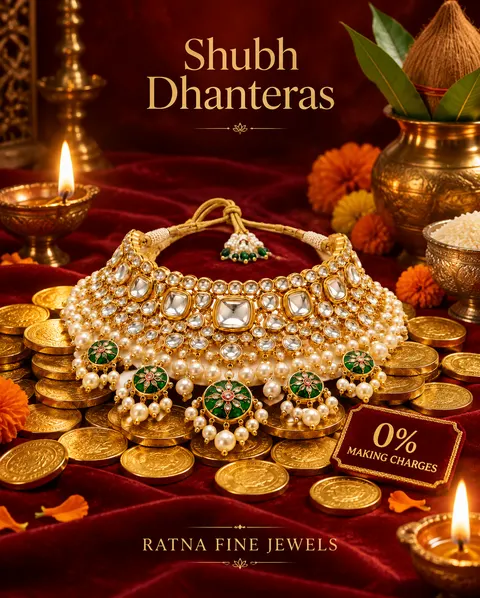
Diwali posts can help your shop share greetings, highlight gifts and let customers know about a festive offer. Sellers often feature jewellery, clothing, sweets, accessories and home décor. A clear product photo gives people a closer look, while a Diwali greeting or a short offer message makes the post feel timely. You can also make posts for Dhanteras or Bhai Dooj.

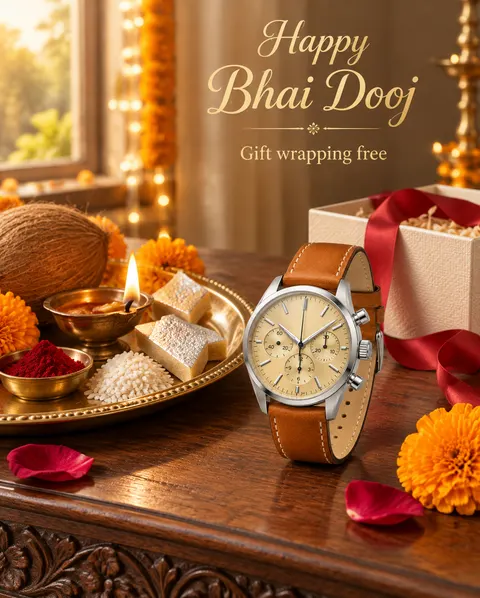
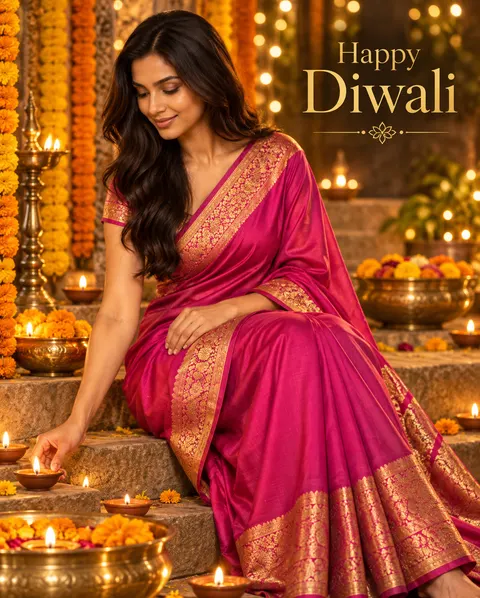

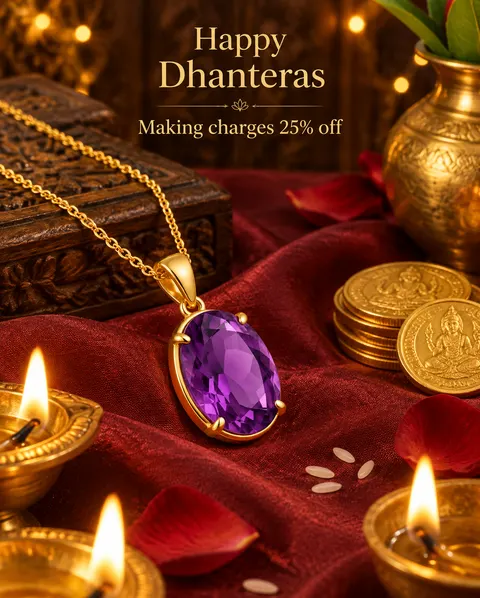
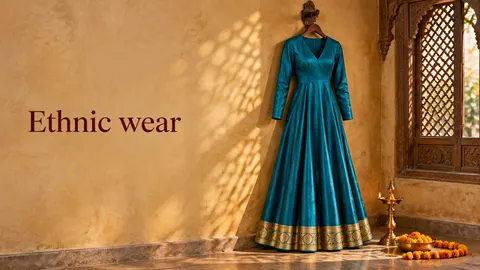

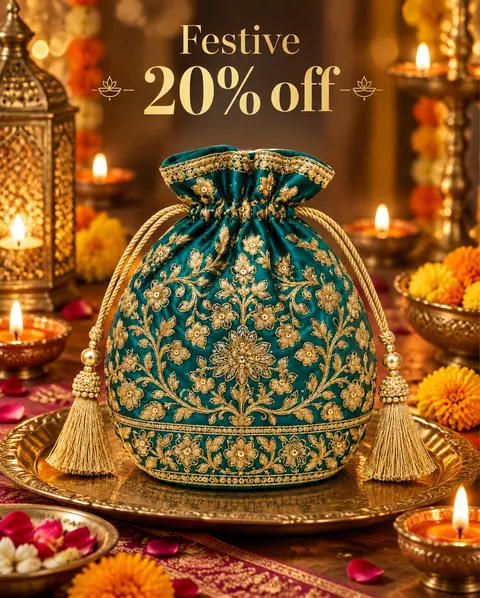
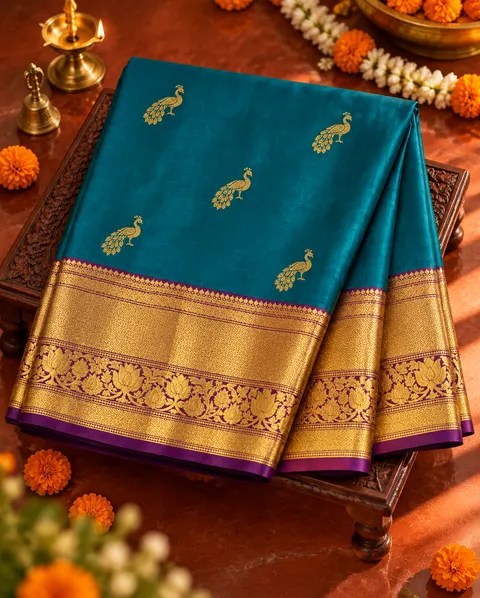
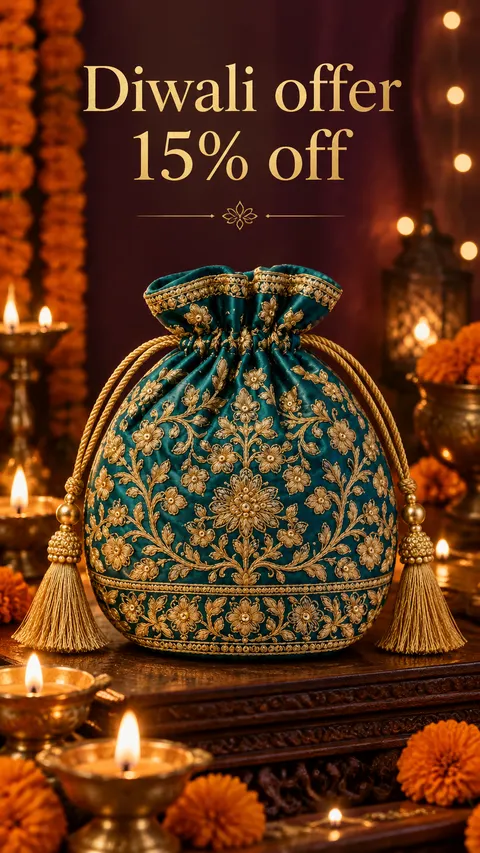



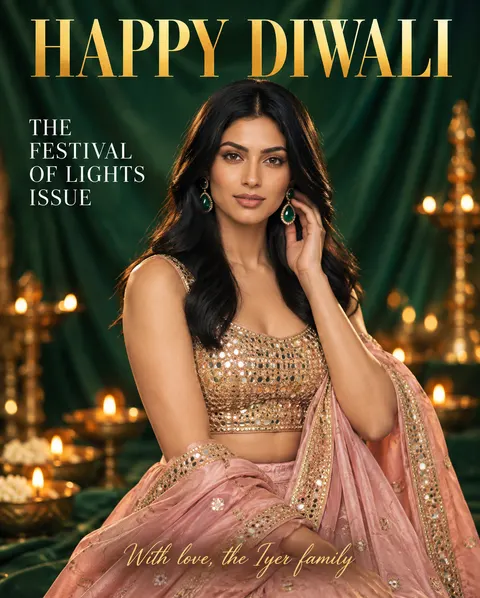

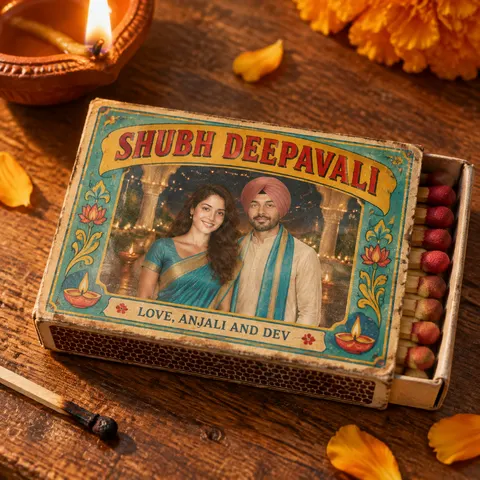


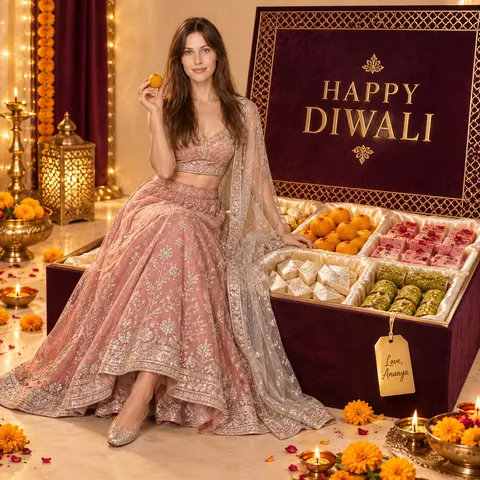
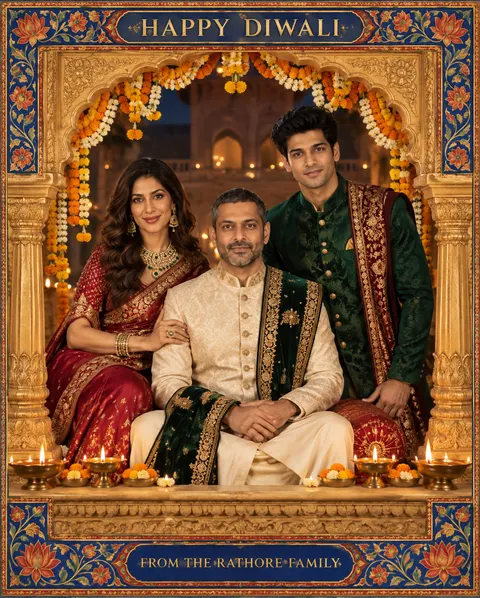

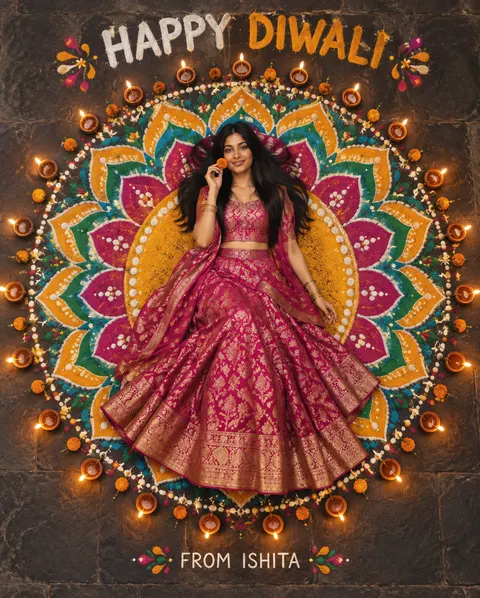

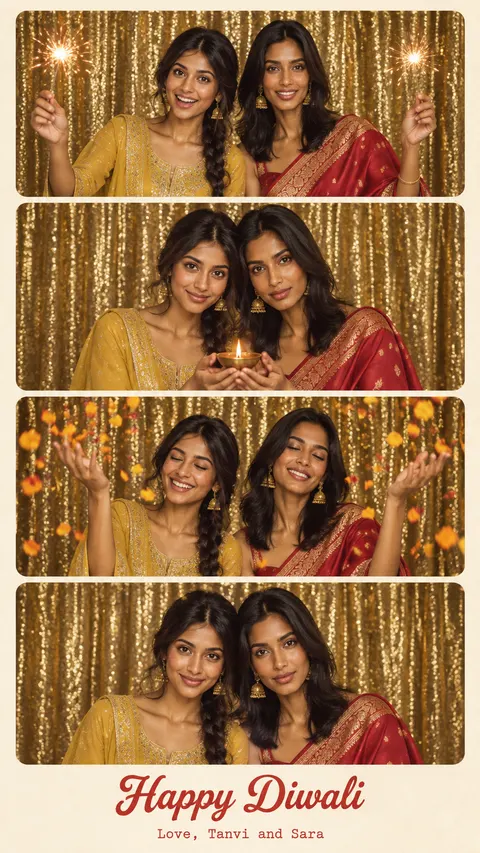



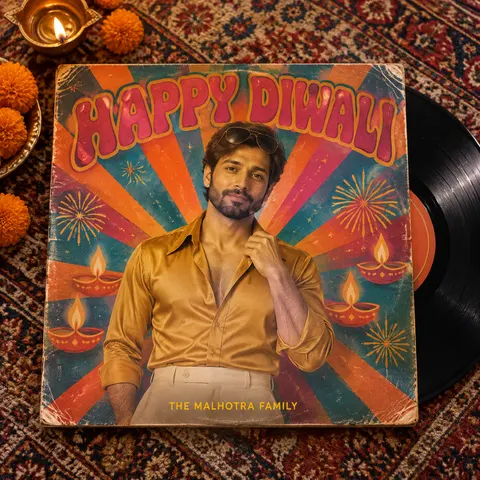
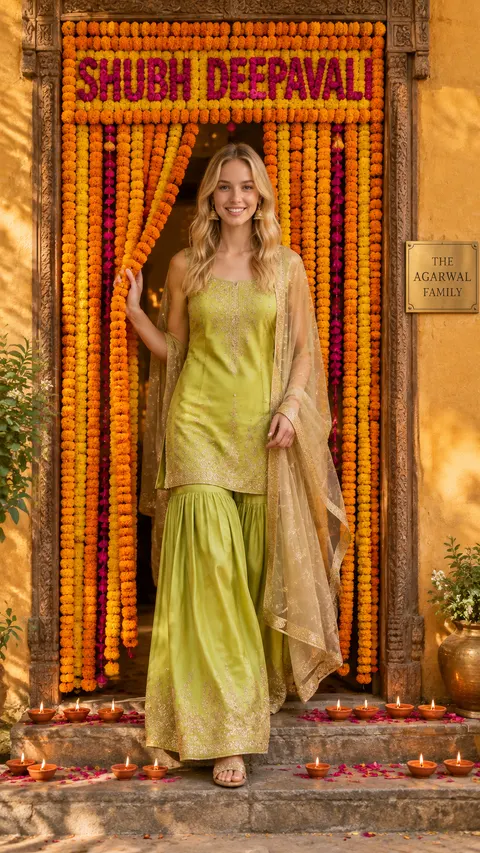

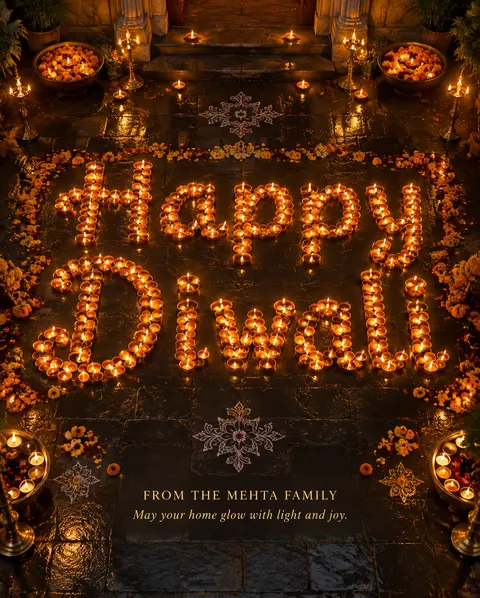

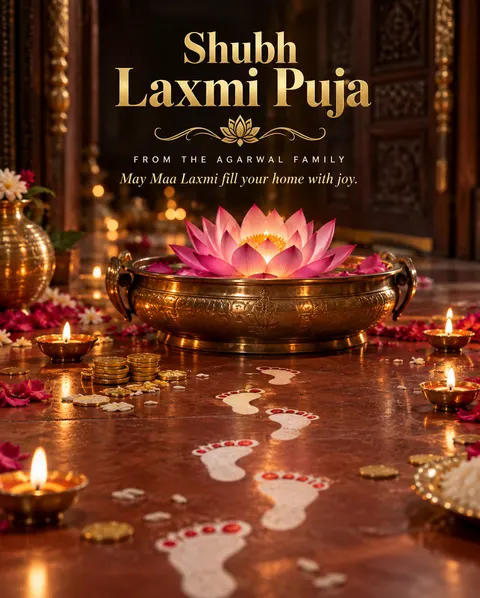

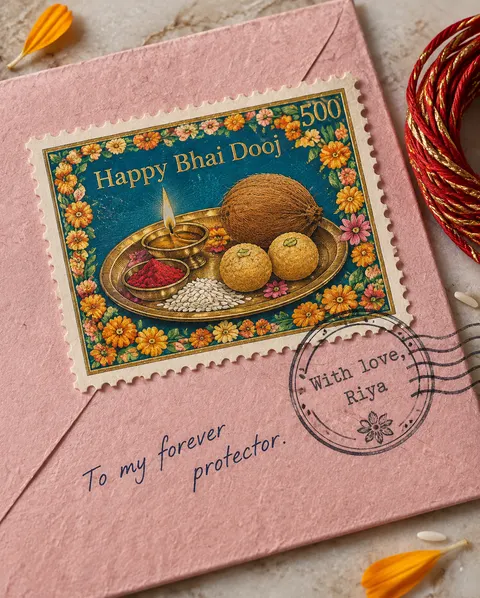
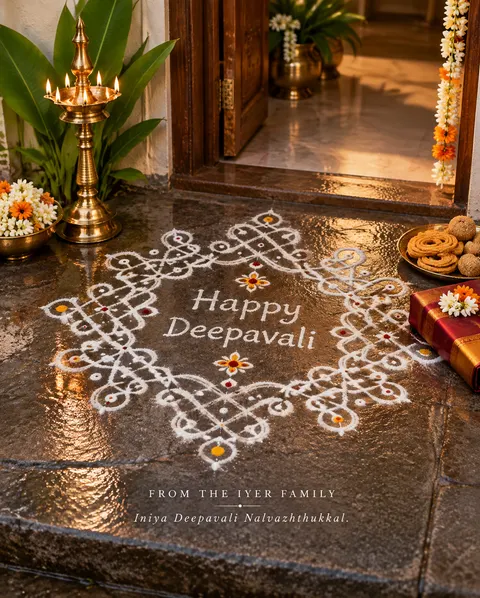
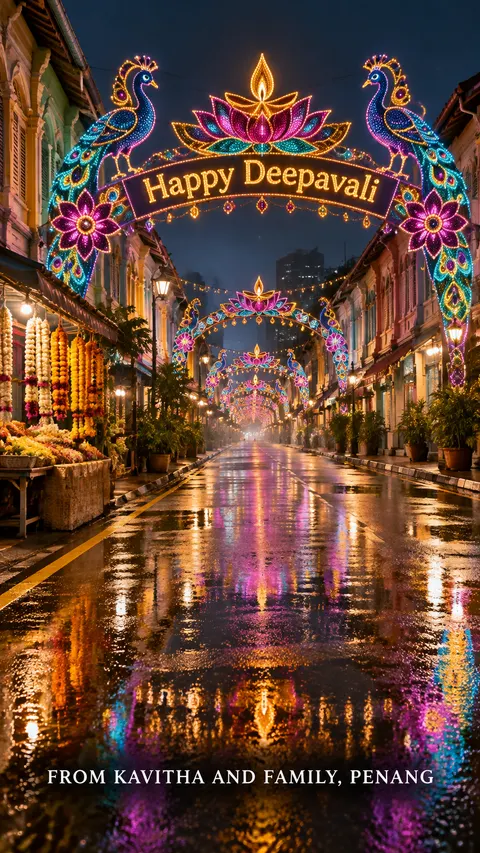
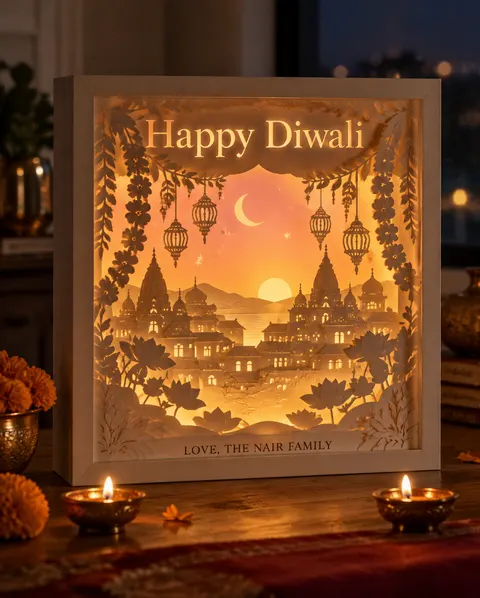



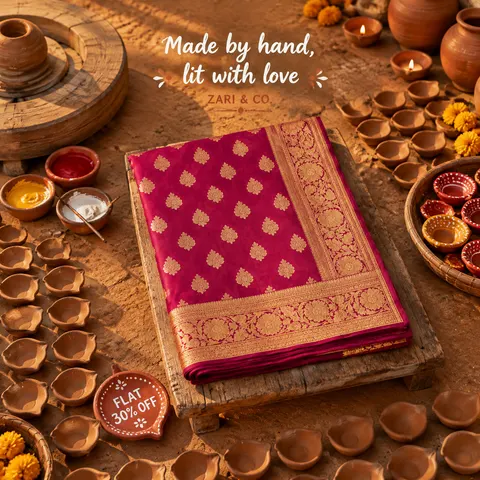


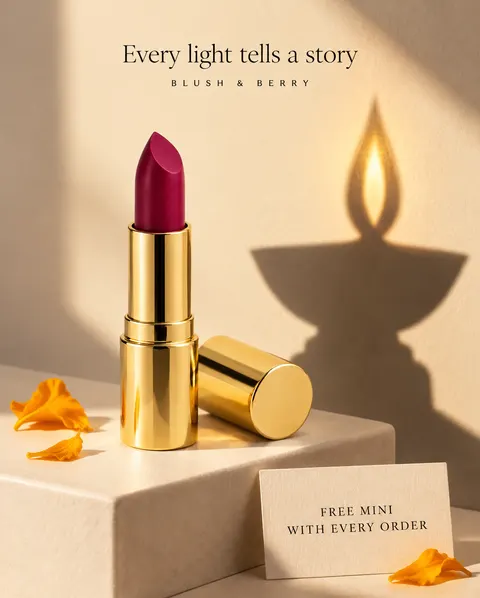
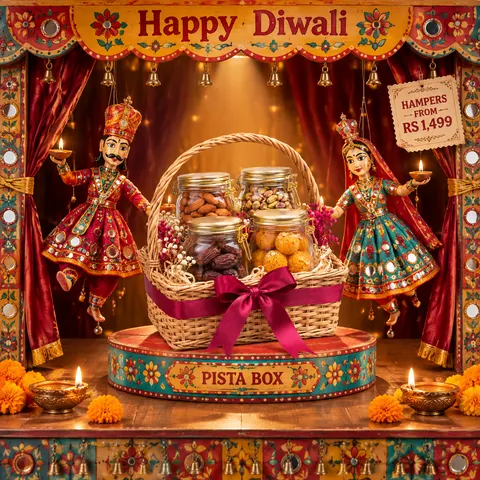

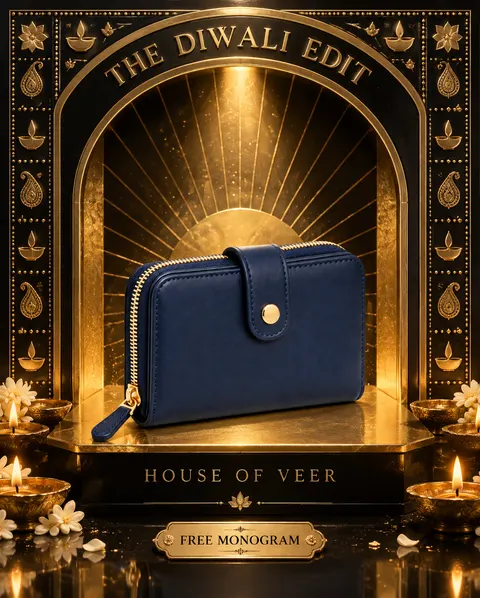
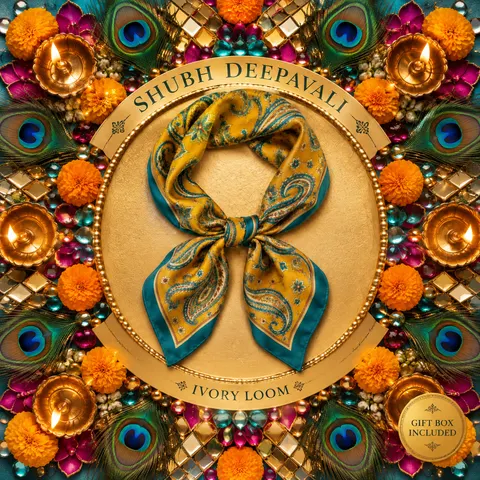
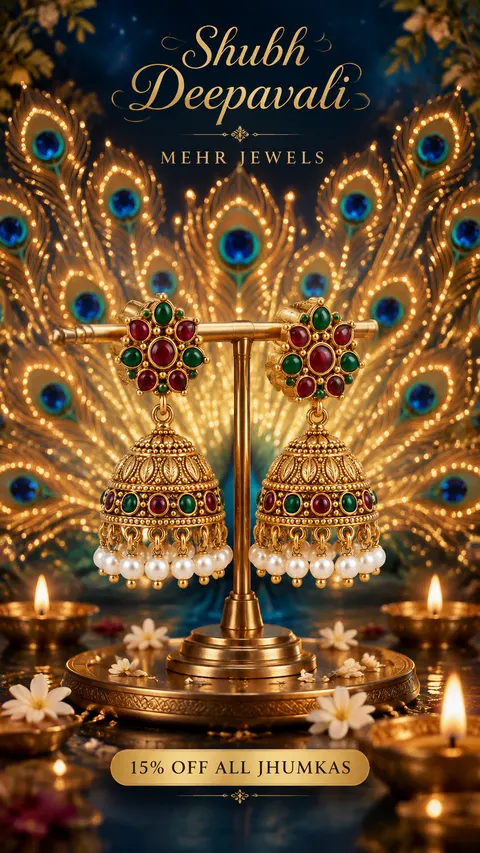

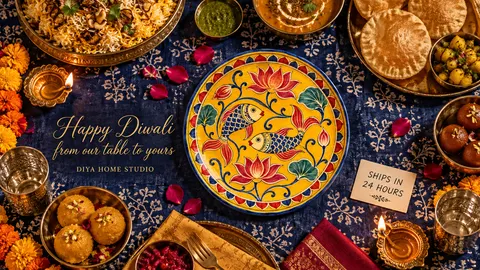
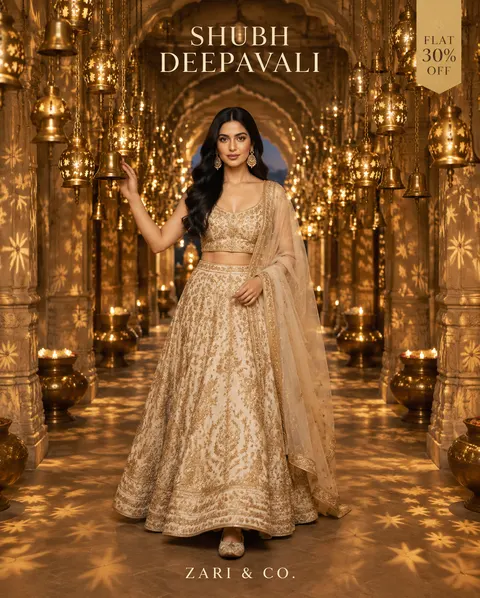
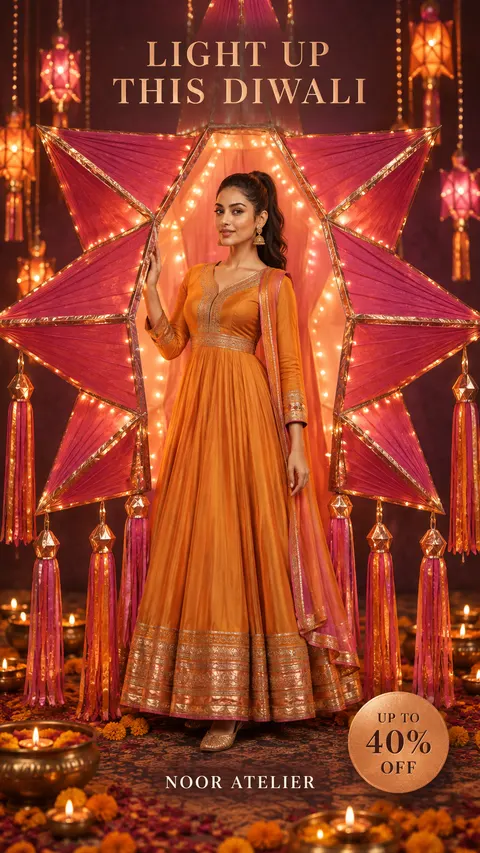
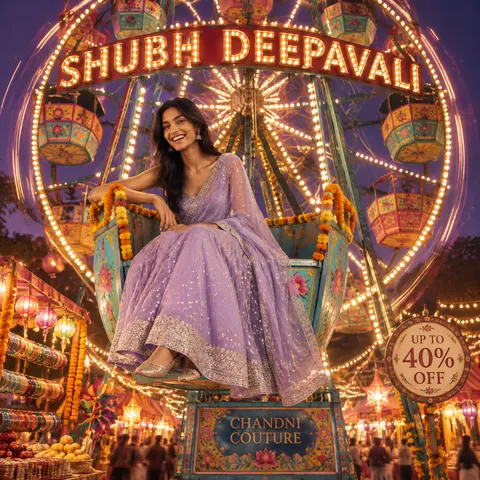
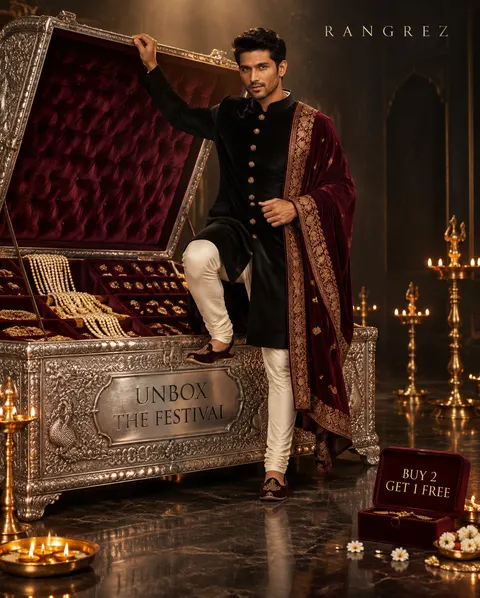
About these photos
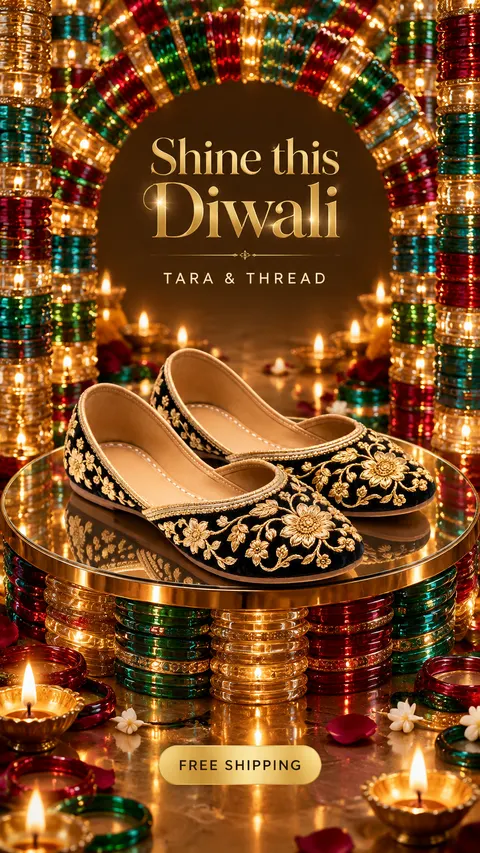
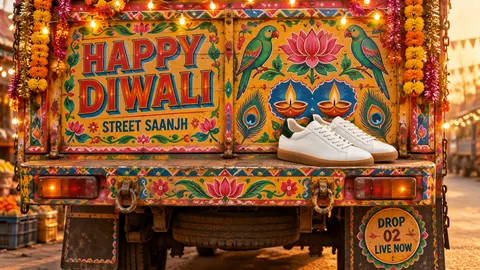
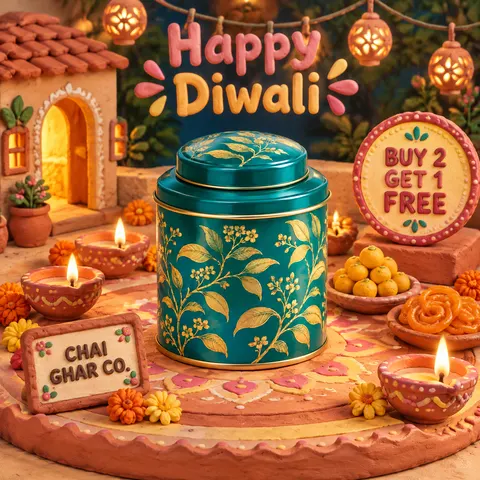
Choose a scene that reads as Diwali at a glance. Diyas, rangoli, marigolds, festive lights and sparklers can set the mood without hiding your product. Warm light works well with gold, red and other rich colours. Keep words on the image brief, such as a greeting or a simple sale message, and leave enough space around the product so its shape and details stay clear.
Plan a mix of posts for the days around Diwali. Start with a greeting or a preview of festive products, then share gift ideas and any sale information. Pick templates that suit the item you are showing, from jewellery still lifes to clothing photos on a model. Use square images for feed posts, vertical designs for stories and status updates, and wider layouts for email headers.
How to get a great photo
- Choose a template with Diwali details such as diyas, rangoli or festive lights.
- Use a sharp product photo with a clear view of the item and its main details.
- Keep props around the product, not in front of it.
- Use warm, even light so gold, fabric and other product colours remain easy to see.
- Keep greetings and offer wording short, and check that it is readable on a phone.
- Choose a square, vertical or wide layout to fit where you plan to share the post.
Questions sellers ask
- What should I include in a Diwali product photo?
- Show the product clearly and add a few Diwali cues, such as a diya, rangoli or festive lights. Keep decorations from covering important product details.
- Which products work well in Diwali posts?
- Jewellery, festive clothing, gifts, sweets and home décor can all suit Diwali posts. Choose a template that fits the product and the message you want to share.
- What words should I put on a Diwali post?
- Use a brief Diwali greeting, gift message or sale note. Keep the text easy to read and leave space for the product.
- Can I make a Diwali photo for a story or status?
- Yes. Choose a vertical template for stories or status updates. A square layout can suit feed posts, while a wide design can work for an email header.
Updated 16 Nov 2026
Diwali
Make your first photo
Create a free account to use any of these templates. New accounts start with 25 free credits.