By kind of photo
Sale poster photo ideas for product offers
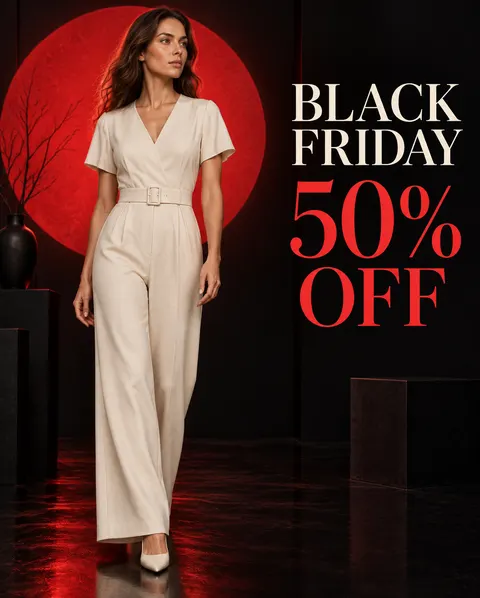
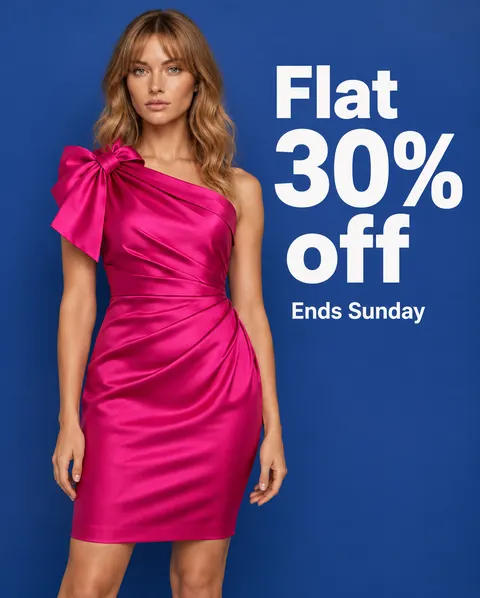
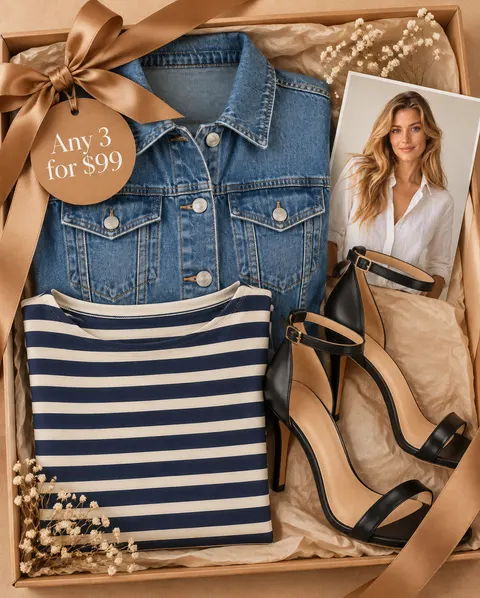
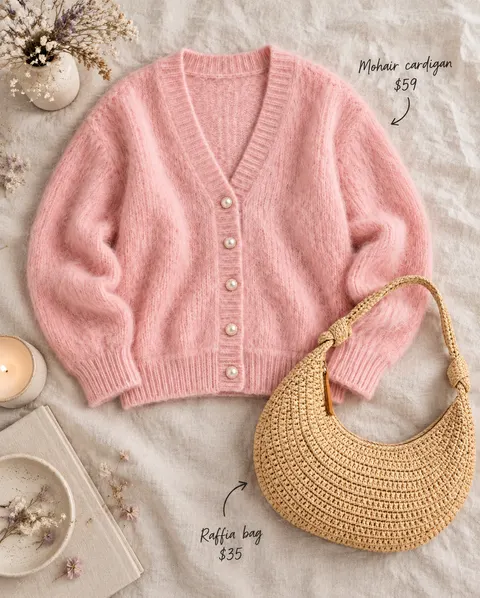
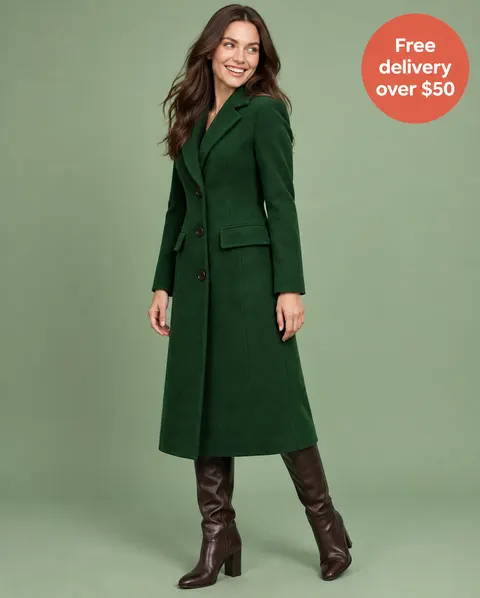
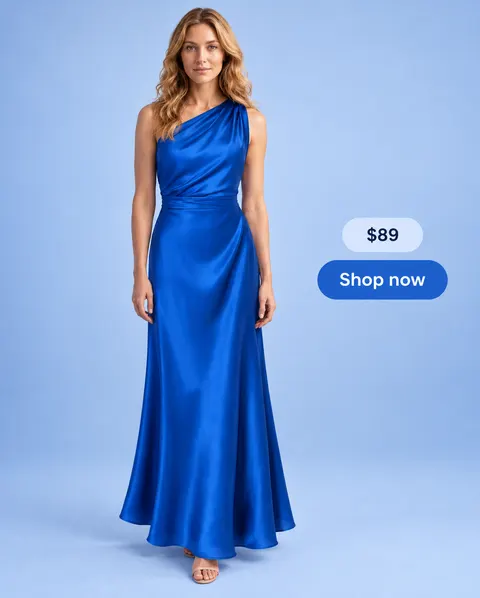
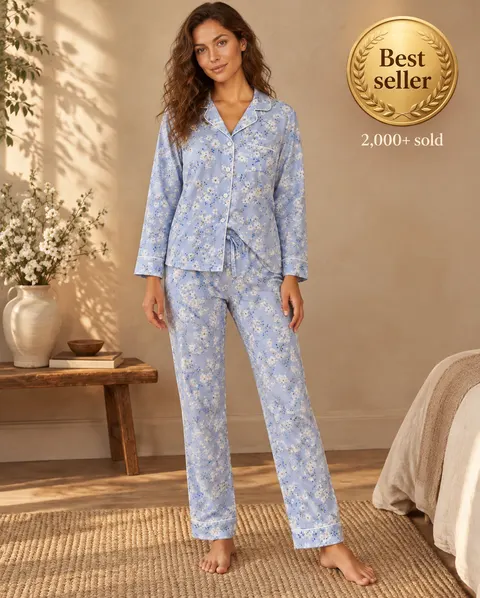
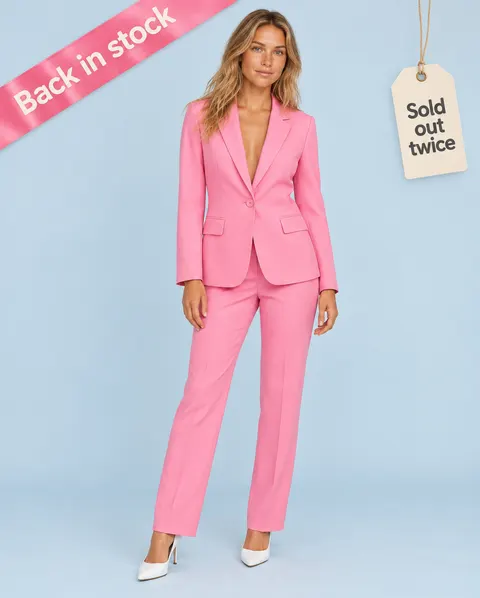
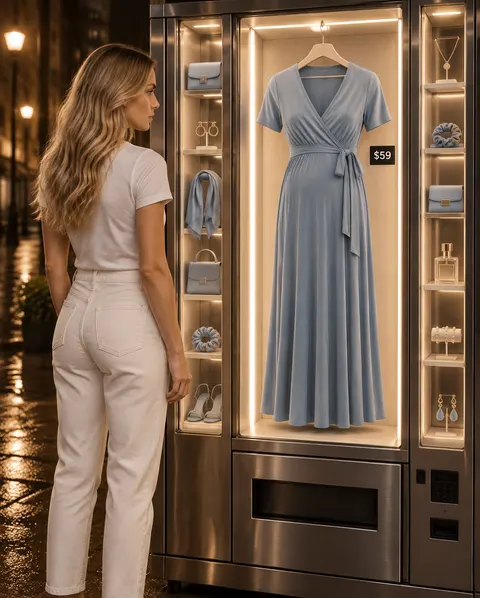
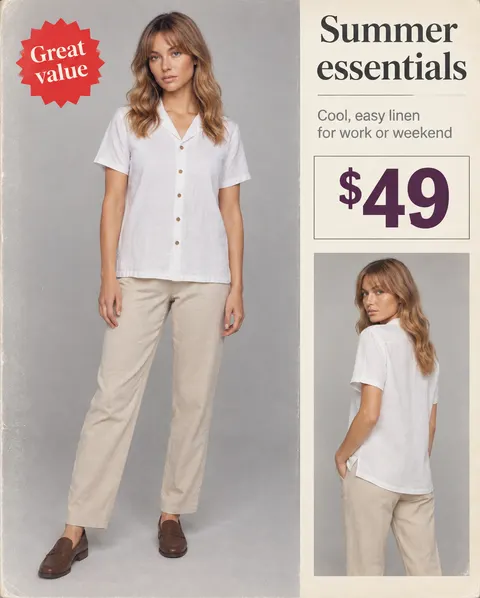
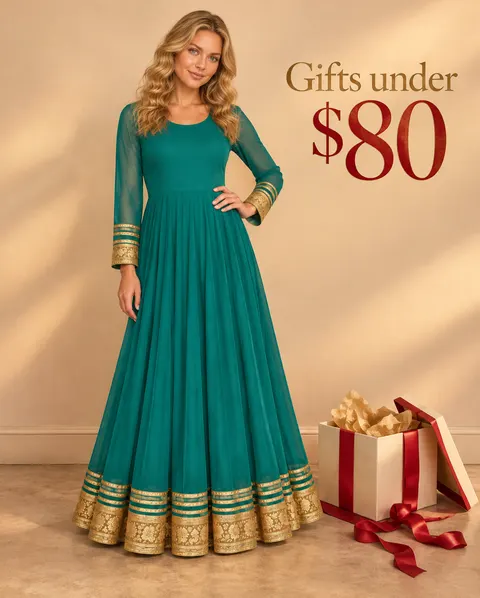
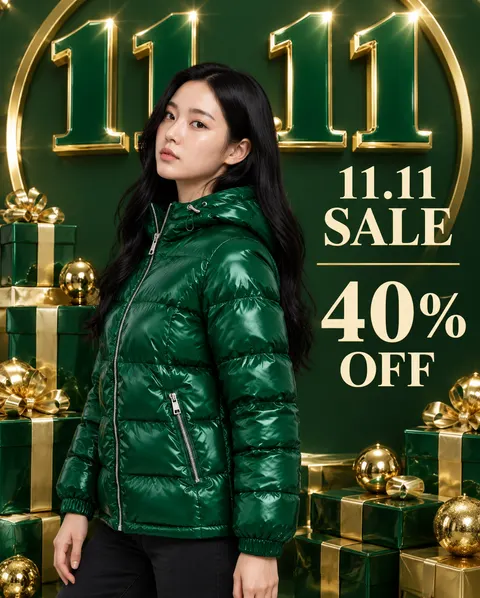
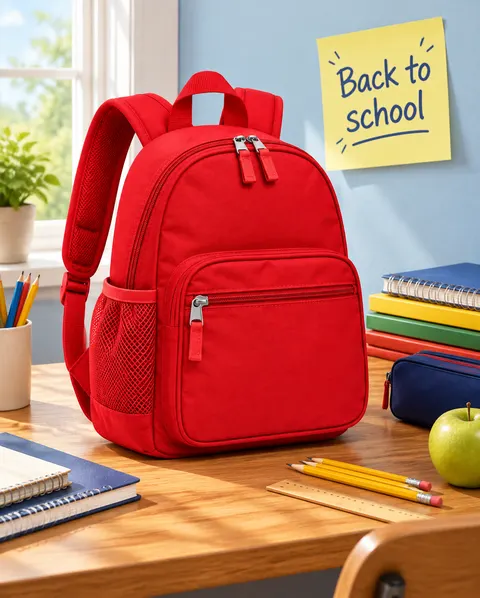
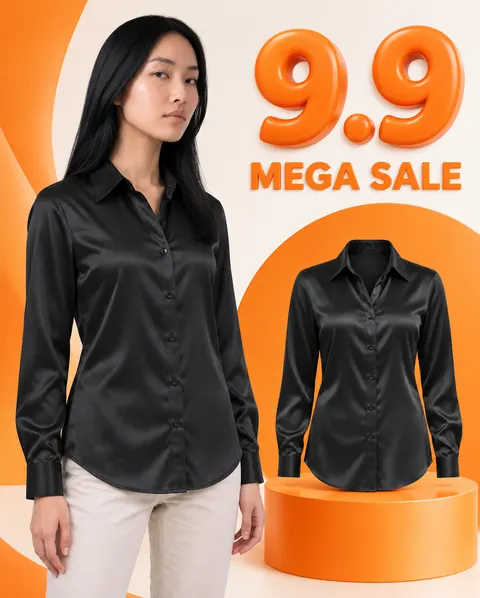
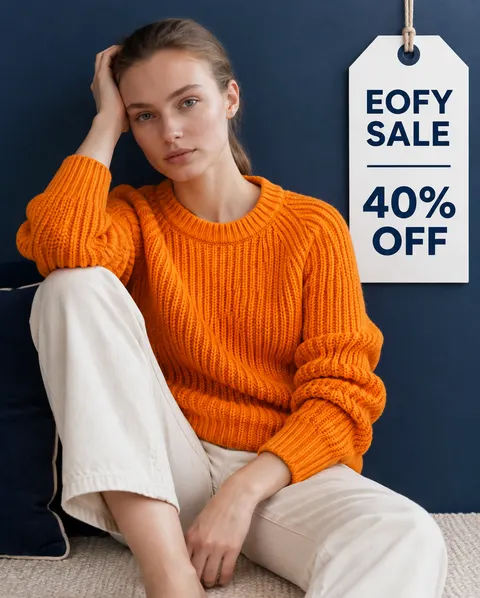
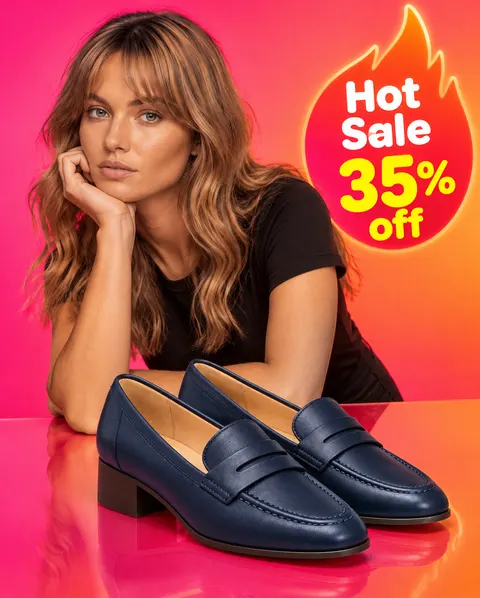
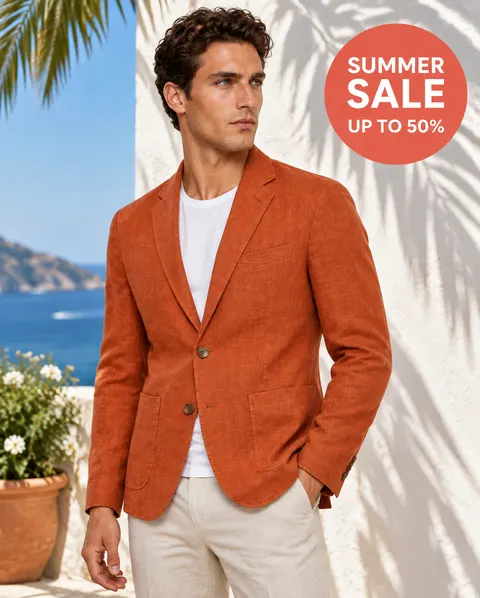
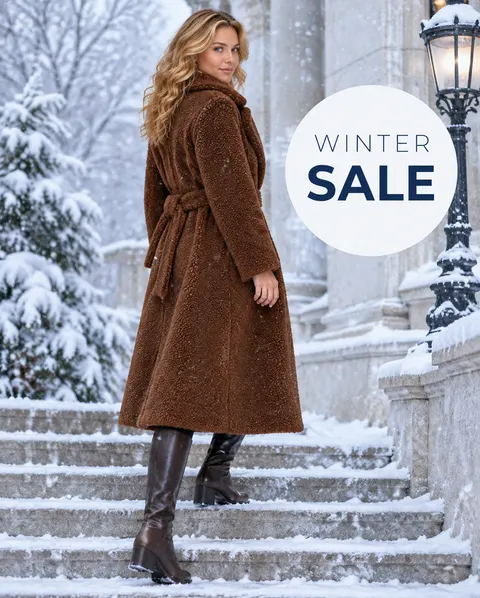
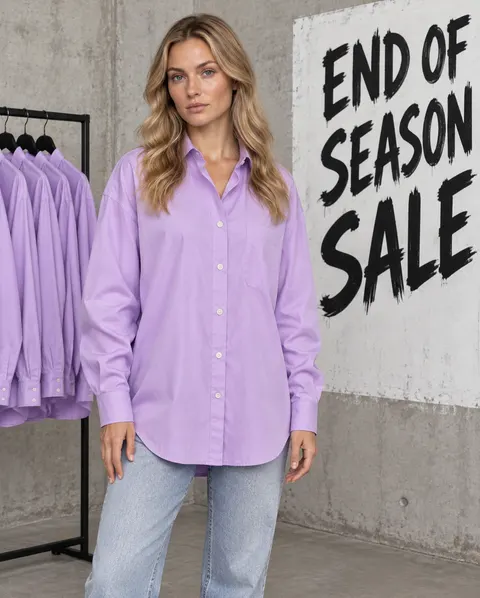
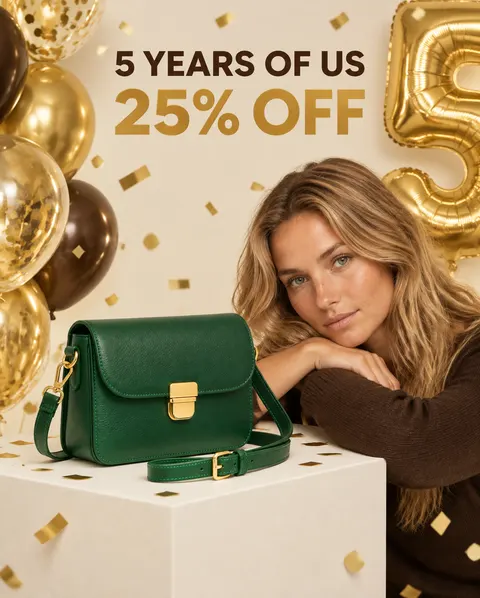
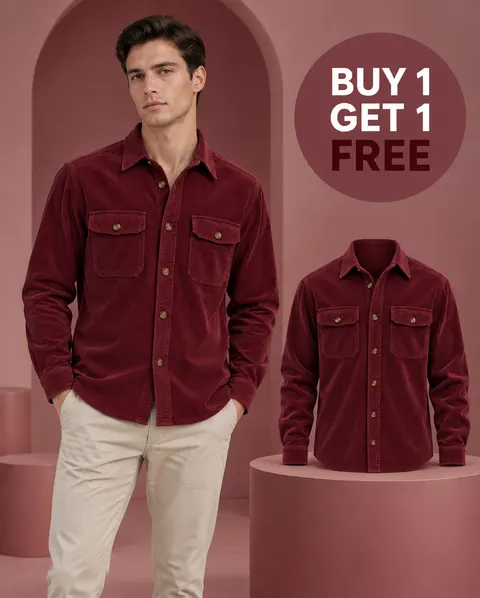
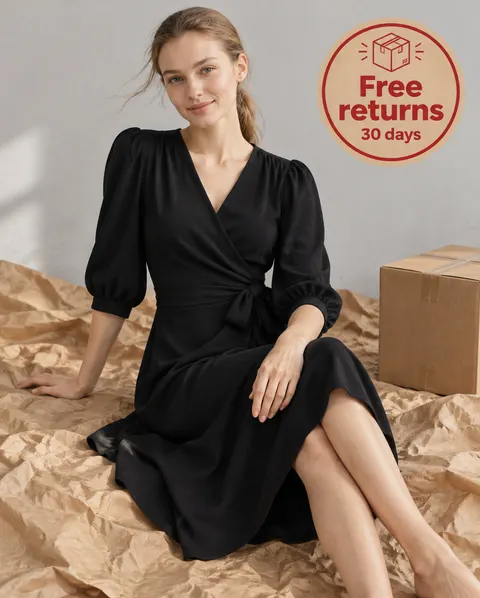
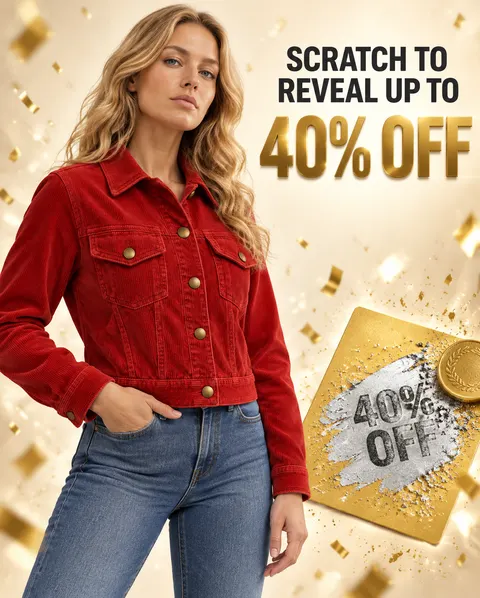
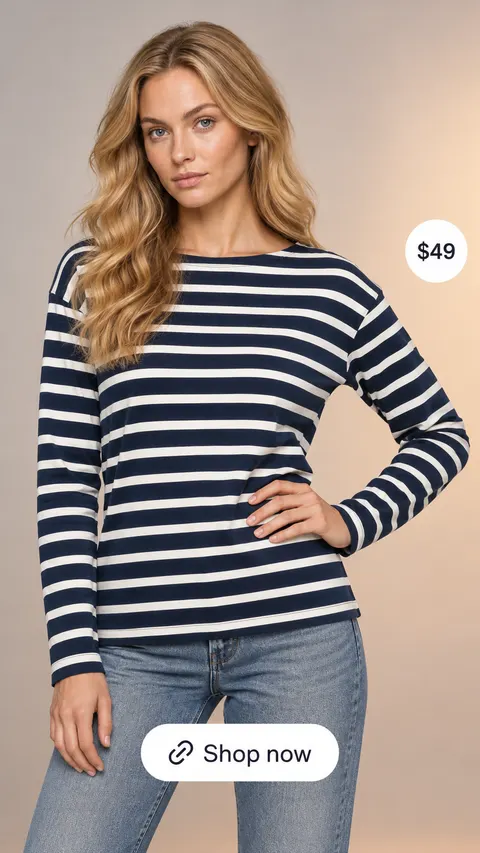
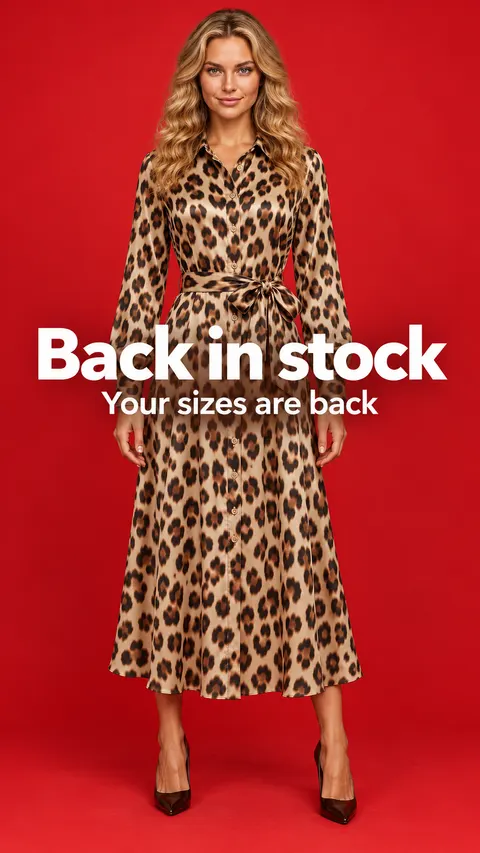
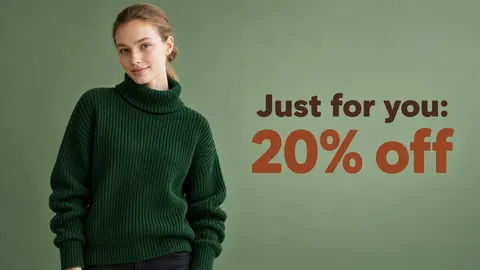
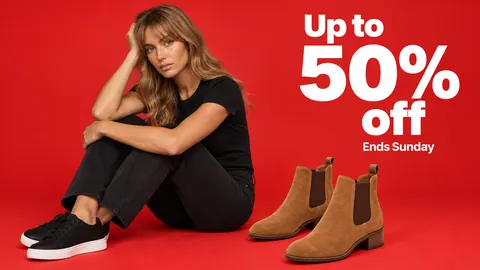
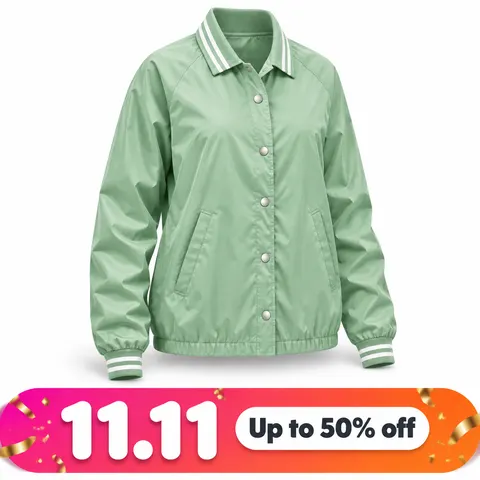
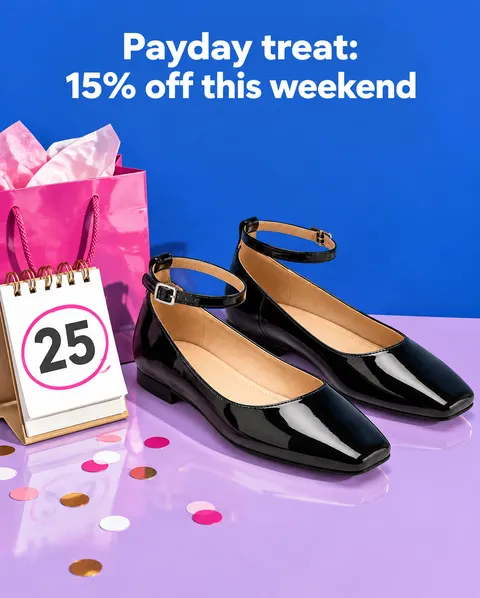
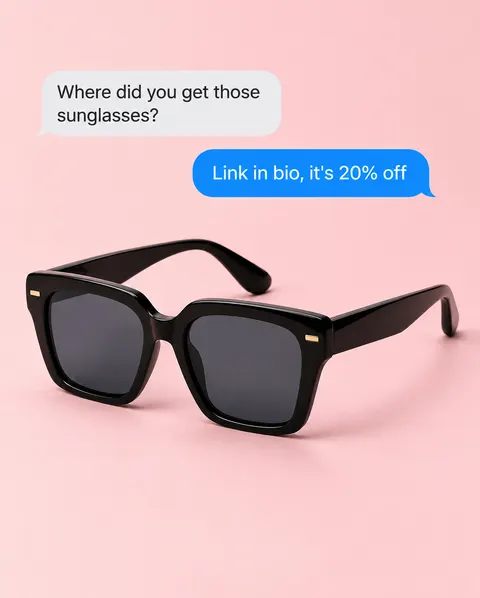
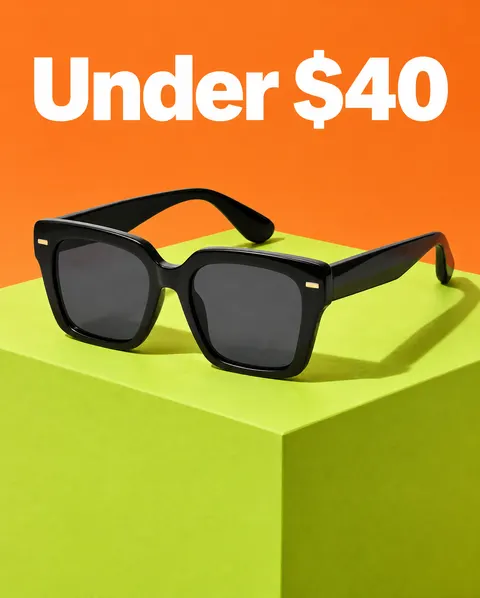
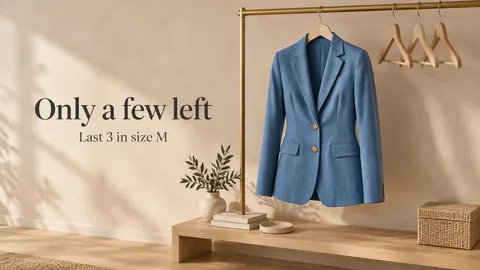
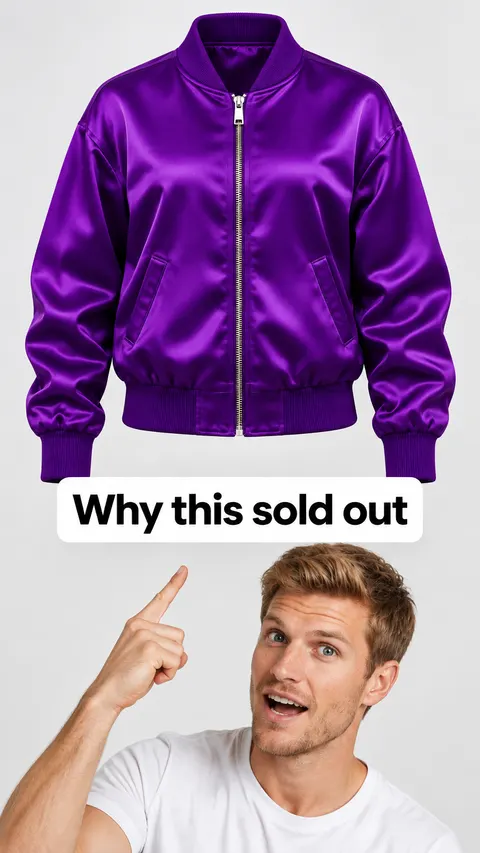
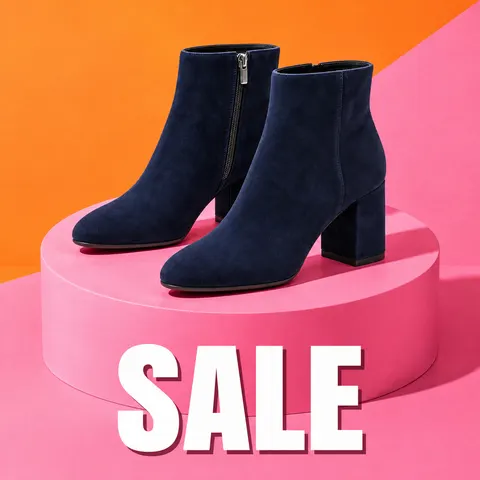
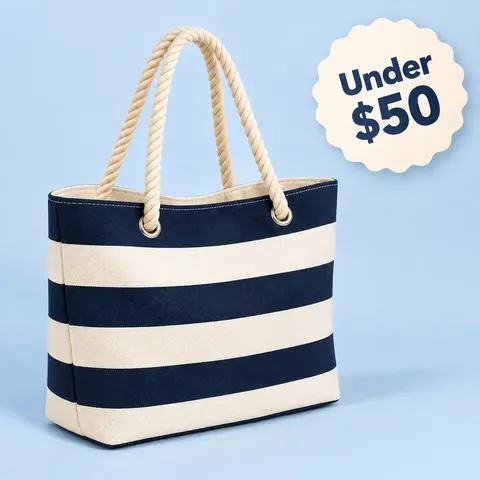
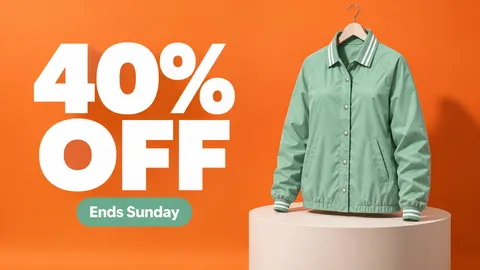
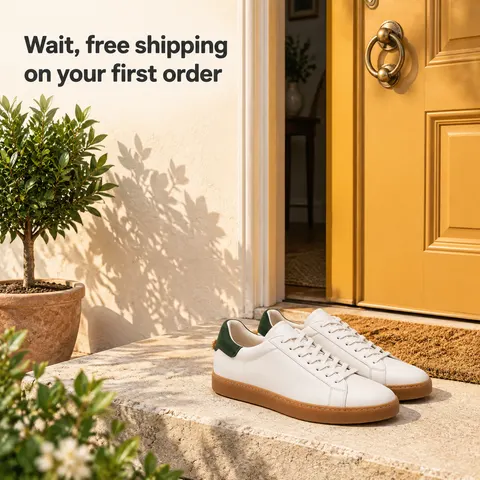
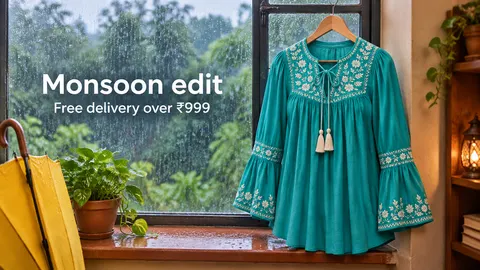
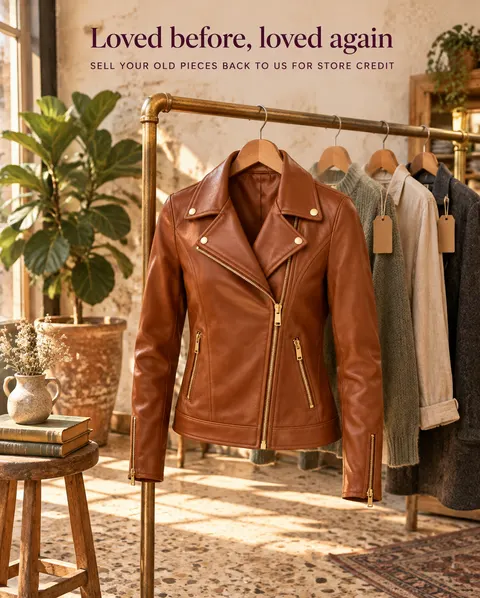
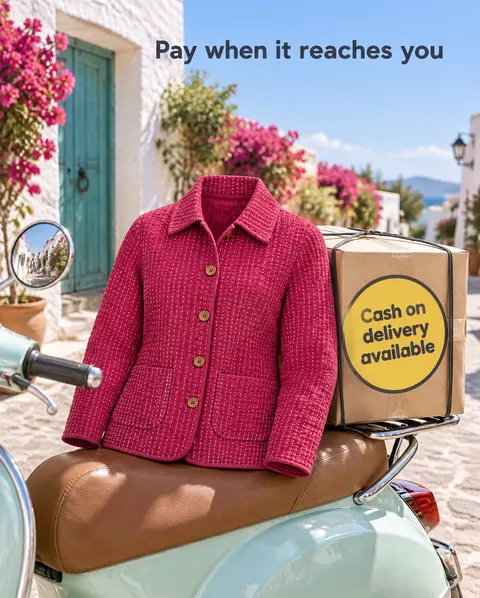
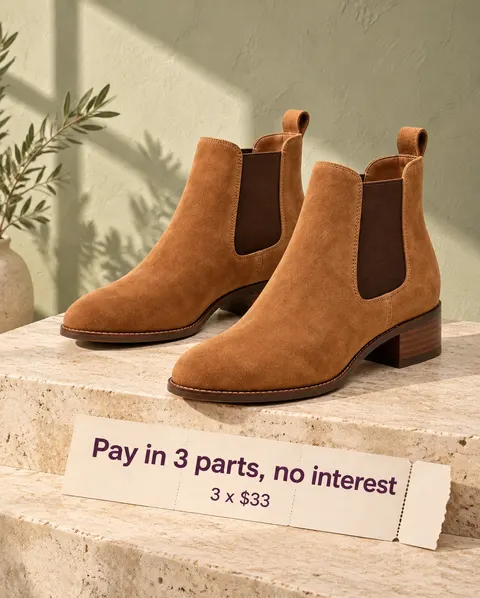
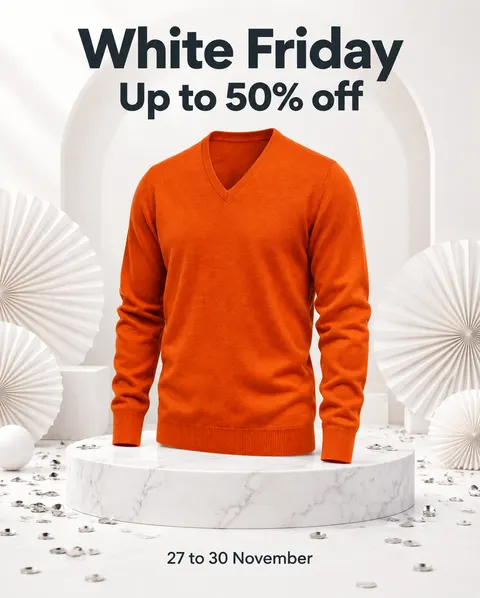
Sale posters help shoppers see what is on offer and which product to look at. Sellers use them for discounts, free delivery, bundles, back-in-stock updates and best sellers. A model photo can show how clothing fits, while a flat-lay can make a price tag or product pairing easy to notice. Choose a post that matches the message, so the photo and offer feel connected.
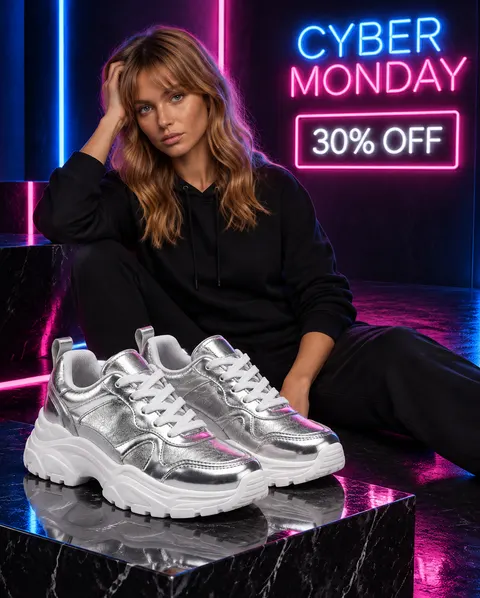
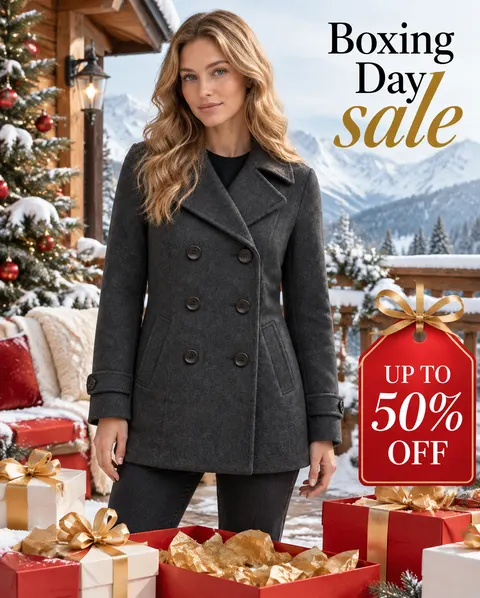
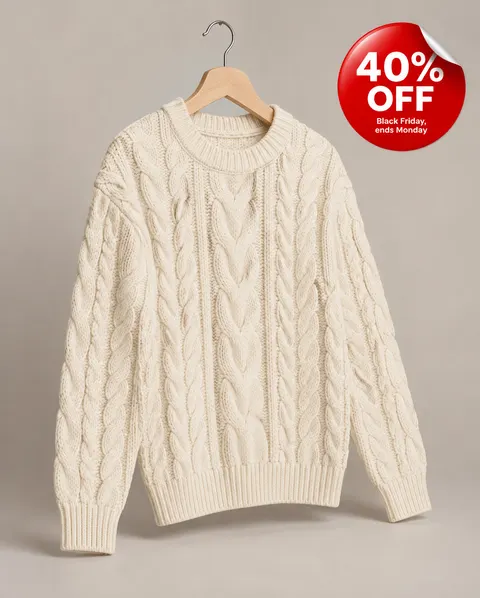
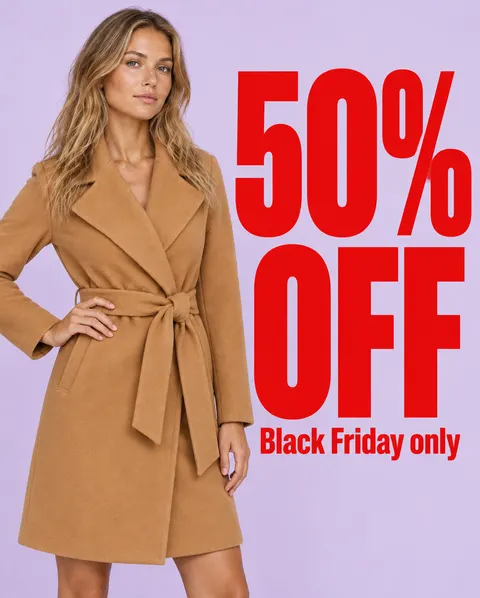













About these photos
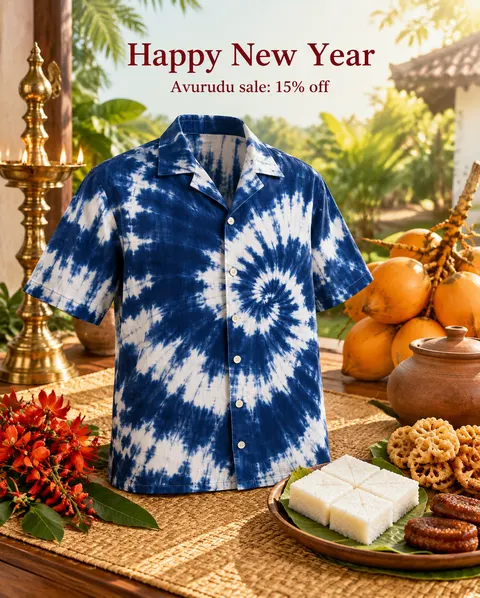
Keep the product clear and give the offer room to breathe. Use a simple setting, soft even light and colours that suit the item. A clean background can make a bright garment stand out; a darker setting can suit eveningwear or a seasonal sale. Add only useful props, such as a gift box for a bundle. Keep words on the photo brief, with the offer easy to read at a glance.
Plan posts around what shoppers need to know and when they need to know it. Feature seasonal clothing in a sale post, show a returning favourite in a restock post, or group matching items for a bundle offer. Use model photos for fit and styling, and flat-lays for details or paired products. Pick a square or portrait shape to suit where you plan to share the post, then add your product to a Torbilo template.
How to get a great photo
- Choose a template that matches the offer, such as free delivery, a restock or a bundle.
- Make the product the clearest part of the photo, with enough space around it for the offer text.
- Use a model photo when fit or styling matters, and a flat-lay when showing details or a product pairing.
- Keep the background, props and colours in keeping with the product and the tone of the promotion.
- Use short, legible wording so shoppers can understand the offer on a small screen.
- Choose a square or portrait crop that fits the place where you will post the image.
Questions sellers ask
- What should I include in a sale poster photo?
- Show the product clearly and add a short offer message, such as free delivery or a bundle offer. Keep extra decoration to a minimum so the message stays easy to read.
- Should I use a model photo or a flat-lay?
- Use a model photo to show how clothing looks when worn. Choose a flat-lay for product details, accessories or items sold as a pair.
- How do I make the offer text easy to read?
- Use a simple background, strong contrast and a short line of text. Leave clear space around the wording and avoid placing it over a busy part of the photo.
- Which products suit back-in-stock and best-seller posts?
- Use a back-in-stock post for an item that has returned, and a best-seller post for a popular product. Model templates can work well for clothing, sleepwear and relaxed sets.
Updated 3 Nov 2026
Sale posters
Make your first photo
Create a free account to use any of these templates. New accounts start with 25 free credits.