By kind of photo
Instagram post photo ideas for products
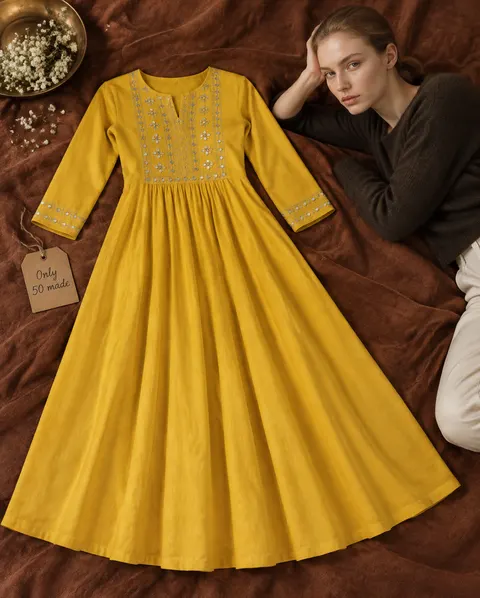
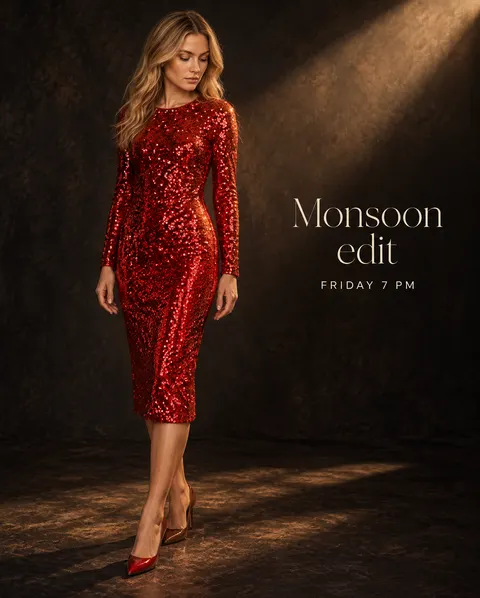
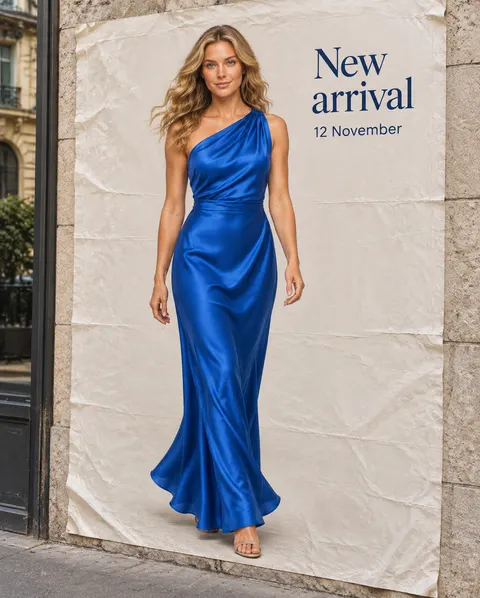
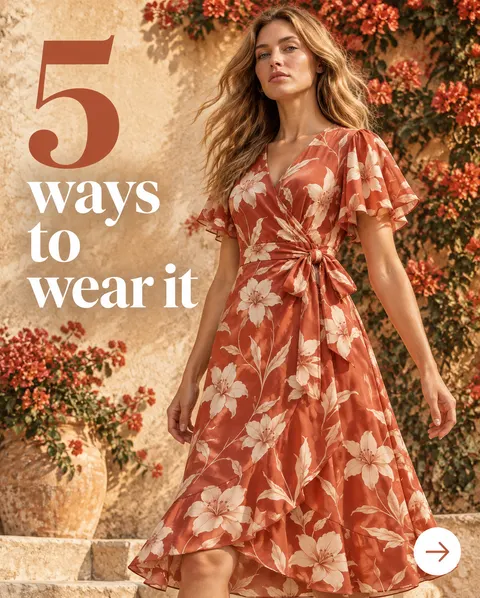
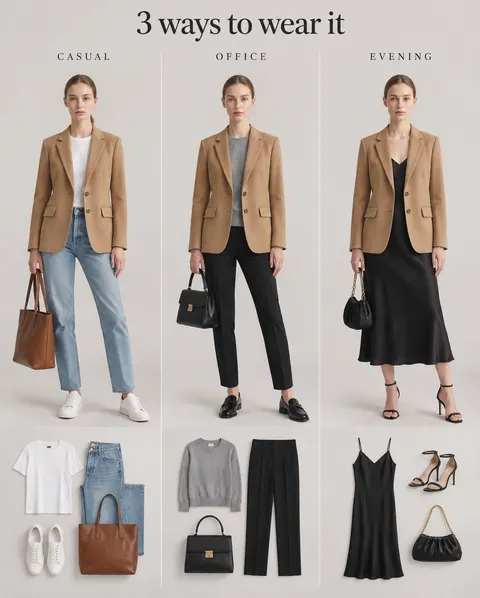
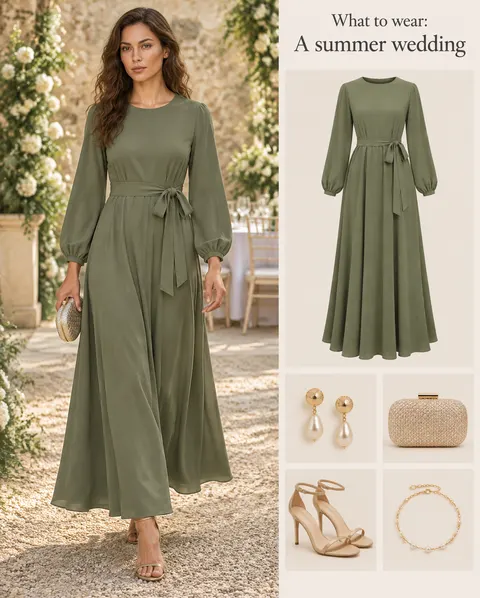
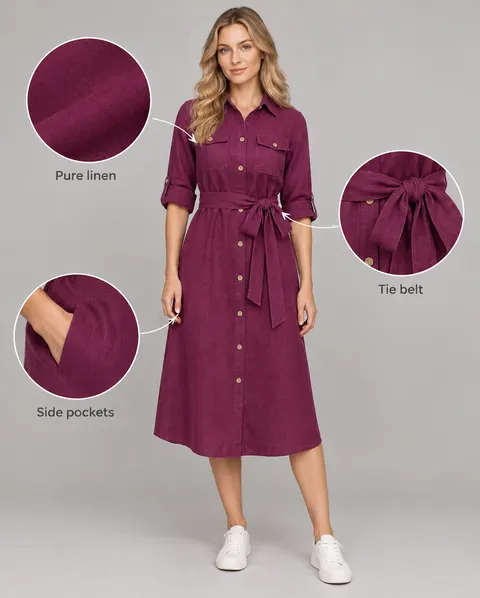
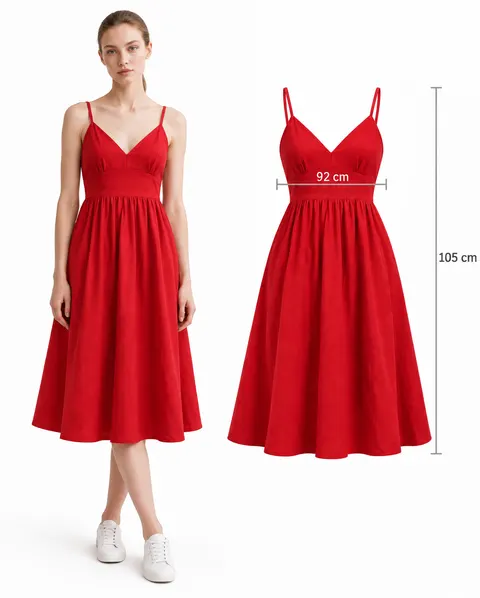
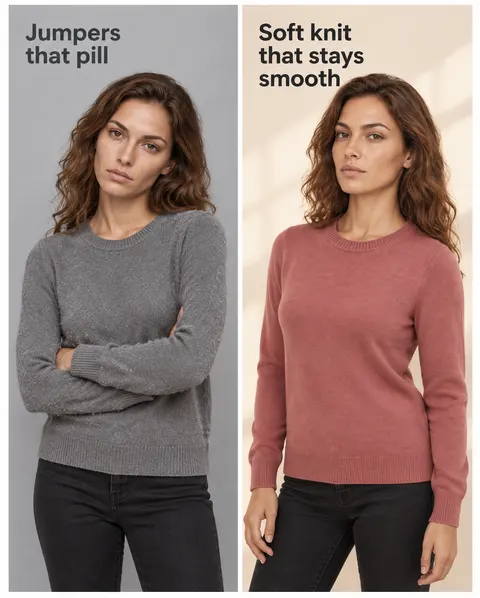
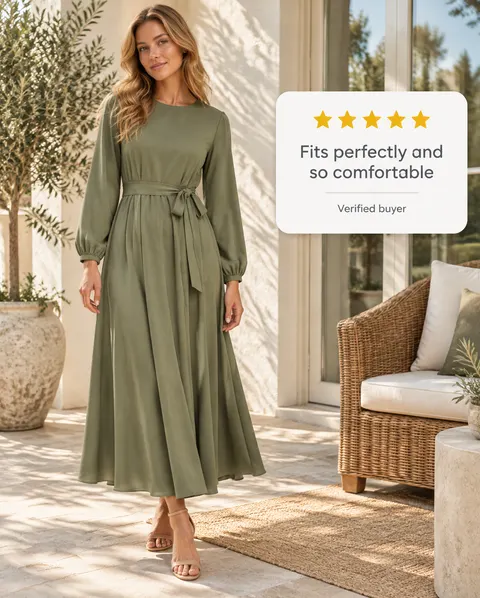
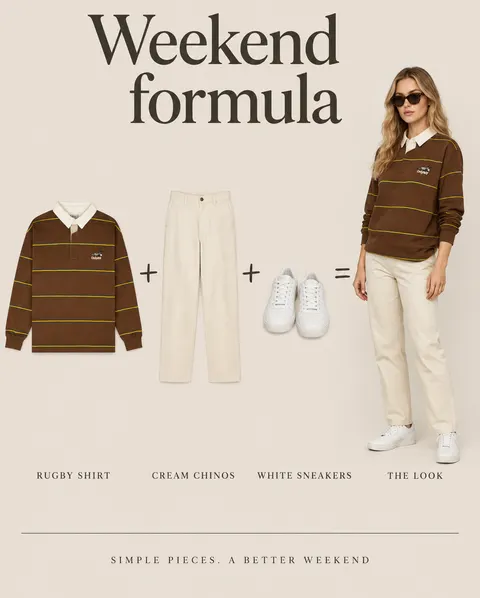
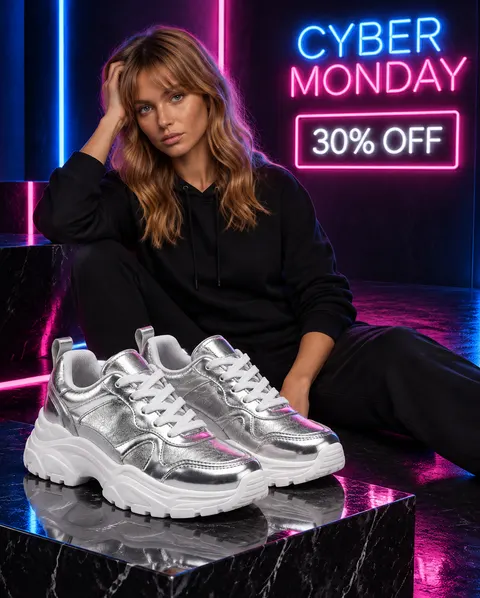
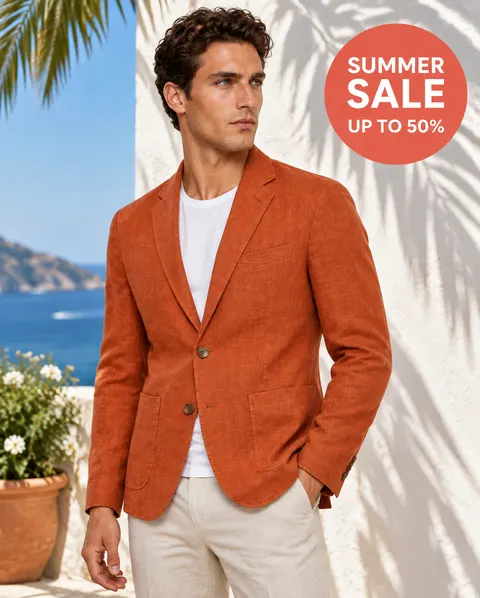
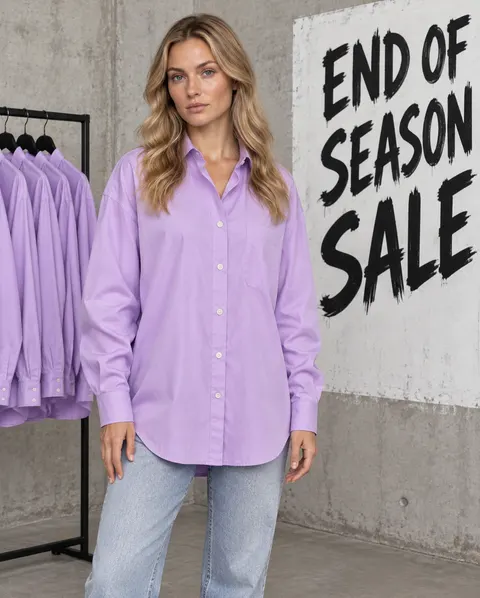
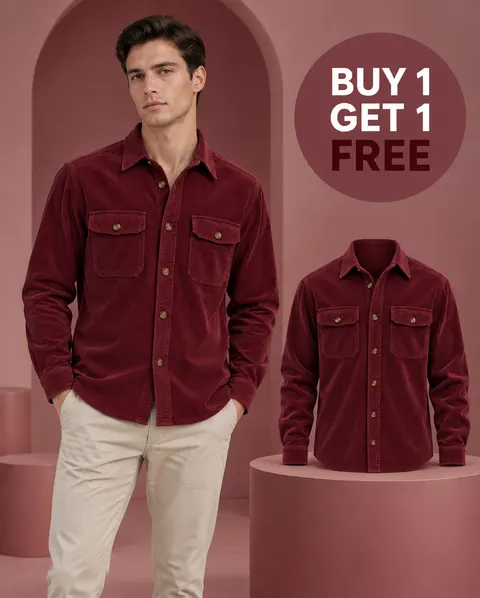
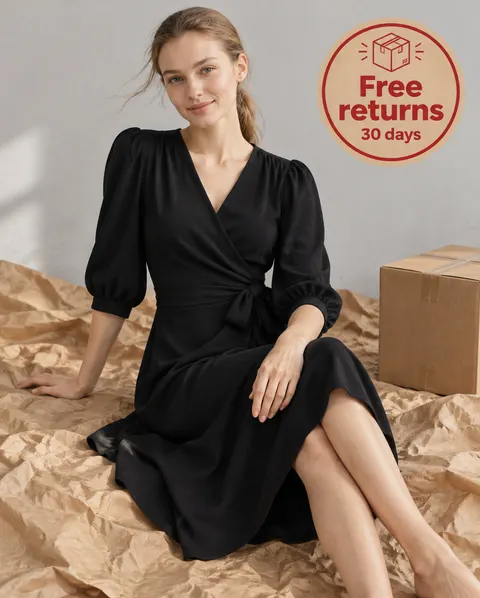
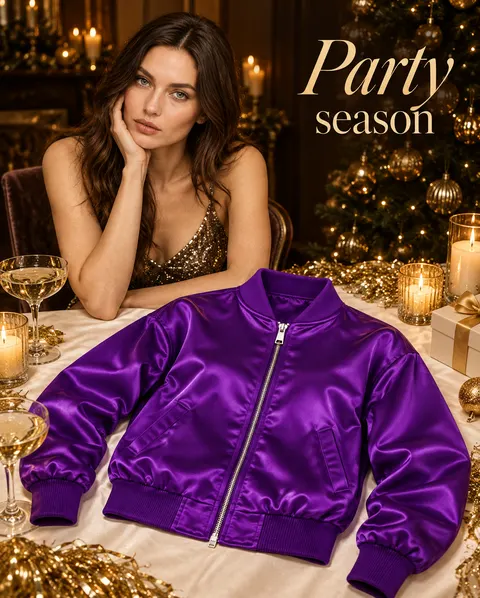
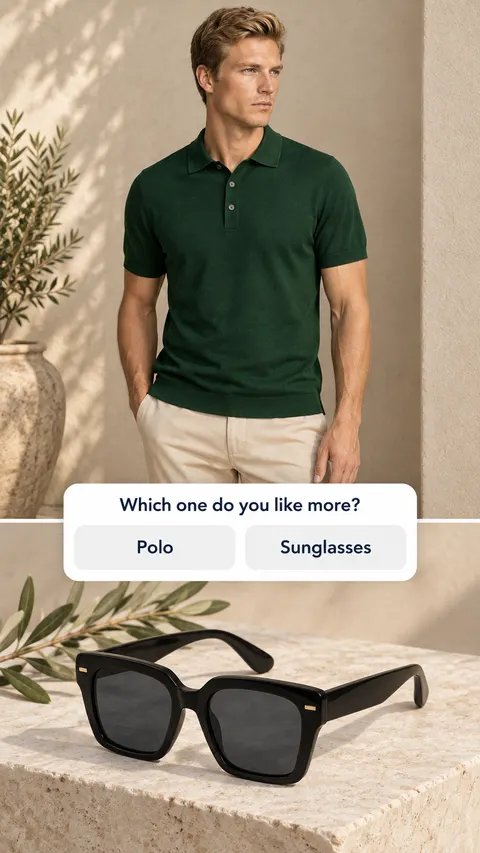
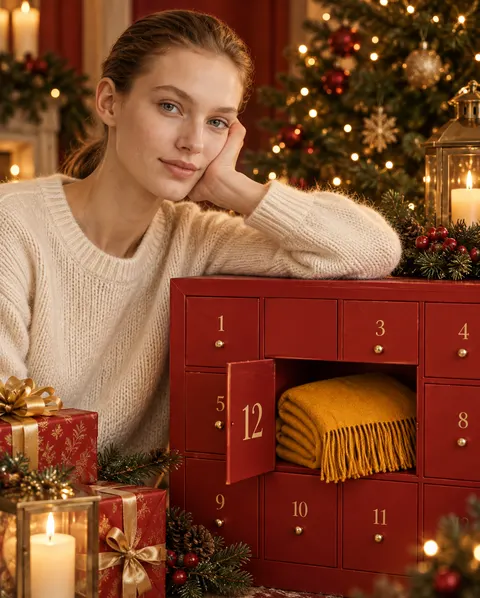
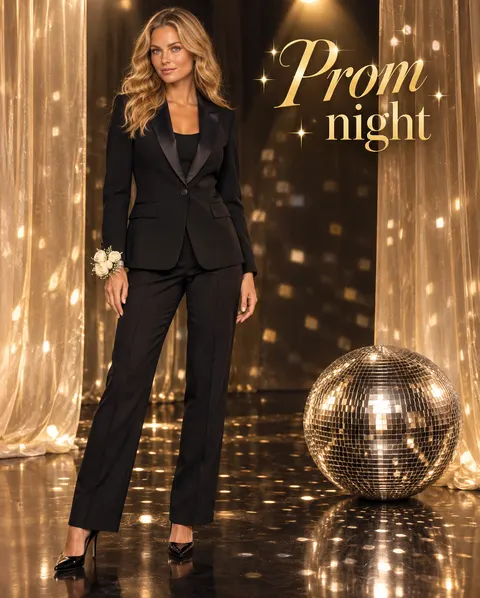
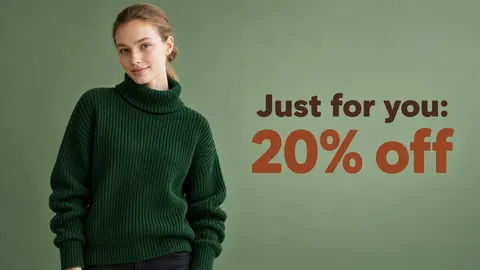
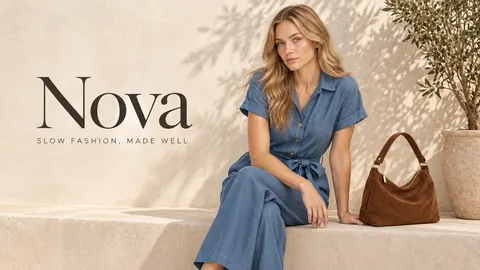
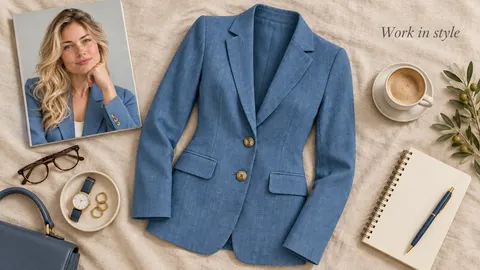
Product sellers use Instagram feed posts to introduce new collections, share offers, highlight details and let shoppers know when an item is back in stock. A clear photo gives each message something to focus on. Show clothing on a model to suggest fit and styling, or use a flat-lay to bring a product and its details into view. For a carousel, the cover photo can set up a guide, comparison or set of styling ideas.
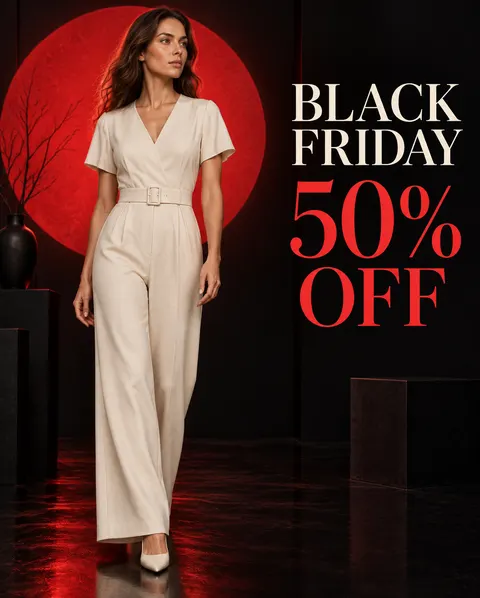
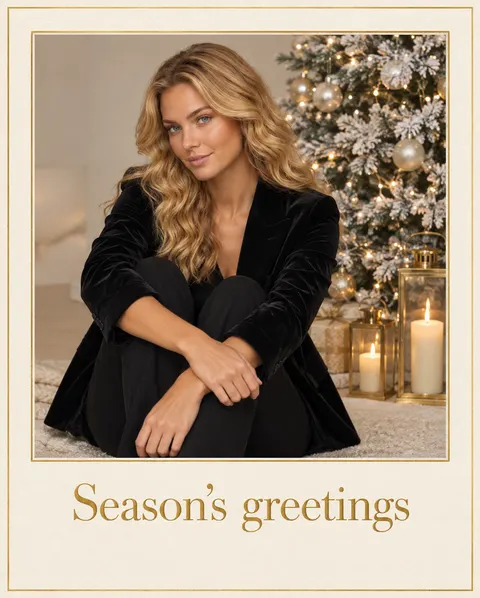
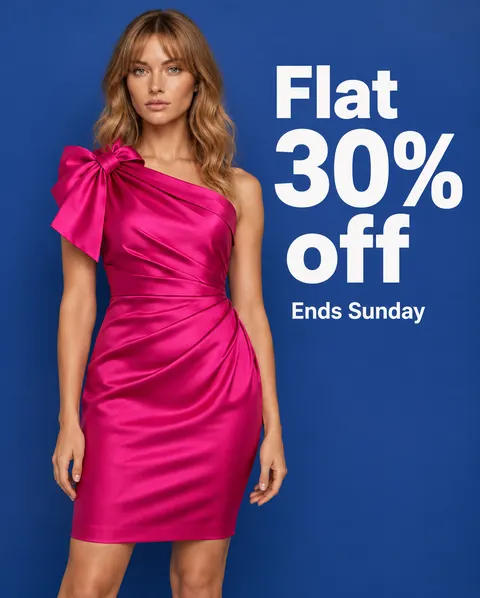
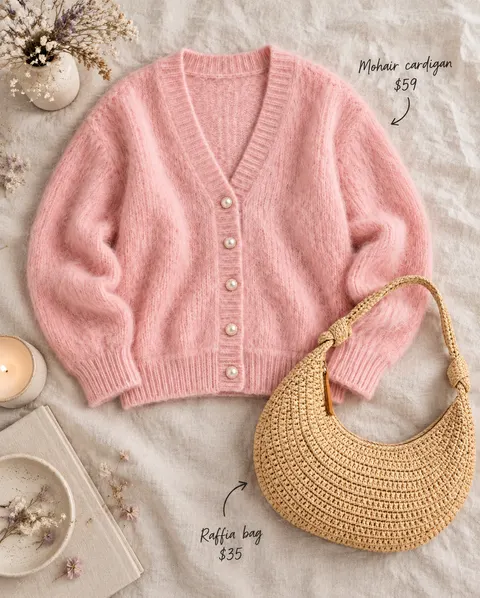
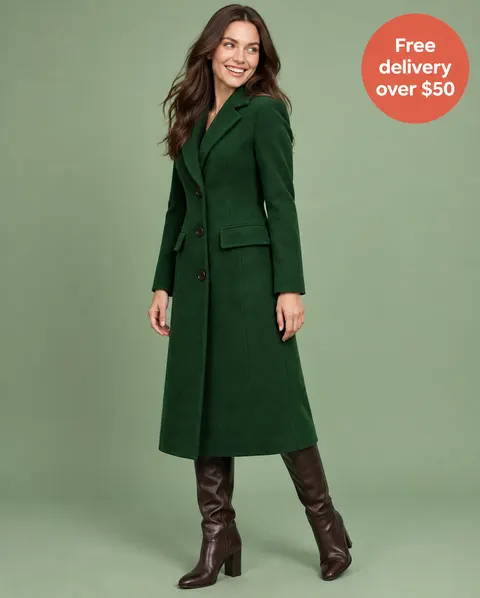
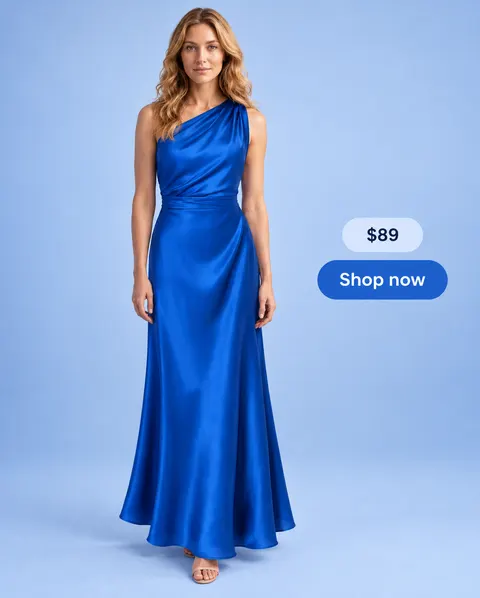
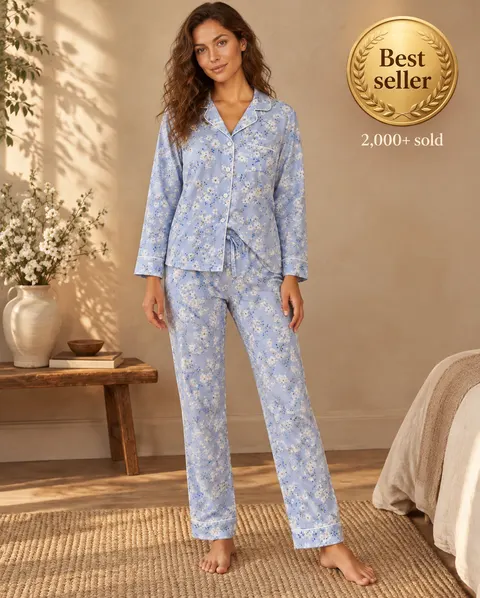
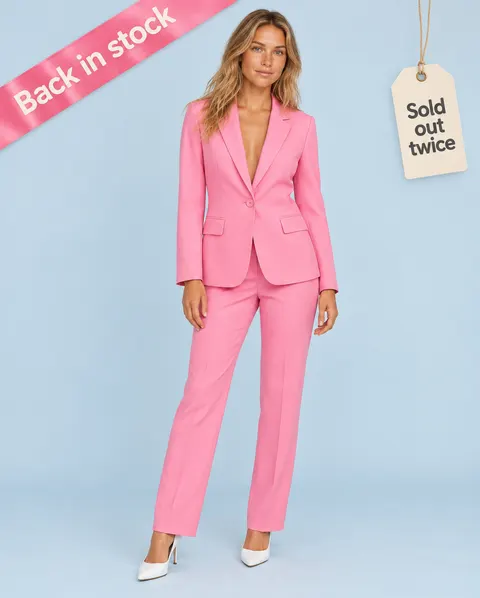
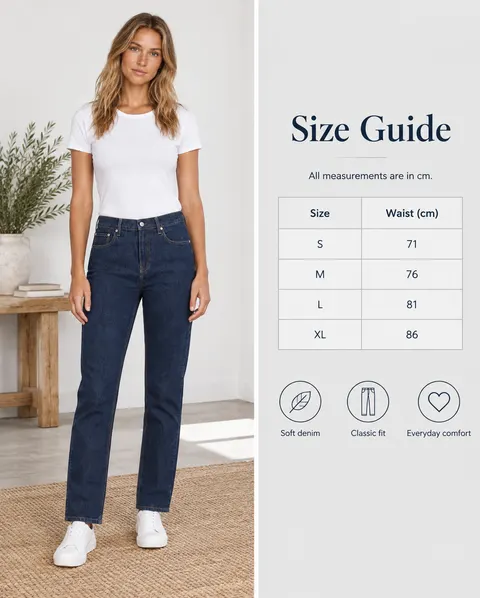
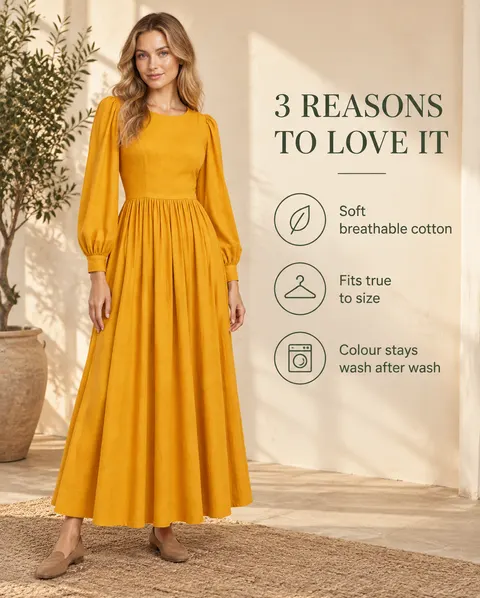
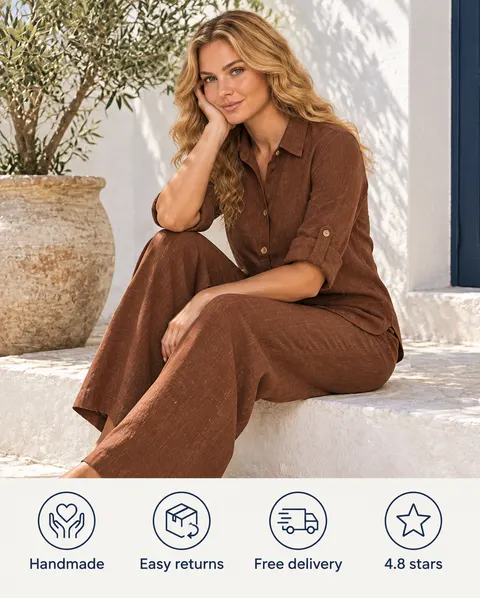
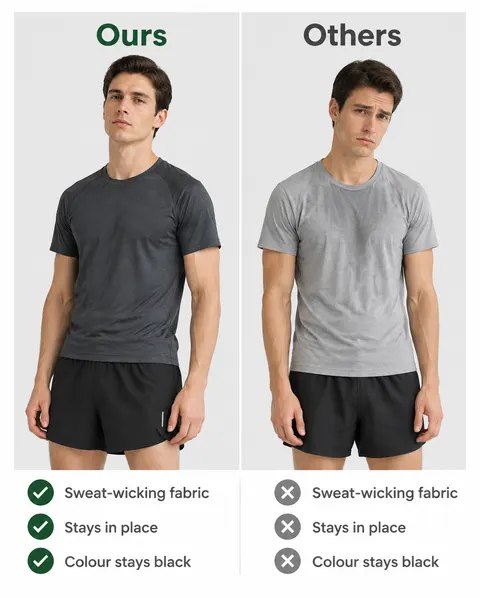
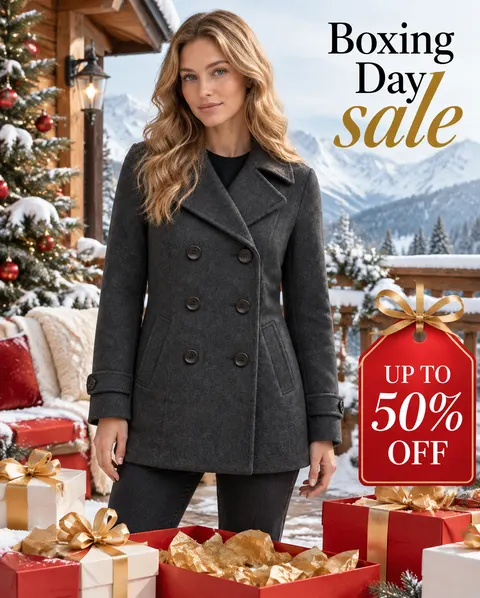
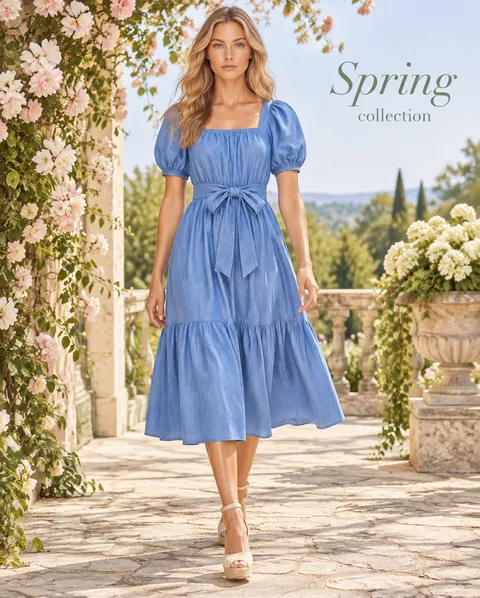
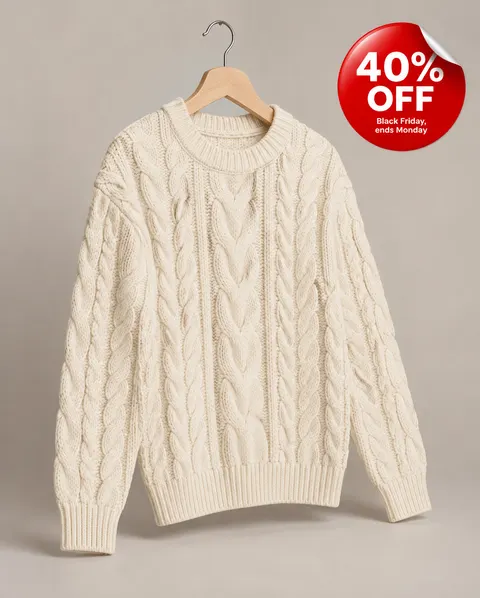

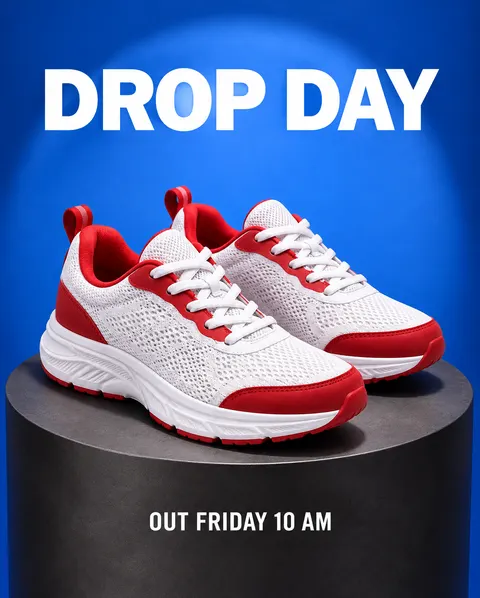
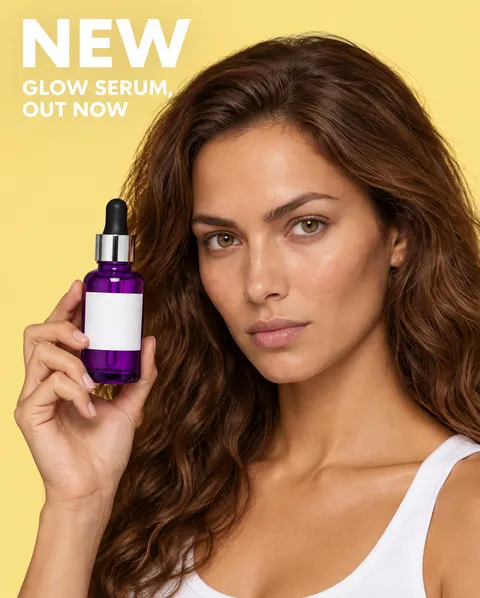
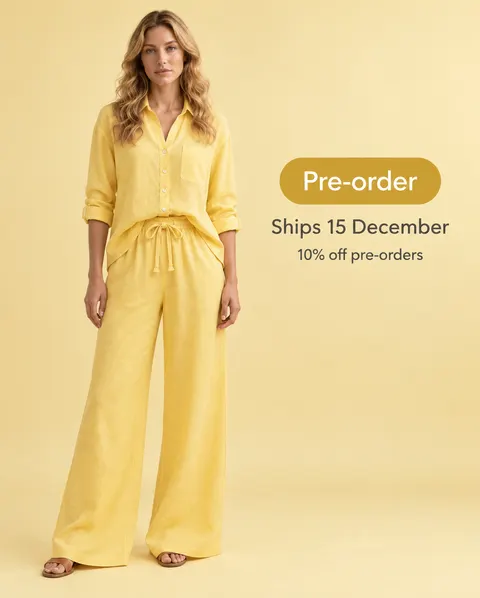

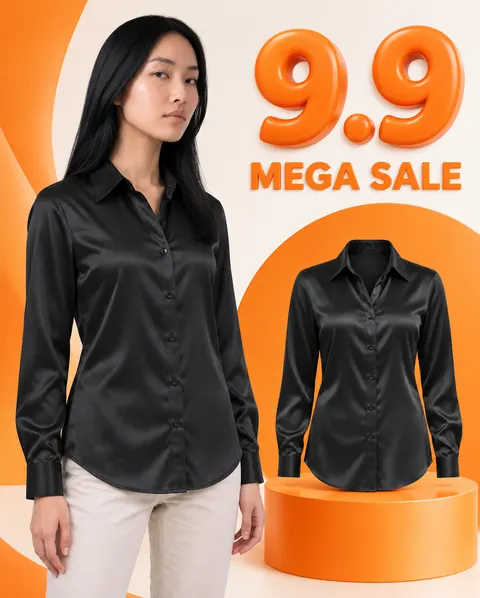


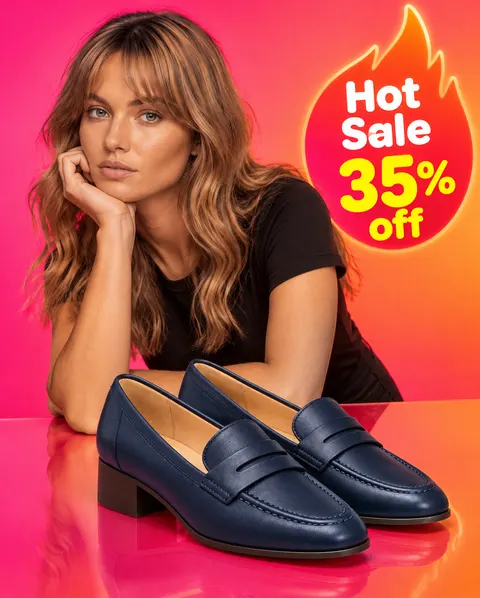







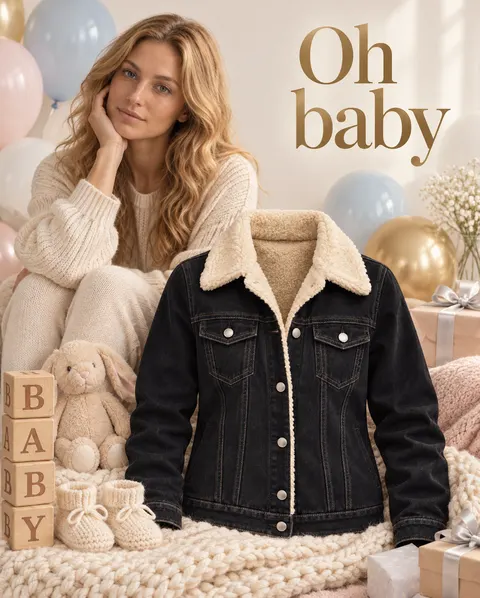

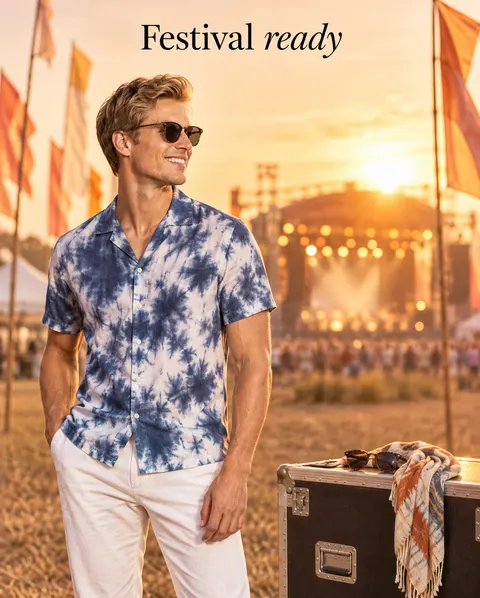
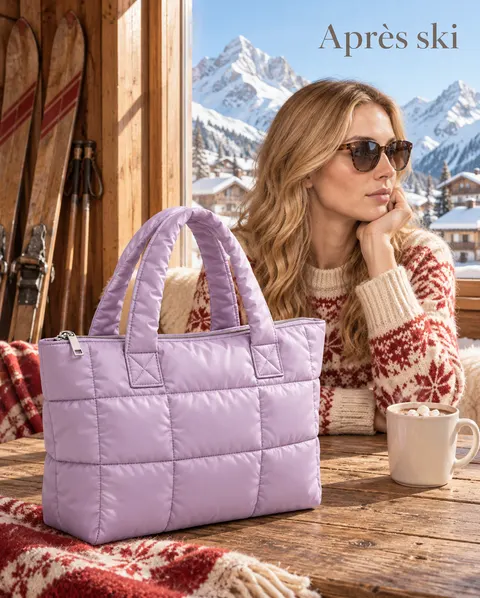
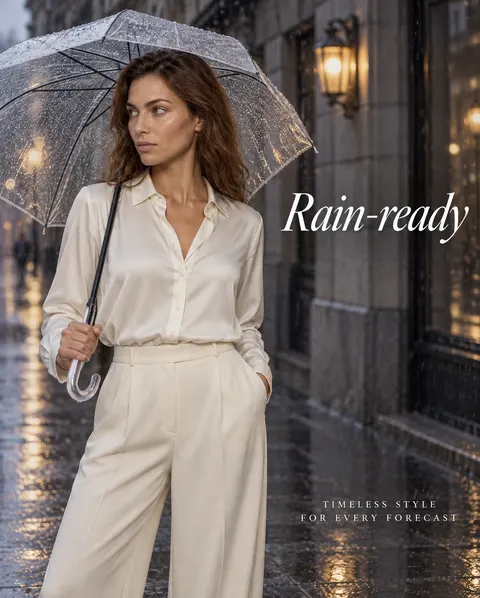

About these photos
Choose a setting that suits the product, such as a simple studio background for clothing details or an outdoor scene for a relaxed outfit. Soft, even light helps show colours and fabric clearly. Keep props relevant and leave space around the product. If you add words to the photo, keep them brief and easy to read on a phone. Use colours that fit your shop and make sure the text stands out from the background.
Plan posts around what you sell and what customers need to know. Share a launch teaser before a new collection, then show product features or ways to style it. Use an offer post when you have a promotion, and a restock post when an item returns. Square posts work well in the feed, while portrait posts take up more screen space. Pick a ready-made Torbilo template and add your product photo to create the post.
How to get a great photo
- Show the product clearly, with enough space around it for any words or labels.
- Choose a model pose that makes the garment's shape and fit easy to see.
- Use a small set of colours that suits the product and keeps text readable.
- Keep props connected to the product or occasion, rather than letting them distract.
- For a carousel cover, use a strong product image and a short title that signals what follows.
Questions sellers ask
- What should I include in an Instagram product post?
- Use a clear product photo and a short message, such as a launch, offer, feature or restock note. Add only the details shoppers need to understand the post.
- Should I use a square or portrait post?
- Both shapes suit Instagram feed posts. Choose square for a compact layout, or portrait when you want the image to take up more vertical space in the feed.
- How can I make text easy to read on a product photo?
- Keep the wording short, use strong contrast and leave clear space around the text. Check that it is readable at phone size.
- Can I use a model photo for a clothing post?
- Yes. A model photo can show how clothing looks when worn and help communicate its shape or styling. Add your product to a ready-made Torbilo template.
Updated 4 Nov 2026
Instagram posts
Make your first photo
Create a free account to use any of these templates. New accounts start with 25 free credits.