By product
Jewellery photos on a model
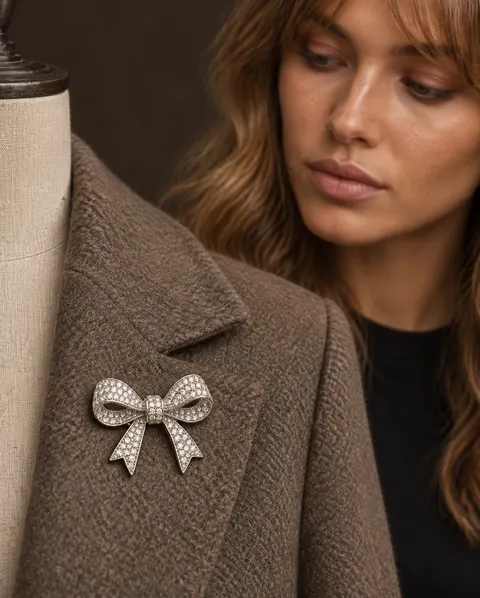
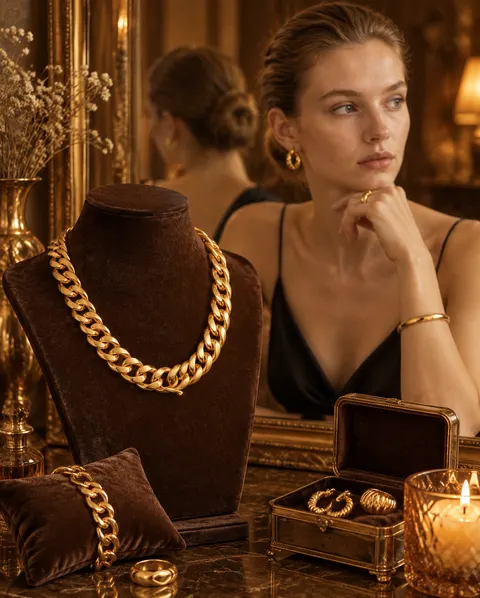
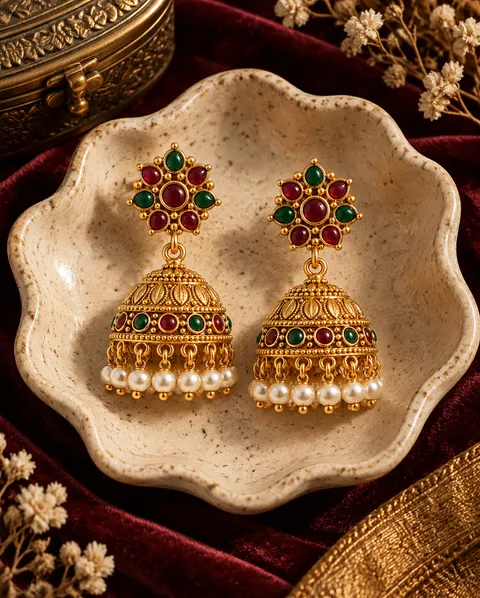
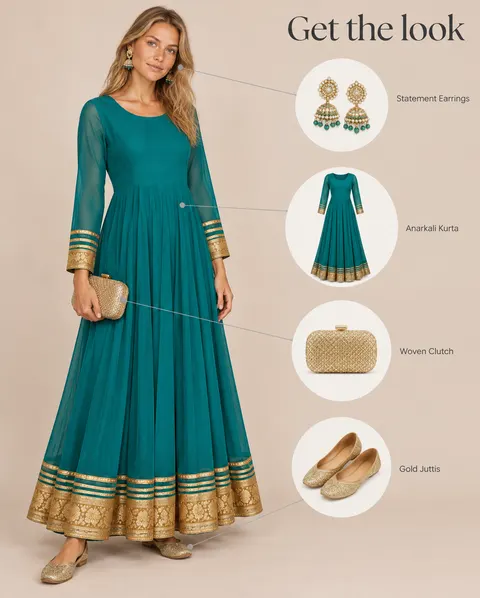
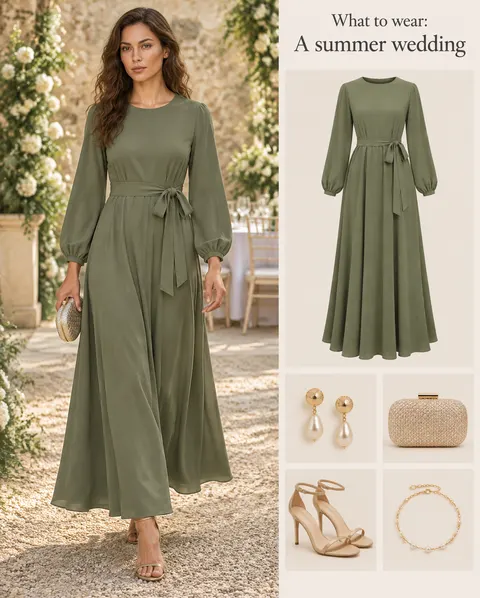
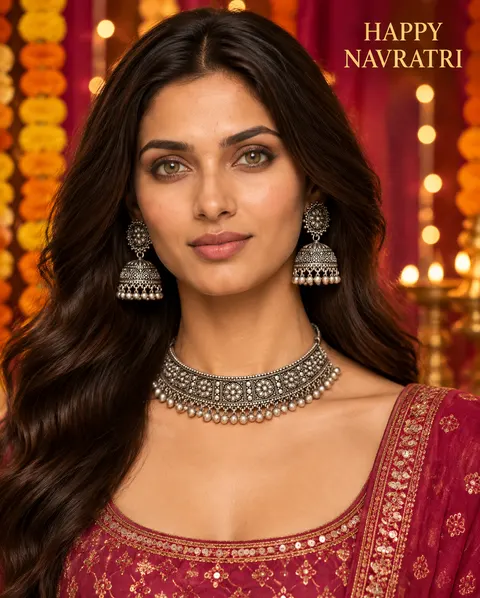
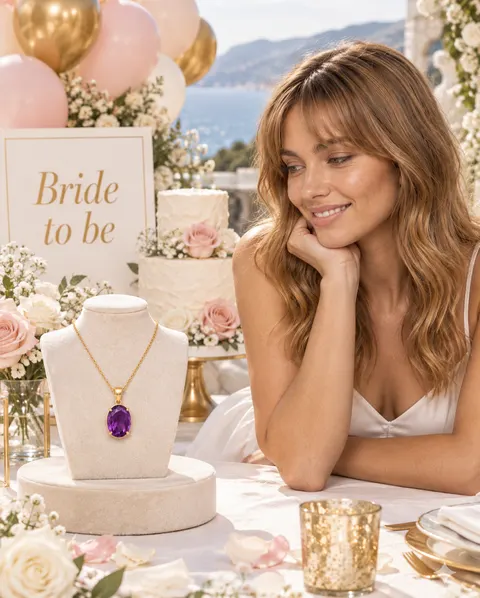
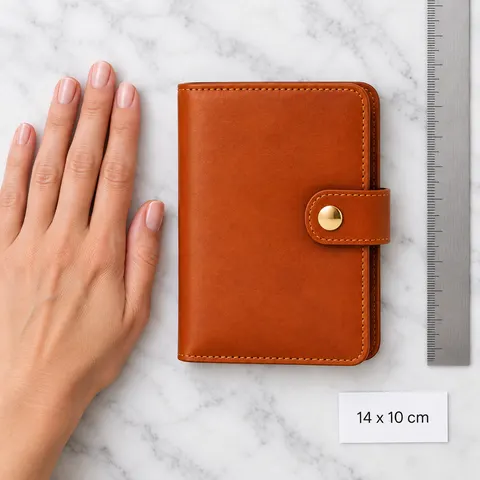
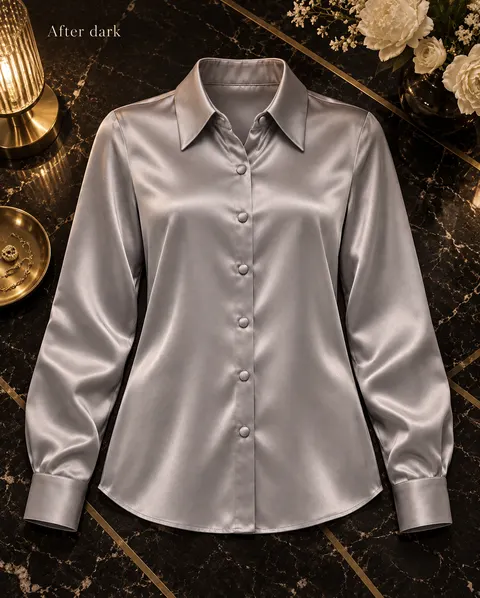
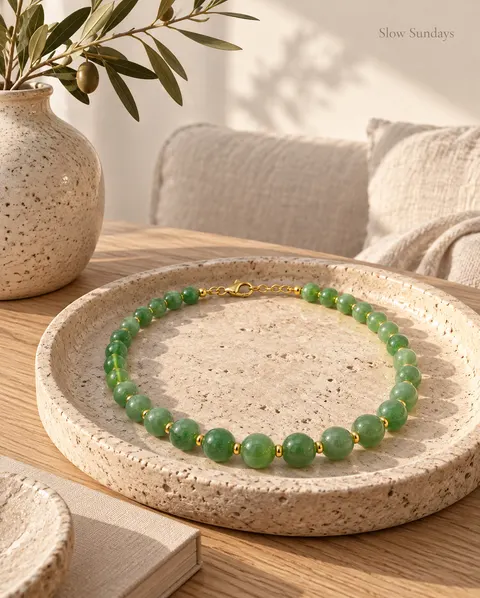
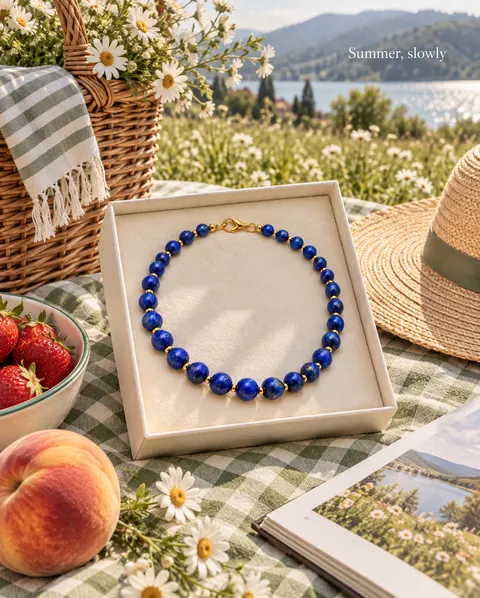
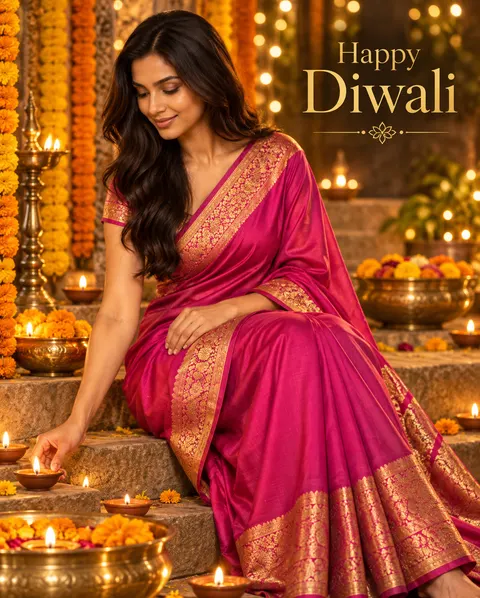
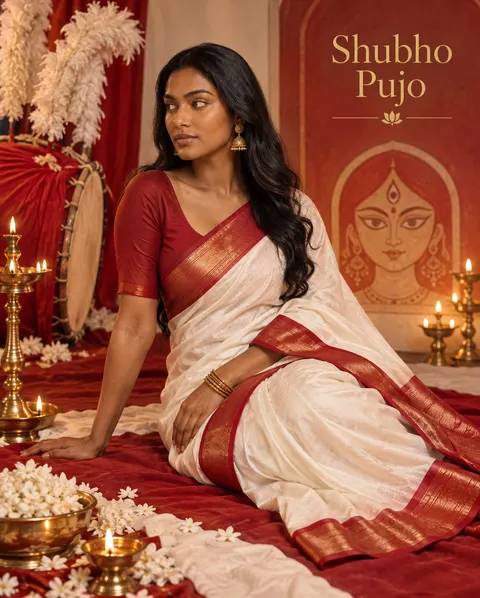
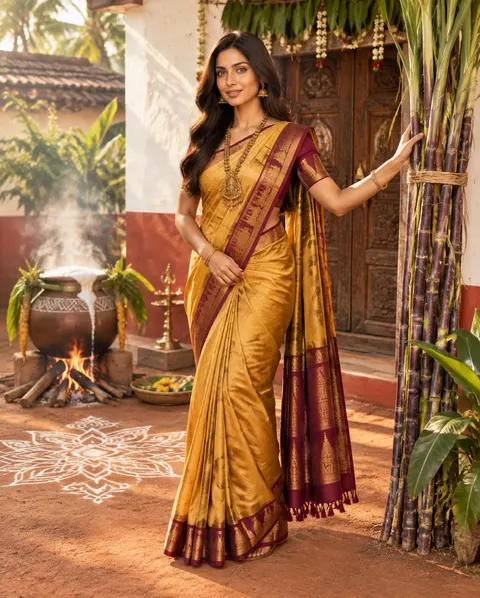
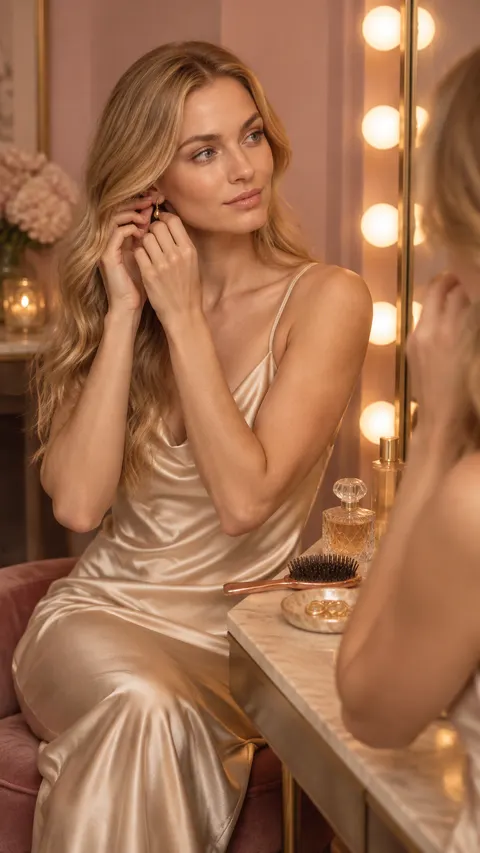
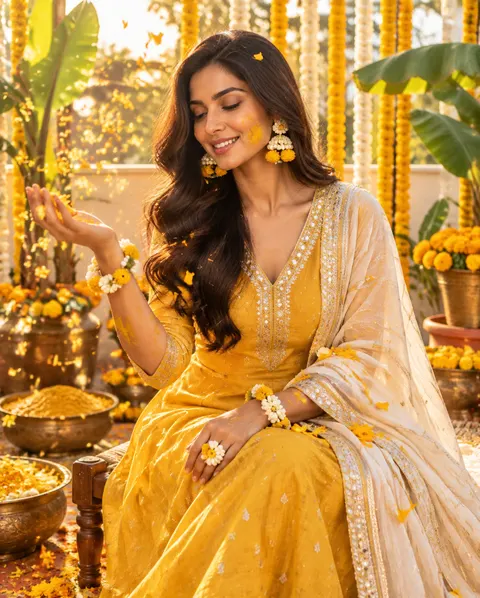
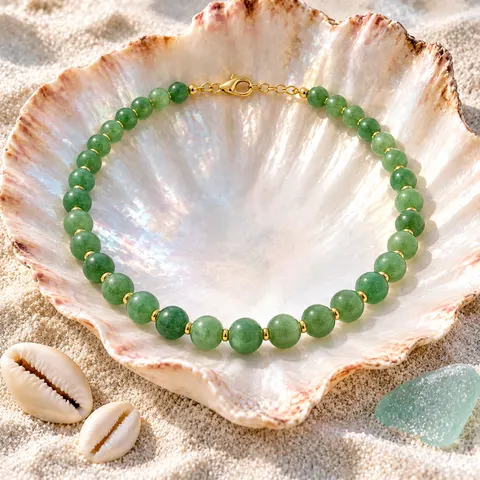
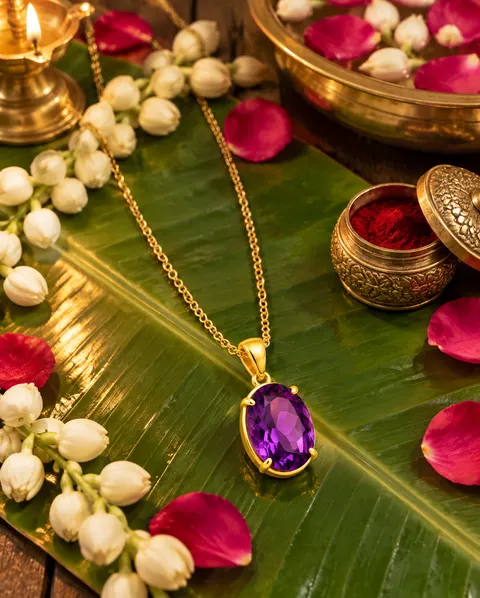
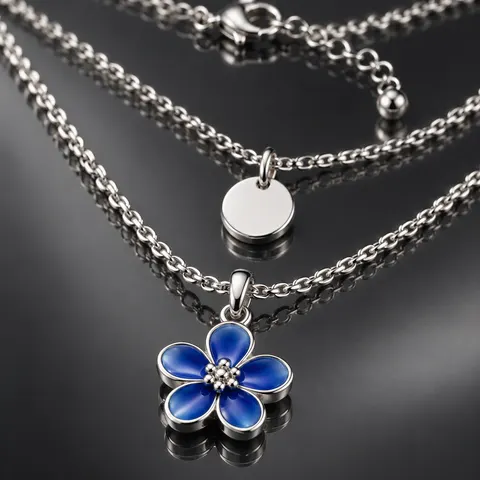
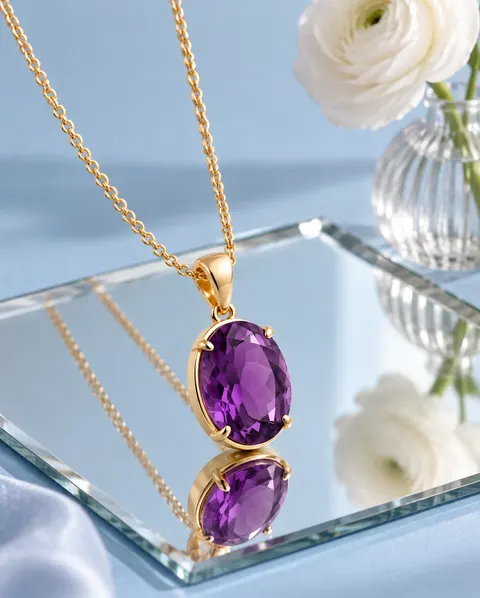
Jewellery photos help shoppers see how a piece looks when worn and how its details catch the eye. Sellers often post earrings, necklaces, rings, bangles and brooches on a model, then pair them with styled close-ups, jewellery stacks or a display dish. A model photo can show scale and fit. A close-up can bring out a clasp, stone or finish. Side-by-side layouts can give shoppers both views in one post.



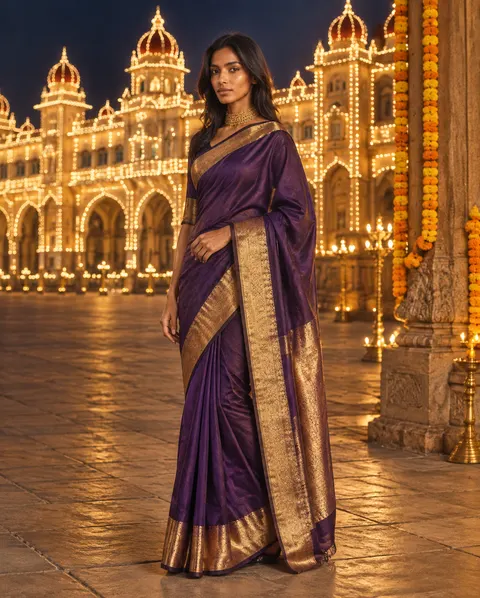
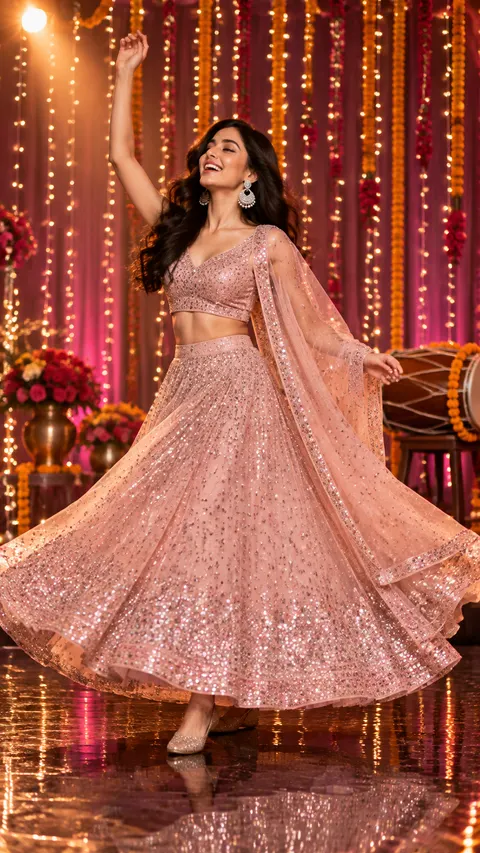
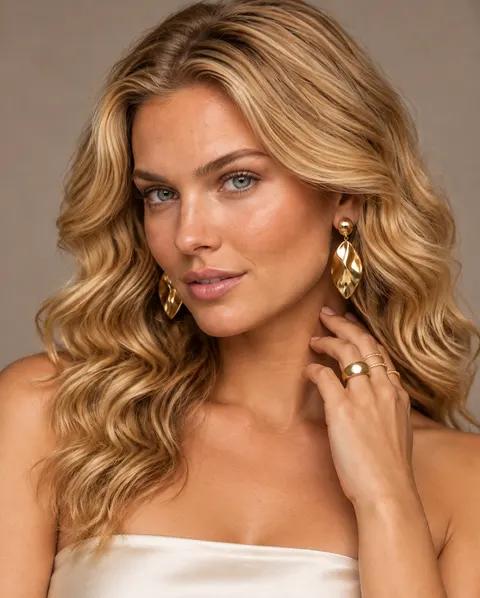
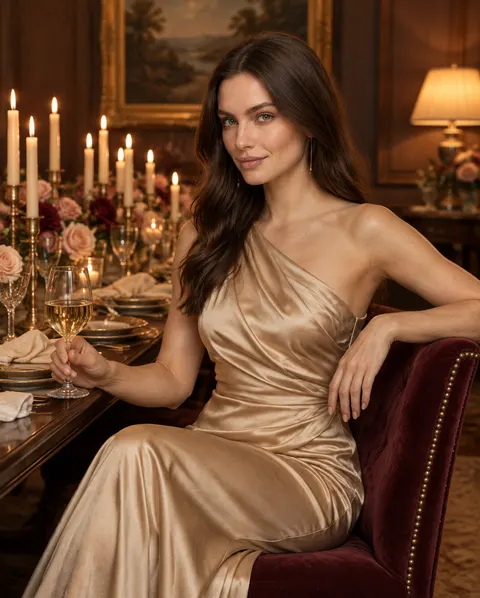






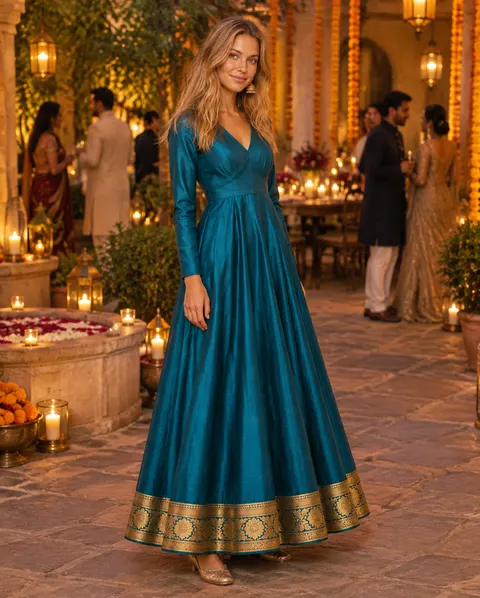
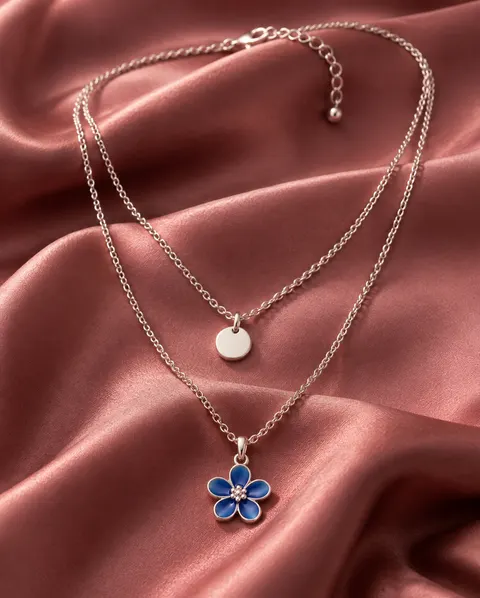
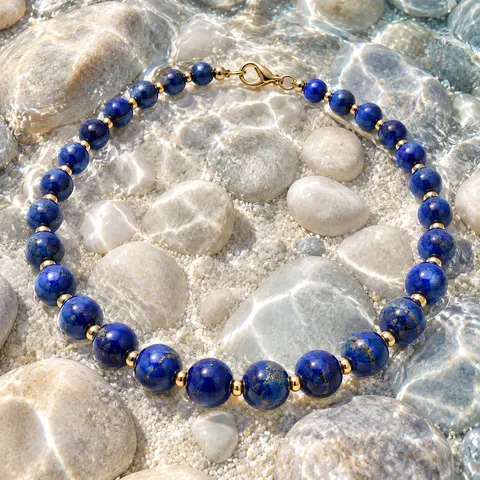
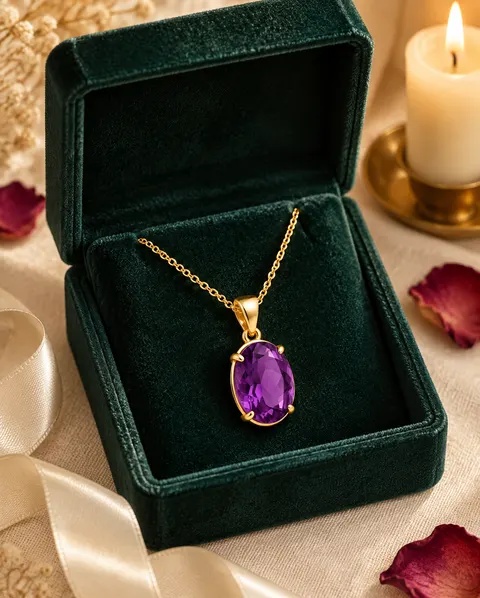
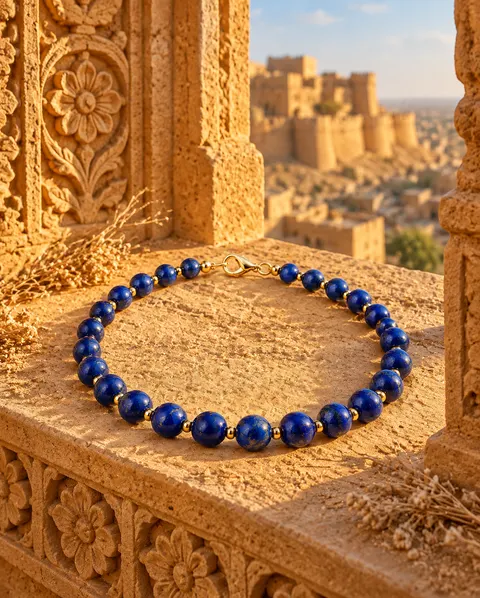
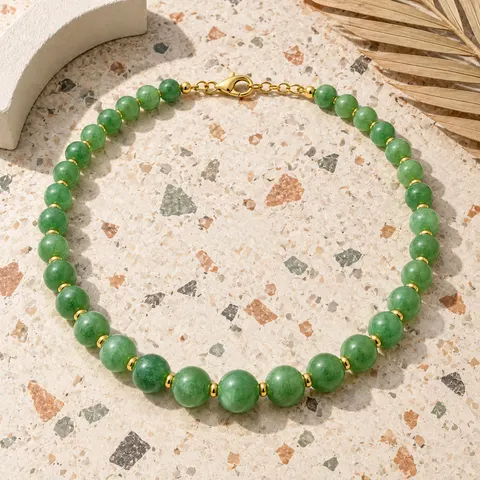
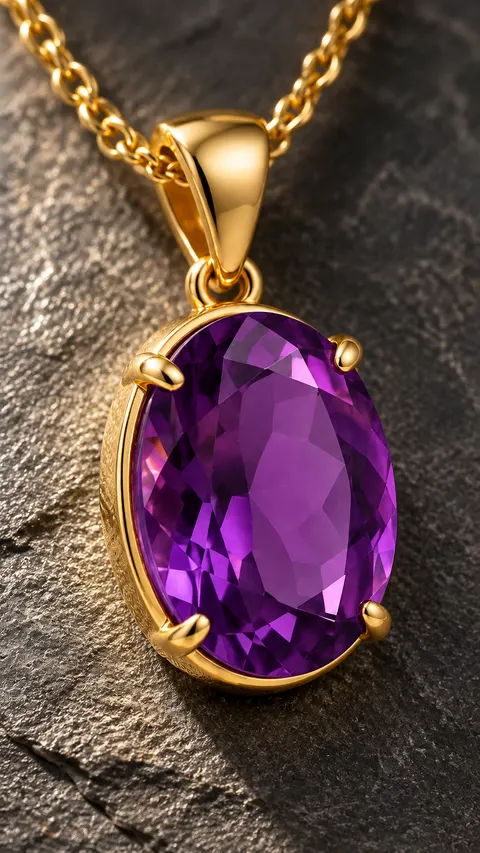
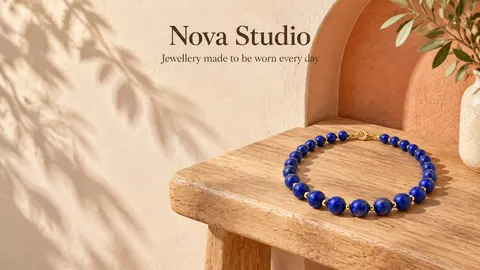
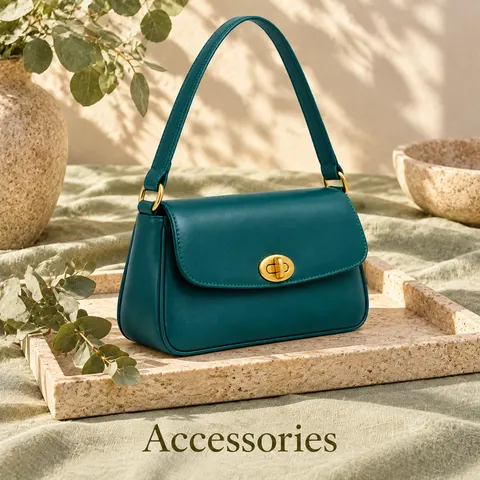
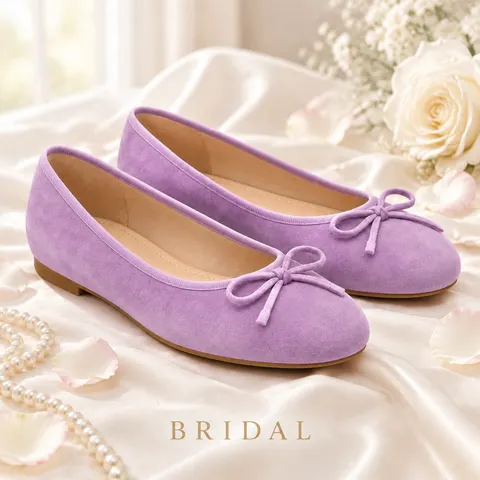
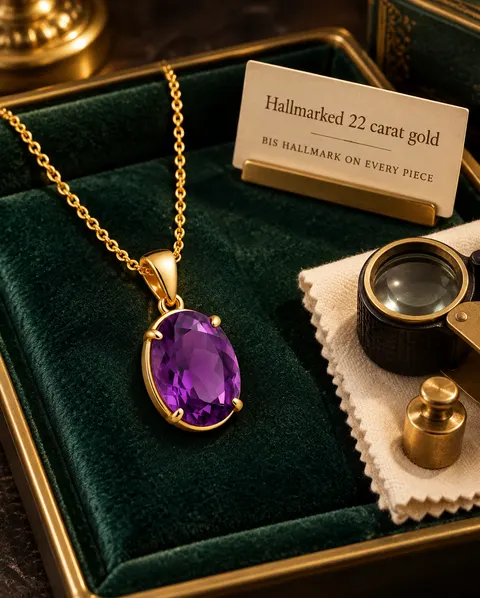
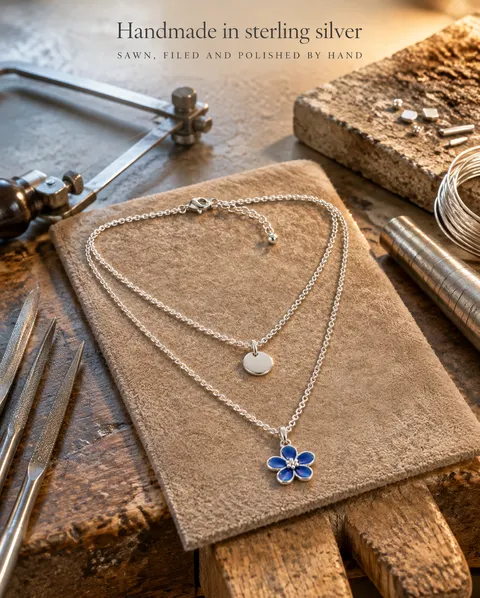

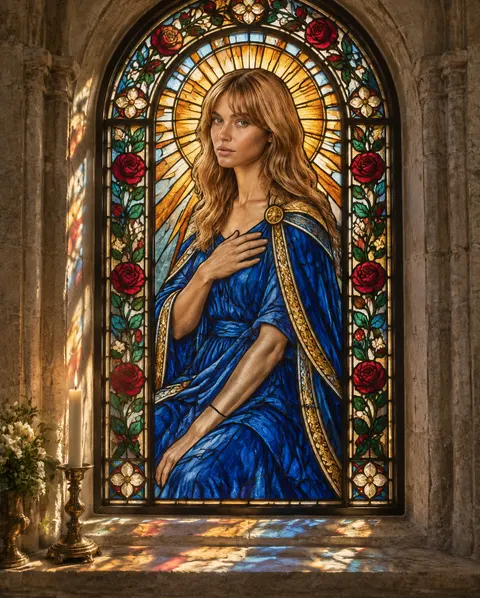
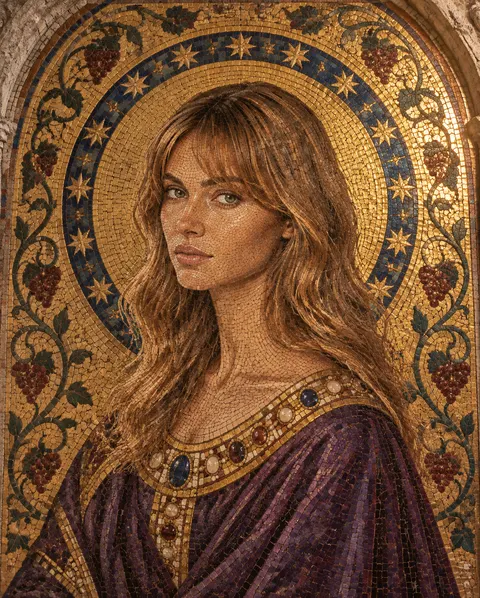
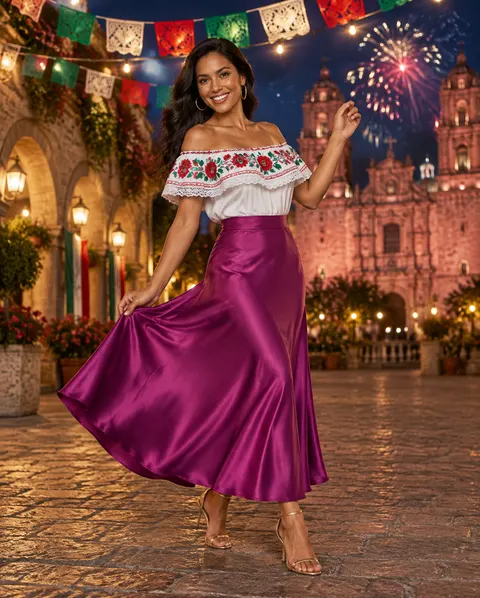



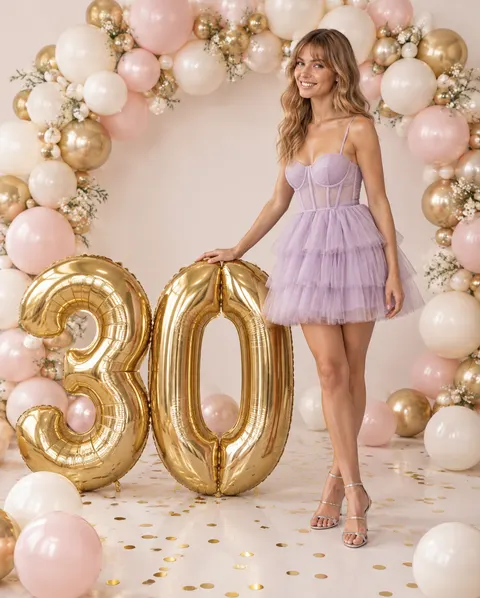
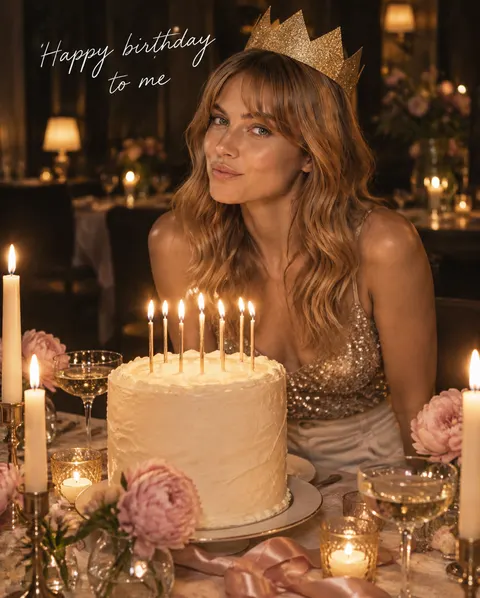
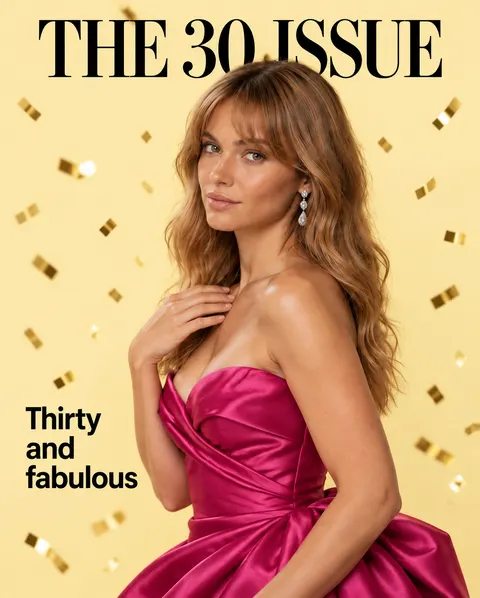

About these photos
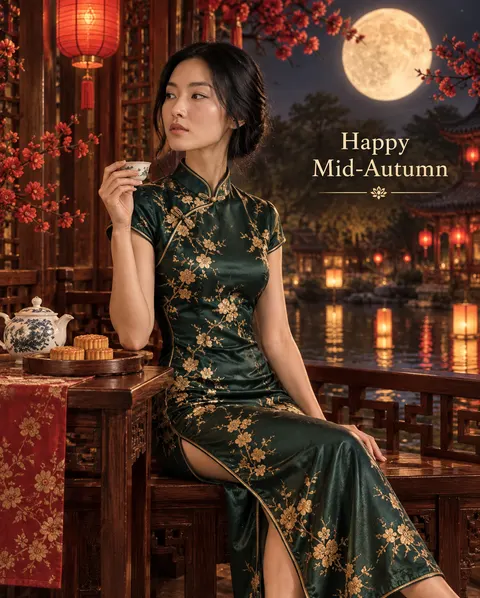
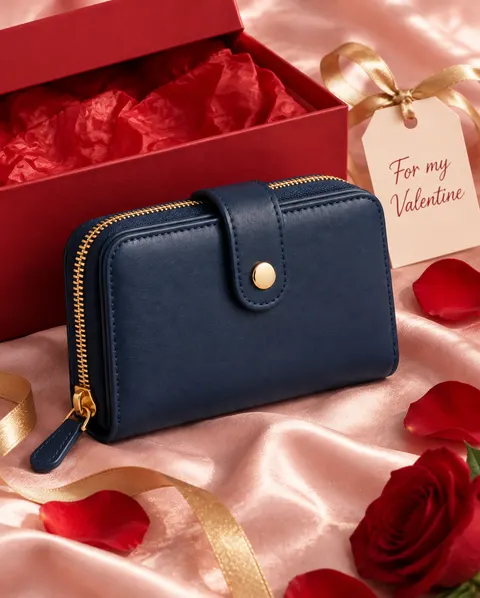
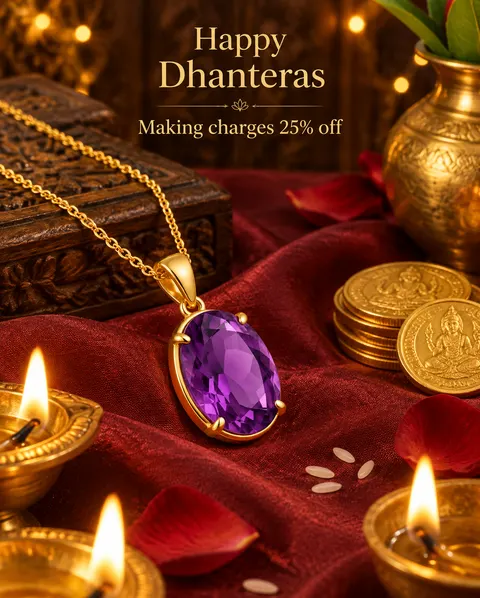
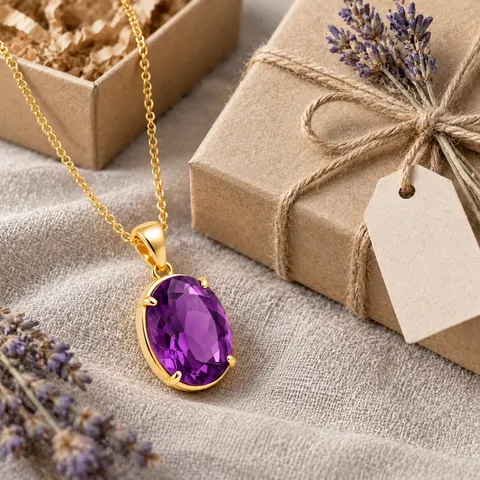
Choose a setting that suits the piece, such as a simple studio backdrop, a dressed-up occasion or a neat display dish. Soft, even light helps show metal and stones without harsh glare. Use colours that complement the jewellery, not compete with it. Keep props to a few considered details, such as fabric, a jewellery box or a small dish. If you add words, make them brief and leave clear space around the piece.
Plan posts around the pieces and moments you want to feature. Show everyday favourites in clean, wearable looks, and save richer styling for bridal, festive or gift edits. Try a layered stack for coordinated pieces, a model portrait for earrings or a necklace, and a close-up for a brooch or ring. You can also use a festival or Valentine’s theme when it fits your range. Start with one clear product, then choose a template that gives its shape and details room to stand out.
How to get a great photo
- Choose a model pose that keeps the jewellery visible, especially around the ears, neckline and hands.
- Use soft light and check that bright metal does not turn into a patch of glare.
- Match the backdrop and clothing to the jewellery’s colour and occasion.
- For a jewellery stack, vary the lengths or shapes so each piece can be seen.
- Keep props and on-photo text simple, with enough open space around the product.
- Use a close-up when a small detail, such as a stone setting or brooch clasp, matters most.
Questions sellers ask
- How can I show the size of jewellery in a photo?
- Photograph the piece on a model so shoppers can judge its scale when worn. Keep the relevant area in view, such as the ear for earrings or the neckline for a pendant.
- What background works well for jewellery photos?
- A clean, uncluttered backdrop helps the jewellery stand out. Choose a complementary colour or a simple display dish, and avoid busy patterns.
- How do I photograph several jewellery pieces together?
- Arrange pieces as a neat stack or set, with space between shapes and finishes. A side-by-side model and flat lay layout can show both how the pieces look worn and how they sit together.
- Which photo style should I use for a brooch?
- Use a close-up on a model when you want to show how the brooch looks worn. A styled close-up can work well for details such as its shape, stones or finish.
Updated 3 Nov 2026
Jewellery
Make your first photo
Create a free account to use any of these templates. New accounts start with 25 free credits.