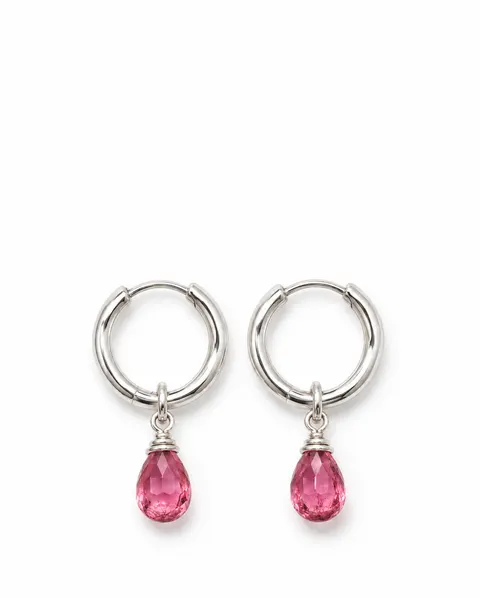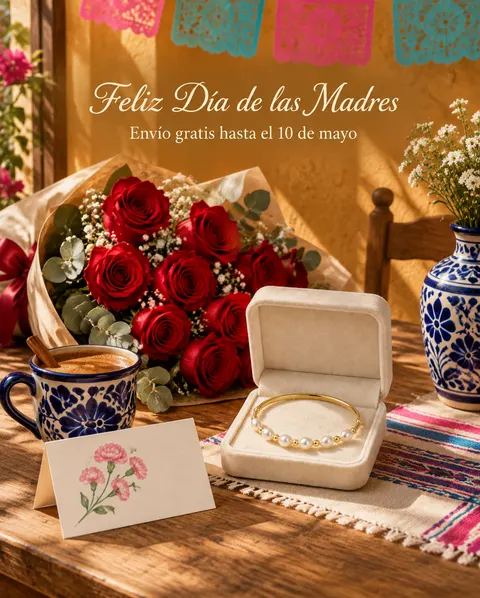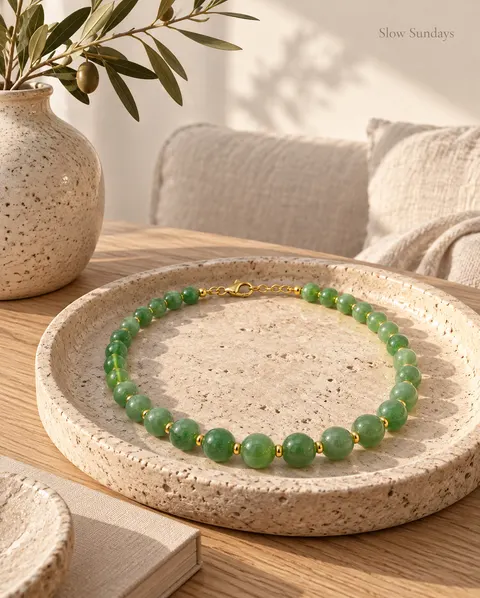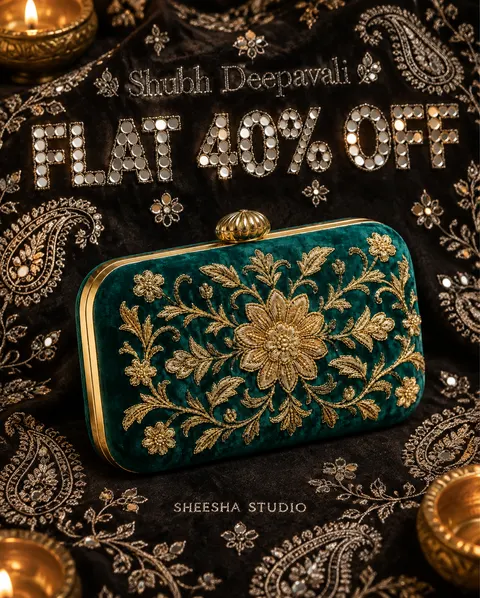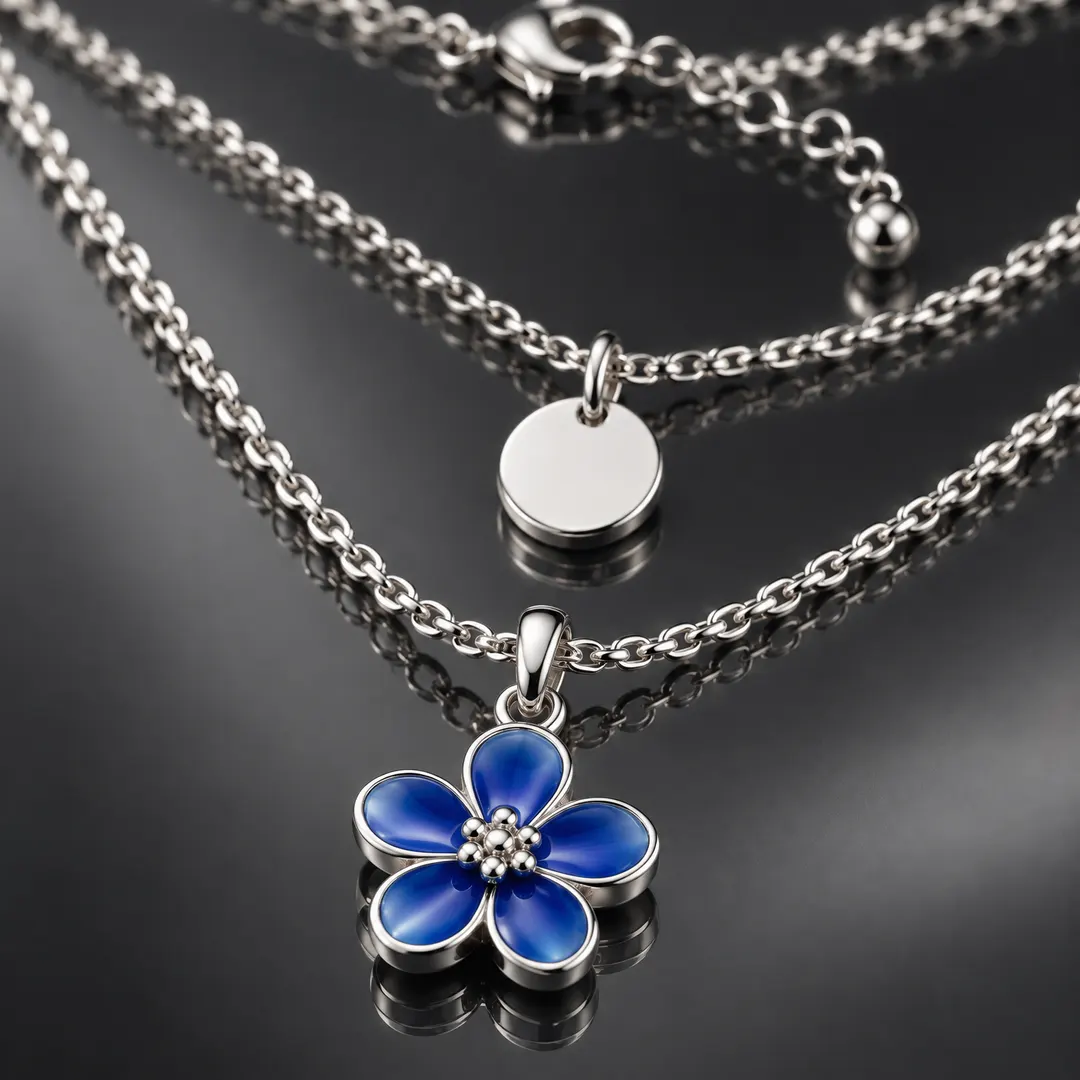
Jewellery clasp and stone setting macro close-up
An extreme macro of your jewellery's stone setting and clasp on smoky glass, every prong crisp. #productphoto #closeup #instagram #jewellery #luxury
The look
Filled in to match the example. Change any of them, or keep them.
Free for everyone, no card needed. New here? 25 free credits when you sign up.
About this template
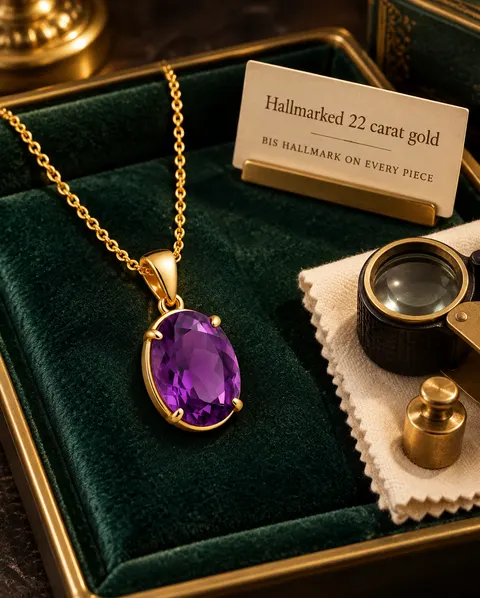
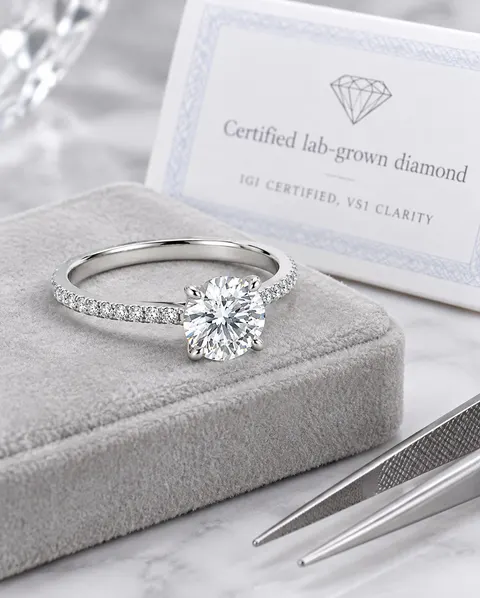
Create a square jewellery close-up that brings the setting, stones and clasp into focus against smoky glass. It suits necklaces, rings and other pieces with details worth showing, for a shop listing, Instagram post or story, WhatsApp update or marketplace listing.
Works best for
- Gemstone rings
- Pendant necklaces
- Detailed clasps
- Jewellery gift listings
The look
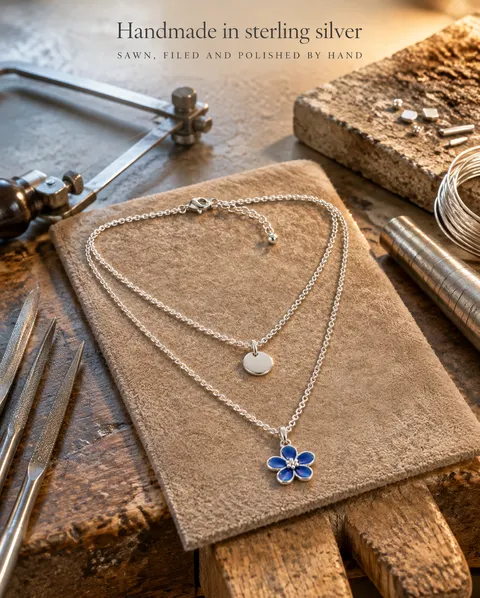
The sample shows layered silver chains and pendants on reflective smoky glass, lit by soft strip lights. The charcoal background and crisp highlights give it a dark, polished feel.
How to make it
- Add your photosThe pictures the template asks for, like a clear photo of your product on a hanger, laid flat or worn. A phone photo is fine.
- Change the words if you likeThe look comes filled in to match the example. Keep it, or change the colours, words and details.
- Get your finished photoIt is ready in a minute or two. Download it for your shop, marketplace or social pages.
Questions sellers ask
- Which jewellery works well with this close-up?
- Use it for pieces with details you want shoppers to inspect, such as stone settings, clasps, pendants or chain links. A clear photo of your product is all you need to add.
- What should I add?
- Add a clear phone photo of your jewellery. The template keeps your product as it is while creating the finished photo.
- Can I change the background or style?
- Yes. You can keep the smoky grey glass, charcoal fade and extreme macro style, or change the background colours and style.
- Where can I use the finished photo?
- Download it for a shop listing, marketplace, Instagram post or story, or WhatsApp. The square format works well for product posts and listings.
Updated 10 Nov 2026