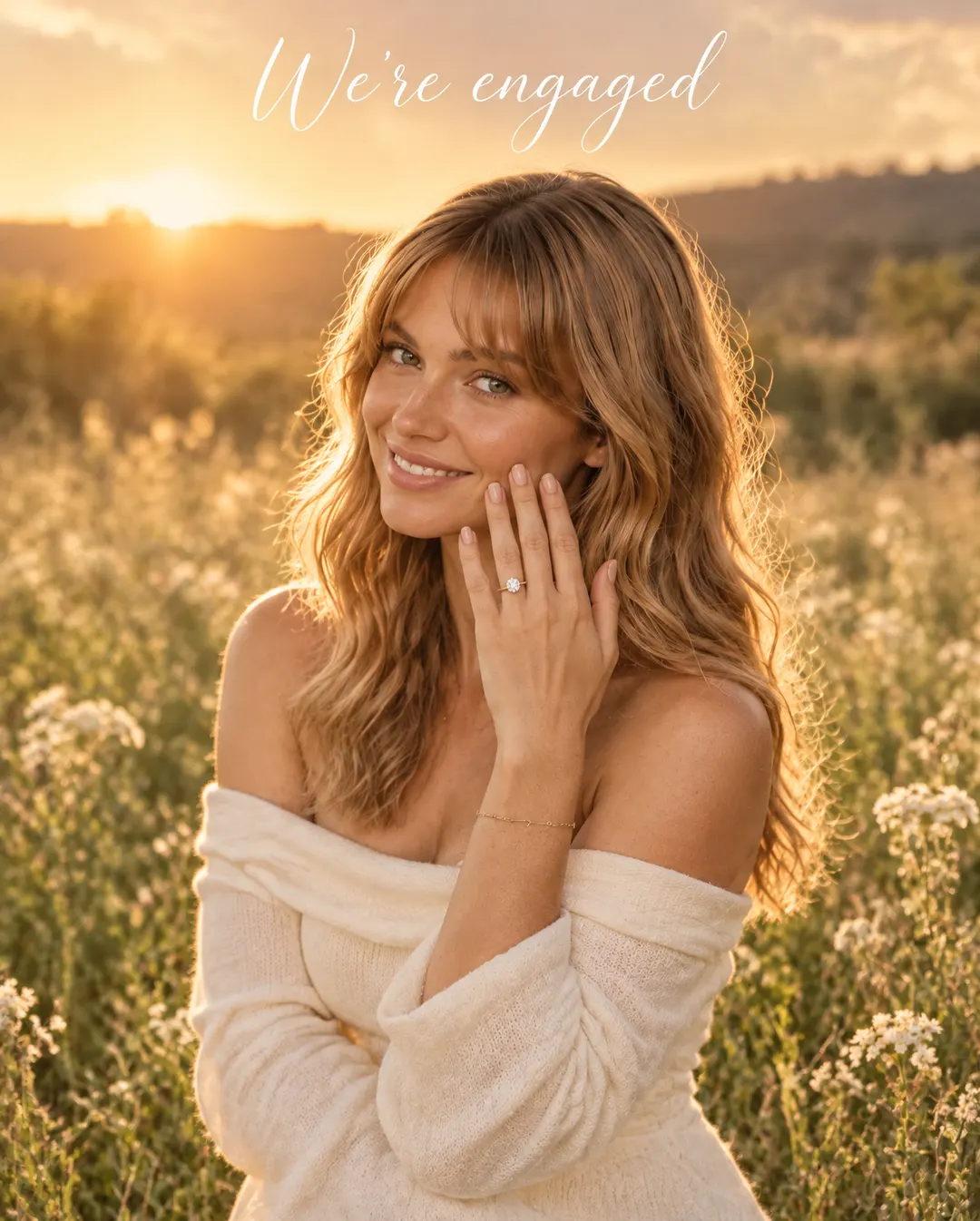
Engagement ring announcement portrait at golden hour
You or your model showing off an engagement ring in a golden wildflower meadow, with your news. #portrait #instagram #wedding #jewellery #lifestyle #influencer #virtualinfluencer
Make it yours
These words appear in your photo.
The look
Filled in to match the example. Change any of them, or keep them.
Free for everyone, no card needed. New here? 25 free credits when you sign up.
About this template
Make an engagement announcement portrait featuring a ring, a model and a golden-hour wildflower meadow. It suits engagement rings and other fine jewellery, and works for a shop listing, Instagram post or story, WhatsApp update, or marketplace post. Add your model’s photo and, if you like, a ring photo to create the finished image.
Works best for
- Engagement rings
- Wedding band sets
- Fine gold jewellery
- Engagement announcements
The look
The sample shows a model in an ivory off-shoulder dress in a wildflower meadow, lit by low golden sun. Honey gold, ivory and soft green set a warm, romantic mood, with the announcement in elegant white script.
How to make it
- Add your photosThe pictures the template asks for, like a clear photo of your product on a hanger, laid flat or worn. A phone photo is fine.
- Change the words if you likeThe look comes filled in to match the example. Keep it, or change the colours, words and details.
- Get your finished photoIt is ready in a minute or two. Download it for your shop, marketplace or social pages.
Questions sellers ask
- Which products work well in this photo?
- It is designed for engagement rings and suits other fine jewellery, such as wedding bands. The sample features a model showing a ring on her hand.
- What photos do I add?
- Add your model’s photo. You can also add a photo of your ring, if you want to include one.
- What can I change?
- Change the announcement words, outfit, sender name, background colours, style and lettering, or keep the sample settings. Your product photo is kept as it is.
- Where can I use the finished photo?
- Download it for a shop listing, marketplace, Instagram post or story, or WhatsApp. The portrait shape is 4:5.
Updated 10 Nov 2026