By product
Beauty and skincare product photo ideas
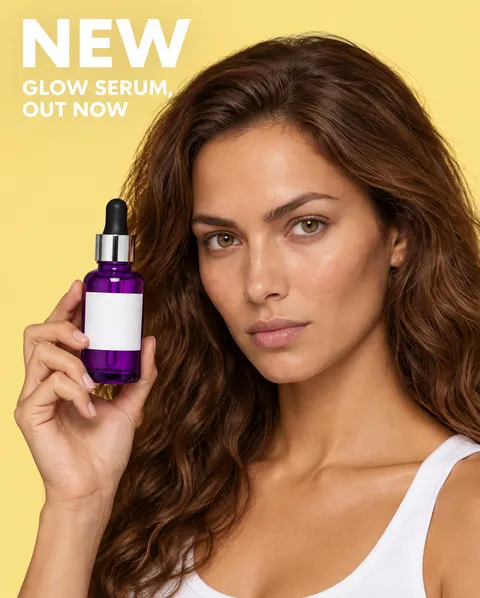
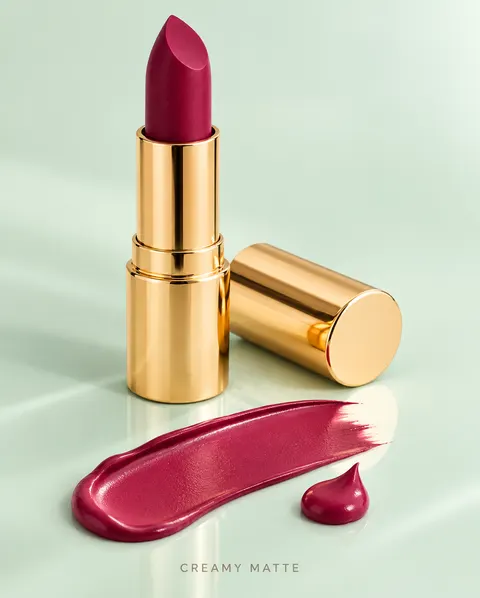
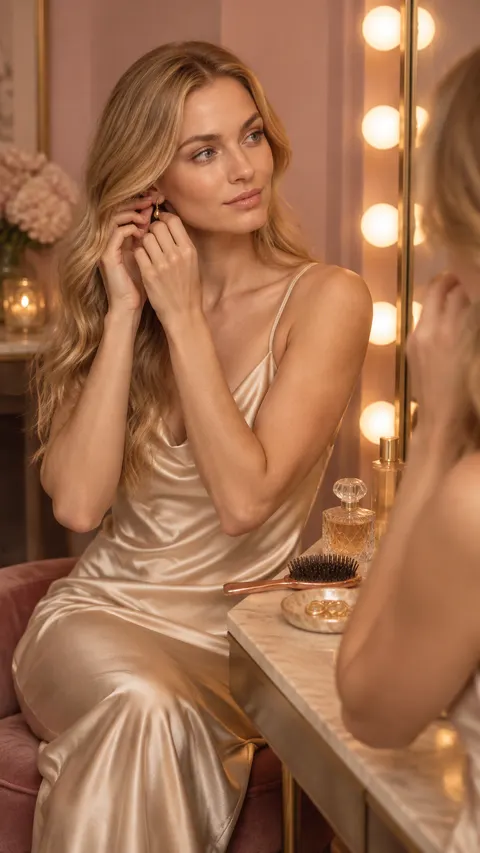
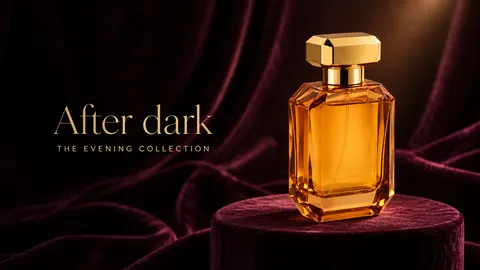
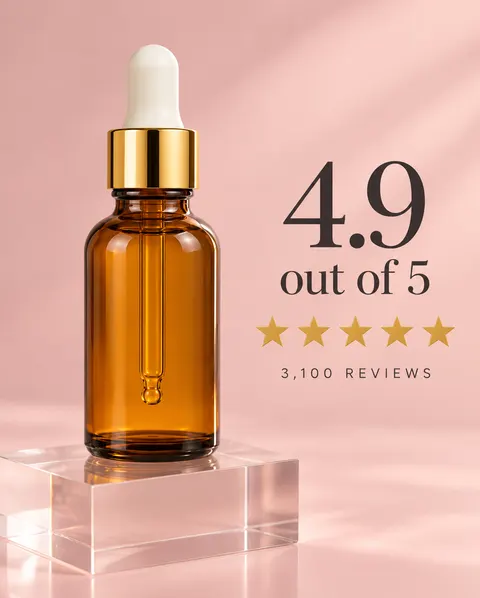
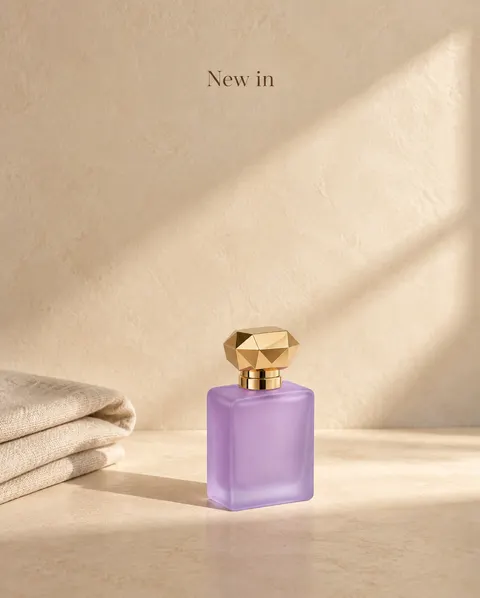
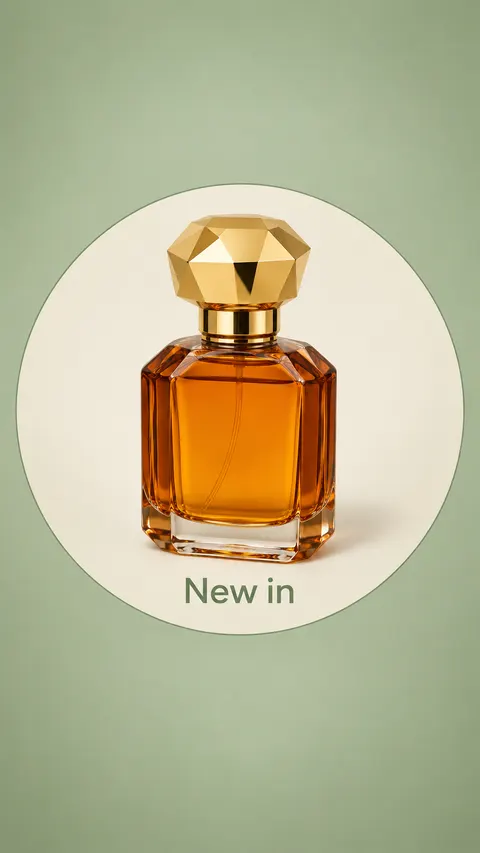
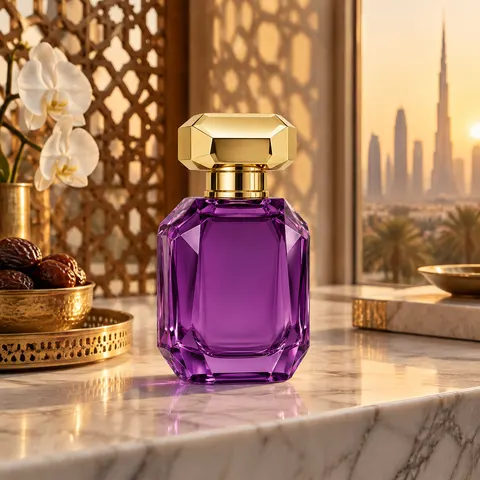
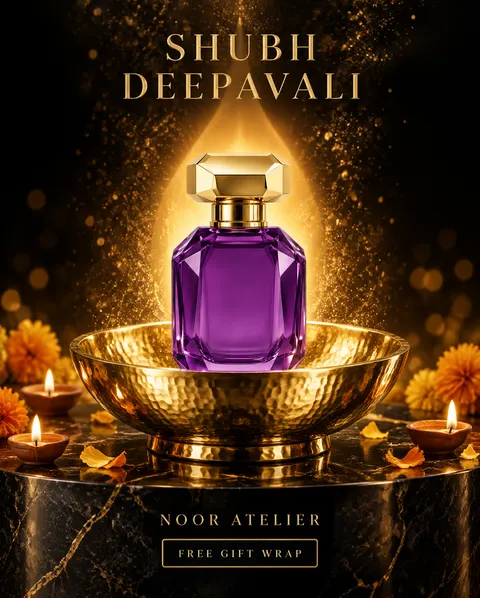
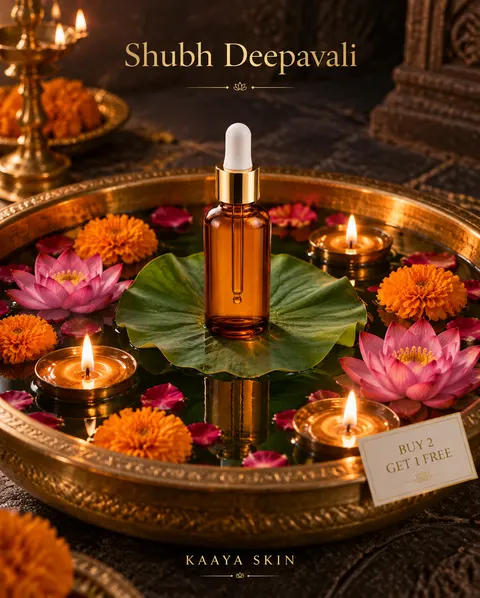
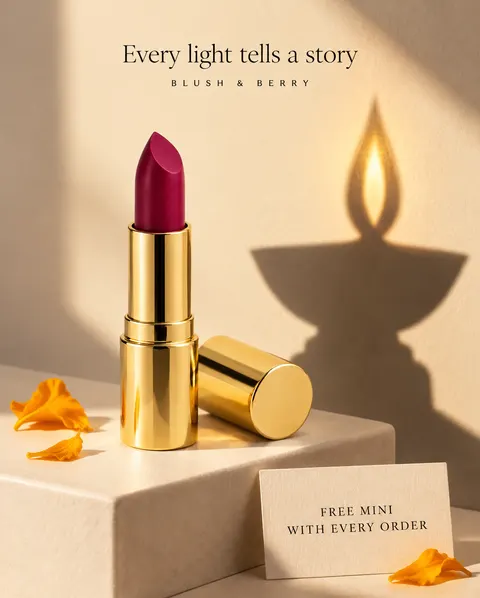
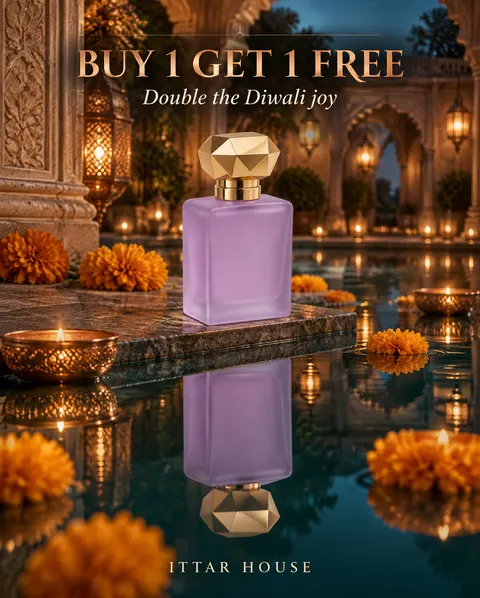
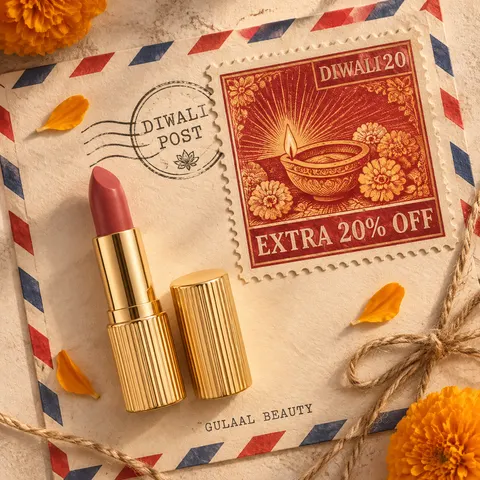
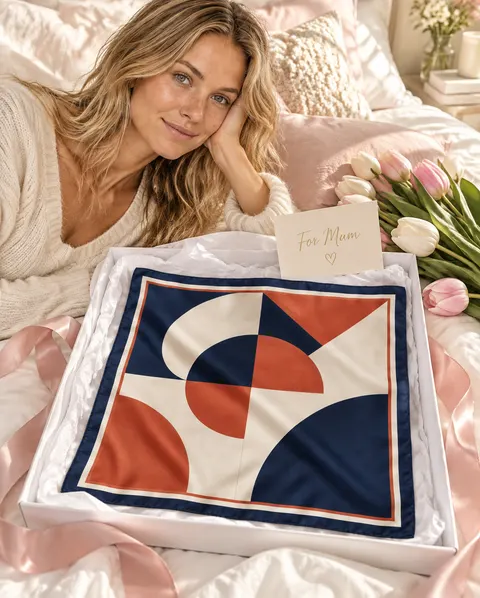
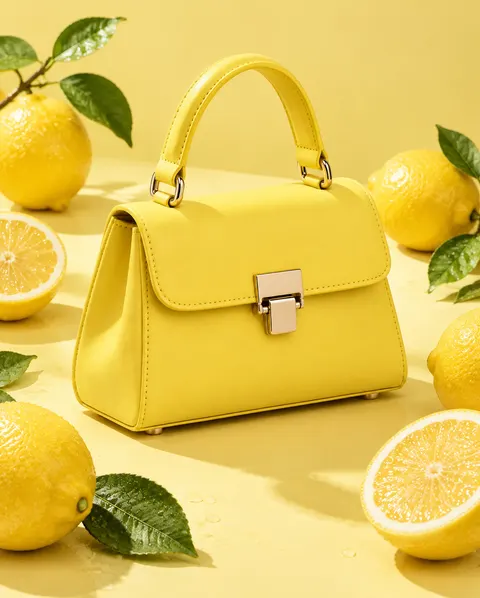
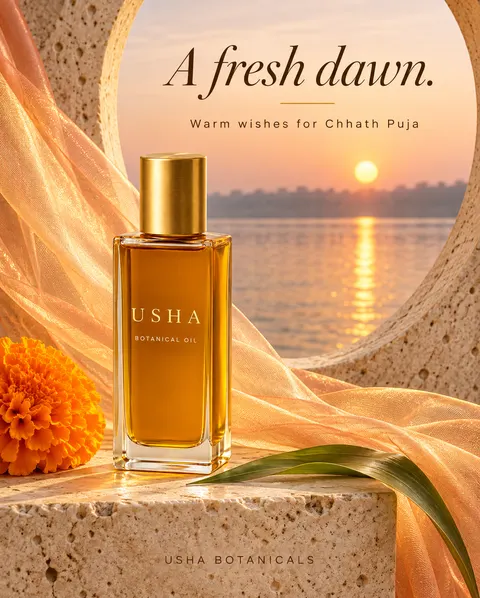
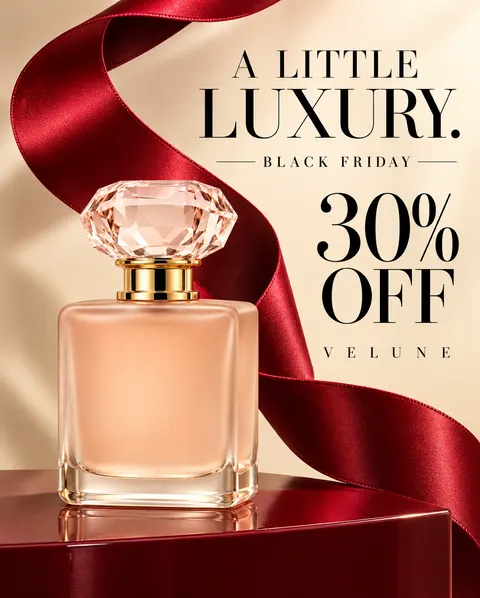
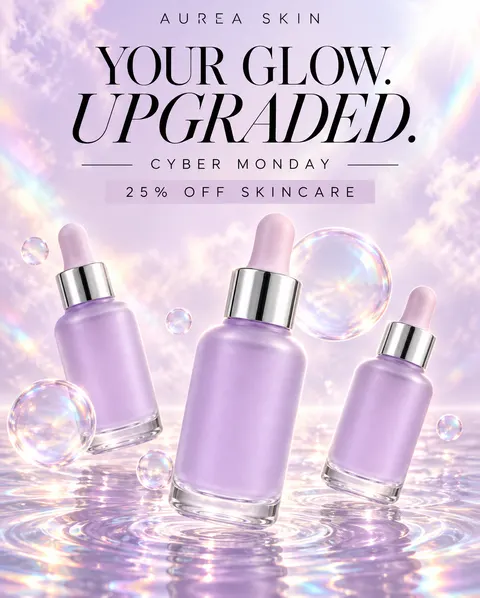
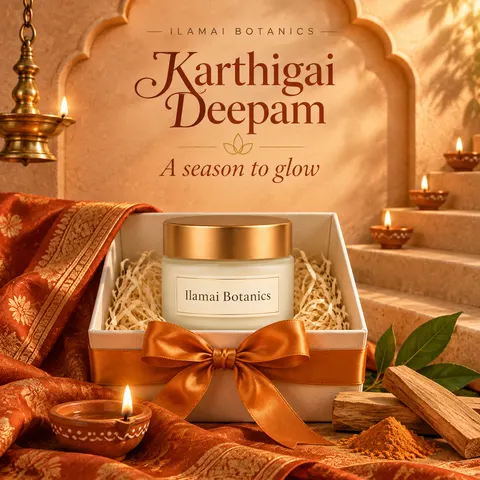
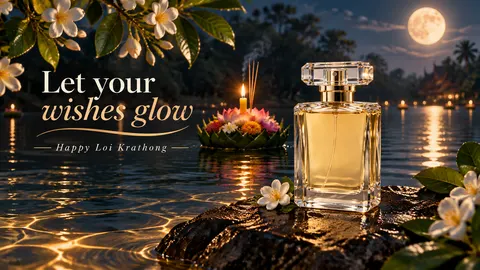
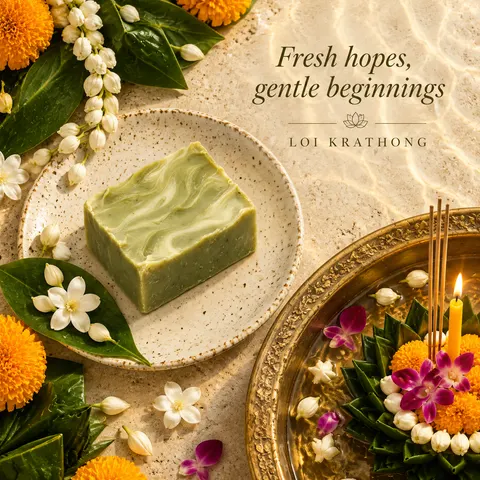
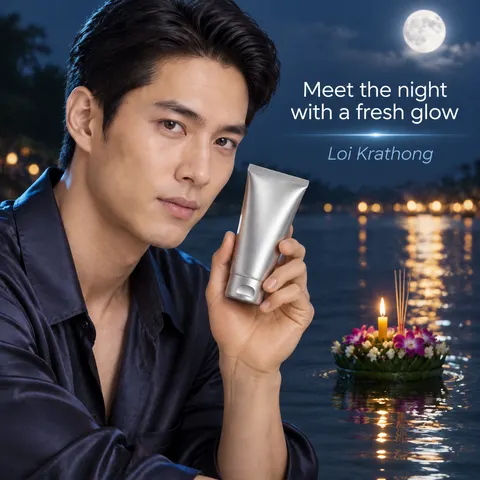
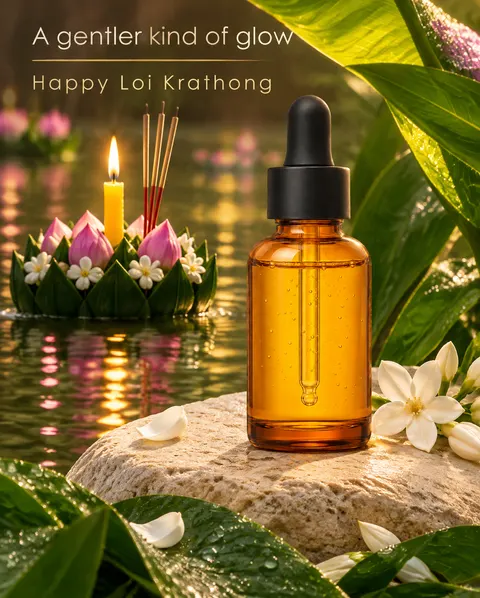
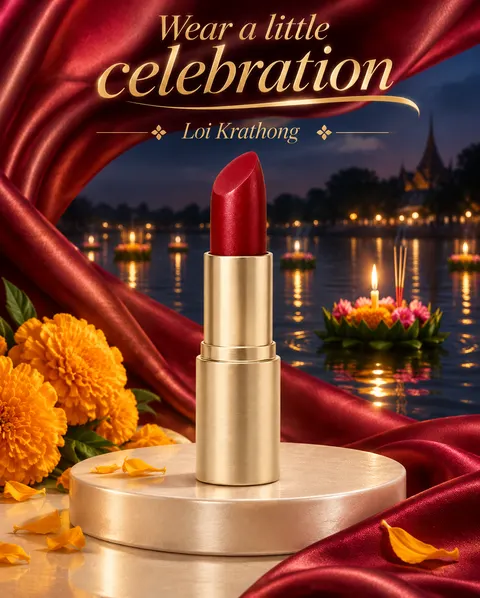
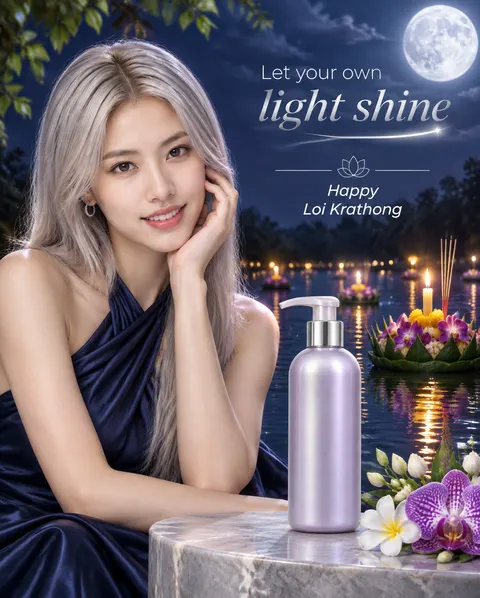
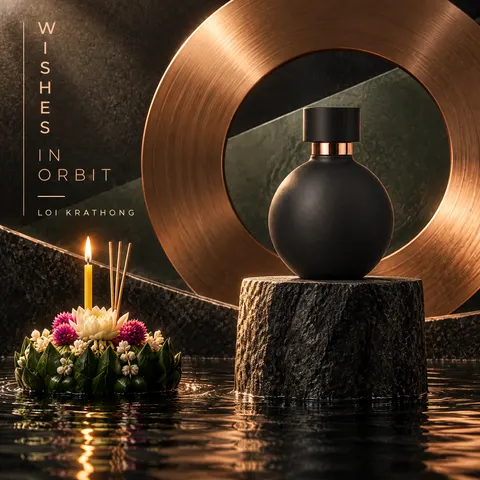
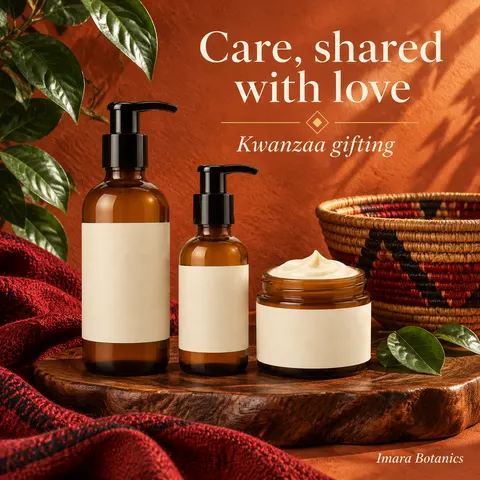
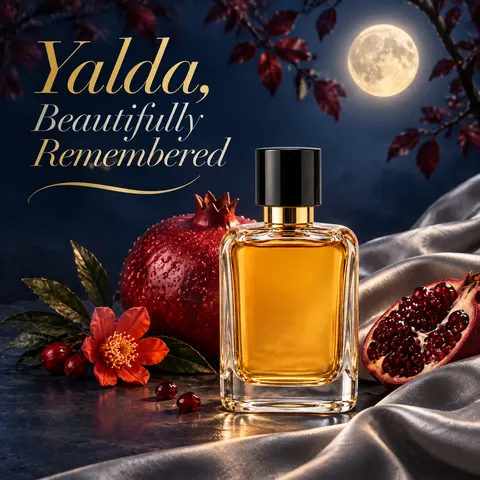
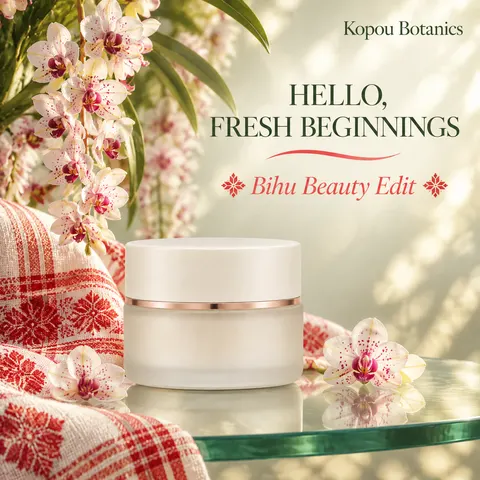
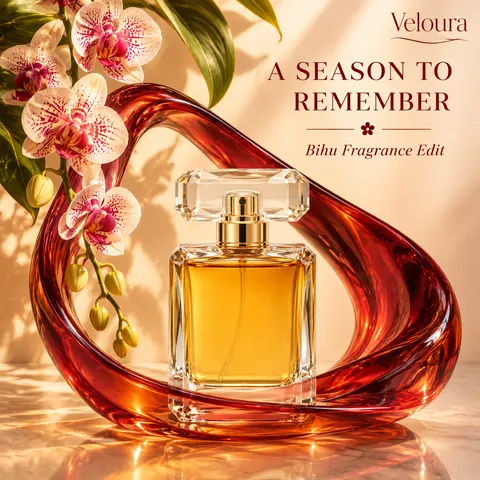
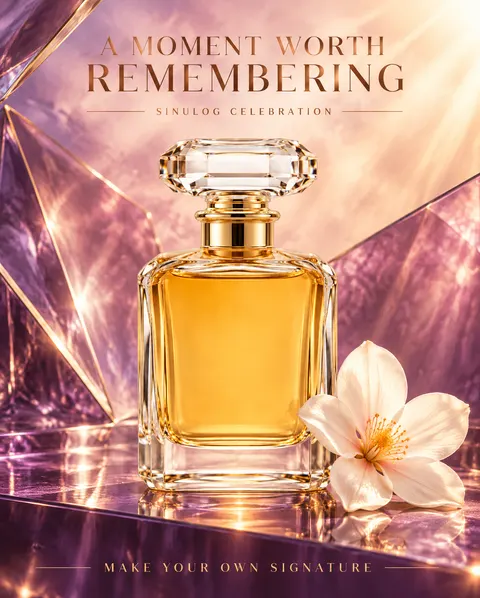
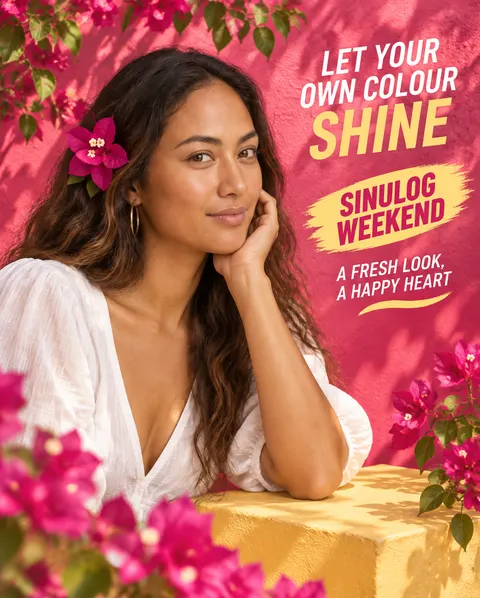
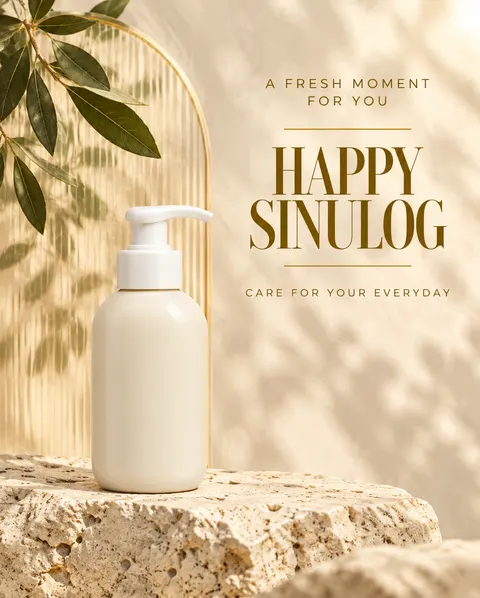
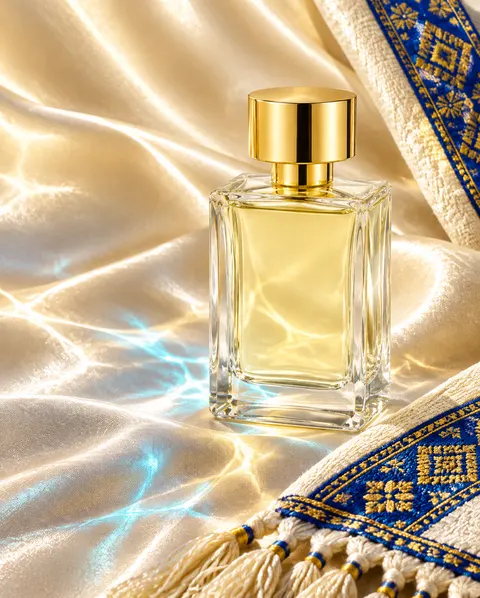
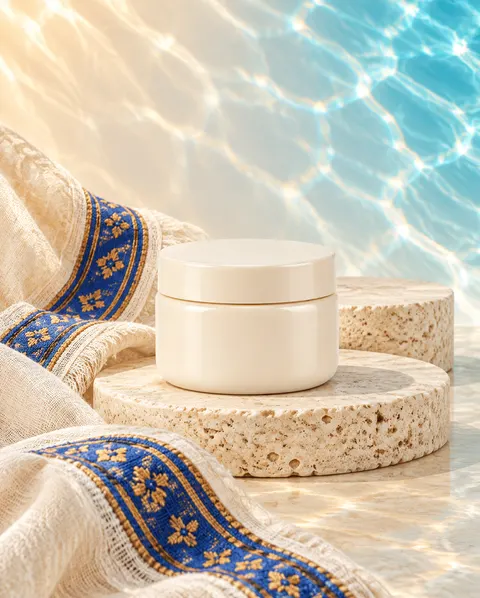
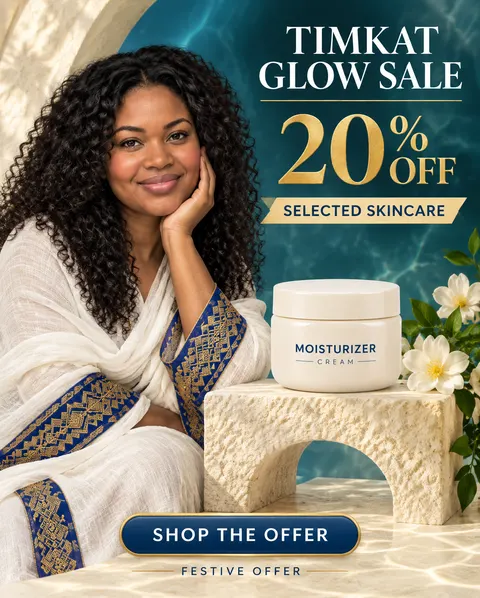
Beauty and skincare sellers use product photos to show what is in the bottle, how a product fits into a routine and the feeling behind a brand. Try a clean bottle portrait, a styled shelf or vanity scene, or a post with a model holding or using the product. A side-by-side model and flat lay can show both the packaging and how it looks in someone’s hand. These images work well for product pages, social posts and launches because they give shoppers a closer look while setting a clear mood.
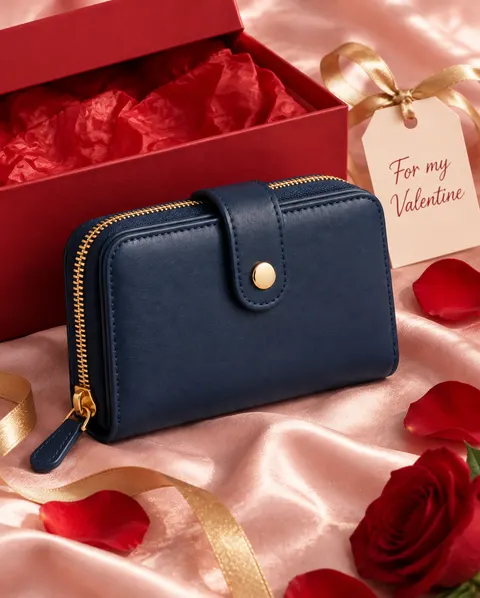
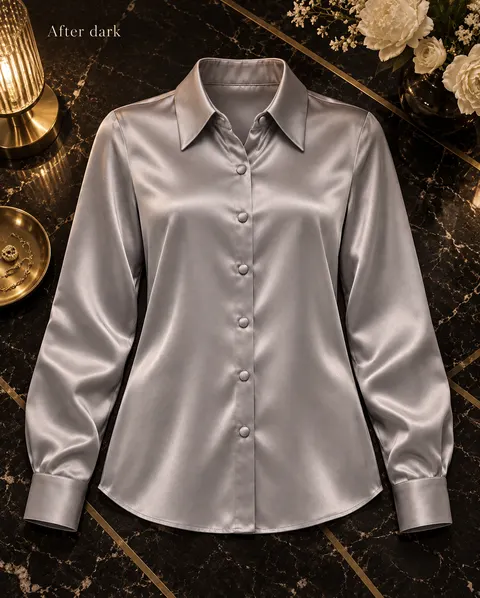
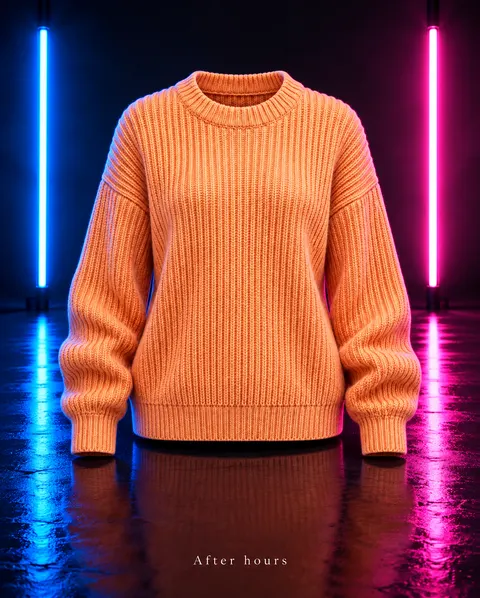
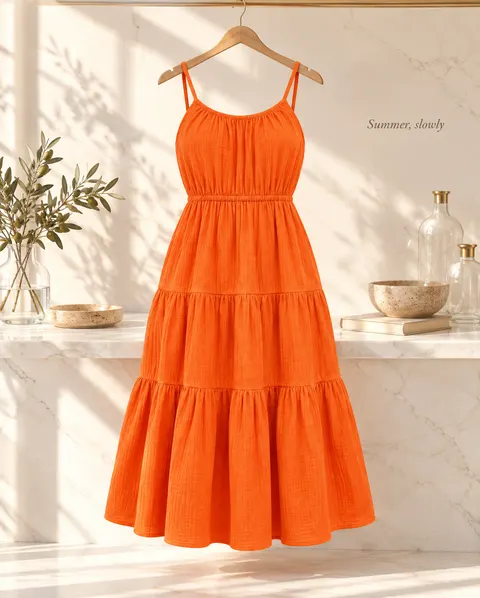



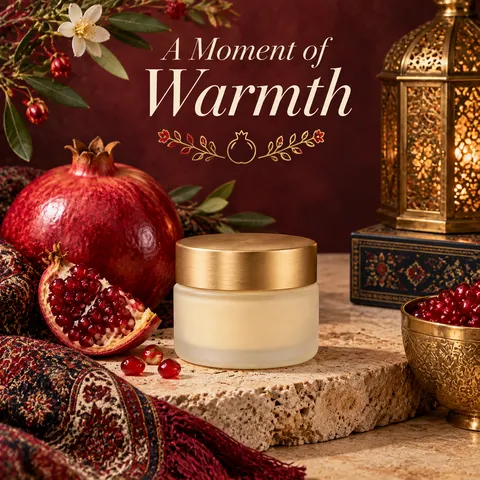



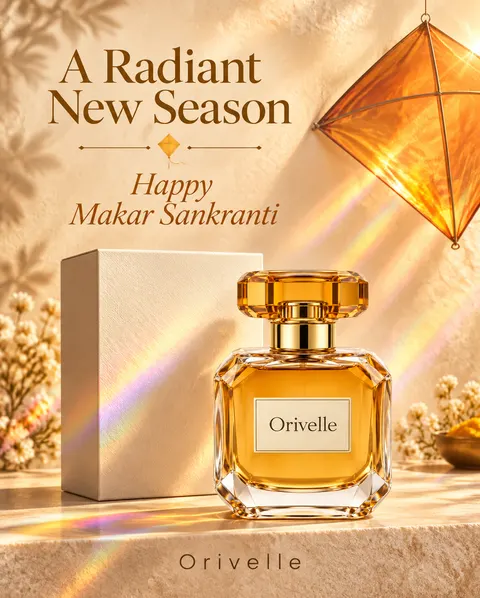
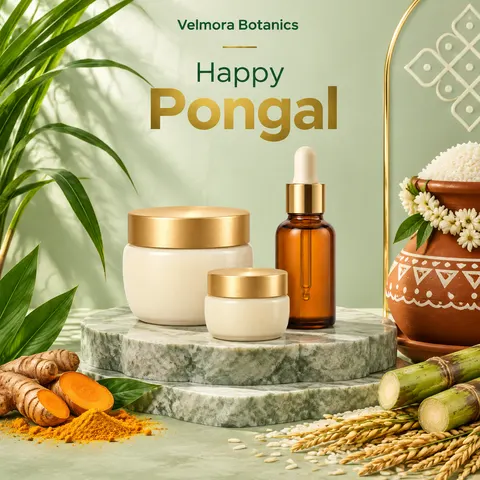
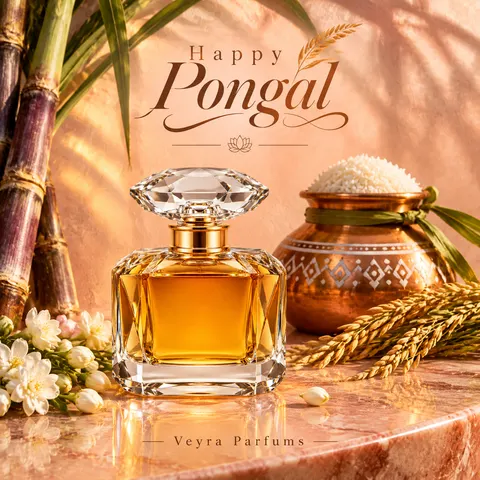

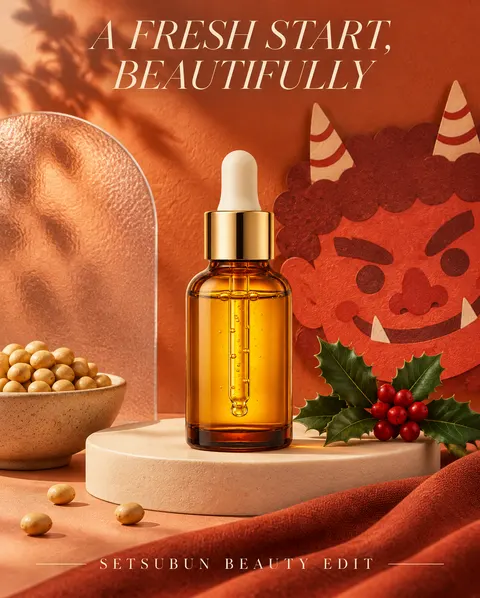
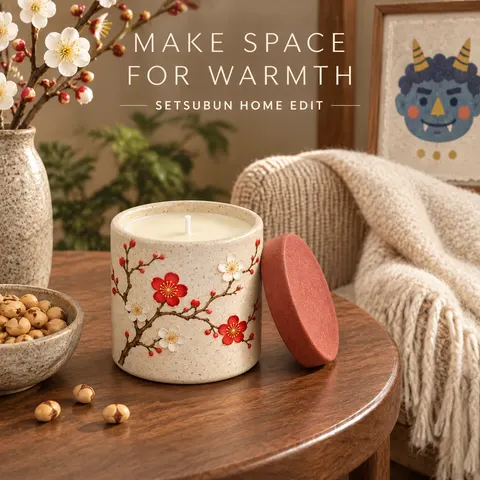
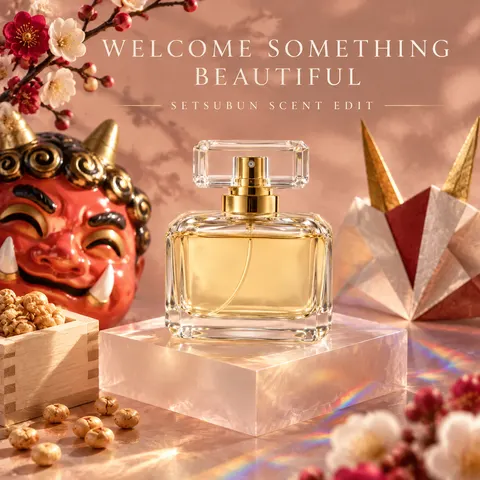
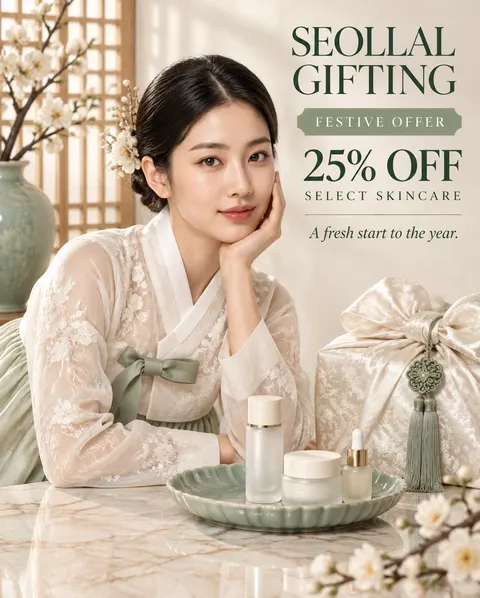

About these photos
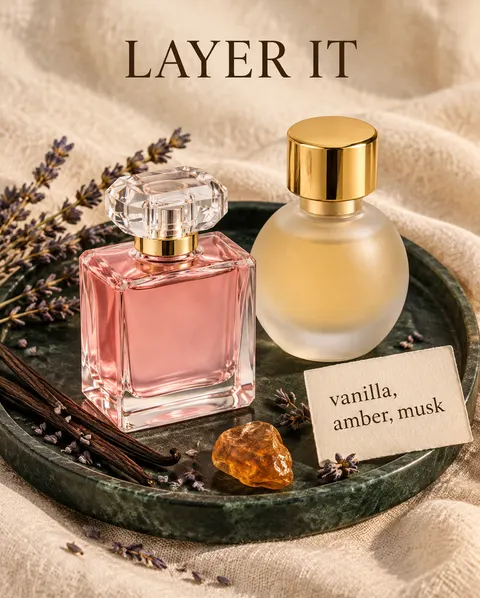
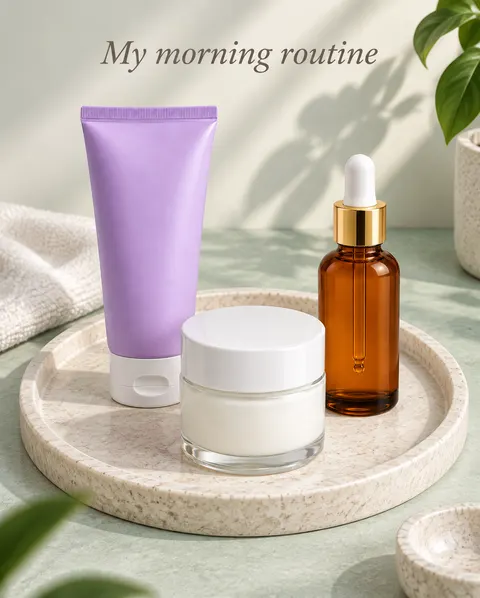
Start with a setting that suits the product. A cream jar might sit beside a soft towel, while a perfume bottle can take centre stage on a polished surface. Use gentle, even light to keep labels readable and show the shape of the packaging. Choose a small colour palette that complements the label, then add only a few props, such as flowers, leaves or a mirror. Keep any words on the photo brief and easy to read, and leave space around the product.
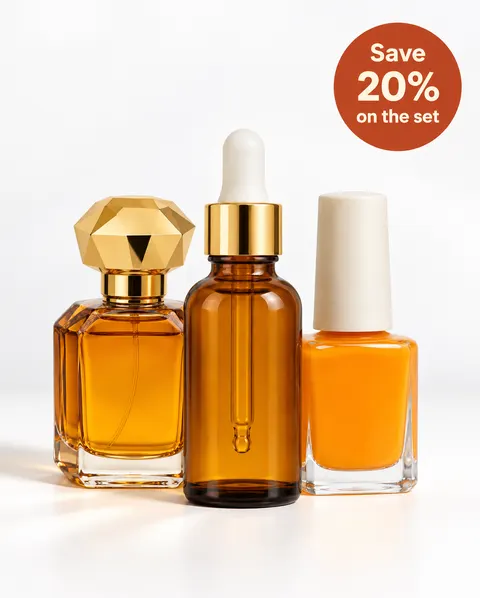
Plan a mix of images for each product or collection. Share a launch post when a new item is ready, then use detail shots and routine scenes to keep showing it. Give hero products a simple portrait, and group related items in a collection colour story or shelf scene. Consider which packaging shapes need extra attention: tall bottles, small jars, tubes and dropper bottles each look different in a frame. Torbilo lets you add your product photo to a ready-made template and create a finished image for the post you have in mind.
How to get a great photo
- Wipe bottles and jars clean so fingerprints and dust do not distract from the label.
- Keep the product label facing the camera and leave enough space to see the full package shape.
- Use soft, even light to show glossy surfaces without hiding the text in glare.
- Choose props that support the product’s mood, and remove anything that competes with it.
- For a model photo, keep the product visible in the hand and make sure the pose feels natural.
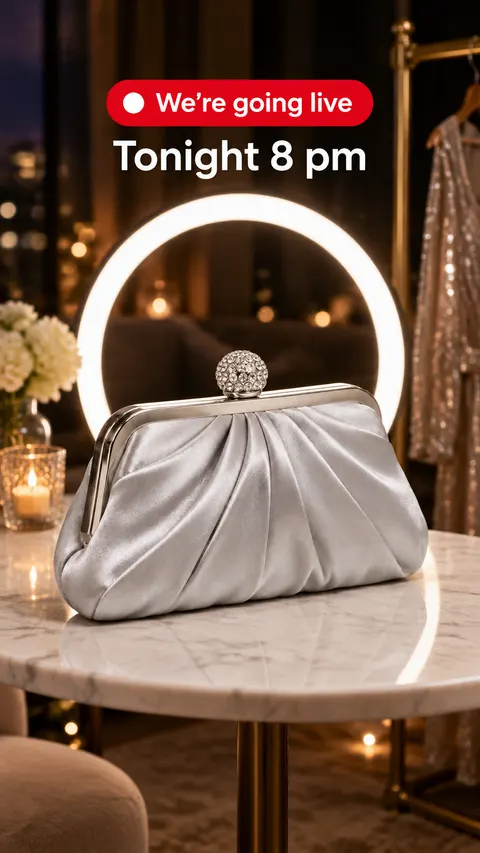
- Add only a few words to launch or feature posts, with clear contrast against the background.
Questions sellers ask
- What should I include in a skincare product photo?
- Show the full package and make the label easy to read. A simple surface and one or two routine-related props can give the image context without clutter.
- How can I make a beauty product photo look polished?
- Use clean packaging, soft light and a restrained colour palette. Keep the product as the main focus and leave some open space around it.
- Should I show beauty products on a model?
- A model can show the product in use or give a sense of its scale. Pair that image with a clear product shot when shoppers also need to see the packaging.
- What photos work for a beauty product launch?
- Try a hero product portrait, a styled shelf scene and a post with a model. A short launch message can sit beside the product without covering its label.
Updated 3 Nov 2026
Beauty and skincare
Make your first photo
Create a free account to use any of these templates. New accounts start with 25 free credits.