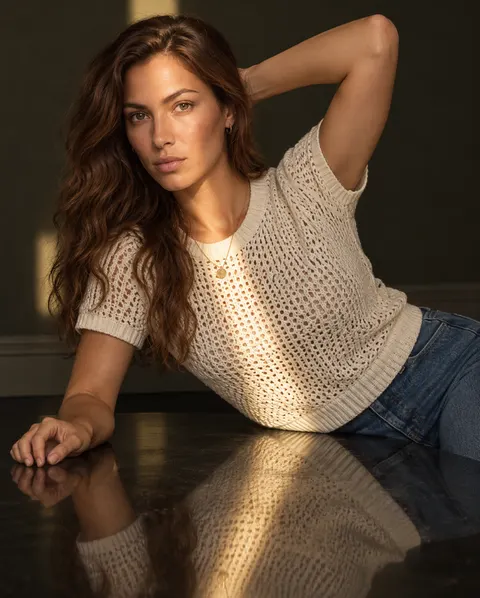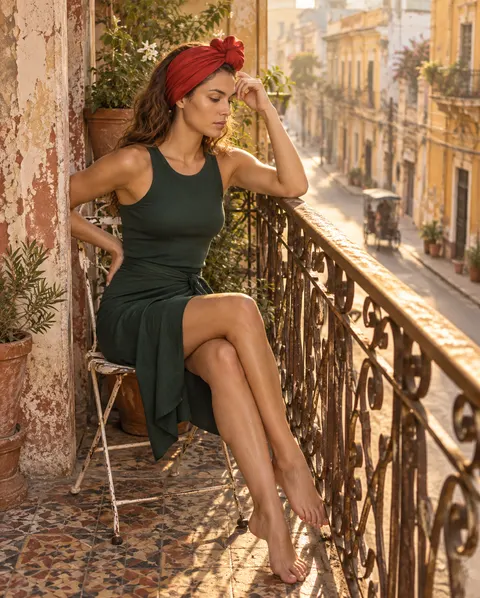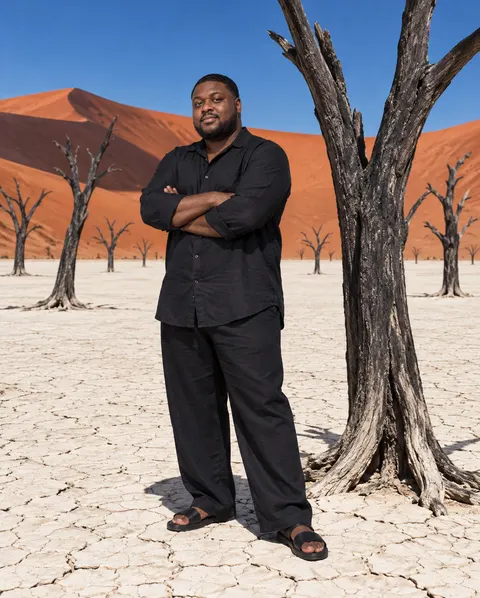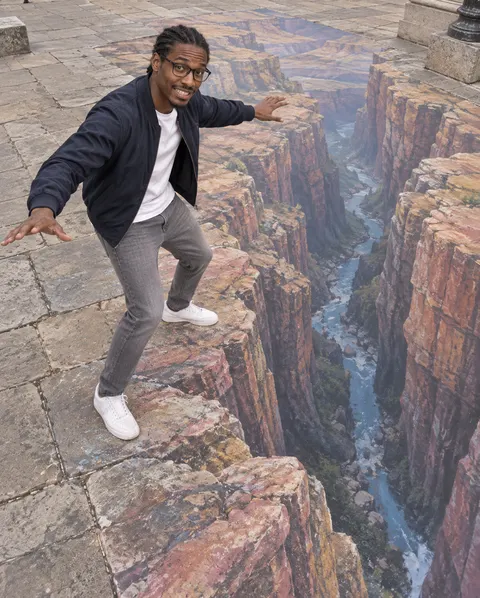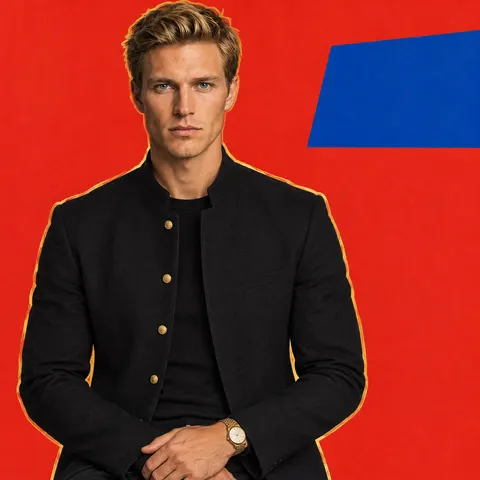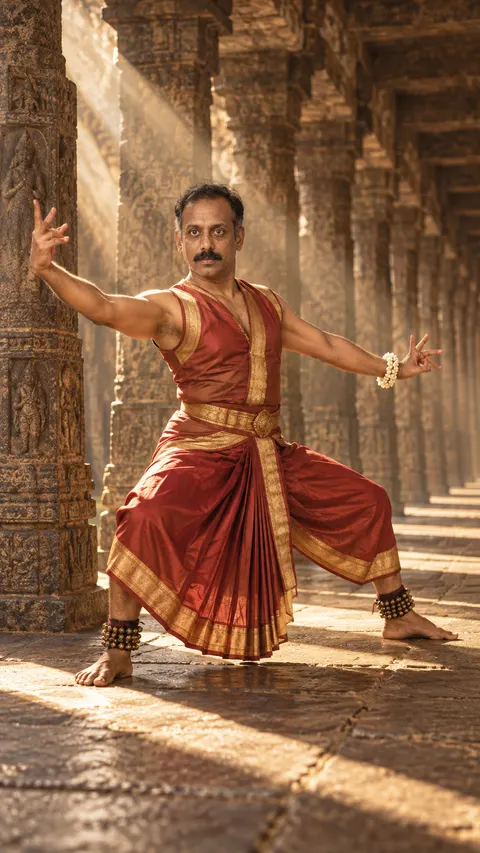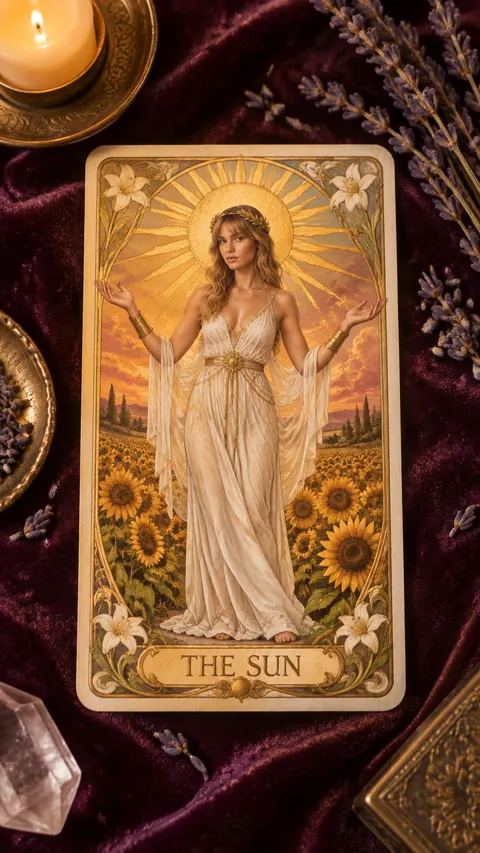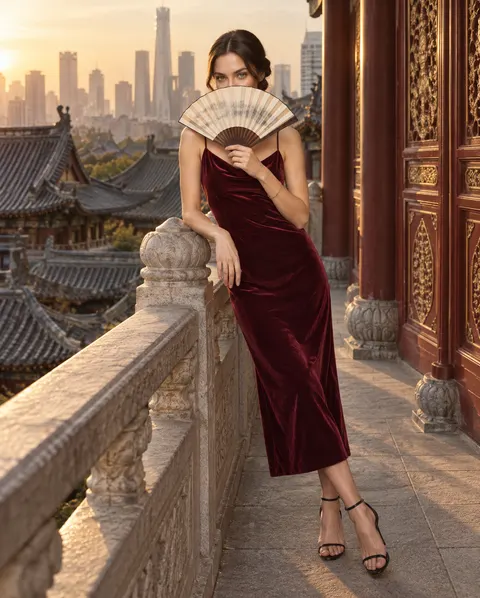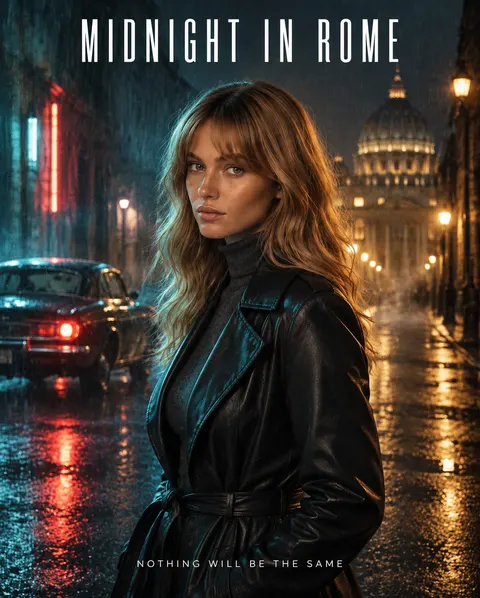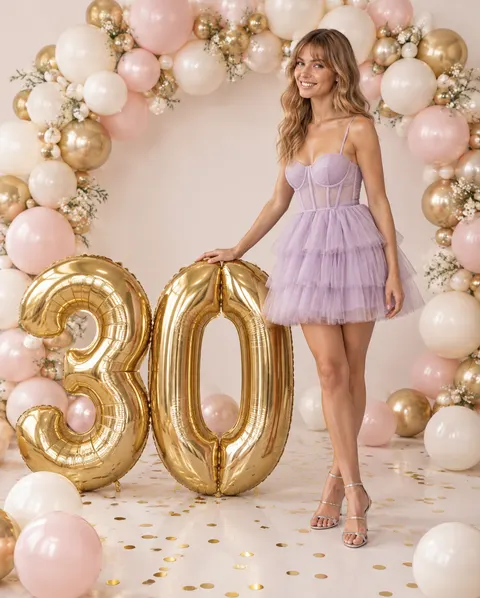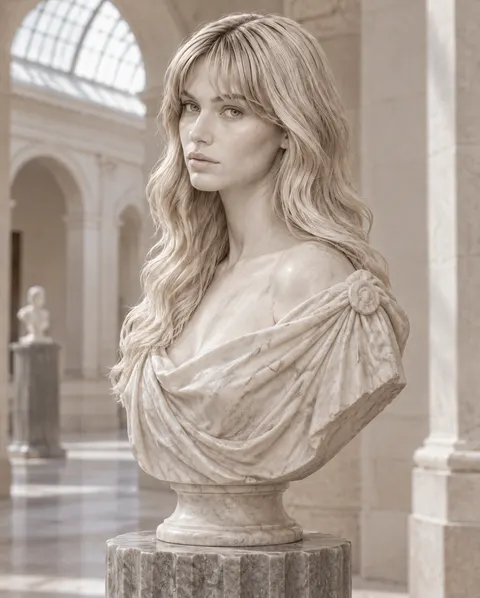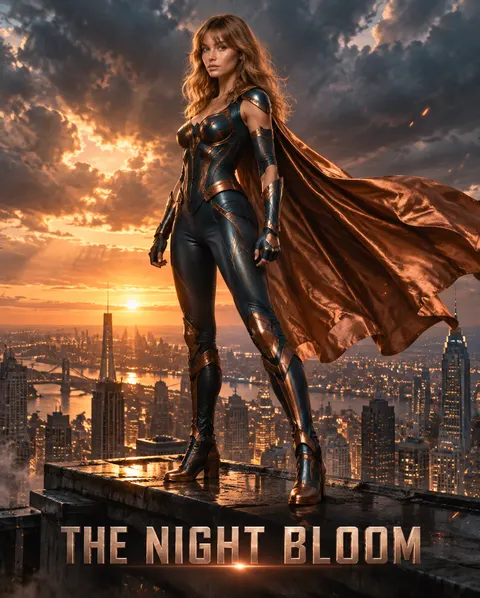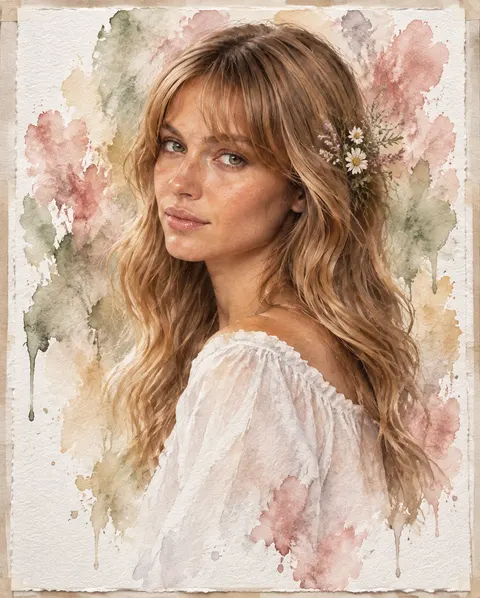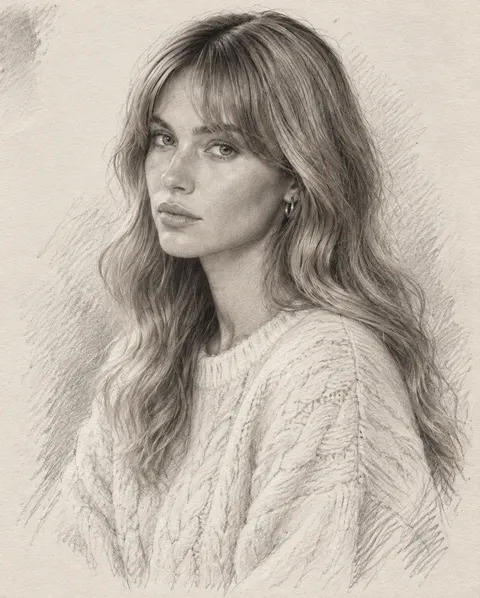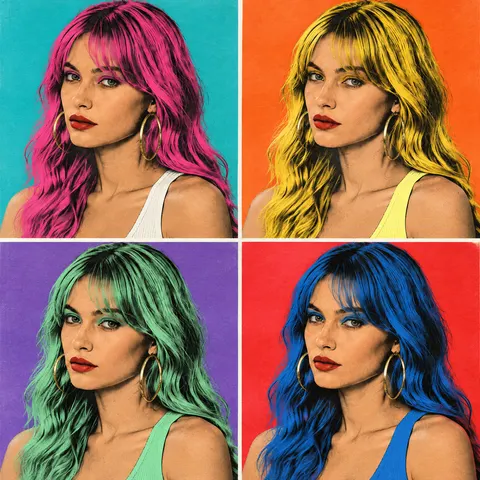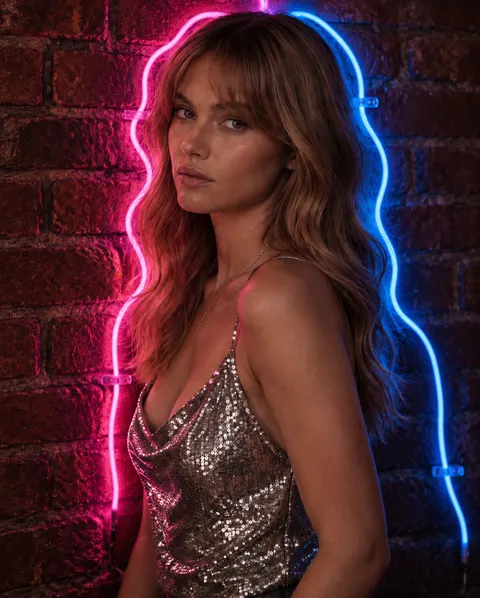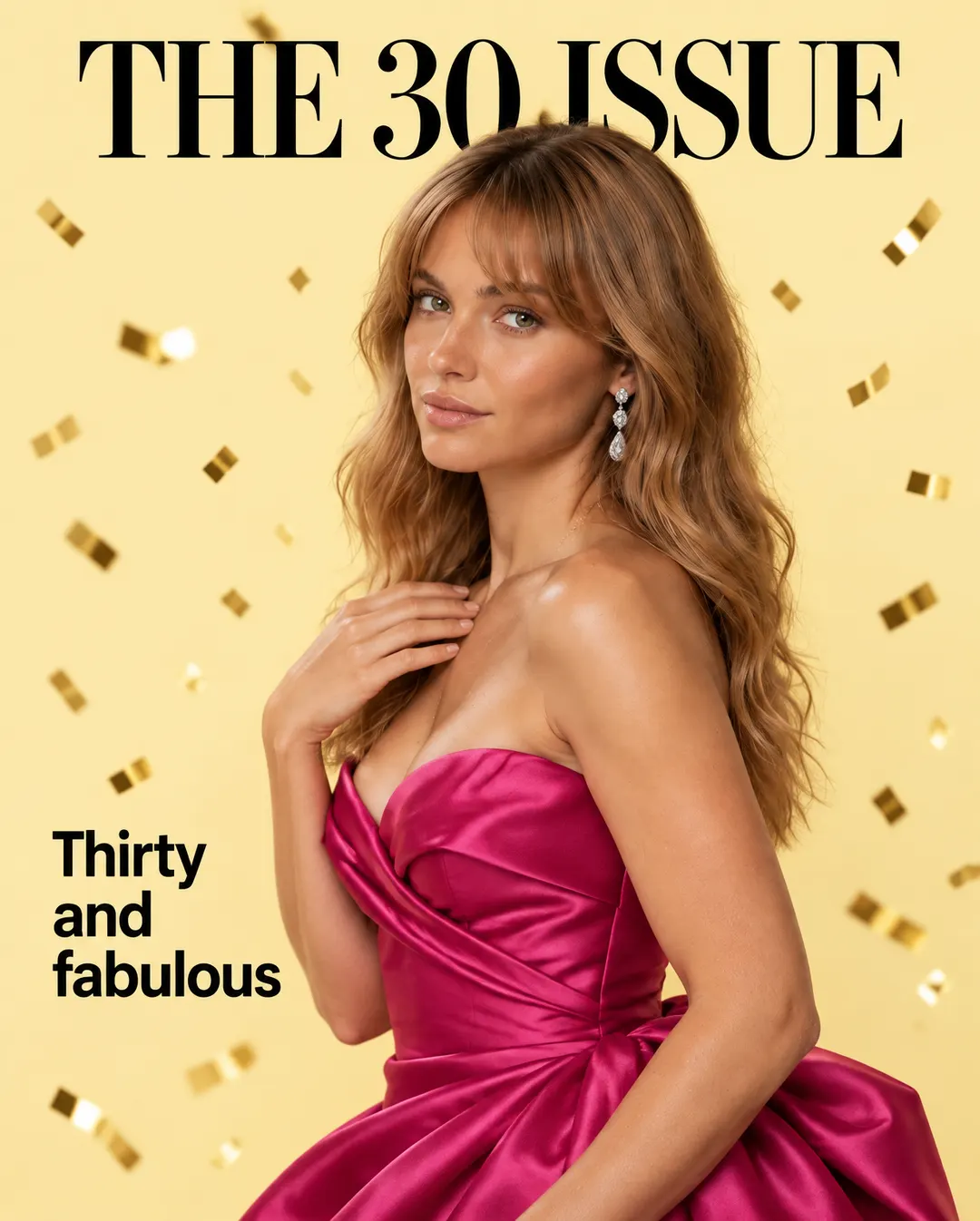
Birthday magazine cover with your cover line
You or your model as the cover star of a glossy birthday magazine, with your title and cover line. #portrait #instagram #birthday #editorial #glam #influencer #virtualinfluencer
Make it yours
These words appear in your photo.
The look
Filled in to match the example. Change any of them, or keep them.
Free for everyone, no card needed. New here? 25 free credits when you sign up.
About this template
Make a birthday magazine cover photo with a model wearing your product, a custom magazine title and a birthday cover line. It suits fashion and jewellery, and works as an Instagram post or story, a WhatsApp share, or an image for your shop listing or marketplace.
Works best for
- Birthday outfits
- Statement earrings
- Fashion accessories
- Birthday gift posts
The look
A model poses against a pale butter-yellow backdrop with gold confetti and soft beauty-dish lighting. The glossy editorial look pairs a large black serif masthead with a bold sans-serif cover line.
How to make it
- Add your photosThe pictures the template asks for, like a clear photo of your product on a hanger, laid flat or worn. A phone photo is fine.
- Change the words if you likeThe look comes filled in to match the example. Keep it, or change the colours, words and details.
- Get your finished photoIt is ready in a minute or two. Download it for your shop, marketplace or social pages.
Questions sellers ask
- What products work well with this birthday cover?
- It suits outfits, jewellery and fashion accessories that can be shown on a model. Your product stays as it is in the finished photo.
- What should I add to make the photo?
- Add a clear photo of your model and, if you want it shown, your product. A clear phone photo is fine.
- Can I change the outfit and cover text?
- Yes. You can change the magazine title, cover line, outfit, background colours, style and lettering, or keep the filled-in choices.
- Where can I use the finished photo?
- Download it for your shop listing, a marketplace, Instagram or WhatsApp. The portrait-shaped 4:5 image also works for an Instagram post.
Updated 10 Nov 2026