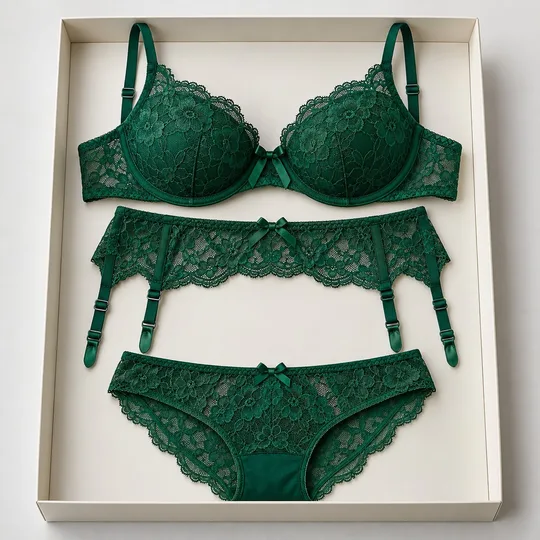
Before: the seller's own photo
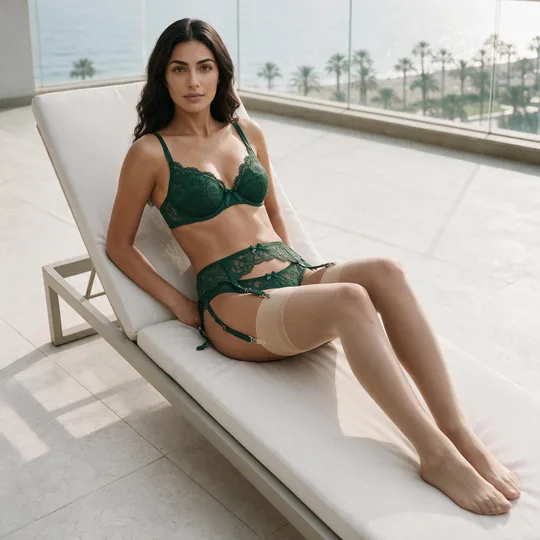
On a model
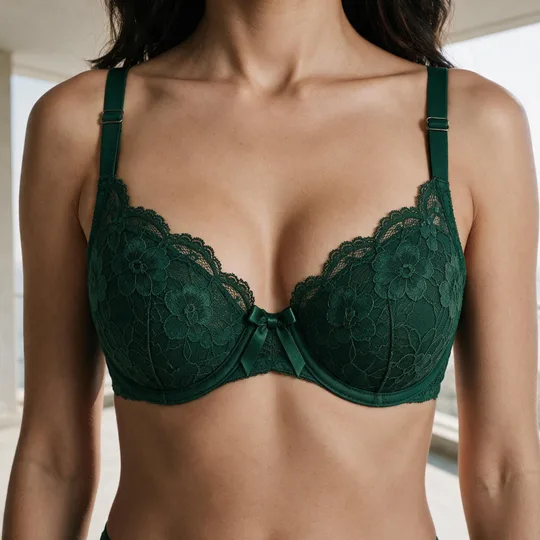
Close-up
The set in this guide is a lace bra, a garter belt and a brief, photographed flat in its box. Everything below was made from that one photo.
Photograph the set
Lay every piece flat, the right way up, with nothing folded under. Use even light and keep the whole set in the frame. A photo on a hanger or a mannequin works too.
- Put every piece of the set in the one photo, so Torbilo knows they belong together.
- Add a back photo if the back matters (a clasp, a racer back, a cut-out). Without one, Torbilo draws a plain back from what the front shows.
- Fine lace reads best in a sharp photo. Stand over the set and hold the phone level.
On Home, choose On a model and add the photo. Torbilo reads it and knows it is a lingerie set.
Pick a model
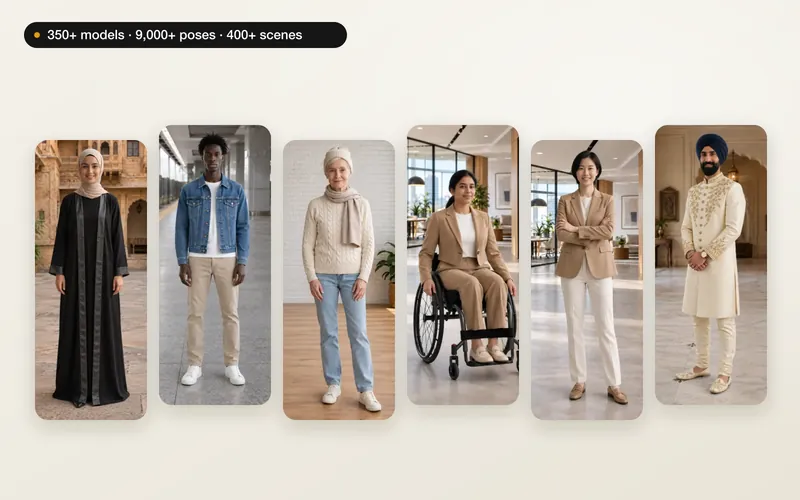
Torbilo suggests adult models for lingerie. Use the filters to find the body type, skin tone and age your customers want to see. Lingerie and underwear are only ever shown on adult models.
Pick poses and a scene
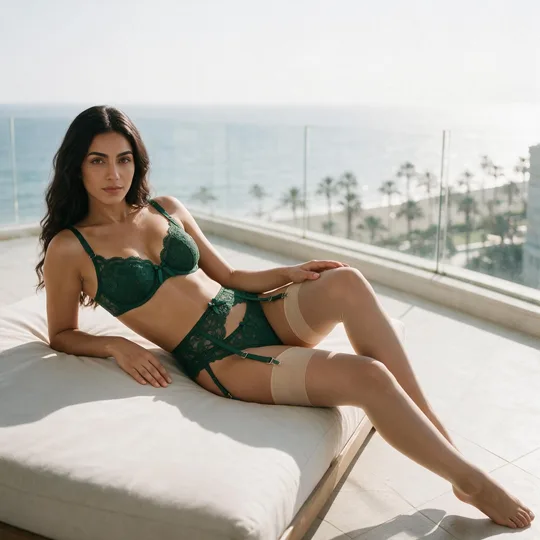
The suggested poses are made for lingerie: standing, walking, seated and reclining, front and back. Then pick a scene. This shoot used four poses on a balcony by the sea.
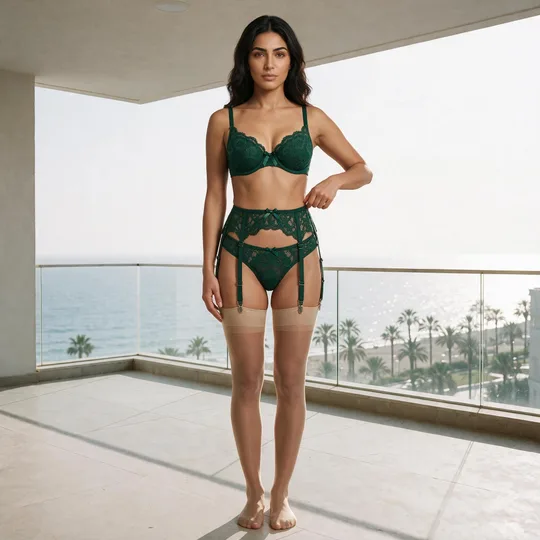
Standing
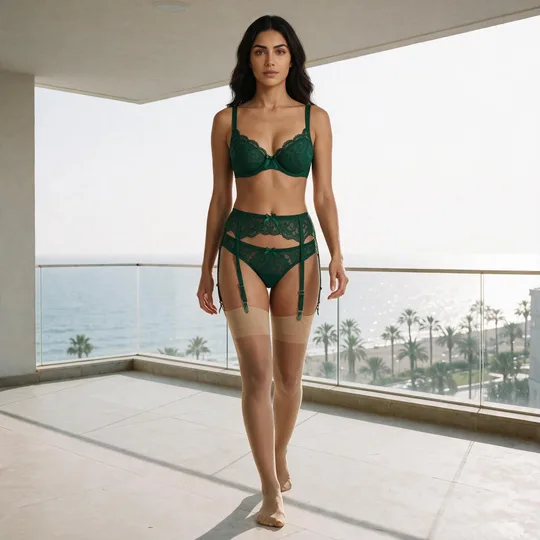
Walking
Reclining
A garter belt needs something to hold. Torbilo adds plain stockings so the set is shown the way it is worn. The pieces you sell stay as they are in your photo.
Add close-ups
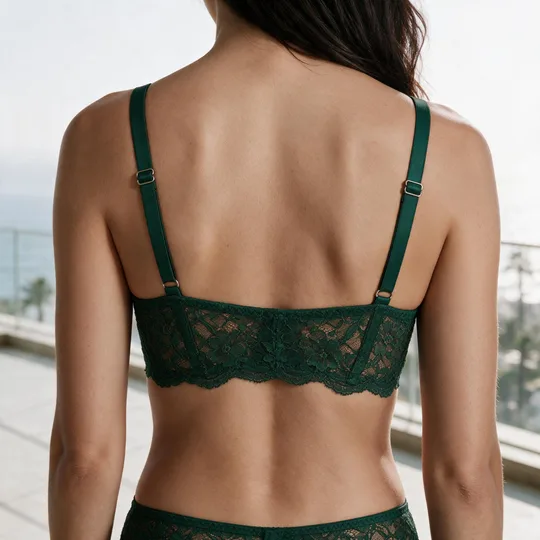
On Review, each pose has a Close-ups row. Open it and choose the parts to show. For a lingerie set the choices follow its own parts, such as the cups, the straps, the back band, the garter and the brief.
Bra, front
Bra, back
Each close-up is a photo of its own: 5 credits.
Add a ghost mannequin photo
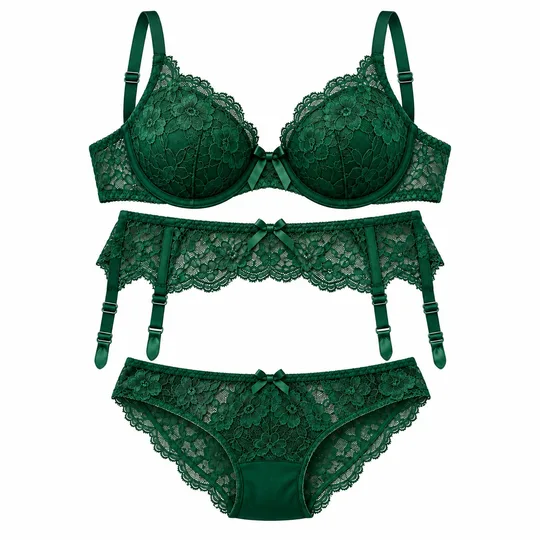
For a listing's main photo, add the set alone on white. On Home, choose Ghost mannequin, pick the same product and the Front angle.
The seller's photo
Ghost mannequin, front
5 credits per angle.
Check and save
Compare each photo with your own: the lace pattern, the bows, the strap adjusters and the garter clips. If one detail is off, use Fix something and say what to change.
The ten photos of this shoot (four poses, five close-ups and one ghost mannequin photo) cost 50 credits. Save them in the shapes your marketplaces ask for: see Download product photos.