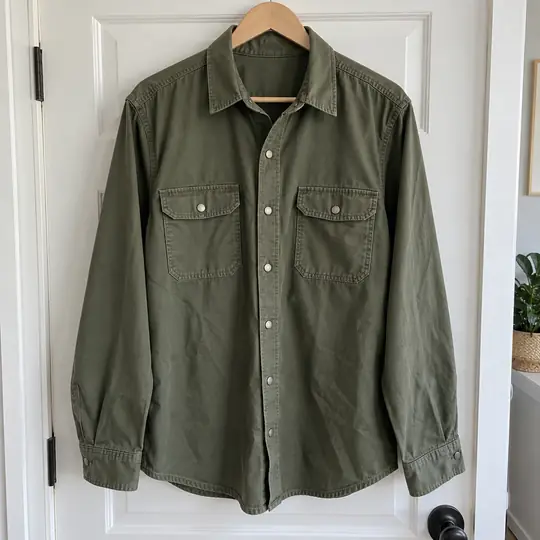
Before: a real phone photo on a hanger
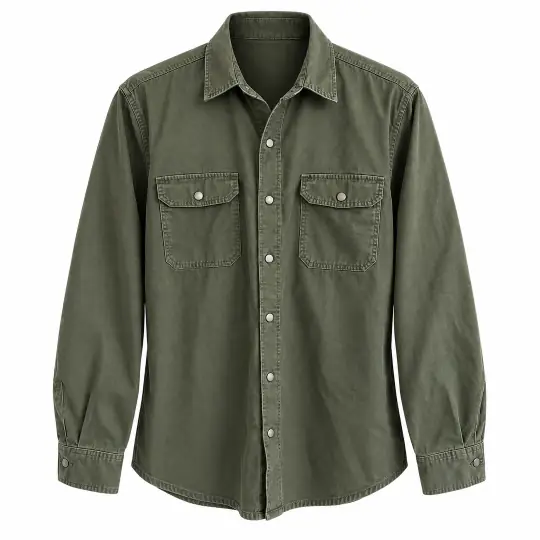
Front
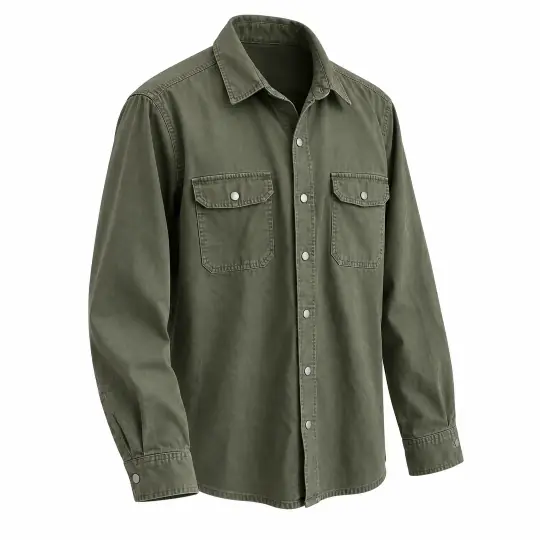
Three-quarter
1
Add the garment
On Home, choose Ghost mannequin and add a clear photo of the garment, on a hanger, a door or laid flat. Add a back photo if you want back views.
2
Choose angles
Pick the angles you need: Front, Three-quarter, Side, Back three-quarter and Back. The back three-quarter view needs a back photo. Prints stay on their side of the garment, and no labels are invented.
Cost
5 credits per angle. A failed angle gives its credits back.
3
Save the photos
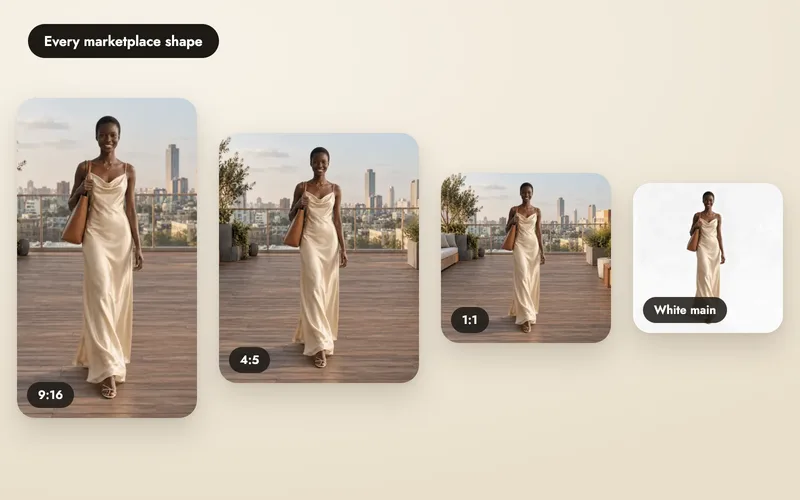
Save each photo on white, or with a transparent or grey background, in any shape. Add more angles later from the same shoot.