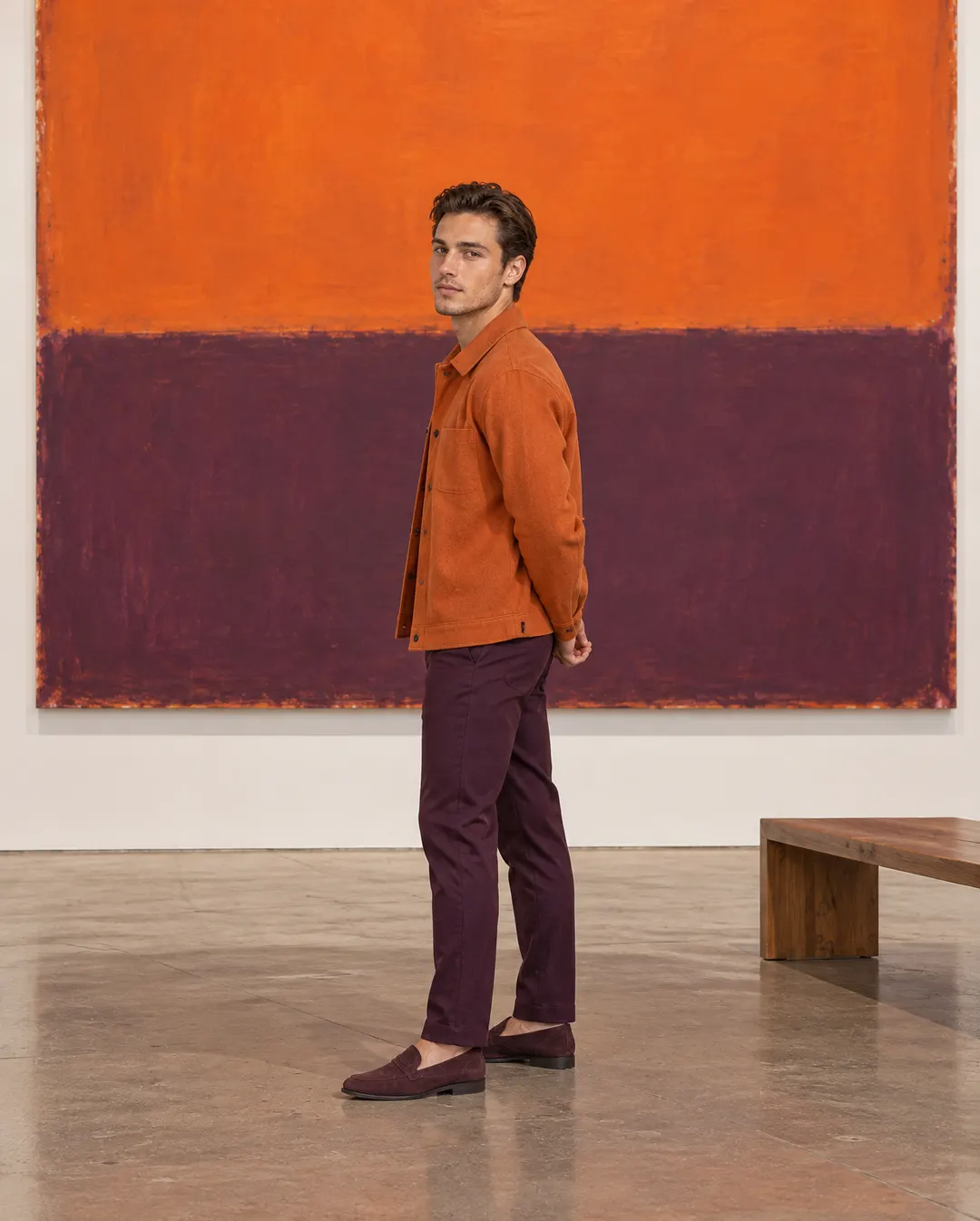
Dressed to match the canvas
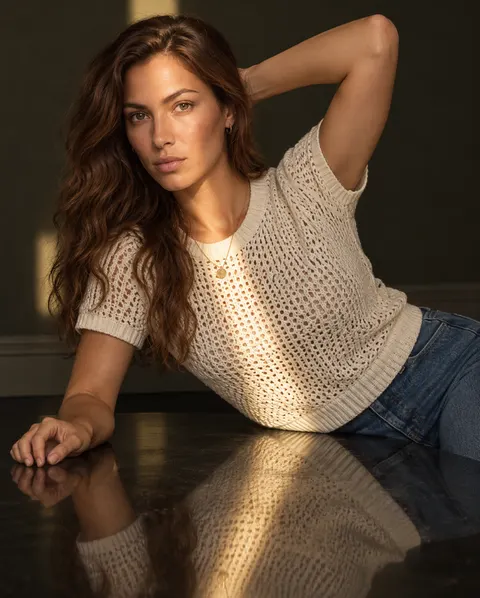
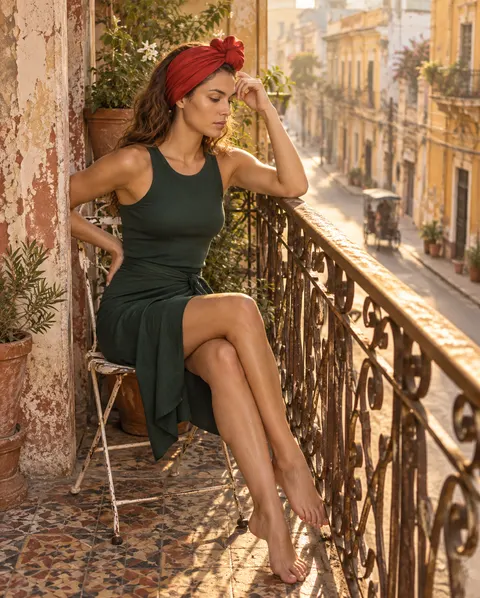
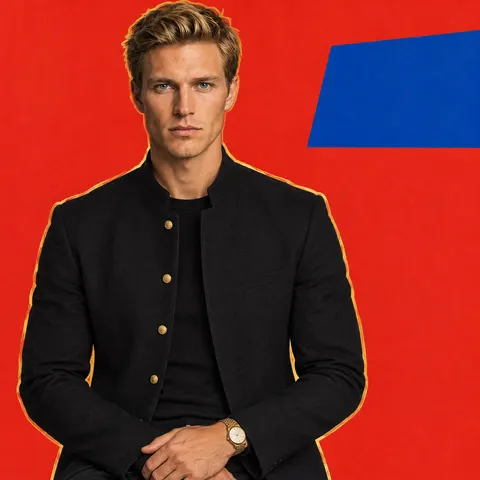
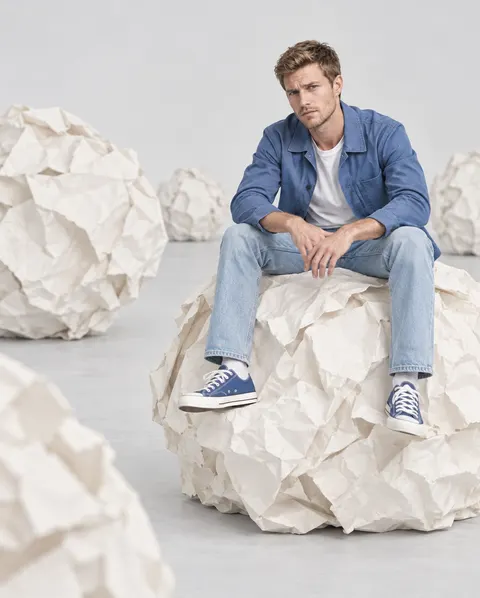
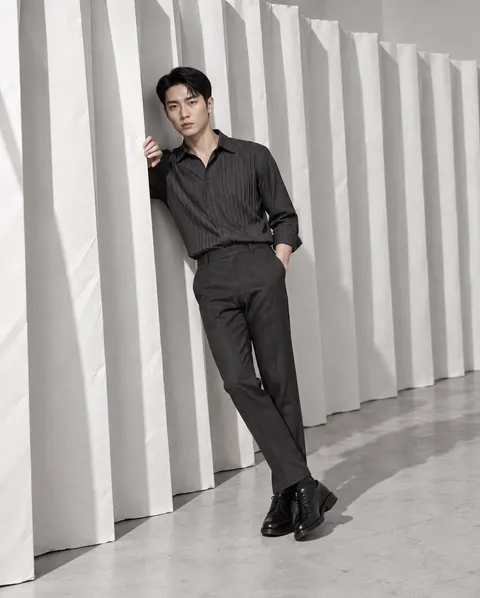
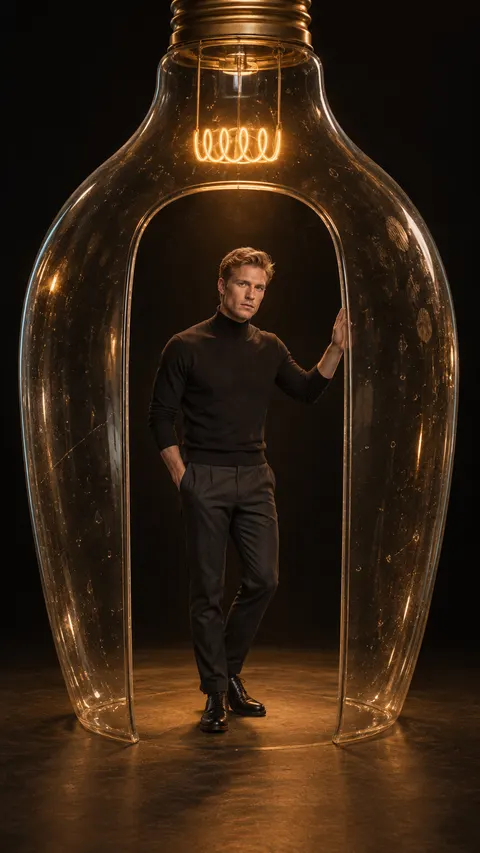
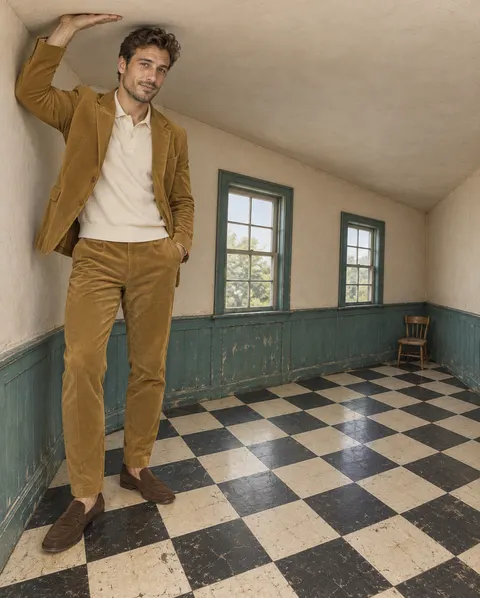
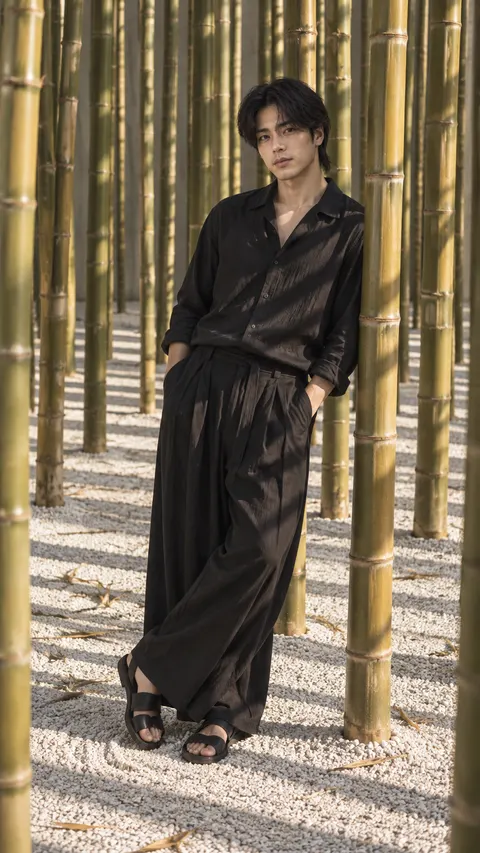
You or your model dressed in the two colours of a huge painting in a white gallery. #influencer #virtualinfluencer #lifestyle #editorial #studio
Sign in to choose any of our models, or your own.
The look
Filled in to match the example. Change any of them, or keep them.
Free for everyone, no card needed. New here? 25 free credits when you sign up.
About this template
Create a gallery editorial photo with a studio model dressed in two colours that echo a large painting. It suits jackets, trousers, shoes and other fashion pieces, with an artful look for a shop listing, marketplace, Instagram post or story, and WhatsApp. Add your product photo; the finished image is ready to download in a minute or two.
Works best for
- Jackets and overshirts
- Trousers and co-ords
- Loafers and dress shoes
- Artful fashion launches
The look
A studio model stands in a white gallery before a large orange and plum painting, with warm wood and a polished floor. The light is soft and even, giving the image a bold, calm editorial mood.
How to make it
- Add your photosThe pictures the template asks for, like a clear photo of your product on a hanger, laid flat or worn. A phone photo is fine.
- Change the words if you likeThe look comes filled in to match the example. Keep it, or change the colours, words and details.
- Get your finished photoIt is ready in a minute or two. Download it for your shop, marketplace or social pages.
Questions sellers ask
- What products work well in this gallery photo?
- It suits clothing such as jackets, trousers and coordinated outfits, as well as shoes shown on a model. The colour-blocked styling works especially well for pieces that fit an editorial look.
- What do I need to add?
- Add a clear photo of your product. A phone photo is fine, and your product is kept as it is in the finished image.
- Can I change the colours and styling?
- Yes. You can change the style, background colours, hair and make-up, and outfit, or keep the filled-in settings.
- Where can I use the finished photo?
- Download it for a shop listing, marketplace, Instagram post or story, or WhatsApp.
Updated 22 Nov 2026