Editorial looks
Magazine editorial product photo ideas
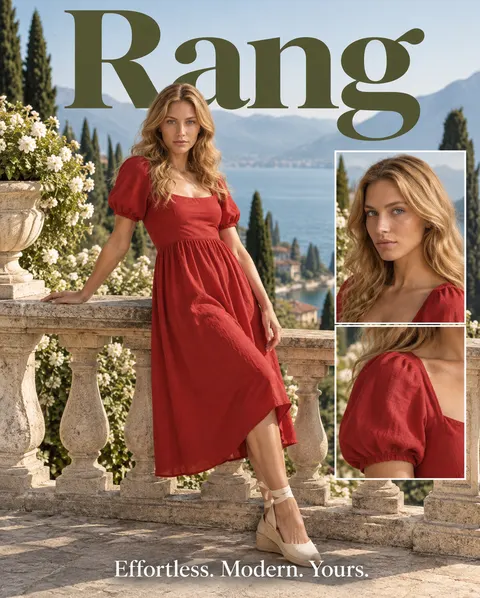
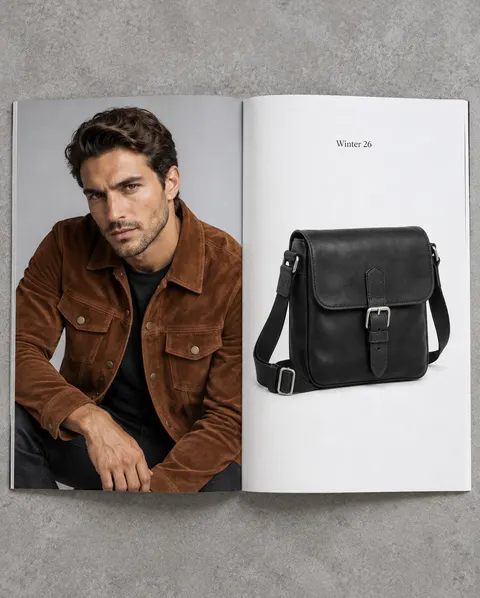
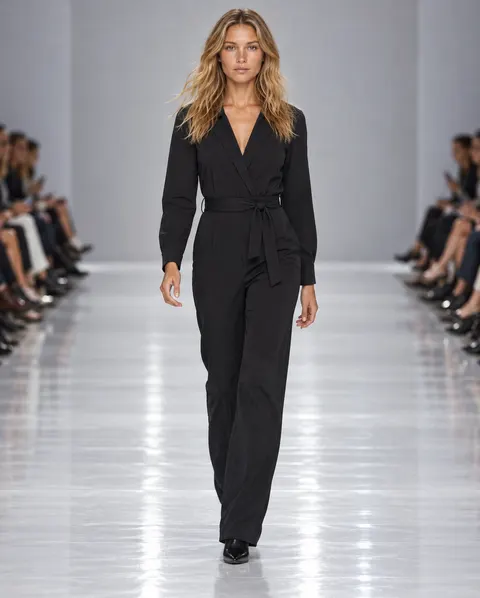
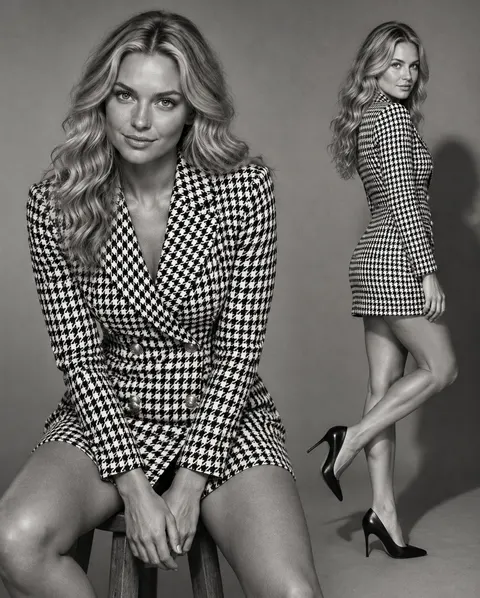
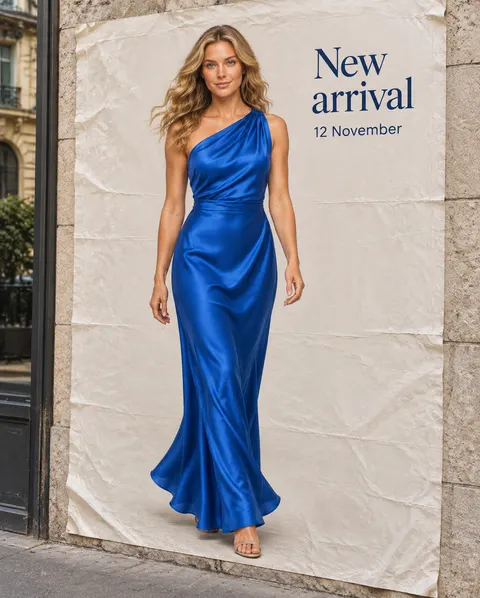
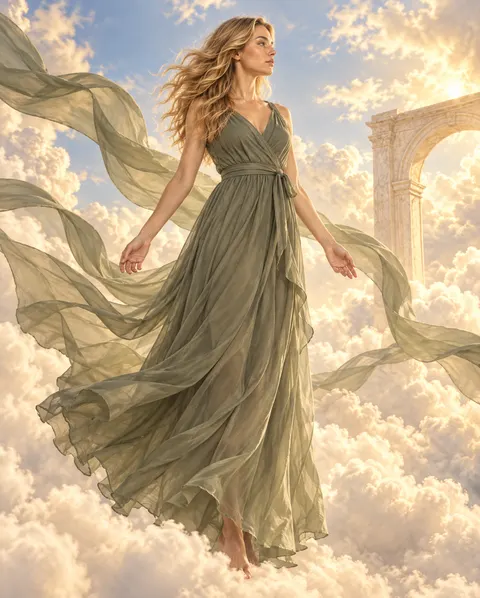
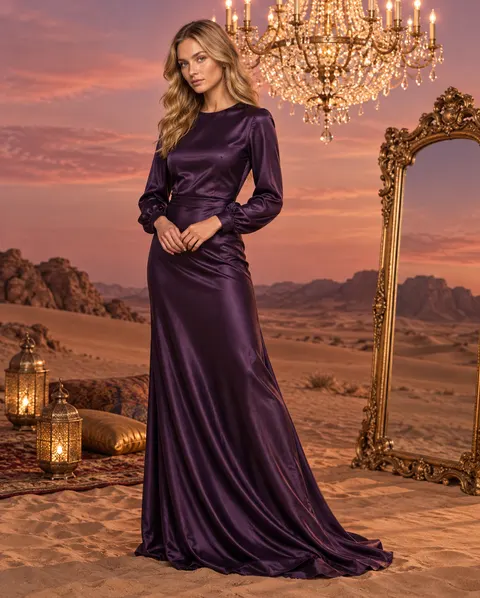
Magazine editorial photos give a product the feel of a fashion story, campaign or catalogue. Sellers use them to show how clothing and accessories look on a model, introduce a collection, or create a striking post for social media. Torbilo templates include runway and magazine-cover scenes, black and white editorials, lookbook spreads, and gallery displays. Add your product photo to a ready-made template to create a finished image for your shop or social feed.
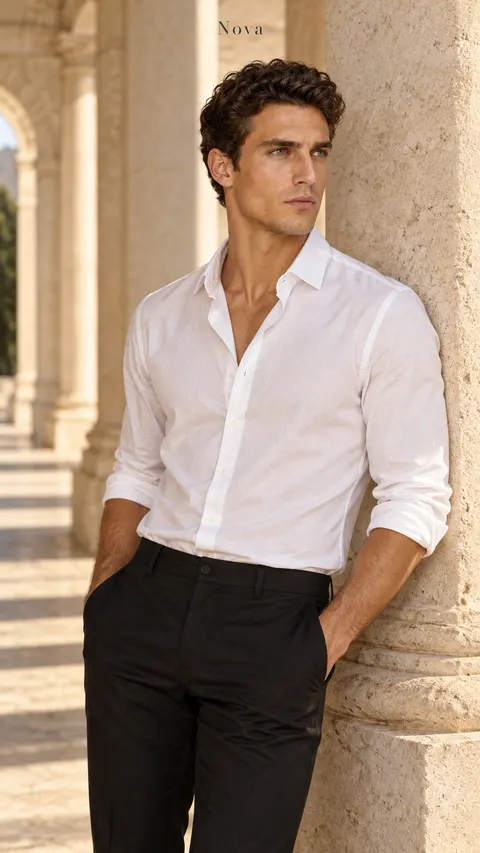

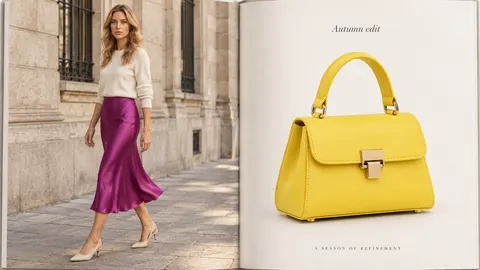
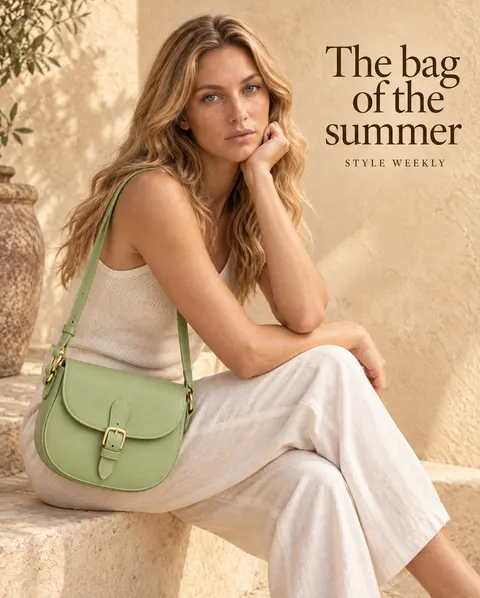
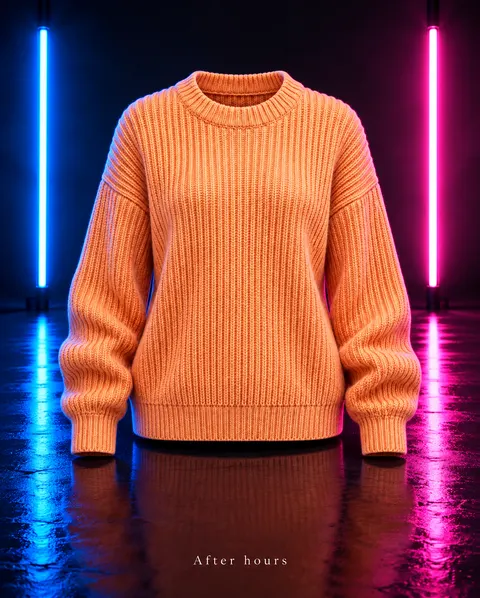
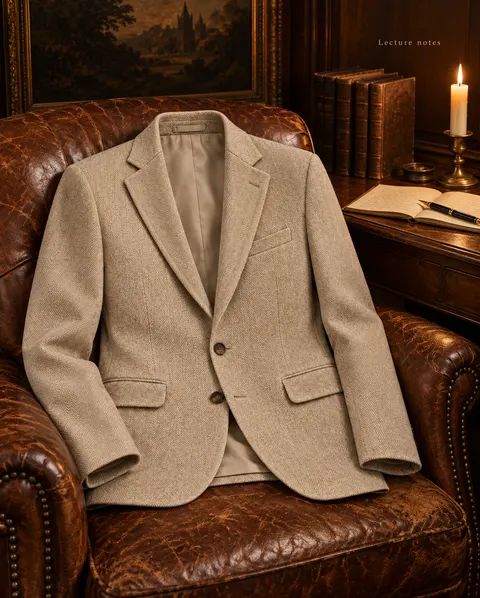
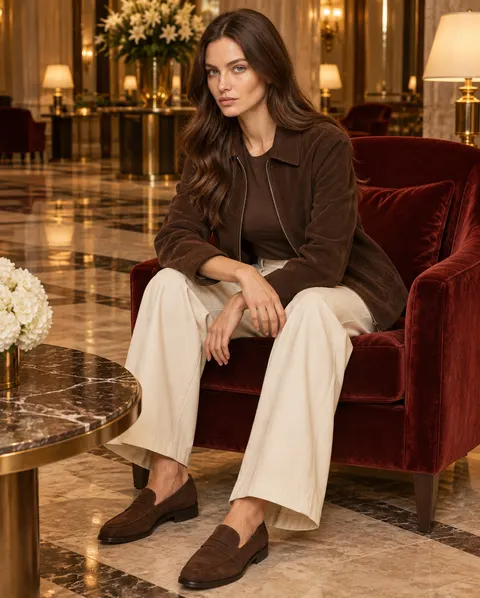
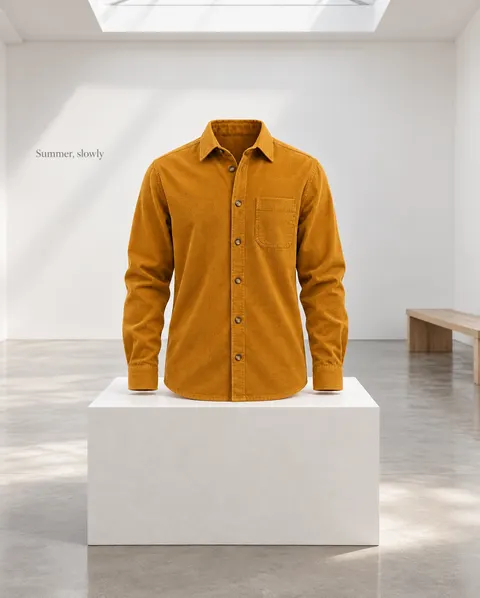
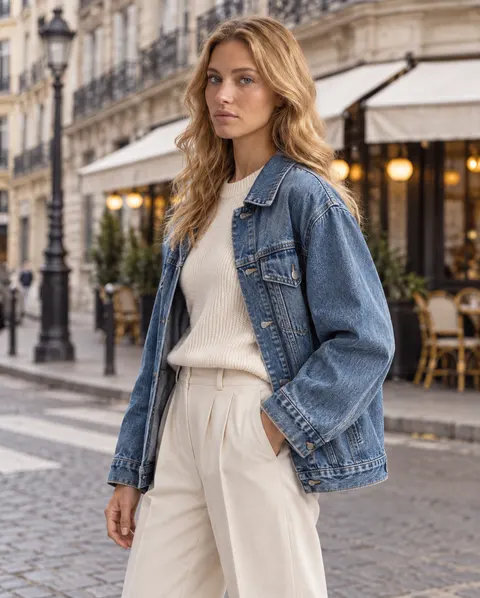
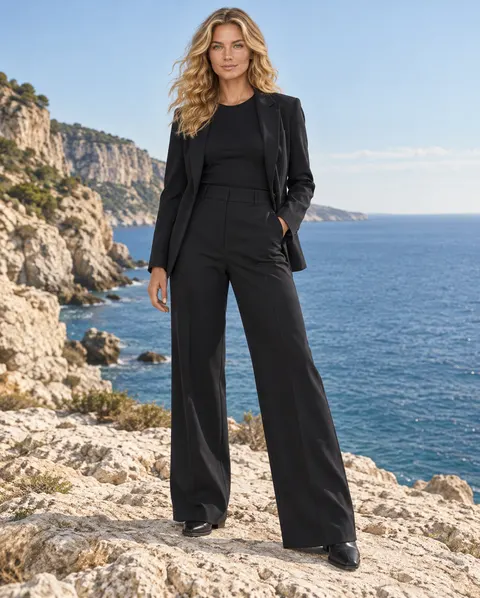
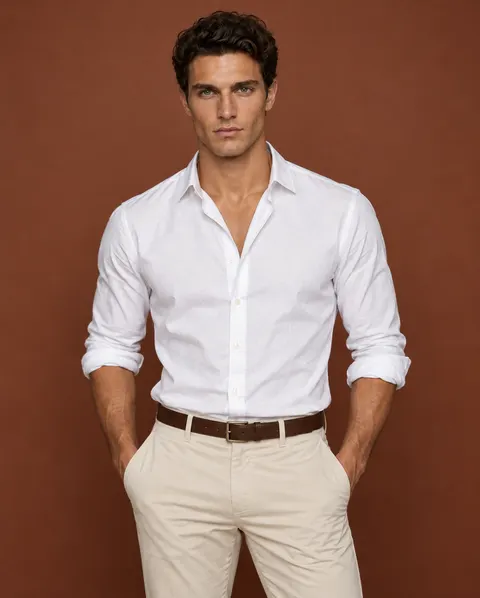
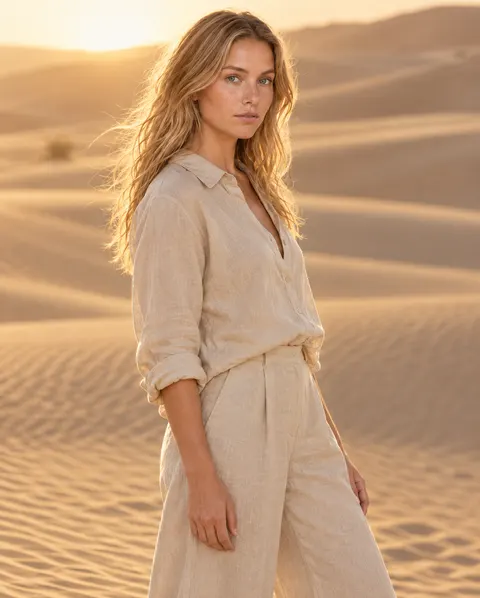
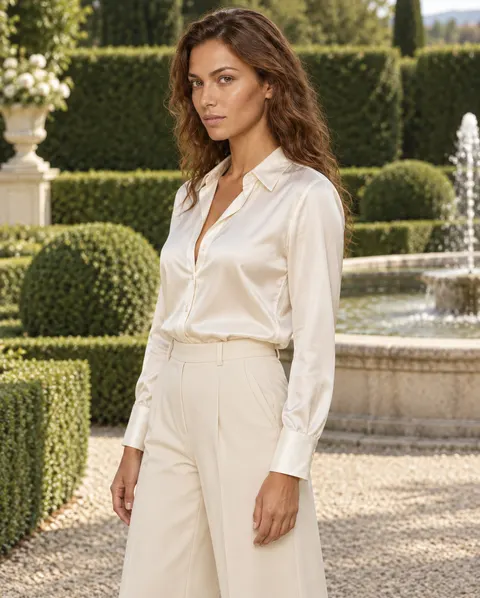
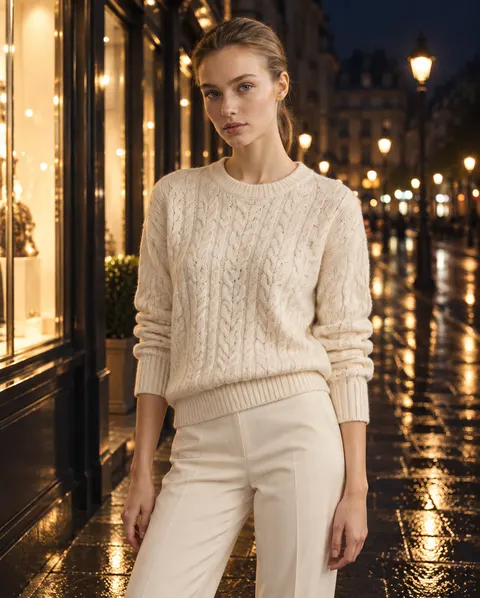
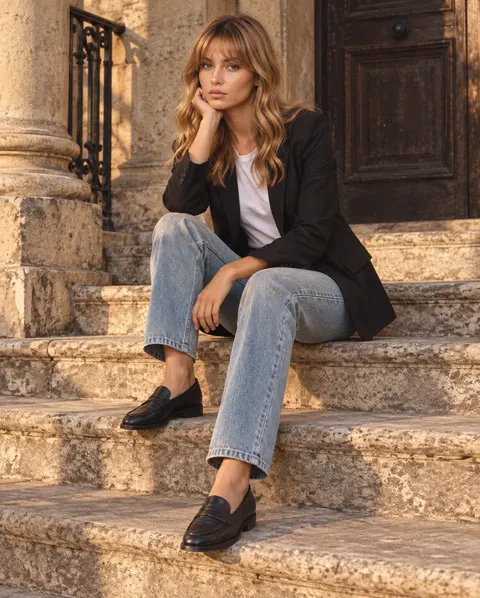
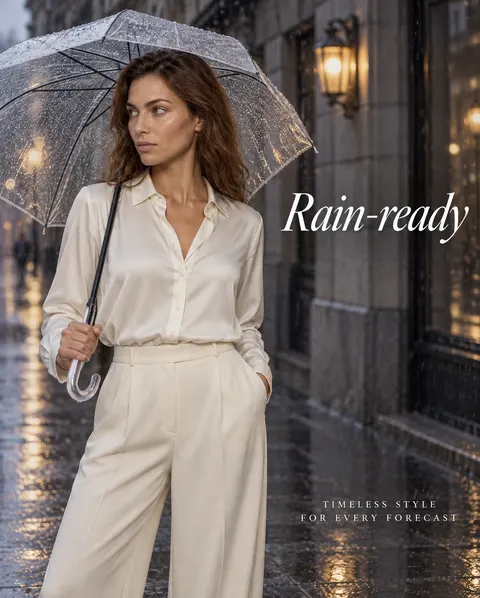
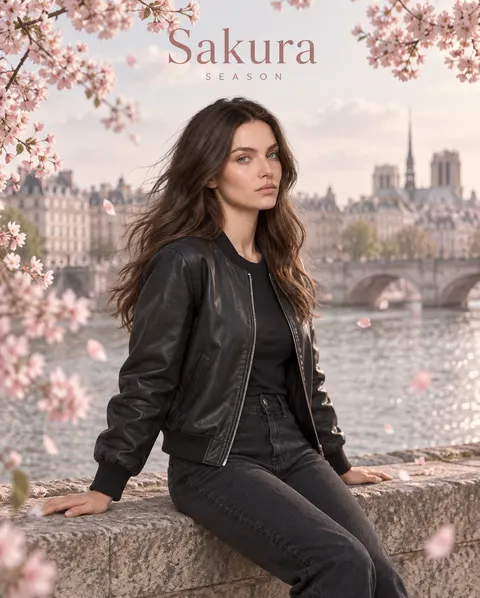
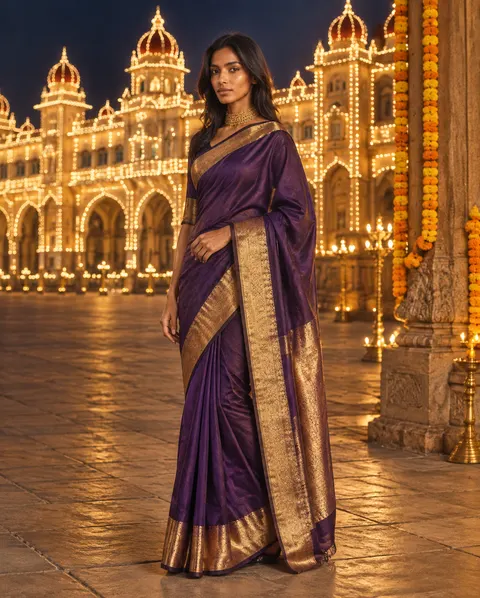

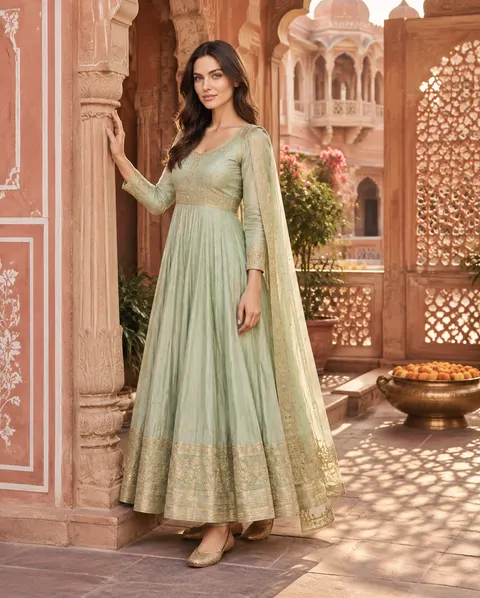
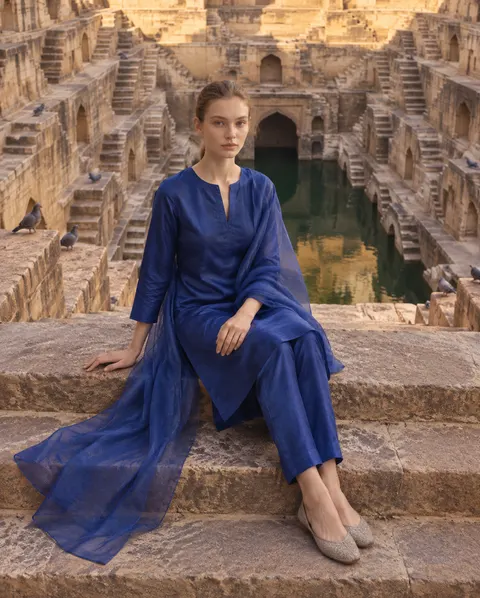

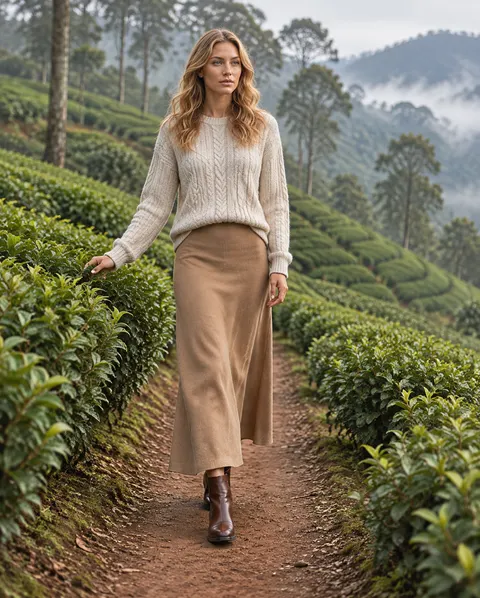

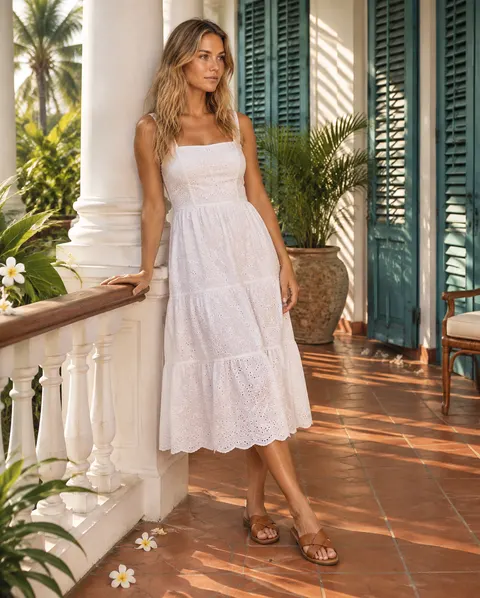
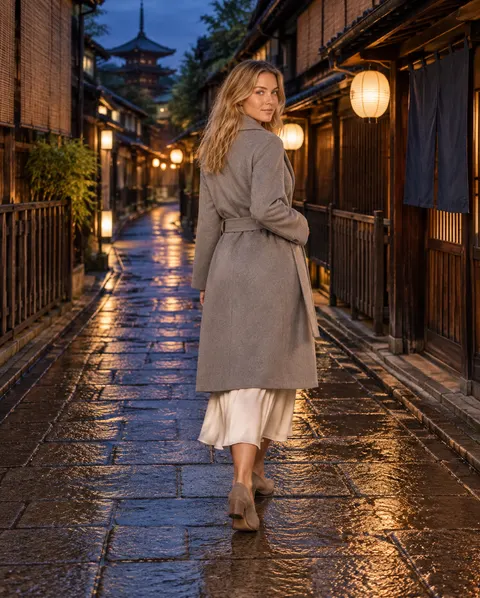
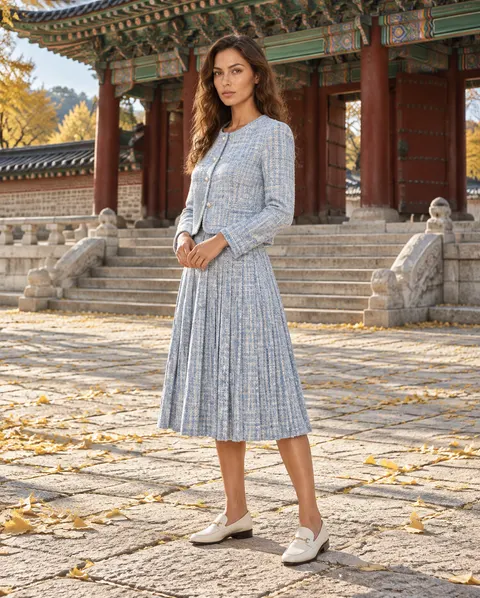
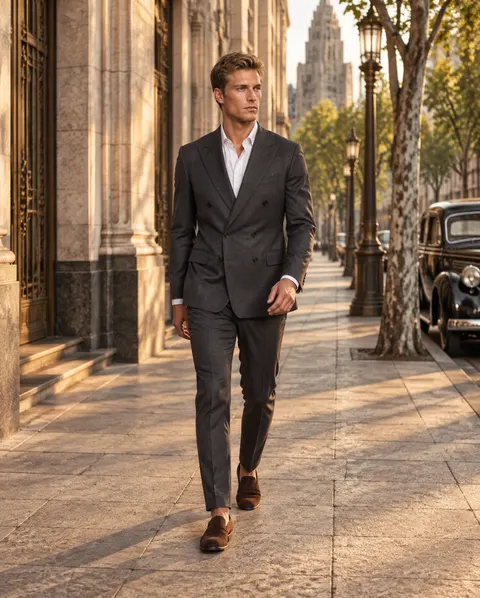
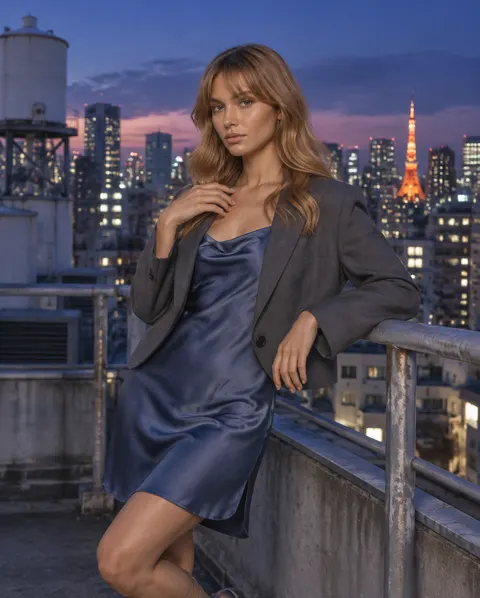

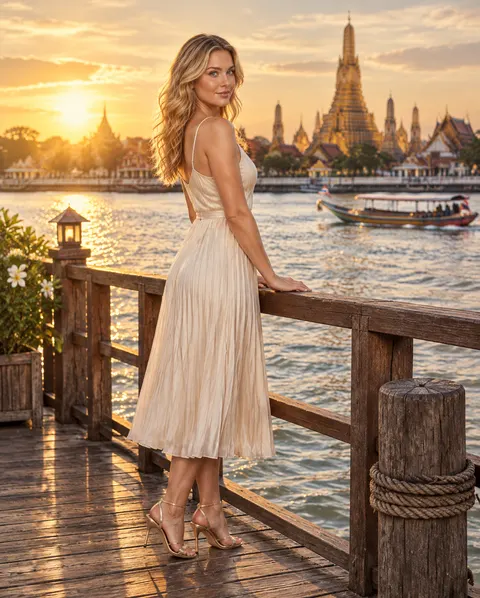
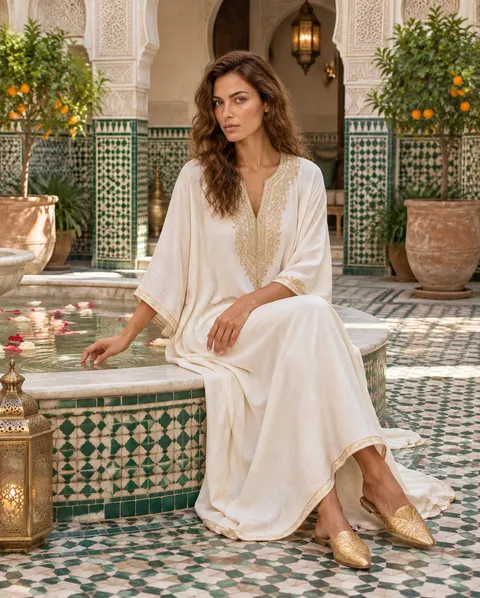
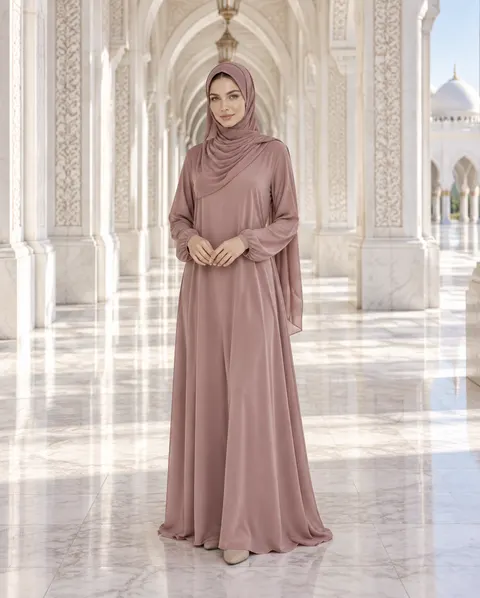
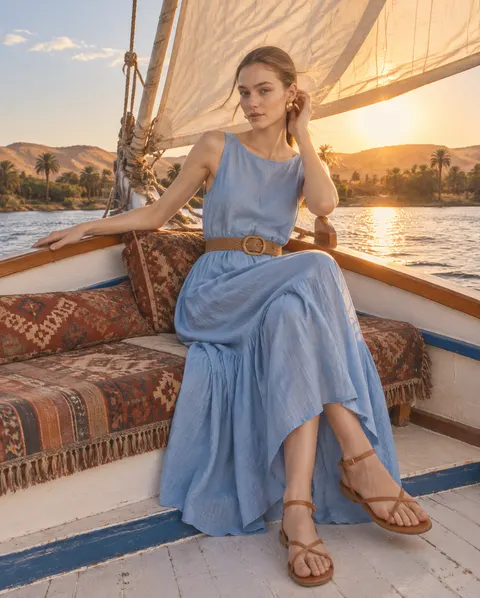

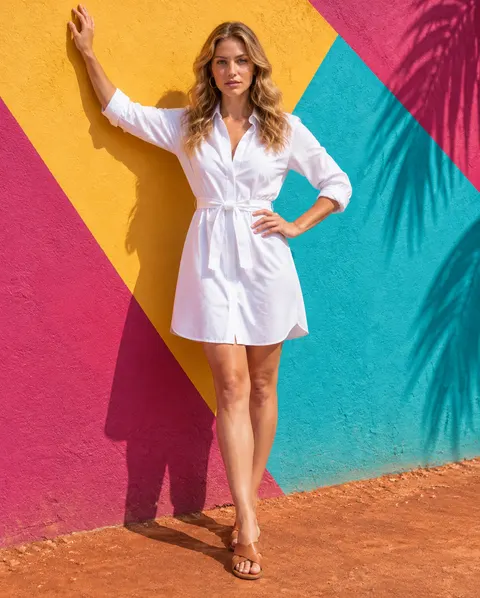
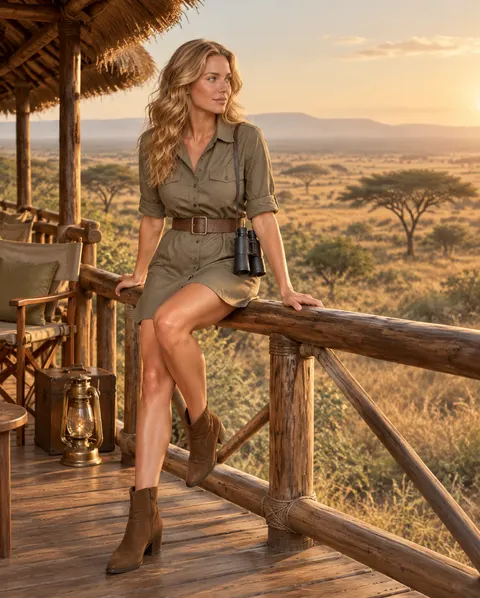
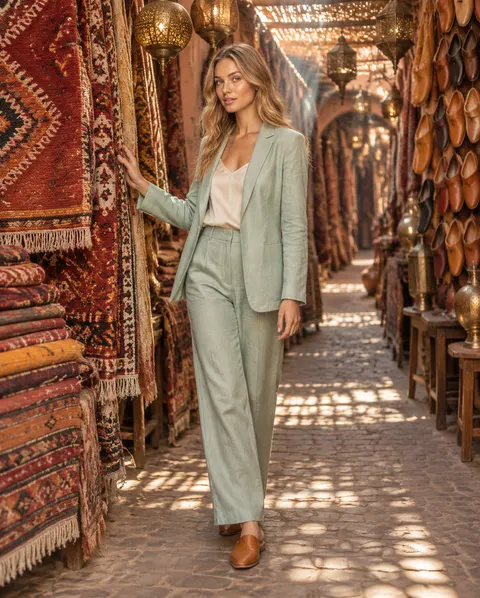
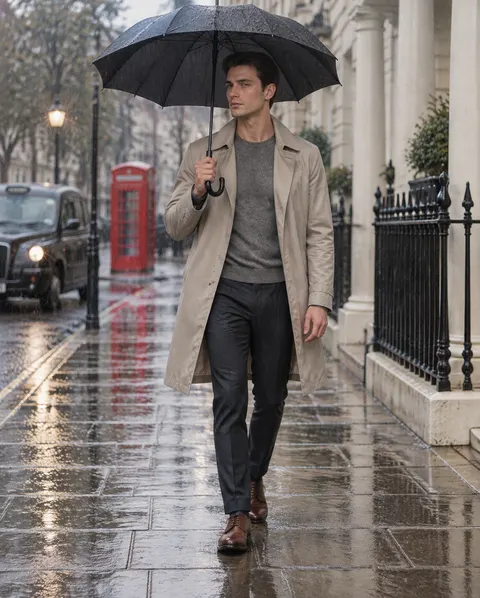
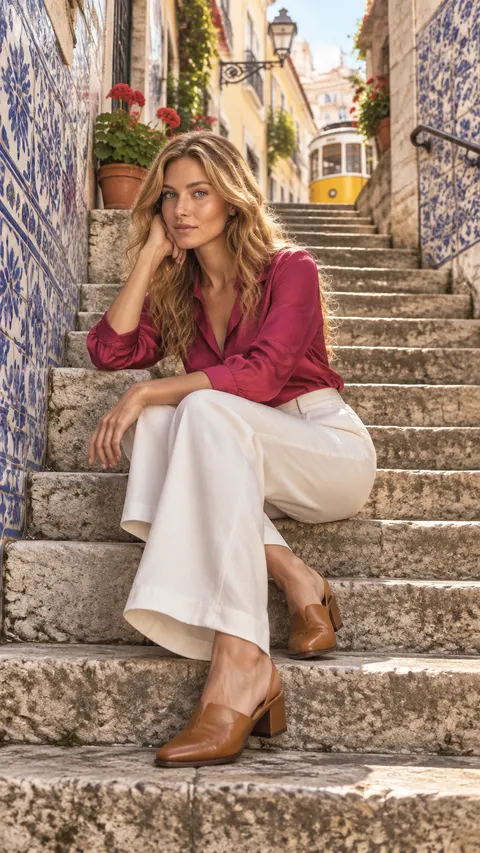
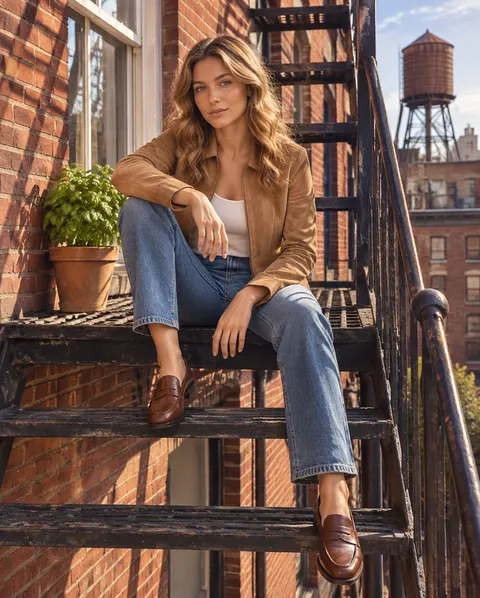
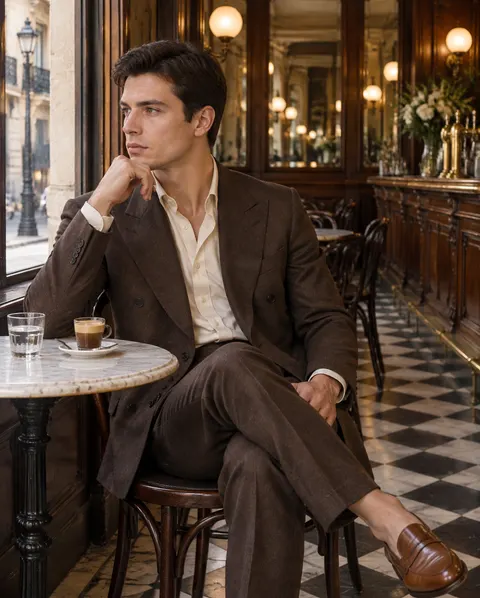
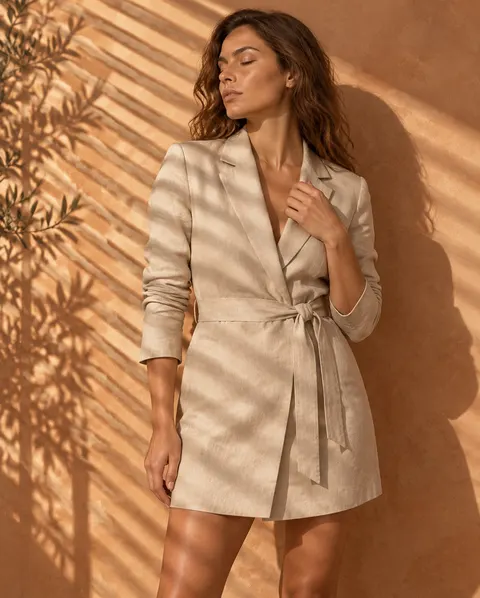
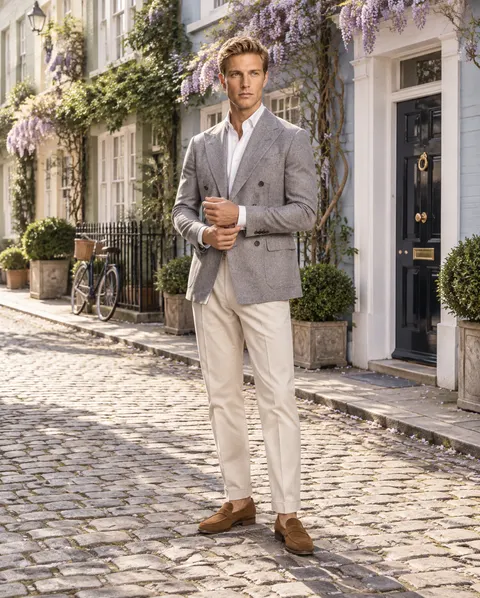
About these photos
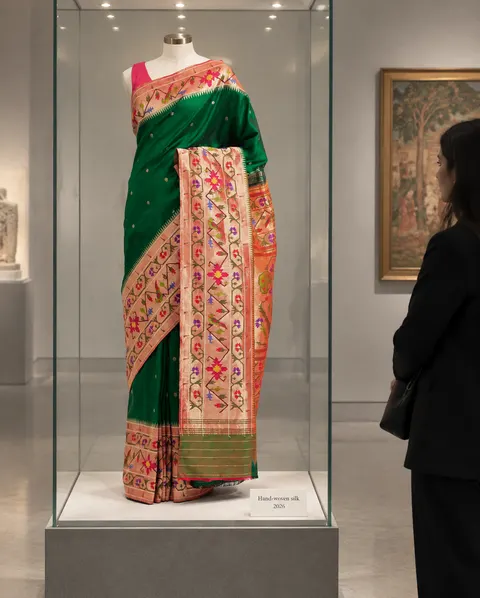
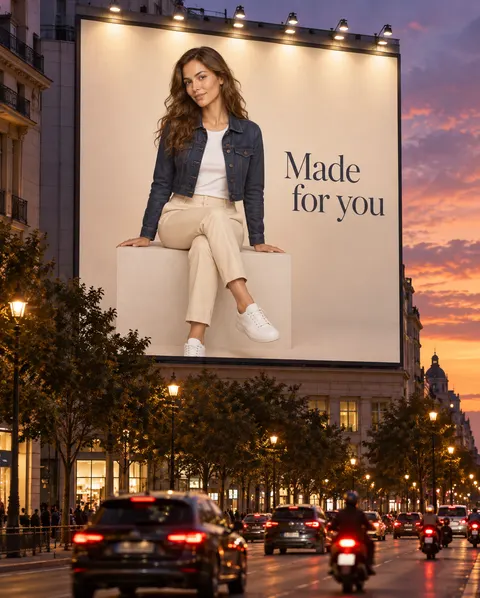
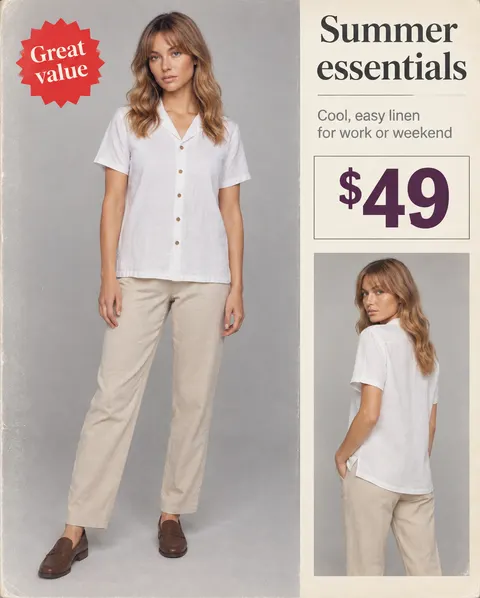
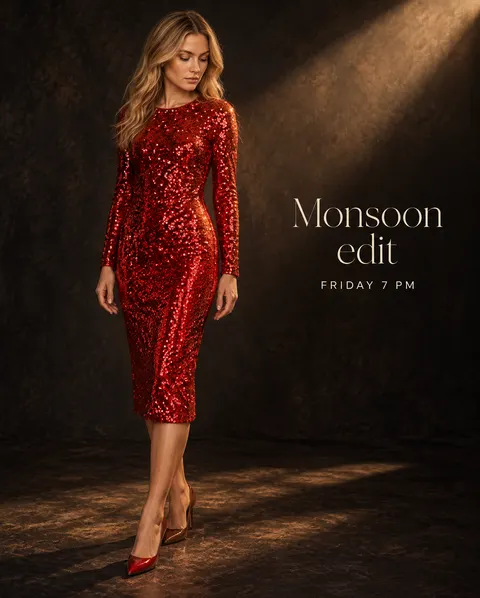
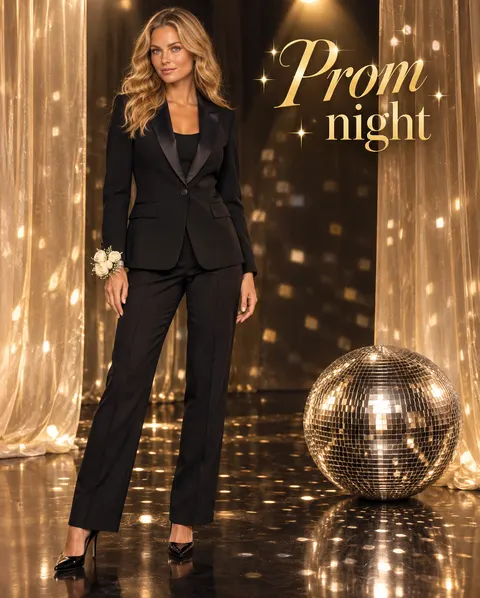
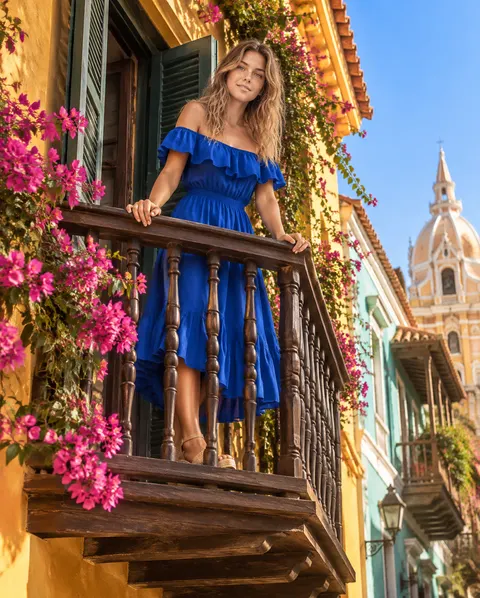
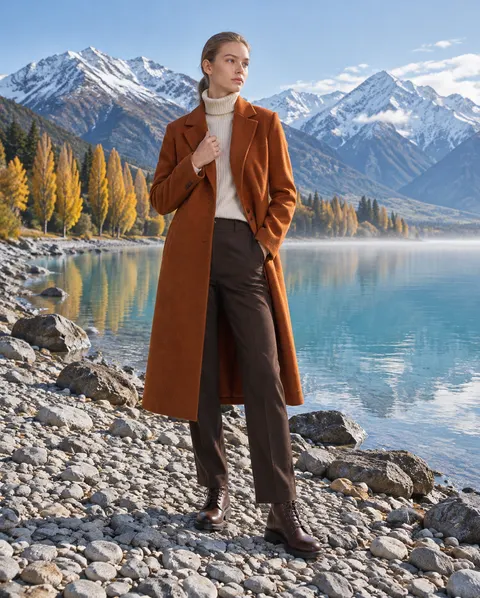
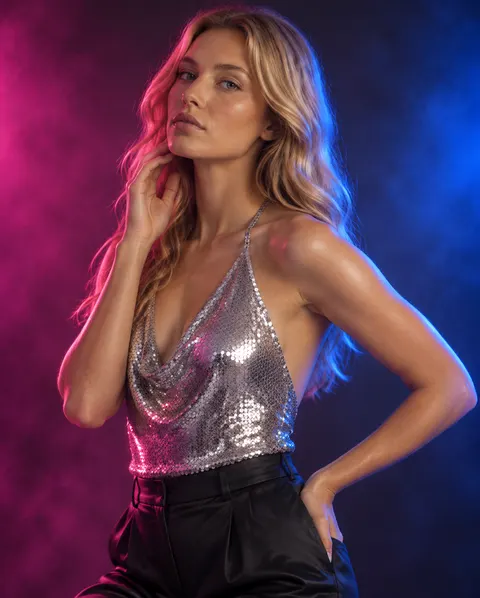
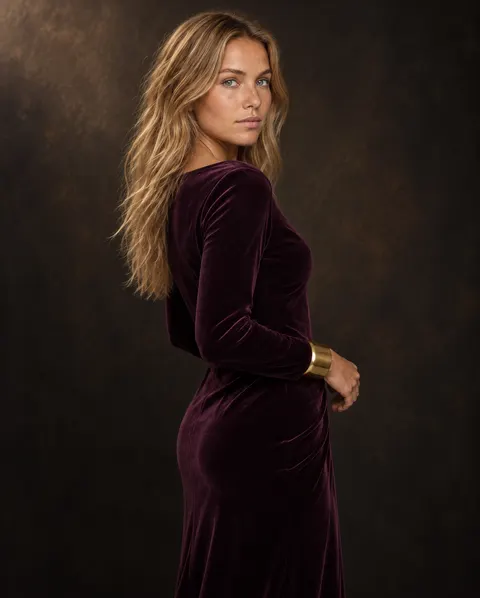
A strong editorial photo has a clear focal point: the product. Choose a setting that supports its style, such as a museum display for heritage textiles or a city scene for denim. Dramatic or soft light can shape the mood, while a restrained palette keeps details easy to see. Props should add context without competing with the item. If the image includes words, keep them brief and check that they do not cover the product.
Plan posts around the story you want to tell. Use a runway or cover look for a collection introduction, a catalogue page for everyday pieces, and a sculptural gallery display for a standout item. Consider which products belong together, then choose a format that suits where you will post it. A portrait shape can give a model room to move, while a square crop can work well for a product-focused post. Keep the images visually consistent across a launch.
How to get a great photo
- Choose a template whose setting and mood suit the product, not just its colour.
- Keep the product large enough in the frame for its shape, texture and details to read clearly.
- Use dramatic light for a bold campaign feel, or softer light for flowing fabrics and delicate accessories.
- Limit props and background details so they support the product instead of distracting from it.
- Use short, readable wording on covers and posters, and leave clear space around it.
- Check the crop for each destination so the model, product and any text remain visible.
Questions sellers ask
- Which products work well in magazine editorial photos?
- Dresses, suits, tops, jackets, bags, jewellery and textiles can all suit this style. Choose a scene that fits the item, such as a museum display for heritage pieces or a runway look for a collection launch.
- Can I use an editorial photo to announce a new collection?
- Yes. A magazine cover, runway post or launch teaser can give a collection announcement a clear visual theme. Keep the collection name or message brief if you add words to the image.
- What background should I choose for an editorial product photo?
- Pick a background that adds context without drawing attention away from the product. Gallery and museum settings suit heritage or artisan pieces, while city and runway scenes can complement contemporary clothing.
- How can I make a social post feel like a fashion editorial?
- Use a deliberate pose or display, distinctive lighting and a consistent colour palette. Choose a crop that gives the product enough space, and keep any poster-style text simple.
Updated 4 Nov 2026
Magazine editorial
Make your first photo
Create a free account to use any of these templates. New accounts start with 25 free credits.