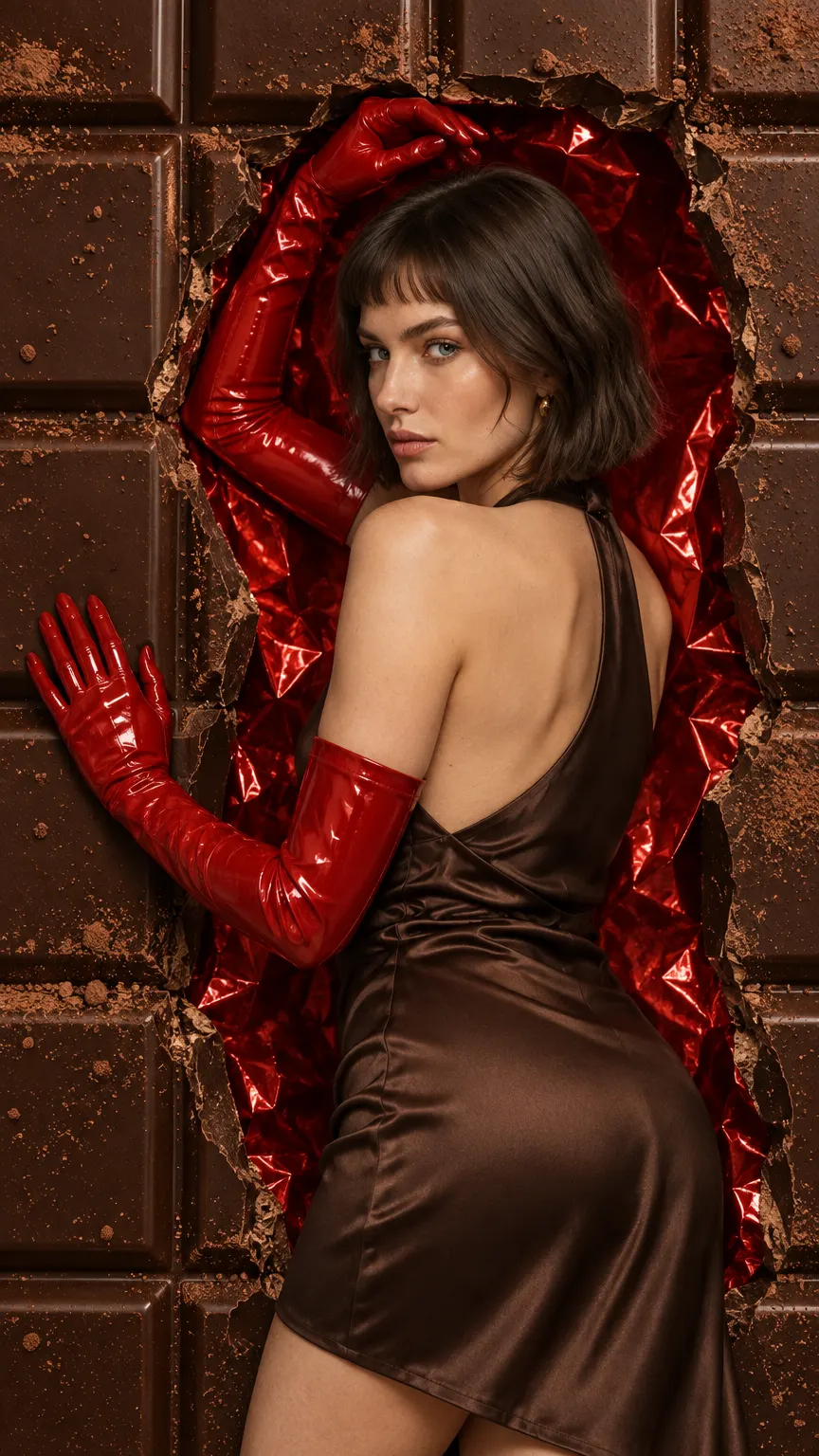
Chocolate bar wall wrapper
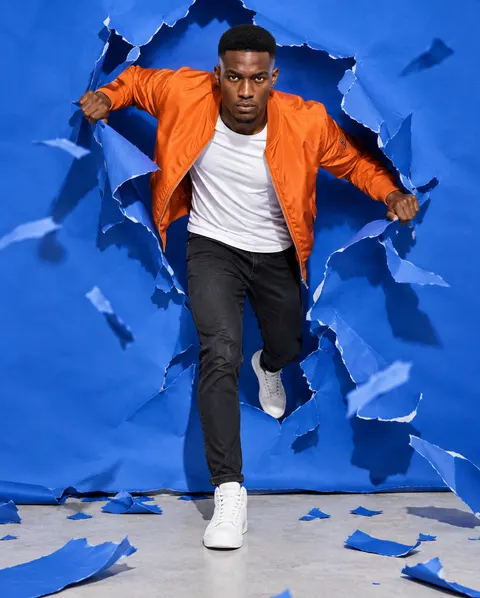
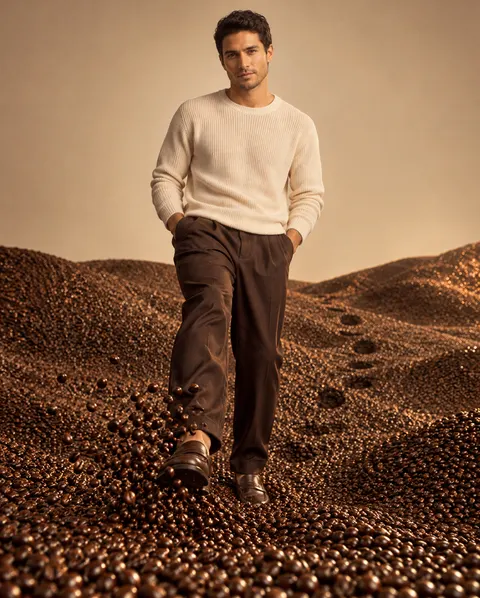
You or your model peeking out of a torn wrapper in a wall of giant chocolate squares. #influencer #virtualinfluencer #lifestyle #editorial #studio #food
Sign in to choose any of our models, or your own.
The look
Filled in to match the example. Change any of them, or keep them.
Free for everyone, no card needed. New here? 25 free credits when you sign up.
About this template
Create a surreal chocolate bar photo with a studio model peeking through a torn wrapper in a wall of giant chocolate squares. It suits chocolate bars and other confectionery, and the tall image works for a shop listing, Instagram post or story, WhatsApp, or a marketplace. Add your product photo if you want it included.
Works best for
- Chocolate bar launches
- Confectionery product photos
- Editorial food posts
- Instagram story posts
The look
The sample shows a model in a chocolate-brown satin dress and glossy red gloves against a wall of dark chocolate squares, torn open to reveal metallic red foil. Warm, dramatic light and cocoa, scarlet and gold tones give it a surreal fashion-editorial mood.
How to make it
- Add your photosThe pictures the template asks for, like a clear photo of your product on a hanger, laid flat or worn. A phone photo is fine.
- Change the words if you likeThe look comes filled in to match the example. Keep it, or change the colours, words and details.
- Get your finished photoIt is ready in a minute or two. Download it for your shop, marketplace or social pages.
Questions sellers ask
- Which products work well in this template?
- It suits chocolate bars and other confectionery. You can also use it to make a bold editorial image featuring another product, if the surreal chocolate setting fits.
- What photo should I add?
- Add a clear phone photo of your product if you want it included. Adding a product photo is optional, and your product is kept as it is.
- Can I change the model's styling or the colours?
- Yes. You can change the style, background colours, hair and make-up, and outfit, or keep the suggested settings.
- Where can I use the finished photo?
- Use the tall image for a shop listing, marketplace, Instagram post or story, or WhatsApp. You can download the finished photo in a minute or two.
Updated 20 Nov 2026