Festivals and seasons· 14 Feb 2027
Valentine's Day product photo ideas
Valentine's Day posts often show thoughtful gifts, date-night outfits or products chosen for a partner. Sellers use them to share gift ideas and seasonal offers, and to give shoppers a clear sense of how a product might fit the occasion. Jewellery, lingerie, beauty sets, bags and occasionwear all suit this kind of post.
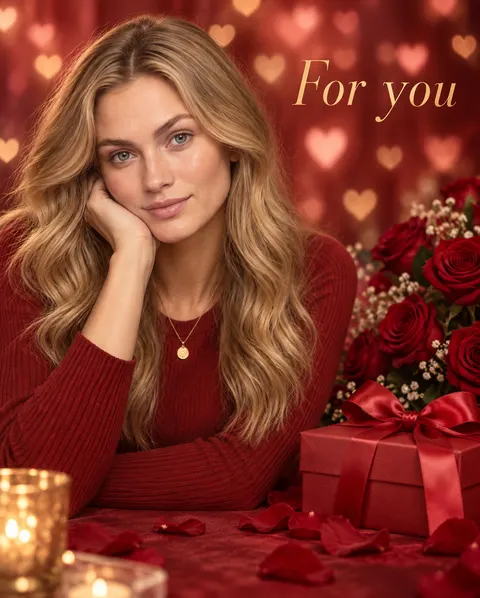
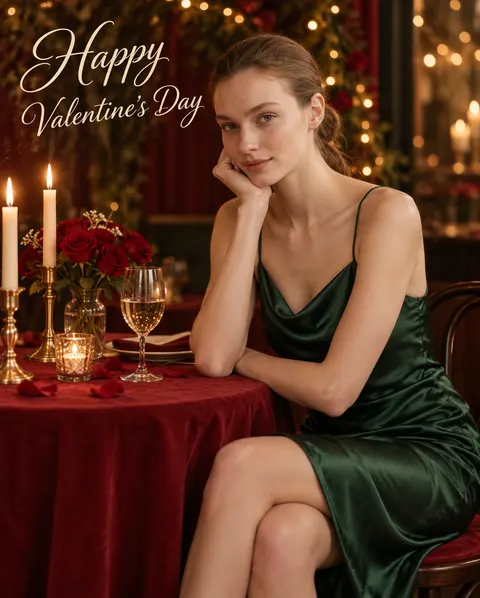
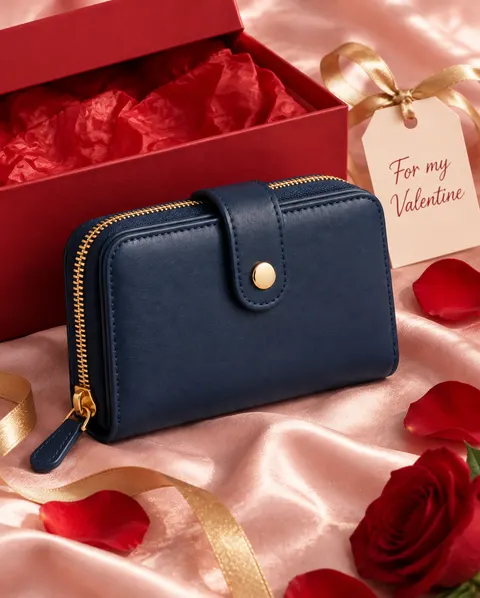
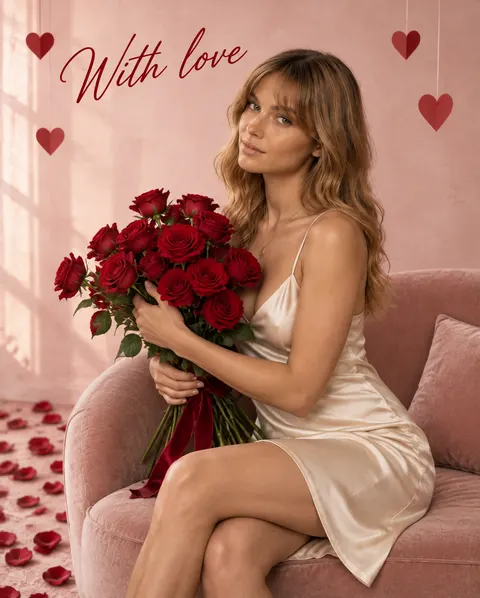
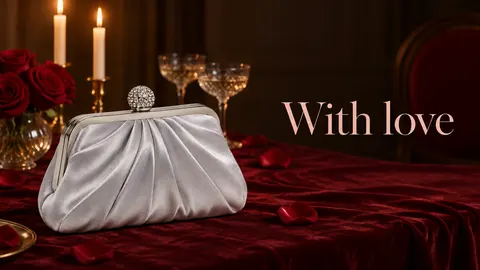
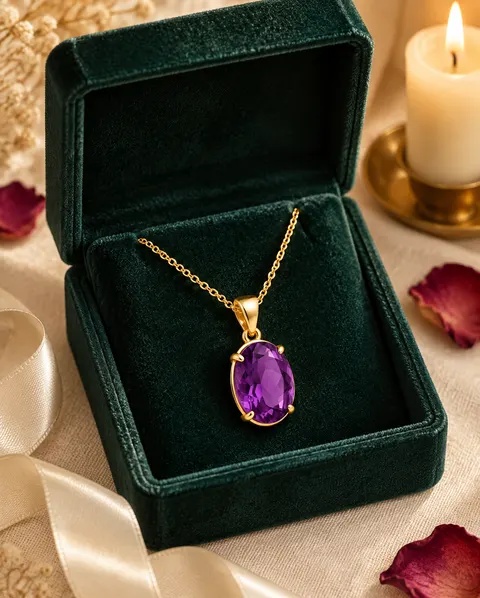
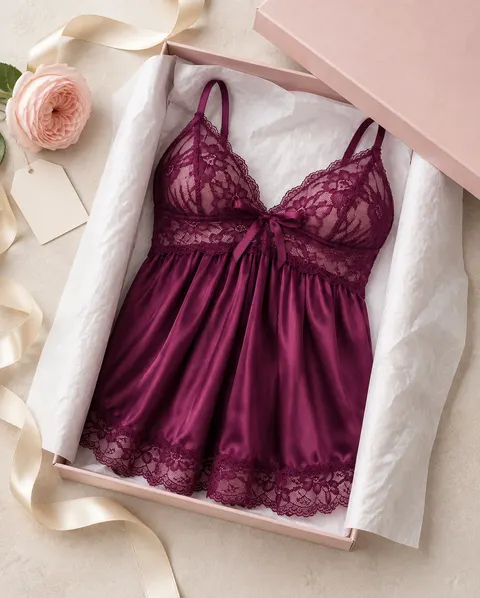
About these photos
A good photo feels romantic without making the product hard to see. Try candlelight, red roses, satin ribbon or a velvet-lined gift box, with soft light and room around the item. Red and pink can help set the mood, but the styling should make the Valentine's Day connection clear. Add a short phrase such as “A gift for your Valentine” if words suit the design.
Plan posts for the days leading up to February 14, as well as the day itself. Choose products that work as gifts or date-night looks, then match each one to a useful format. A portrait works well for a model or outfit, while a square post suits a gift set or product close-up. An email header can bring a gift guide together.
How to get a great photo
- Choose roses, candlelight, a gift box or another detail that makes the Valentine's Day theme clear.
- Keep the product in focus, even when the scene includes props such as ribbon or flowers.
- Use a date-night look for dresses and romantic tops, and a gift setting for jewellery or beauty sets.
- Pick a portrait for a model image and a square layout for a product or gift post.
- Keep any words on the photo brief, such as a gift message or a Valentine's offer.
- Use Torbilo's Valentine's Day template that best fits your product, then add your product photo.
Questions sellers ask
- What products work well in Valentine's Day photos?
- Jewellery, lingerie, beauty gift sets, bags, wallets and date-night clothing all suit the occasion. Choose a product that makes sense as a gift or part of a Valentine's look.
- How can I make a product photo feel romantic?
- Use clear Valentine's cues such as roses, candlelight, satin ribbon or a gift box. Keep the lighting soft and the product easy to see.
- Should I add words to a Valentine's Day post?
- A short gift message or offer can help explain the post. Keep the wording brief so it does not compete with the product.
- Which photo format should I use?
- Use a portrait for a model or date-night outfit, and a square post for a gift or product close-up. An email header works well for a Valentine's gift guide.
Updated 16 Nov 2026
Valentine's Day
Make your first photo
Create a free account to use any of these templates. New accounts start with 25 free credits.