Festivals and seasons
Summer product photo ideas
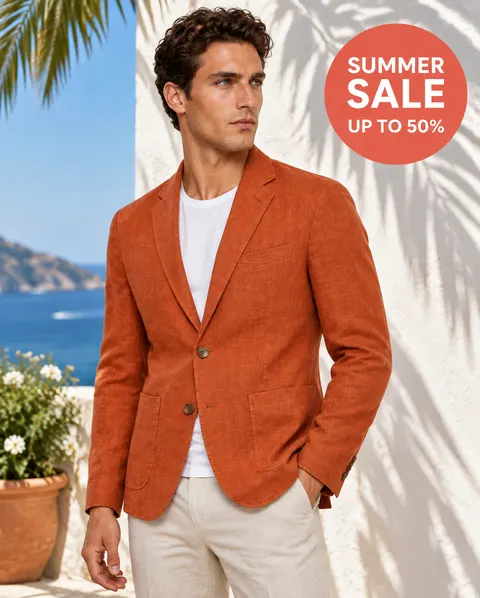
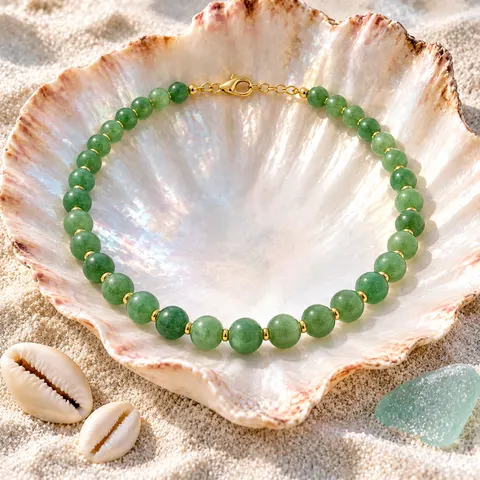
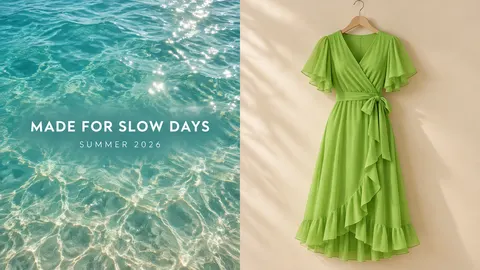
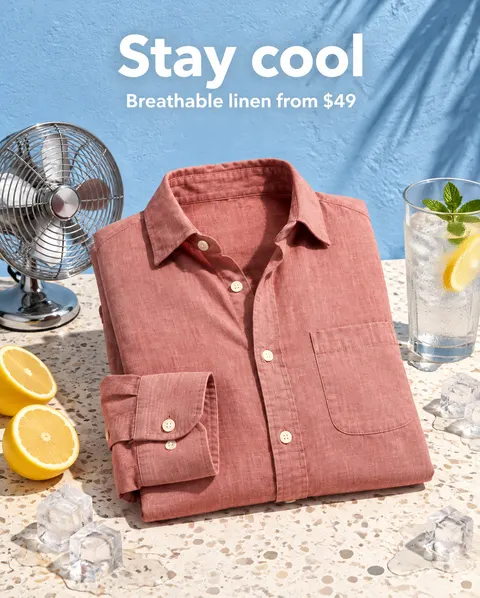
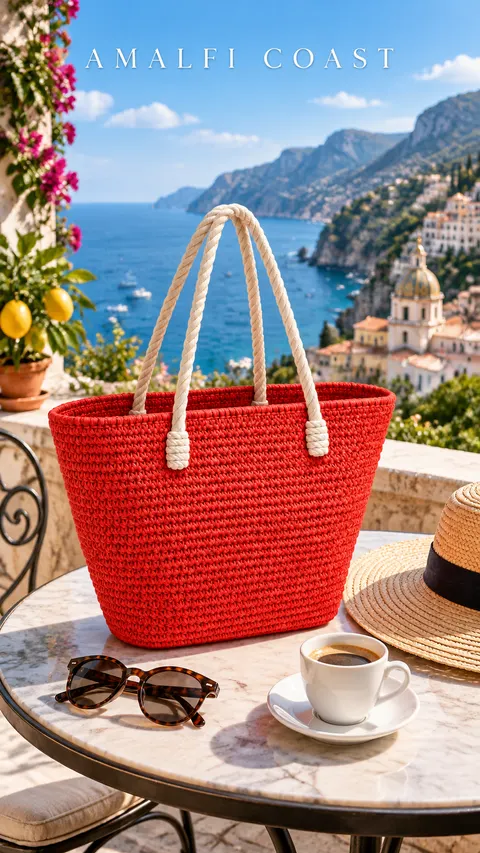
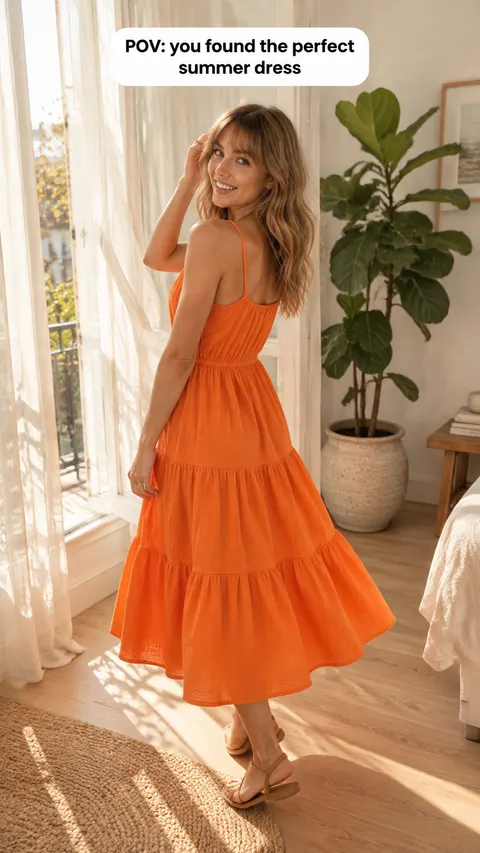
Summer photos help sellers present warm-weather products in settings customers can picture themselves enjoying. Show dresses, linen outfits, swimwear, sandals, bags or jewellery in beach, poolside and holiday scenes. Use them for collection launches, sunny outfit posts and summer sale posts. With Torbilo, choose a ready-made summer template and add your product photo to create a finished image.


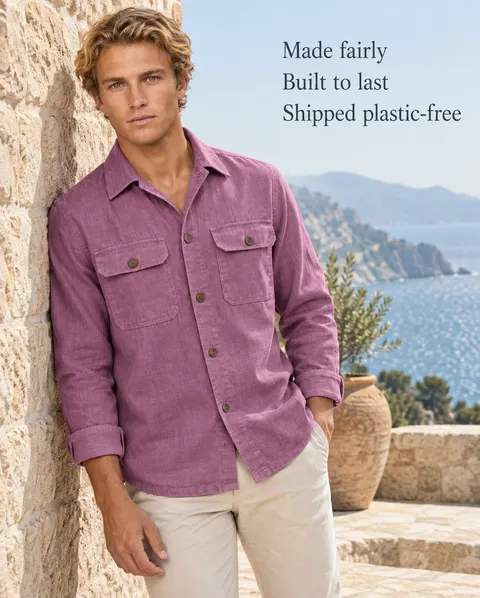
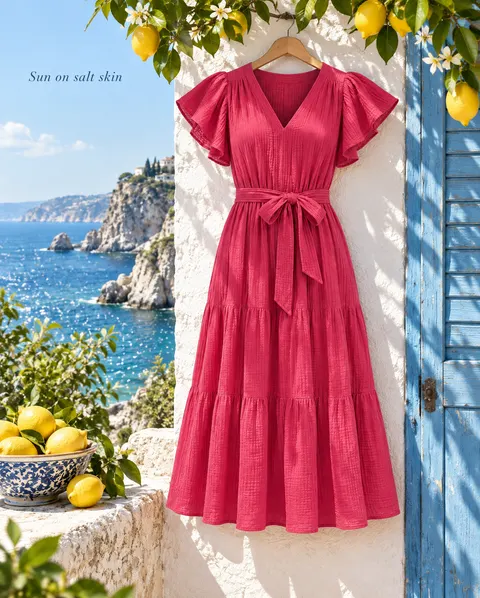
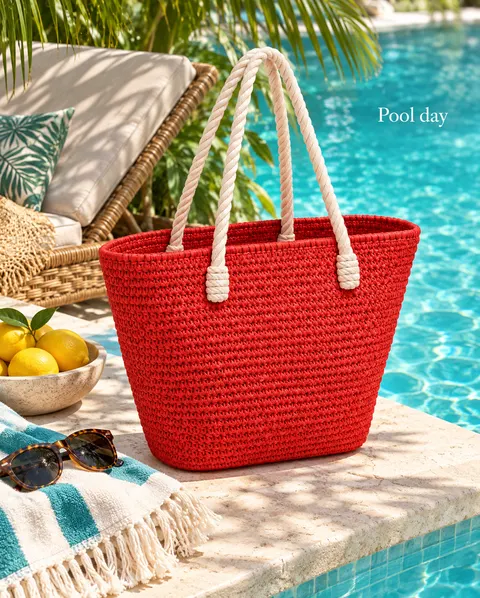
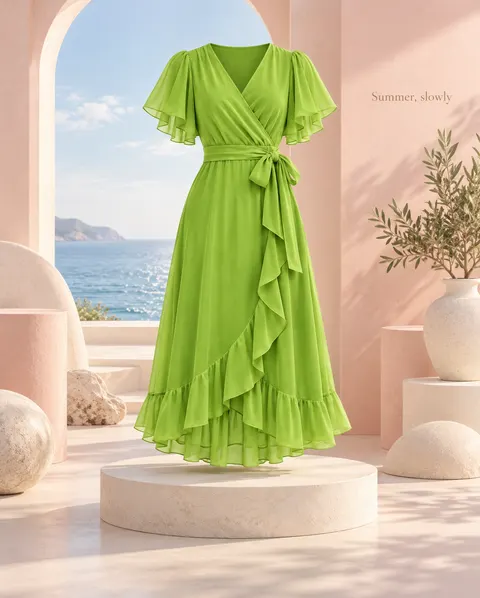
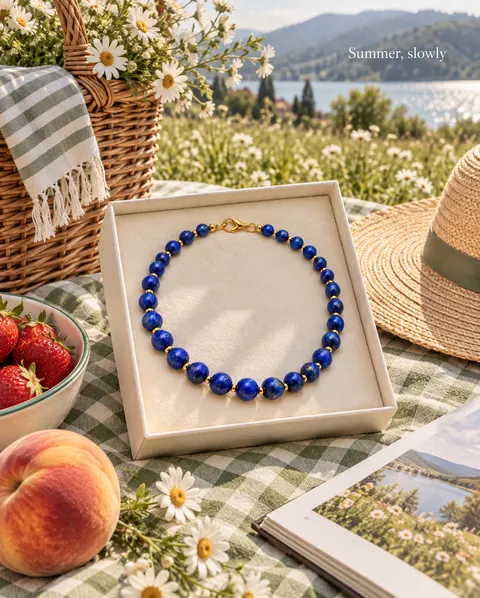
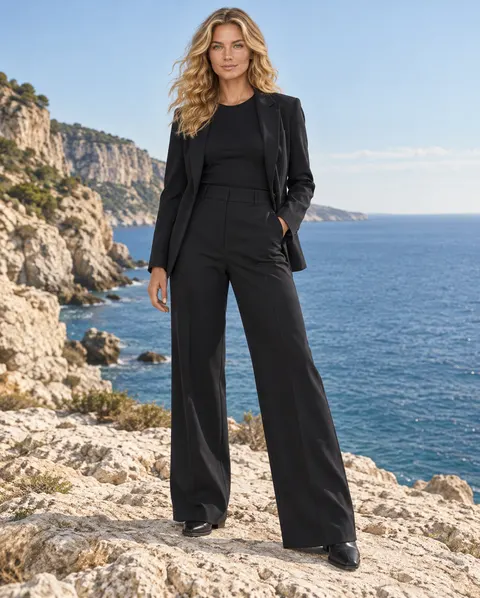
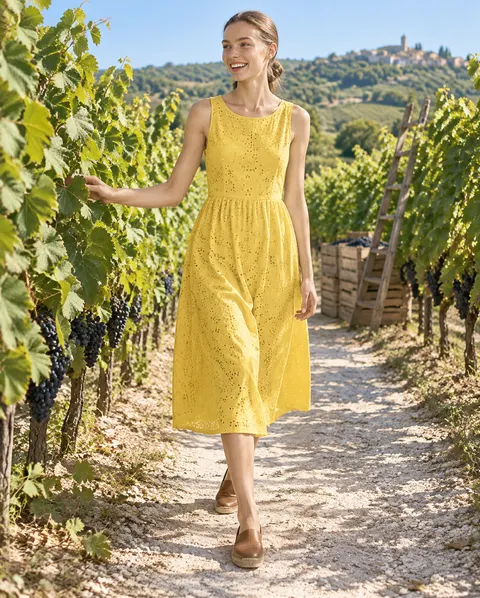
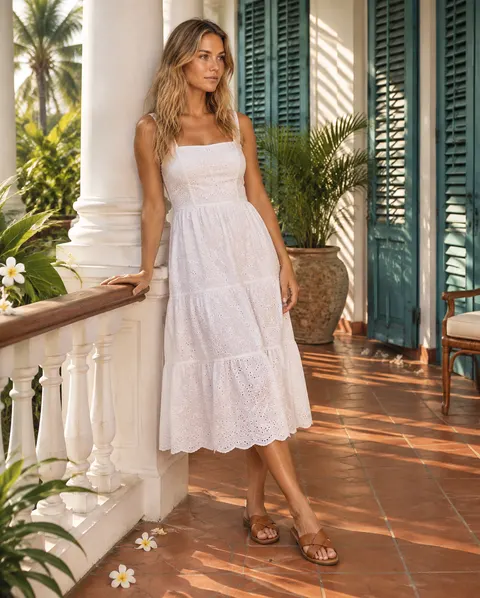

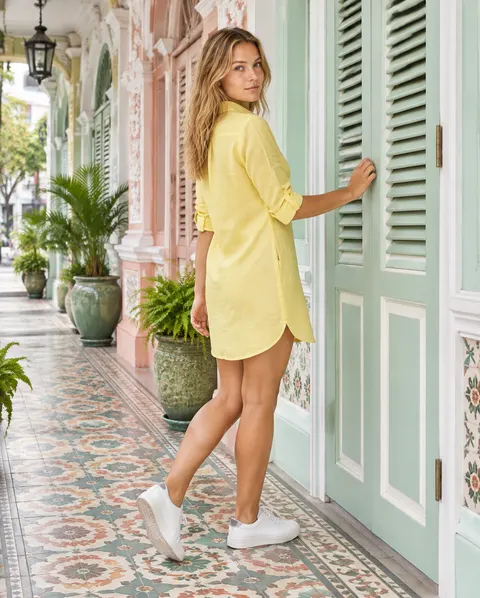
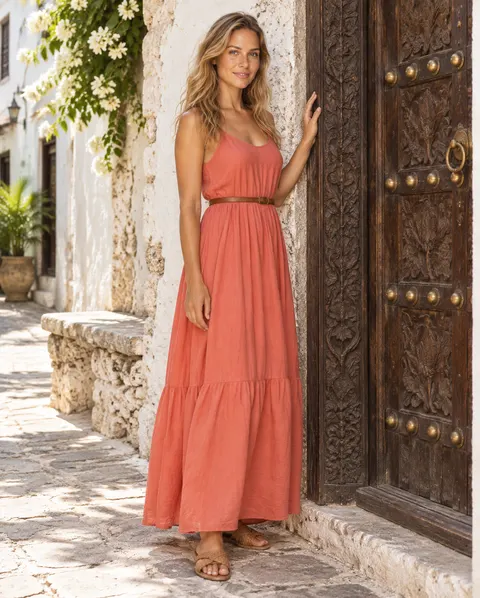

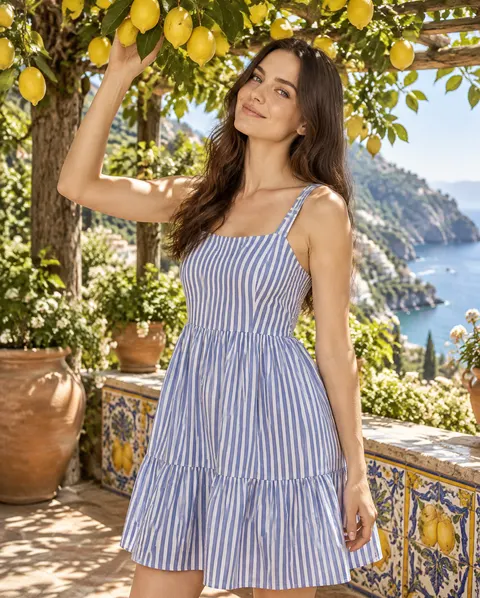
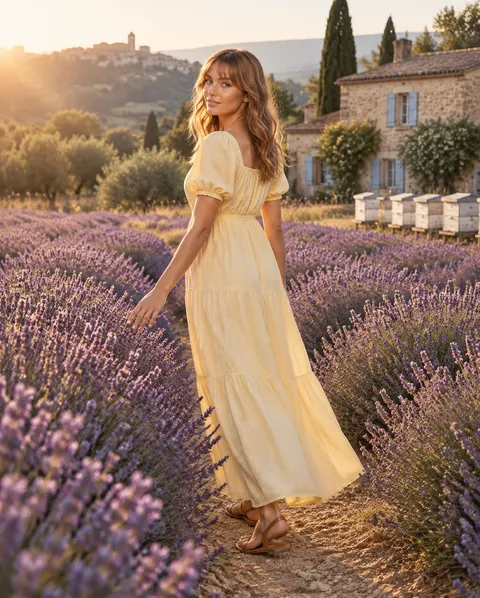
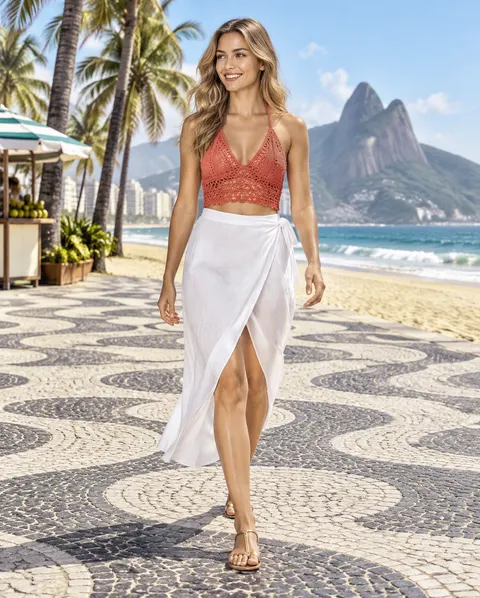
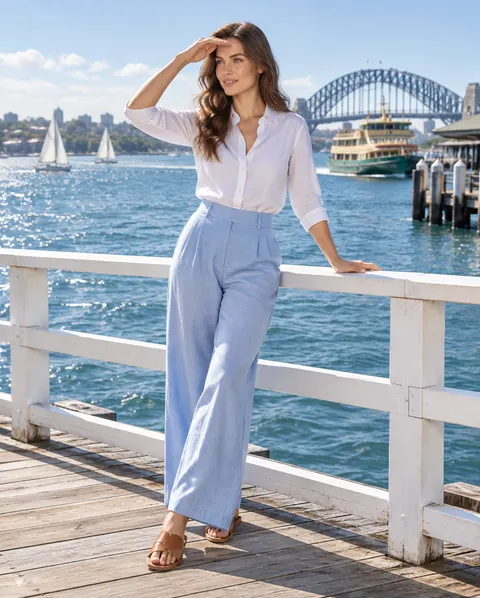
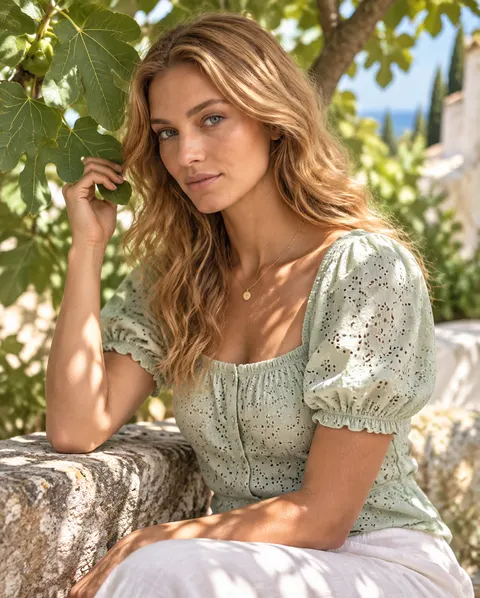
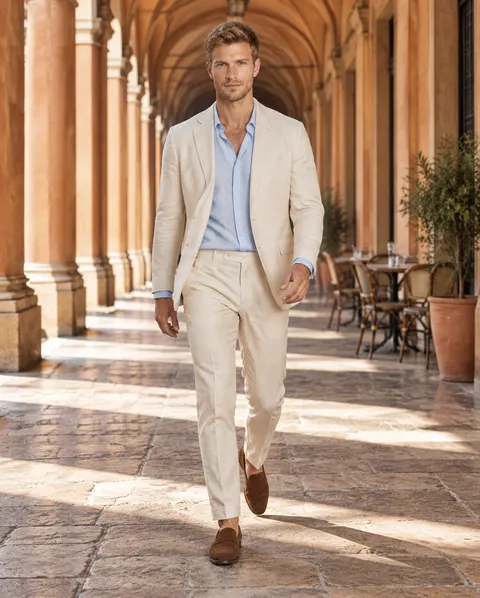


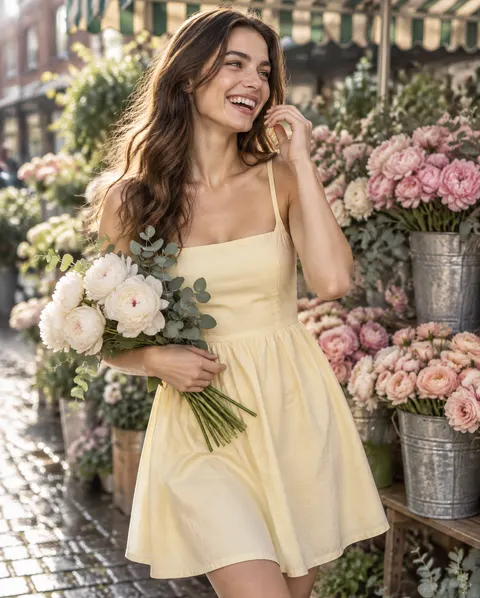




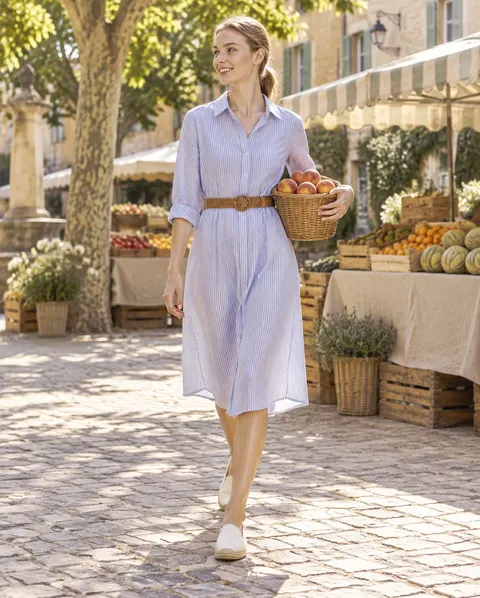

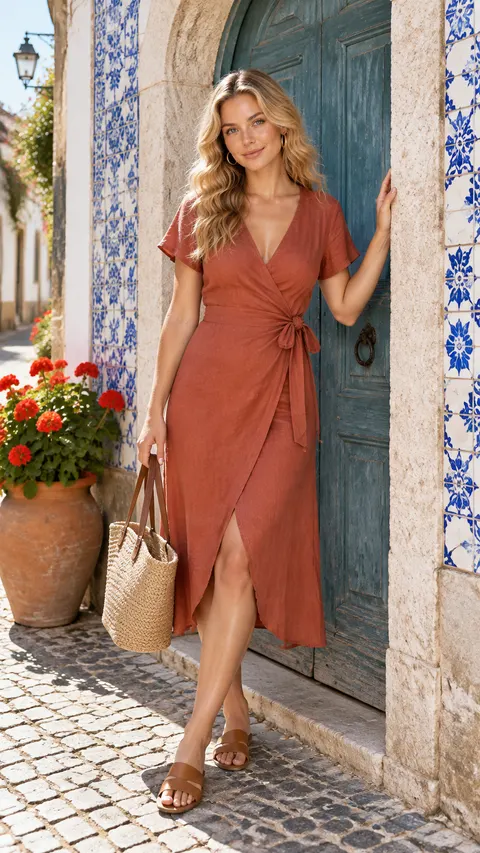
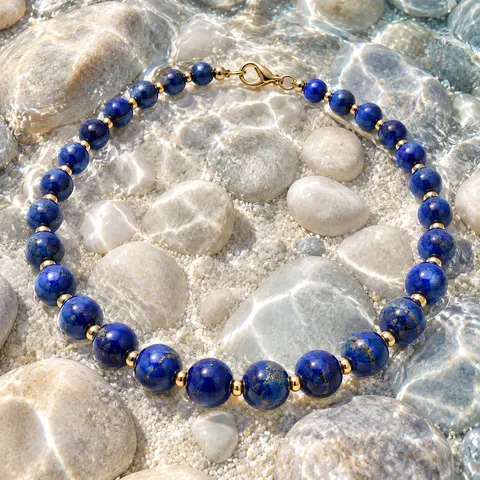
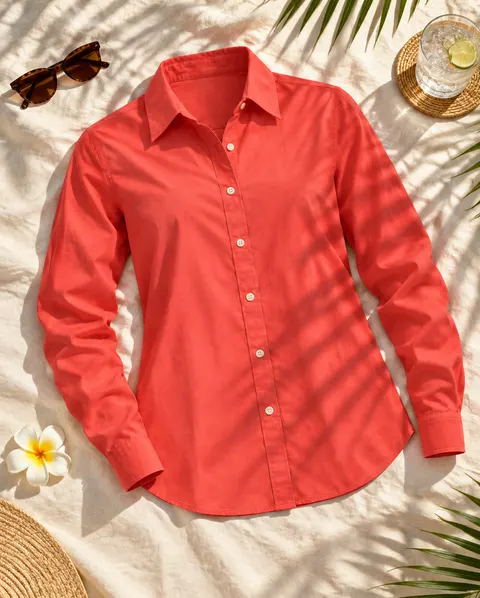
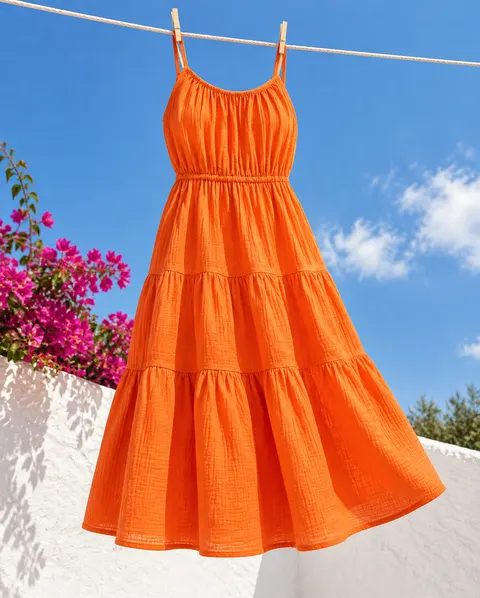
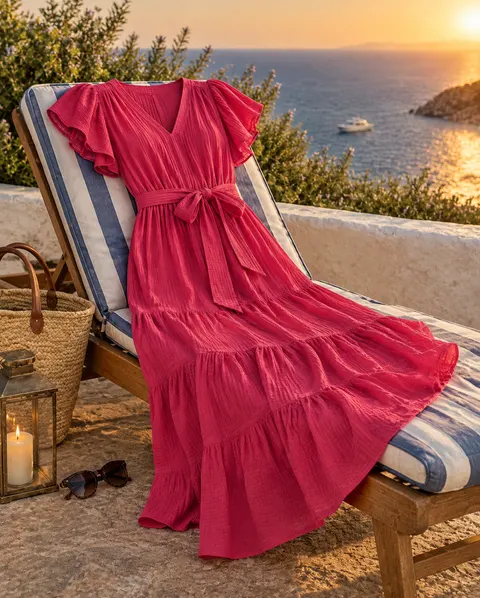
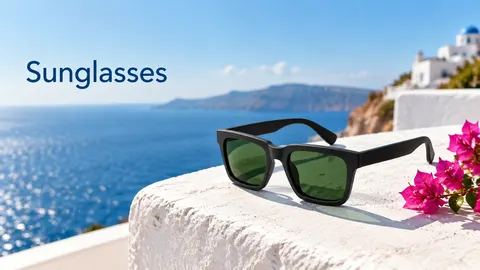







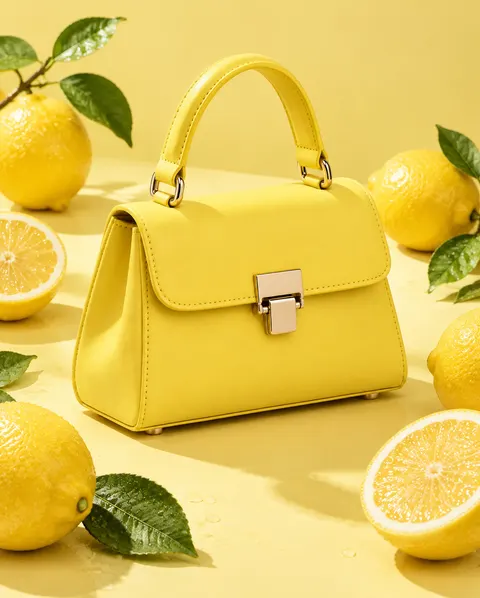
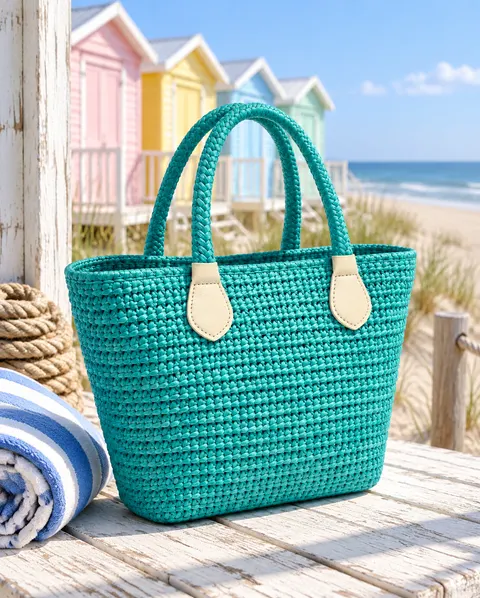


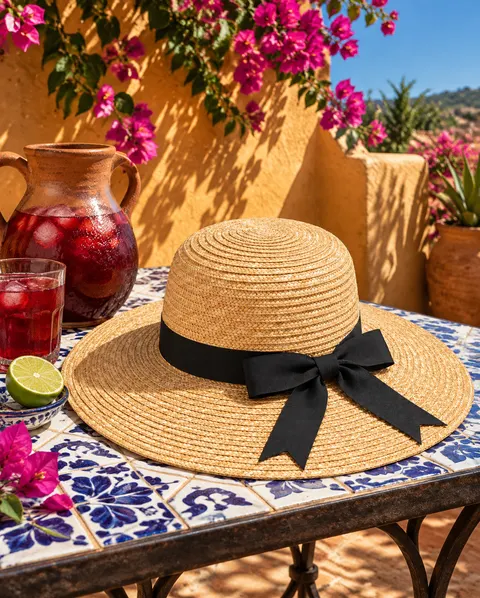
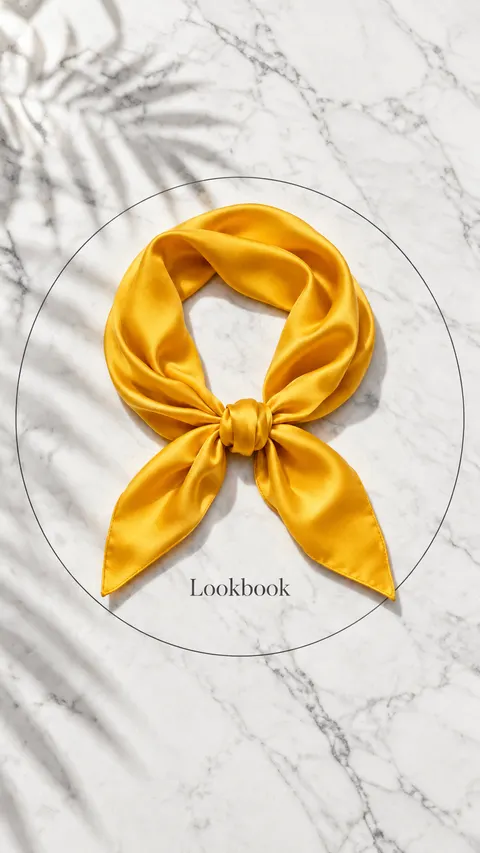
About these photos
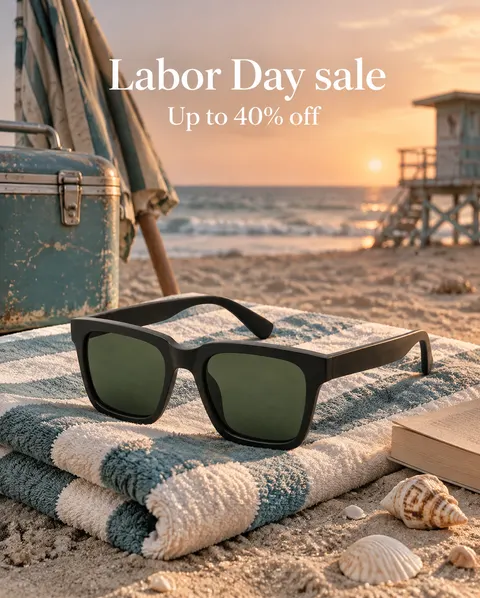
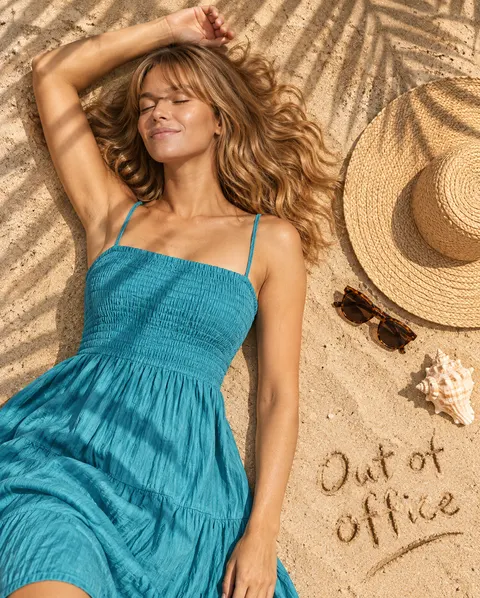
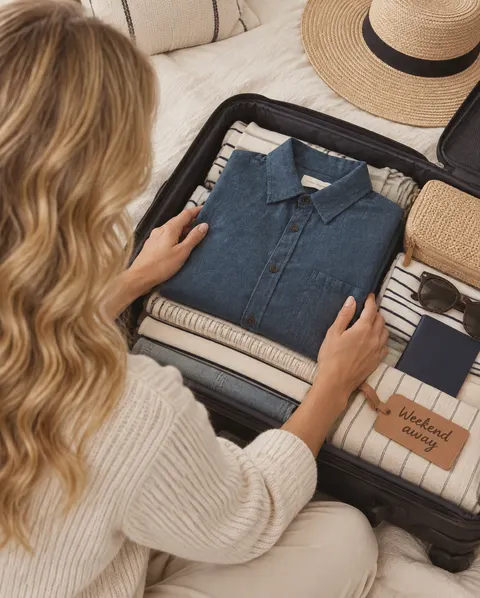
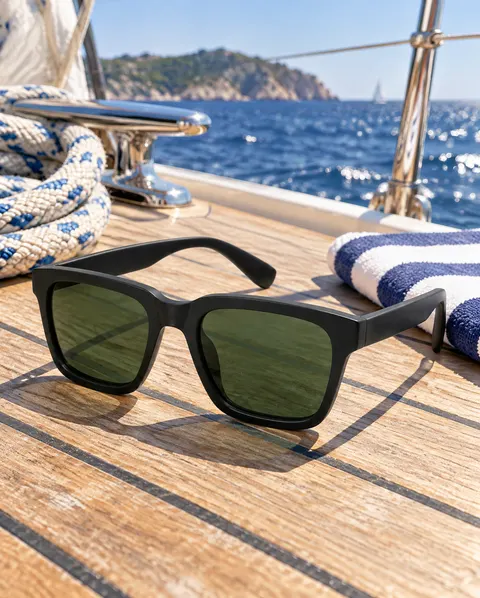
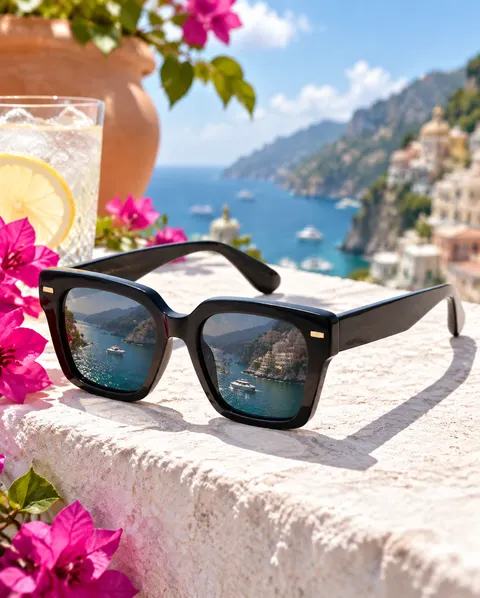
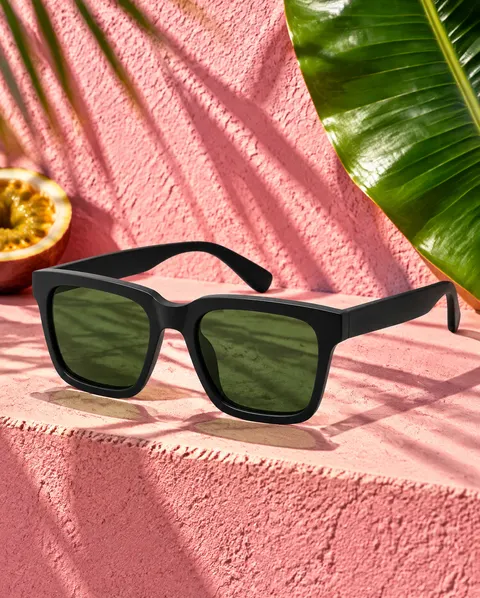
Choose a setting that suits the item, such as a bright terrace for a linen dress or a poolside scene for swimwear and a tote. Summer sunlight gives a warm, natural feel, while open shade can keep colours and details clear. Use a light palette, with blues, whites, soft greens or vivid seasonal colours. Keep props simple, such as sunglasses, a towel or a market bag. If you add words, keep them brief and easy to read.
Plan a few different shapes for your posts: a model wearing the product, a styled product photo and a social post with a clear message. Match each image to the product and the moment, from a holiday collection launch to a summer sale. Keep colours and styling consistent across the set, but vary the setting or crop so the posts feel fresh. Pick templates with a scene that makes sense for your item.
How to get a great photo
- Match the setting to the product, so beachwear feels at home by the pool and jewellery stands out in a simple sunny scene.
- Choose bright natural-looking light, and check that the product’s colour and shape remain easy to see.
- Keep props limited and relevant, so they add a summer mood without distracting from the item.
- Use a short, readable message for a collection launch or summer sale post, and leave clear space around the words.
- Create a mix of model, product and social post images, keeping the colours and styling connected.
Questions sellers ask
- Which products suit summer photos?
- Dresses, linen clothing, swimwear, sandals, bags, sunglasses and small accessories all work well. Choose a sunny setting that fits the item.
- What makes a good summer product photo?
- Clear product details, warm natural light and a simple seasonal setting make a strong starting point. Keep props and text secondary to the product.
- Can I make summer sale and collection posts?
- Yes. Choose a suitable summer template, add your product photo and use brief text to explain the collection or sale.
- How do I choose a summer template?
- Start with the product and the mood you want, such as a beach, pool or holiday look. Check that the template’s setting and styling suit what you sell.
Updated 16 Nov 2026
Summer
Make your first photo
Create a free account to use any of these templates. New accounts start with 25 free credits.